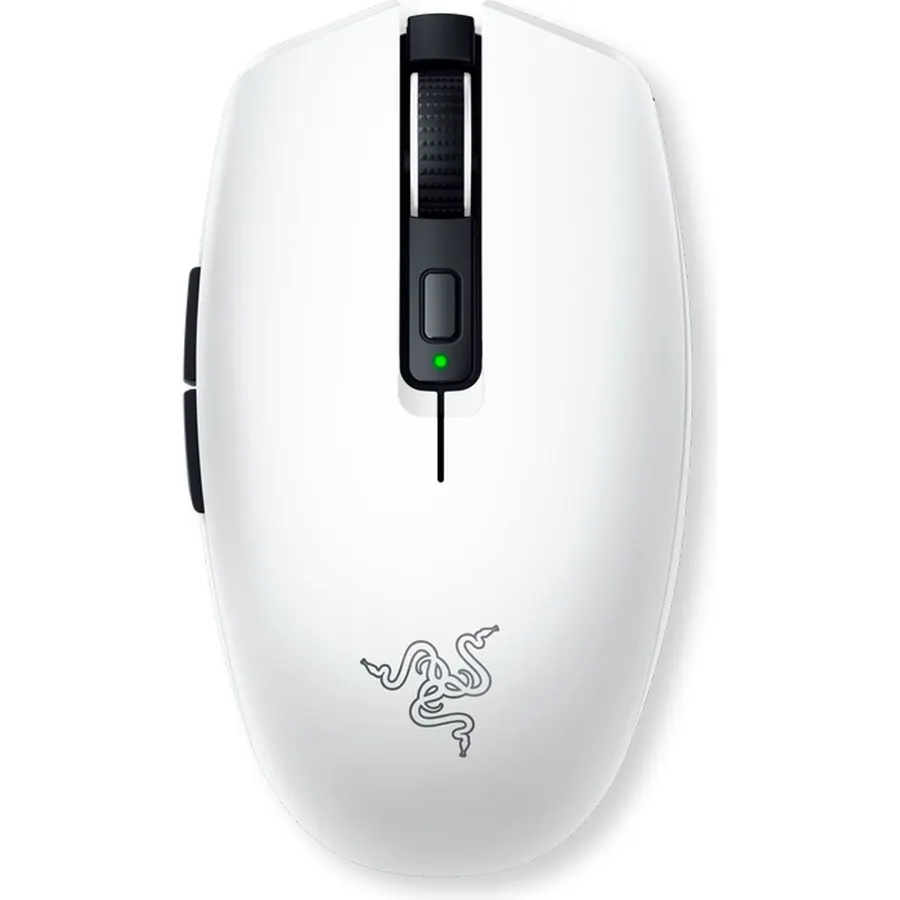
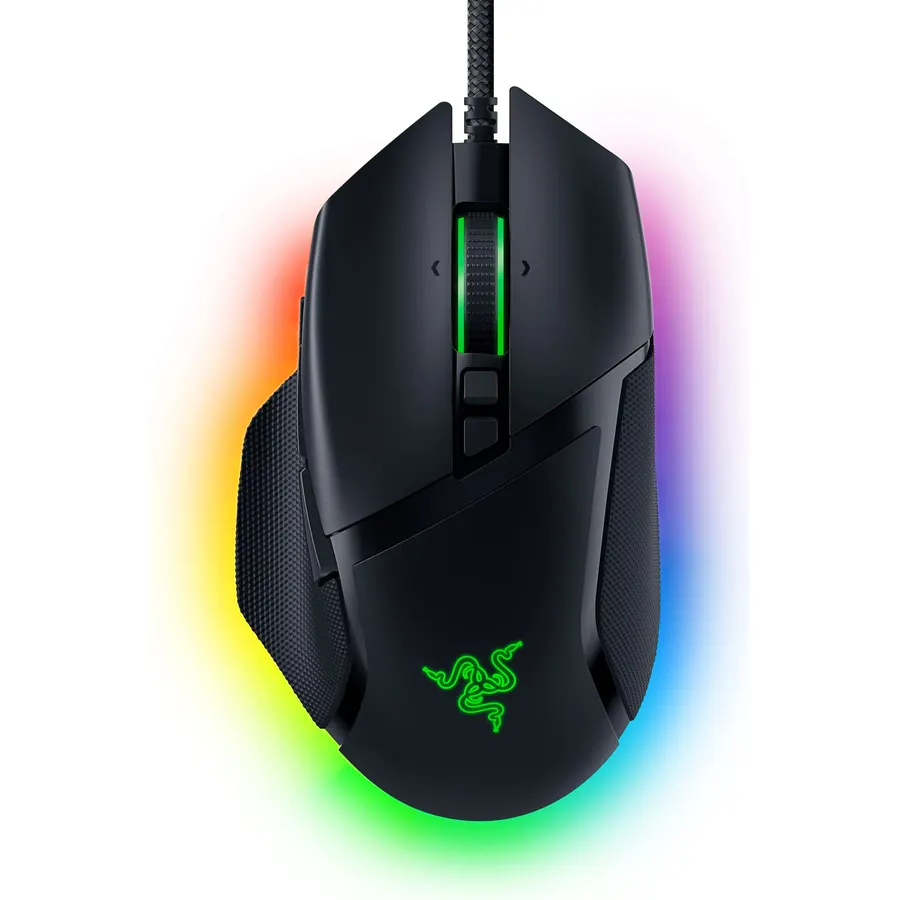
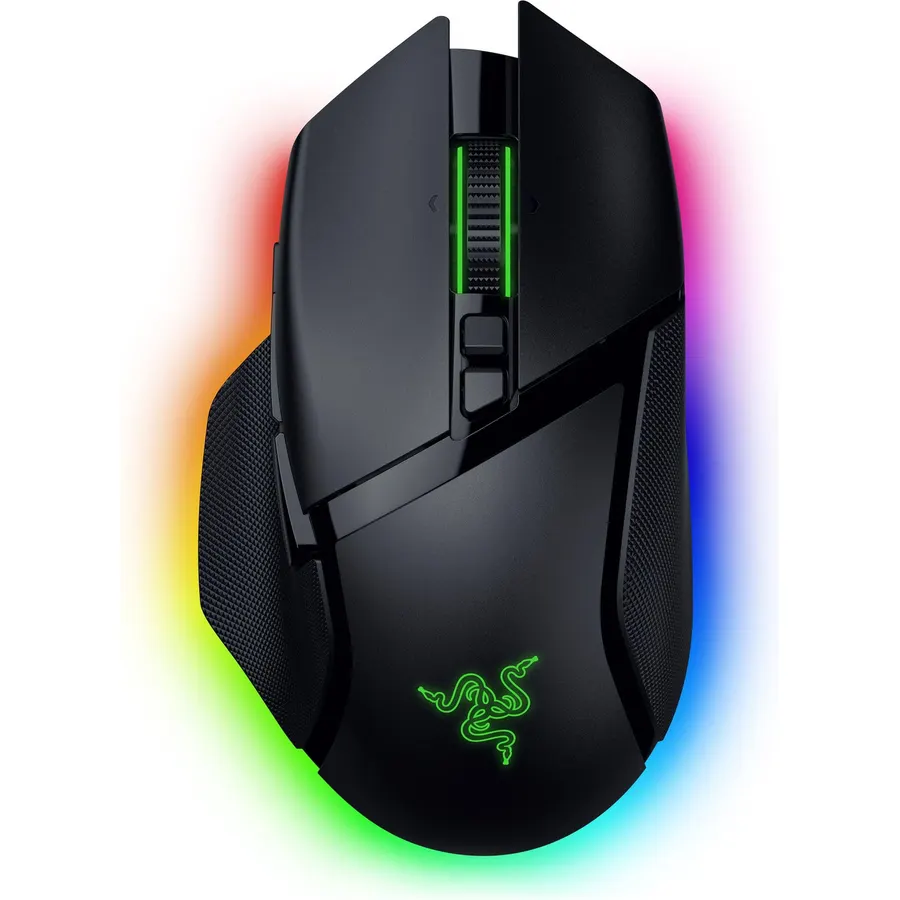
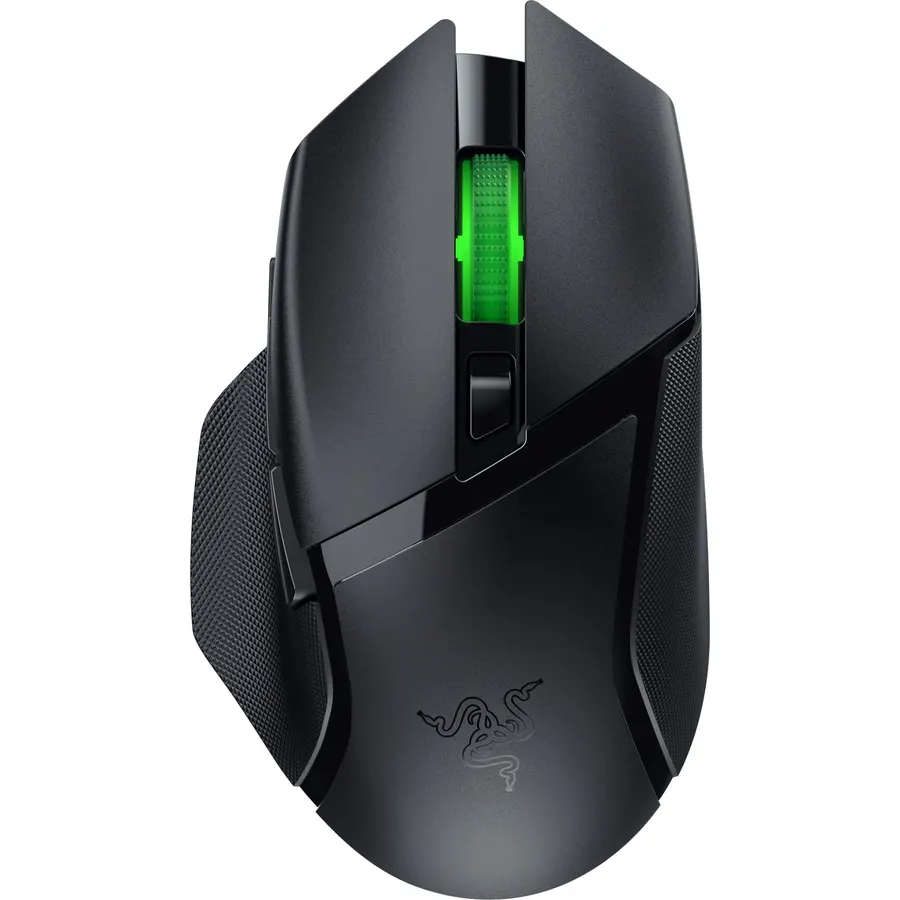
Razer Orochi V2 Wireless Gaming Mouse — Ultra Lightweight & Portable, Bluetooth & 2.4Ghz Wireless Connectivity, 18K DPI, Up to 950hrs Battery Life, Compatible with PC & Mac — White
60G ULTRA-LIGHTWEIGHT DESIGN— for seamless control when gaming on the go exlcudes battery weight
Battery Average Life687.5 hoursConnectivity TechnologyBluetoothMinimum Required Operating System VersionWindows 10Operating SystemWindows, macOS
About this item
60G ULTRA-LIGHTWEIGHT DESIGN— for seamless control when gaming on the go exlcudes battery weight
2 WIRELESS MODES — Maximize its battery life for work via Bluetooth, and maximize after-hours gaming with the seamless, low-latency performance of Razer HyperSpeed Wireless.
UP TO 950HRS OF BATTERY LIFE — Built for the gaming and work grind, it lasts up to 950 hours on Bluetooth and up to 425 hours on Razer HyperSpeed Wireless, and can go for ages before its batteries need replacing
2ND-GEN RAZER MECHANICAL MOUSE SWITCHES — With new gold-plated contact points, the switches are less prone to degrading and have a longer lifespan of up to 60 million clicks and enjoy crisp execution that’s just as consistent
RAZER 5G ADVANCED 18K DPI OPTICAL SENSOR — Enjoy responsive, pixel-precise aim with an improved sensor that flawlessly tracks movement with zero spinouts.
WORKS WITH AA/AAA BATTERIES — Requiring only one AA or AAA battery to work, this mouse has a hybrid battery slot that’s optimally positioned for balanced weight distribution included with the mouse
PC GAMING PERIPHERALS BRAND IN THE U.S. — Source — Circana, Retail Tracking Service, U.S., Dollar Sales, Gaming Designed Mice, Keyboards, and PC Headsets, Jan. 2019- Dec. 2023 combined
OPTIMIZE MOUSE ACCURACY — Improve accuracy by disabling the "Enhance pointer precision" option in the Windows mouse settings, and further optimize performance using the Razer Synapse App
60G ULTRA-LIGHTWEIGHT DESIGN— for seamless control when gaming on the go exlcudes battery weight
Ranked #99 in Mice · 4 things we like
Quick answer The Razer Orochi V2 Wireless Gaming Mouse scores 8.8/10 with us. Amazon owners rate it 4.4 out of 5 across 5,598 reviews, in line with the 4.4 average of the 46 gaming mice we track. It was listed at $29.99 on Amazon when we last checked in September 2026. Key facts: battery average life 687.5 hours, connectivity technology Bluetooth, minimum required operating system version Windows 10.
Introducing the Razer Orochi V2—a compact, ultra-lightweight wireless gaming mouse with the longest battery life in the market for peerless portable performance. Armed with an upgraded sensor and switches for crisp control, it’s the perfect partner for gaming on the go.
Do Best Deal is a participant in the Amazon Services LLC Associates Program. As an Amazon Associate we earn from qualifying purchases. If you buy through links on this site we may earn a commission, at no extra cost to you. Learn more.
Product information
24 specifications
Additional Features
Lightweight, Portable, Touch Scroll, Wireless
Antenna Location
Gaming
Battery Average Life
687.5 hours
Brand
Razer
Button Quantity
6
Color
White
Compatible Devices
Laptop
Connectivity Technology
Bluetooth
Enclosure Material
Plastic
Global Trade Identification Number
00810056142568
Hand Orientation
Ambidextrous
Hardware Platform
PC
Included Components
AA battery
Minimum Required Operating System Version
Windows 10
Model Name
Orochi V2
Model Number
RZ01-03730400-R3U1
Mouse Maximum Sensitivity
18000 dots_per_inch
Movement Detection
Optical
Number of Batteries
1 Lithium Metal batteries required. (included)
Operating System
Windows, macOS
Power Source
Battery Powered
Range
10.0 meters
Style Name
Modern
Theme
Gaming
Pros & cons
What we like
60G ULTRA-LIGHTWEIGHT DESIGN— for seamless control when gaming on the go exlcudes battery weight
2 WIRELESS MODES — Maximize its battery life for work via Bluetooth, and maximize after-hours gaming with the seamless, low-latency performance of Razer HyperSpeed Wireless.
UP TO 950HRS OF BATTERY LIFE — Built for the gaming and work grind, it lasts up to 950 hours on Bluetooth and up to 425 hours on Razer HyperSpeed Wireless, and can go for ages before its batteries need replacing
2ND-GEN RAZER MECHANICAL MOUSE SWITCHES — With new gold-plated contact points, the switches are less prone to degrading and have a longer lifespan of up to 60 million clicks and enjoy crisp execution that’s just as consistent
Is the Razer Orochi V2 Wireless Gaming Mouse worth buying?
Yes, it is one of the stronger picks in its group. We score the Razer Orochi V2 Wireless Gaming Mouse 8.8 out of 10. Amazon owners rate it 4.4 out of 5 across 5,598 reviews, in line with the 4.4 average of the 46 gaming mice we track.
How much does the Razer Orochi V2 Wireless Gaming Mouse cost?
It was listed at $29.99 on Amazon when we last checked in September 2026. That is cheaper than the $59.80 median for gaming mice in our catalog. Amazon prices change daily, so use the price button on this page to see the current figure.
What are the key specs of the Razer Orochi V2 Wireless Gaming Mouse?
Battery Average Life: 687.5 hours; Connectivity Technology: Bluetooth; Minimum Required Operating System Version: Windows 10; Operating System: Windows, macOS. All 24 specifications are in the product information table on this page.
What are good alternatives to the Razer Orochi V2 Wireless Gaming Mouse?
Similar, well-rated gaming mice in our catalog: Razer Basilisk V3 X HyperSpeed Customizable (9.8/10, 4.3 stars from 12,492 owners); Razer Viper V3 Pro Wireless Esports Gaming Mouse (9.2/10, 4.6 stars from 2,334 owners); Razer Viper V4 Pro Wireless Esports Gaming Mouse (9.2/10, 4.6 stars from 435 owners).
Breakdown from the 10 most helpful reviews we imported.
B
Brandon B.
Verified purchaseAugust 14, 2026
Amazing more comfortable G305 replacement, and actually GREAT for large hands if used in right grip
Backstory: I have been using a G305 for probably close to a decade. I love everything about that mouse, and I have since day one. Unfortunately, my hand started to not love that mouse as I've begun to develop pain in my right pinky from tucking it in under the G305. That's what lead me to searching for a replacement. I tried and returned at least 4 other options before finally landing here. Nothing in the <$50'ish range worked as well for fingertip grip as my beloved G305 until I tried this.This is a strange little mouse, and I absolutely love it. It is short enough that it can not be palm gri
A
aery
Verified purchaseJuly 9, 2026
my new favorite mouse after years with the g305 (˶˃ ᵕ ˂˶) .ᐟ.ᐟ
i used the logitech g305 for years and loved it, but it started slowing down on me so i decided to try the orochi v2 while it was on sale. i'm honestly obsessed!! it feels so much faster, the different dpi settings are super nice to have, and it's been perfect for both work and gaming. i work from home during the day and play games with my boyfriend at night, so i needed something that could do both really well. i also have pretty small hands and the size is perfect for me!! my boyfriend even tried it and loved it too... and his hands are literally twice the size of mine LOL.⋆ lightweight and
E
Earthling
Verified purchaseFebruary 16, 2022
Best mouse I've had in a long time!
I am on my computer often (hours a day for work and play). I gamed for decades and always had the best mice. But, the last year few years I haven't gamed much and had been using something not so great. I play a game here or there again and decided I wanted something great again. I want a mouse that will last many years (something that you have to put batteries into / not rechargeable), that is fairly small and light (which I've always preferred), has no fancy lights, long battery life, responsive & accurate, and good quality / feel.This clicks all the boxes! It allows you to use a AA or a AAA;
N
Nick Ellingson
Verified purchaseMarch 24, 2023
Lightweight Fingertip Grip, But Double Click Issues
First some context for how I use this mouse. I do about an hour of aim training every day, and then anywhere from 0-8 hours of FPS gaming per day. Average of probably 2 hours of gaming per day. I have a relaxed fingertip grip, my fingertips usually rest about 1/3 of the way down from the tip of the mouse. This means I usually end up clicking near the back part of the mouse buttons. I also have pretty small hands for my height.The first thing I noticed about this mouse is how dang light it is. It comes with a 15gram AA battery to use with it. There is also a slot for a AAA battery if you want,
G
GreenPanda
Verified purchaseMarch 27, 2026
A Hassle-Free Jump to Wireless Mice
I was so deathly afraid of wireless mice for the longest of times. My thoughts were "I'd have to charge this every other day, it's going to be finnicky with latency, it won't even be good for on the go."The Razer Orochi V2 definitely threw all of those away. My basic requirements for a wireless mouse was a solid battery life, and the choice between Bluetooth and a 2.4hz dongle. The Orochi also throws in a nice shape with a smaller size that feels great in the hand, nice base colors with custom shells you can buy, and a really nice build quality.The battery life of the Orochi is great, but it's
I
Inzie
Verified purchaseAugust 26, 2026
All Around Great Mouse
Lightweight, durable, comfortable, and easily matches whichever setup I use it for! This is my go-to mouse for on the go. It doesn’t take up much space and having Bluetooth and 2.4 options makes connectivity a breeze. It’s nice that you can adjust DPI settings as well.Haven’t used the Razer software because I haven’t had the need to.
A
Amazon Customer
Verified purchaseNovember 7, 2025
Very glitchy mouse won't accept clicks, made me reinstall windows
TLDR: Ask ChatGPT about this mouse and it'll tell you that other users have reported issues with this mouse not clicking properly. It will tell you that this is a known issue with this mouse.So I'm an IT expert (programmer, been using PC's since Windows 3.1). And I could not get this mouse to work right. The mouse doesn't work right when the computer goes to sleep, and then wakes from sleep. This problem occurs on Windows 11 pro.When the mouse is connected in Bluetooth mode: First problem is, the mouse will NOT reconnect to the PC when the PC wakes from sleep, unless you have "Show notificatio
D
Dominic
Verified purchaseJuly 18, 2026
Super awesome portable mouse
I use this mouse with my gaming laptop and with my iPad. The wireless usb I use with my laptop because it feels faster and more smooth. The Bluetooth works on iPad which is pretty cool. It has 5 sensitivity settings. I always keep it on the middle setting. It’s nice and lightweight and fits perfectly in my hand. The battery life is amazing. I have a rechargeable AA battery in it but I can take AAA as well. It takes one battery and it lasts about 4 months of regular use before I have to recharge or replace.
Customer reviews are shown as published on Amazon and are not written by Do Best Deal.
More mice we compared
Alternatives to the Razer Orochi V2 Wireless Gaming Mouse