SSD marketing is a numbers race. Every box shouts a sequential read speed, and almost none of that number reaches you in daily use. What you feel is how fast small files load, whether the drive slows down when it is nearly full or hot, and whether it is still working in five years.
This list ignores the box numbers and picks five drives by what they are for: one for most PCs, one for gaming and heavy work, one for people who need a lot of space cheaply, one for a PlayStation 5, and one that is worth PCIe 5.0 money if you genuinely move huge files.
What actually matters
- PCIe 4.0 vs 5.0: for games and normal work, a good 4.0 drive is indistinguishable from a 5.0 drive. Gen 5 drives run hot, often need a heatsink, and cost much more. Only creators moving multi-gigabyte files all day see a real benefit.
- DRAM cache: drives with a DRAM cache stay fast when they are full and under sustained load. DRAM-less drives are fine for a secondary games drive, less fine as your only drive.
- TLC vs QLC NAND: TLC is faster and more durable. QLC is cheaper per gigabyte and slows down noticeably in long writes. Avoid QLC for your boot drive.
- Endurance (TBW): any drive on this list will outlast the PC for normal use. Ignore endurance unless you write hundreds of gigabytes a day.
- Capacity: 2TB is the sweet spot in 2026. 1TB fills up fast with modern games; 4TB costs disproportionately more.
The picks
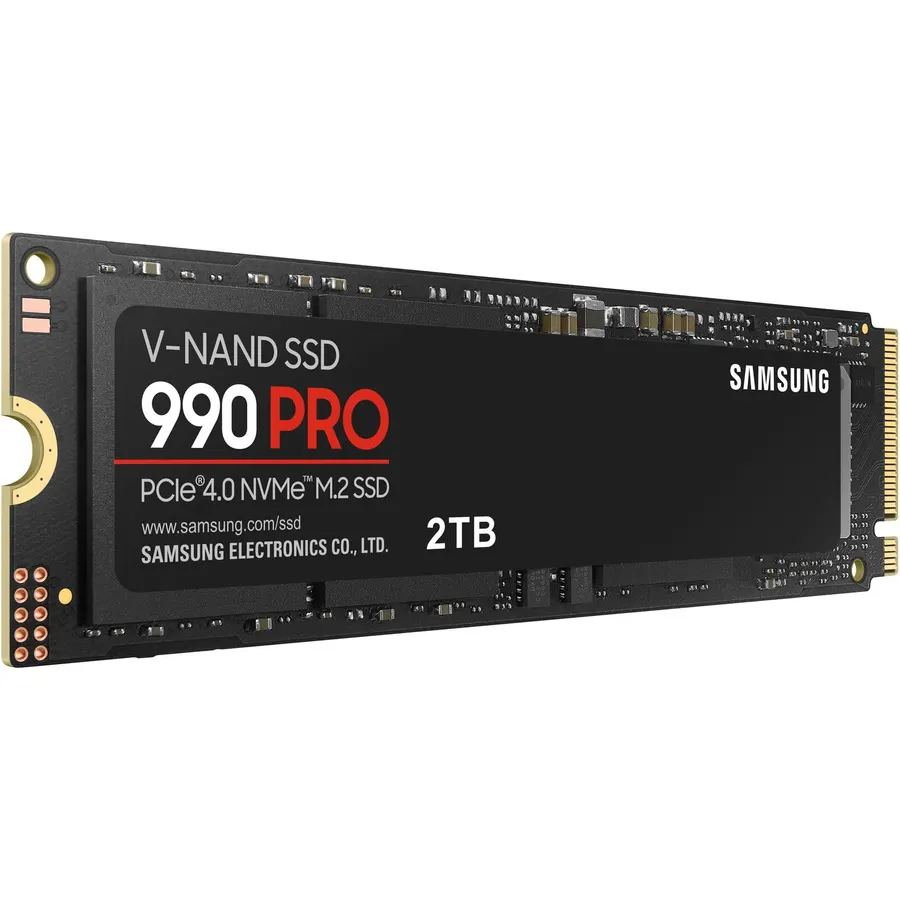
The 990 Pro is the drive we put in our own machines. It is fast where it counts, in random reads and writes, it does not throttle in a normal case, and Samsung’s track record on reliability is as good as anyone’s. The heatsink version fits a PS5 out of the box. If it is within a few dollars of the SN850X, this is the one.
- Top-tier random performance, which is what loading feels like
- Runs cool for a fast drive
- Samsung Magician software for health and firmware
- Five-year warranty
- Rarely the cheapest option
- Early units had a firmware bug, long since fixed, so update firmware after install
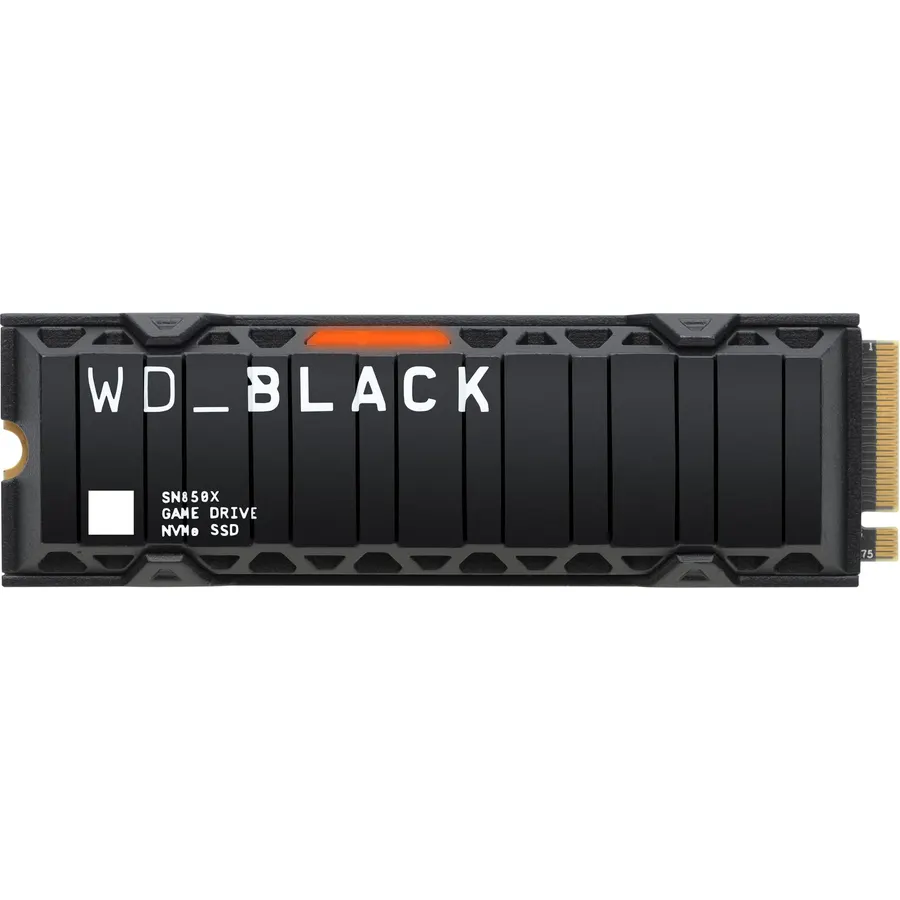
The SN850X is the 990 Pro’s equal for gaming and often wins on price. The two trade blows in benchmarks and neither one loads a game faster in a way you can perceive. If you want a single 4TB or 8TB drive for a huge game library, WD offers larger capacities than Samsung does.
- Matches the 990 Pro in real-world load times
- Game Mode 2.0 in the WD Dashboard software
- Available up to 8TB
- Frequently on sale
- Runs a little warmer than the Samsung
- Dashboard software is heavier than it needs to be
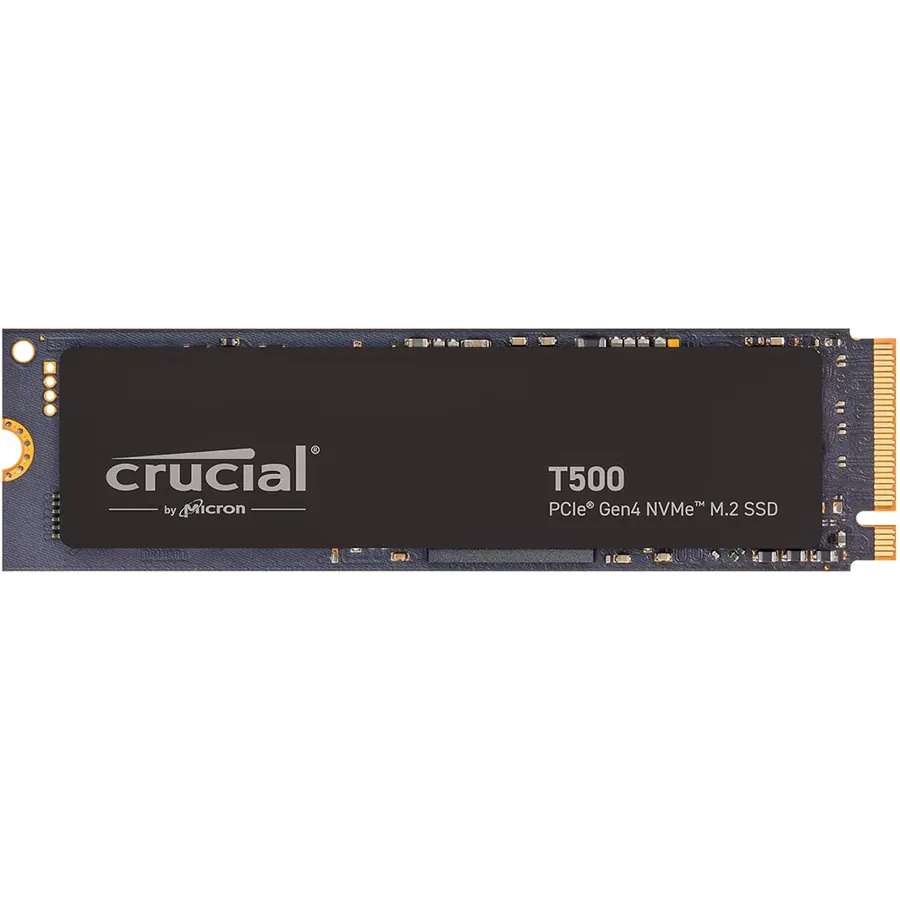
The T500 is the drive that made us stop recommending mid-range drives from other brands. It uses proper TLC NAND and a DRAM cache, performs within a few percent of the 990 Pro in everything that matters, and costs less. It is our default recommendation for a boot drive in any build where the buyer is watching the budget.
- Near flagship performance at a mid-range price
- TLC with DRAM, nothing cut
- Efficient, good for laptops
- Five-year warranty
- Slightly behind the top two in sustained writes
- Less brand cachet, which does not matter
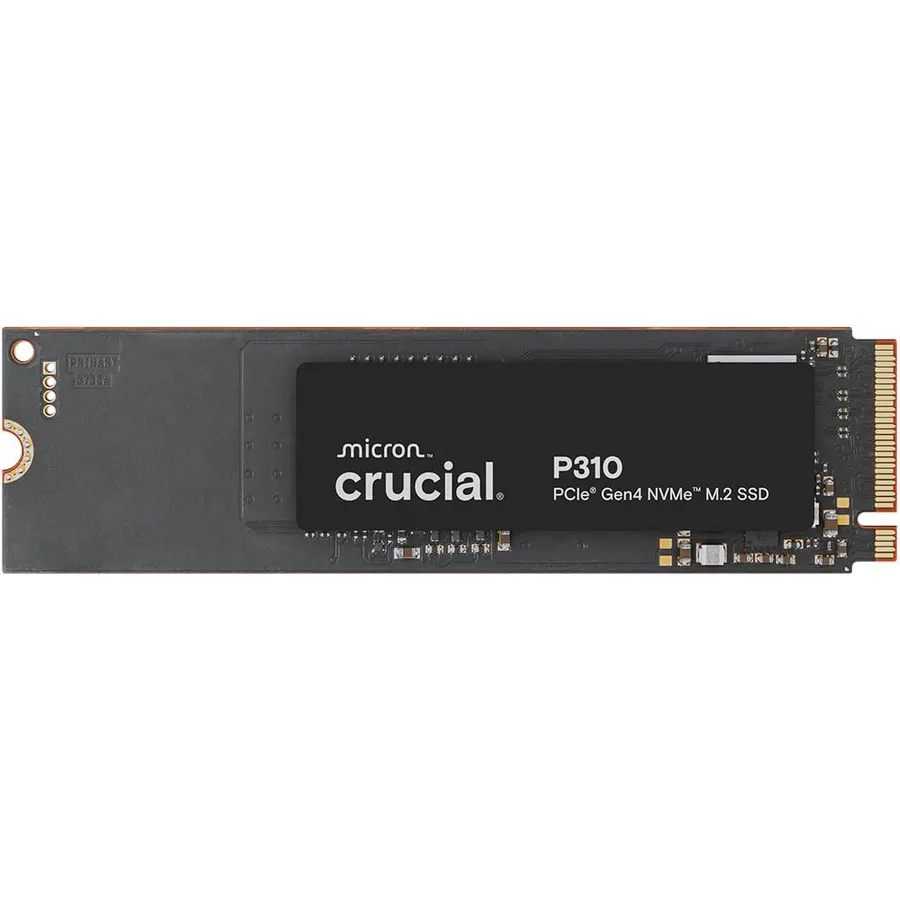
The P3 Plus is for one job: a big, cheap second drive for games and media. Reading is fast, which is all a games library needs. Do not make it your boot drive and do not use it for video editing scratch, because sustained writes fall off a cliff once the SLC cache fills. Used as intended, it is the cheapest way to add 2TB or 4TB.
- Very cheap per terabyte
- Perfectly fast for loading games and media
- Low power draw
- QLC slows down badly in long writes once the cache fills
- DRAM-less: not ideal as an only drive
- Shorter endurance rating
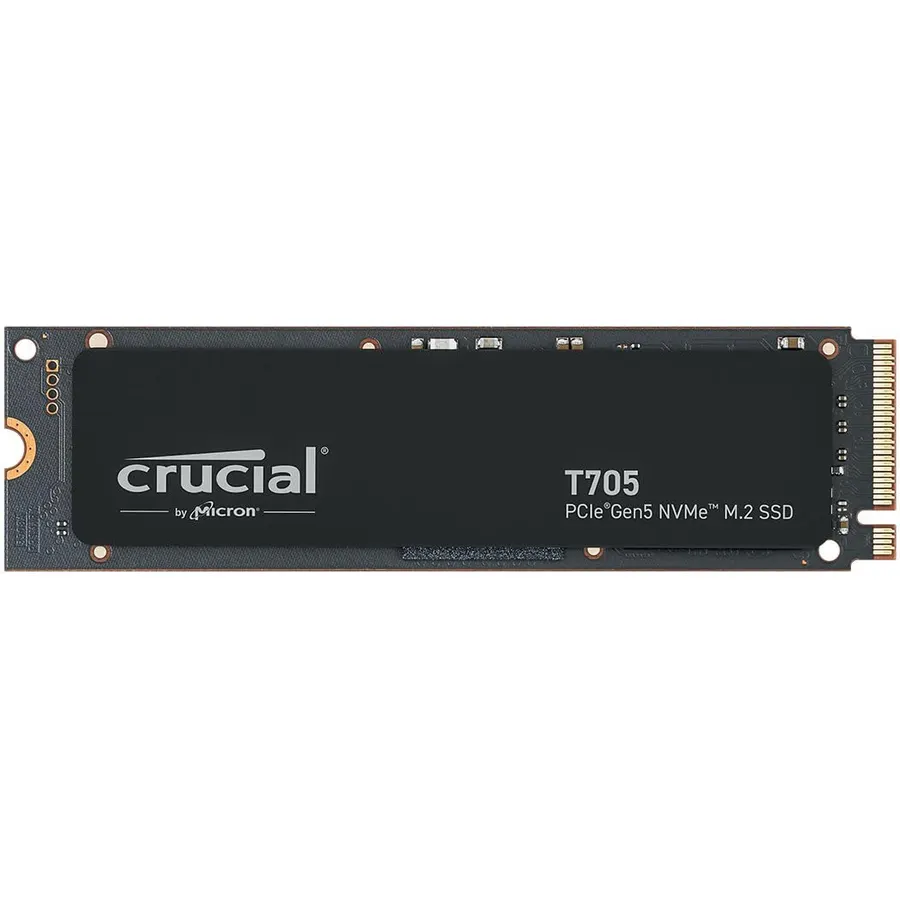
If you edit 4K or 8K video, work with large datasets, or copy tens of gigabytes between drives daily, a Gen 5 drive pays for itself in time saved. The T705 is the one we would buy: it is among the fastest available, the heatsink version handles thermals without a fan, and Crucial’s pricing is more reasonable than most. For everyone else, buy a Gen 4 drive and put the difference toward more capacity.
- Sequential speeds roughly double a Gen 4 drive
- Genuinely faster for multi-gigabyte file copies and raw video
- Included heatsink handles the heat
- Expensive
- Needs a Gen 5 M.2 slot and airflow
- No faster than Gen 4 for games or normal use
Comparison at a glance
| Product | Gen | NAND | DRAM | Best for | Our score | |
|---|---|---|---|---|---|---|
| Samsung 990 ProSamsung | 4.0 | TLC | Yes | Boot drive, anything | 9.6 | See price |
| WD Black SN850XWestern Digital | 4.0 | TLC | Yes | Gaming, large capacities | 9.3 | See price |
| Crucial T500Crucial | 4.0 | TLC | Yes | Best value boot drive | 8.9 | See price |
| Crucial P3 PlusCrucial | 4.0 | QLC | No | Cheap games drive | 8.6 | See price |
| Crucial T705Crucial | 5.0 | TLC | Yes | Video, huge files | 8.2 | See price |
Which one for a PS5?
The PS5 needs a PCIe 4.0 drive with a heatsink that fits its slot. The 990 Pro with heatsink and the SN850X with heatsink are both officially compatible and both load games as fast as the internal drive. Do not buy a Gen 5 drive for a PS5: it will run at Gen 4 speeds and the big heatsink may not fit.
Frequently asked questions
Is PCIe 5.0 worth it for gaming?
No. Games are limited by how fast the CPU and engine can process assets, not by raw drive speed. A good Gen 4 drive loads games as fast as a Gen 5 drive in practice.
Do I need a heatsink on my NVMe SSD?
For Gen 4 drives in a desktop with normal airflow, the motherboard heatsink or none at all is usually fine. Gen 5 drives need one. PS5 requires one.
1TB or 2TB?
2TB. Modern games are 100GB or more each, and the price per terabyte is usually better at 2TB. Buying 1TB now often means buying another drive within a year.
Will a fast SSD make my PC feel faster?
Going from a hard drive or SATA SSD to any NVMe drive is a big jump. Going from one NVMe drive to a faster one is barely noticeable outside of large file transfers.
The bottom line
Get the 990 Pro or SN850X, whichever is cheaper, for your main drive. Get the T500 if you want to save money without a real trade-off. Add a P3 Plus for cheap game storage. Only buy the T705 if you know why you need Gen 5.
See the Samsung 990 Pro on Amazon ↗Do Best Deal is a participant in the Amazon Services LLC Associates Program. As an Amazon Associate we earn from qualifying purchases. If you buy through links on this site we may earn a commission, at no extra cost to you. Learn more.