A normal mouse pad runs out of room the moment you drop your DPI for a shooter, and a desk without one scratches and squeaks under a keyboard. An XXL or extended mouse pad fixes both: one sheet of cloth covers the keyboard, the mouse and the sweep in between, so a 360-degree flick never runs off the edge and the whole desk feels the same under your wrists. We ranked the XXL, extended and 3XL pads in our mice catalog by surface size, surface type (speed versus control), thickness and base grip, stitched edges, spill resistance, RGB and extras, and what thousands of owners report after months of daily use.
We have not laid each of these on a desk ourselves; the verdicts rest on the spec sheets and on the owner review history. Prices are not printed because they change daily; every button opens the live Amazon page. If you want a smaller pad or a pad with a wrist rest, our desk mats and mouse pads guide covers those, and the mouse to put on it is in our gaming mouse under 50 guide.
How we picked
- At least 31 inches wide. Every pick is wide enough for a full-size keyboard and a low-DPI mouse sweep; two picks go up to 3XL (around 47 inches).
- A cloth surface with a named weave. Micro-weave or micro-textured cloth that the maker rates for optical sensors, not a glossy hard mat that reflects light.
- A rubber base you can trust. Natural or high-density rubber with an anti-slip texture; owner reviews were checked for curling and sliding complaints.
- Stitched or sealed edges on every pick, since frayed edges are the number one way a cloth pad dies.
- Owner ratings of 4.5 stars or better on all eight picks, most with thousands of reviews.
The picks
Razer Gigantus V2 Cloth Gaming Mouse Pad (XXL), Thick, Non-Slip Base, Black
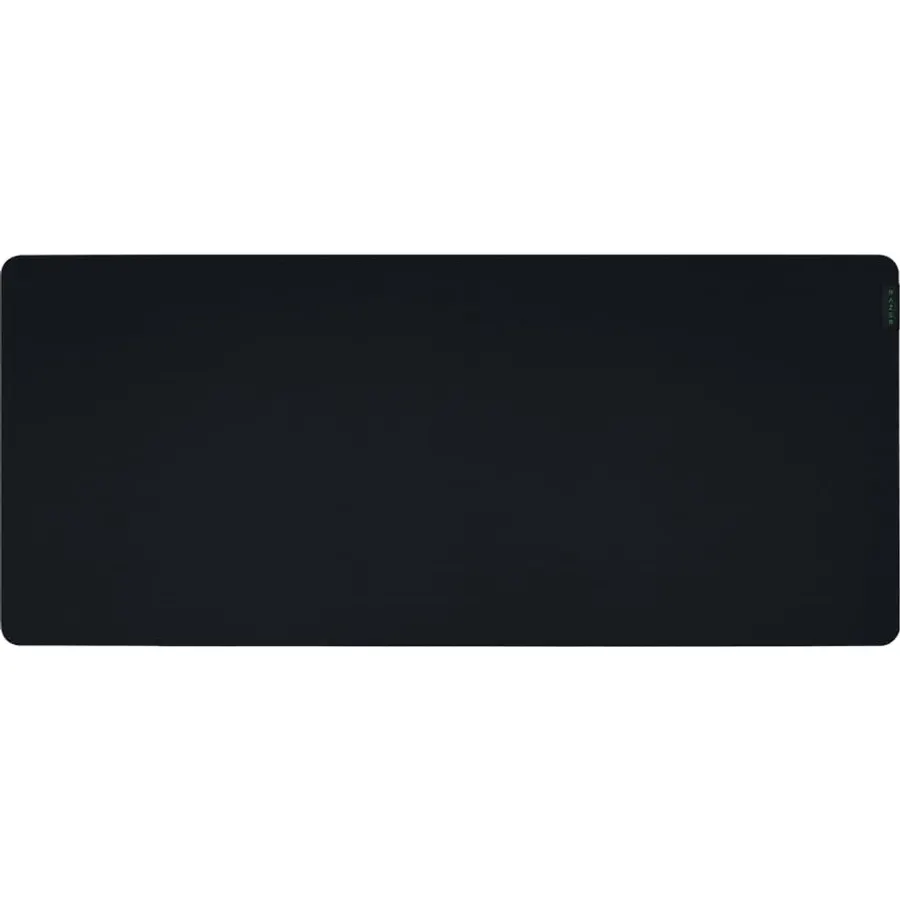
The Gigantus V2 XXL is the sensible default: a 940 by 410 millimetre sheet of textured micro-weave cloth on 4 millimetres of high-density rubber foam, with an anti-slip base and a surface Razer has calibrated across its own sensors and everyone else’s. The micro-weave sits in the middle of the speed-to-control range, so it suits a low-DPI arm aimer and someone who mostly works on it. The XXL and 3XL get the thicker 4mm foam (Medium and Large are 3mm), which matters on a desk with a seam. It has no stitched edge, the only real complaint in the reviews, and no lighting, which many owners count as a plus. At 4.7 stars from 9,800 owners it is the most-trusted branded XXL pad we track.
- 9,800 owner reviews at 4.7 stars
- Thicker 4mm foam stays flat on uneven desks
- Surface calibrated for all optical sensors
- Plain black with a small logo; nothing to glow or distract
- No RGB or USB extras
- Edges are not stitched, so corners can lift over years
- The black cloth shows dust and skin oil
Professional Large Mouse Pad,31.5 x 11.8 in Extended Gaming Mouse Pad,Smooth Lycra Fabric,Non-Slip Rubber Base,Precision Stitched Edges
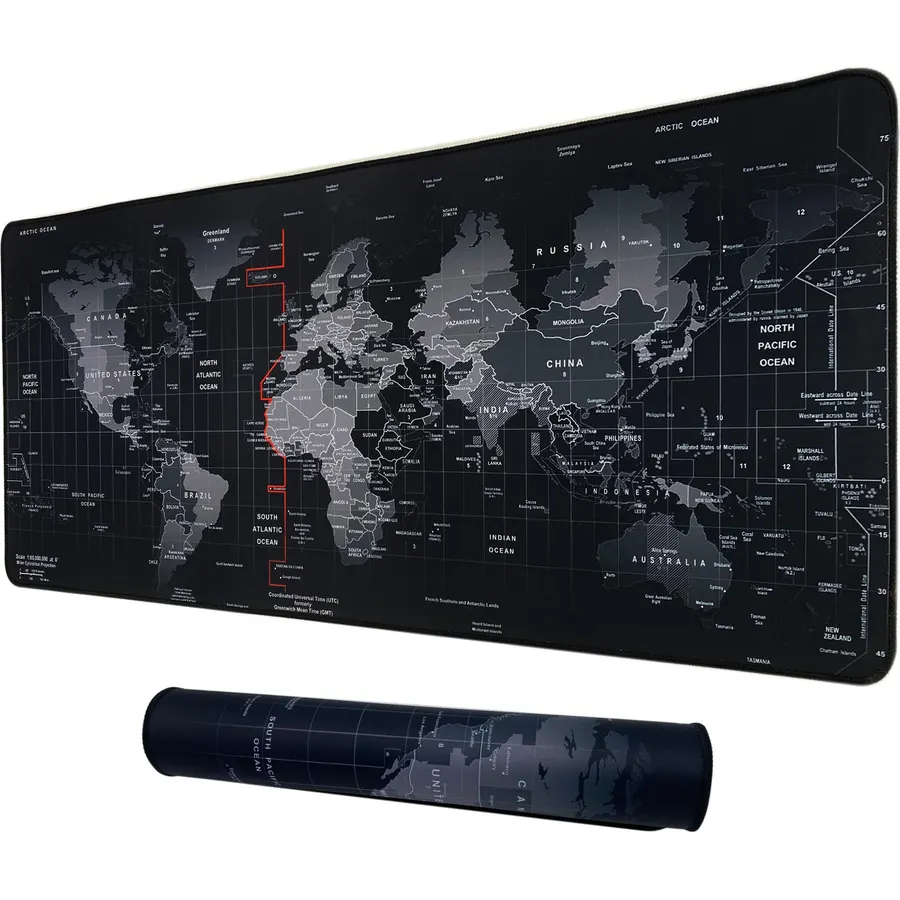
If the Razer feels like money spent on a logo, this is the pad 16,000 owners bought instead, and they rate it 4.8 stars. It is 800 by 300 millimetres, which fits a full-size keyboard and a mouse without covering the whole desk, with a smooth Lycra top on 3 millimetres of dense natural rubber and a precision-stitched edge that stops the fraying cheap pads suffer. The Lycra is a little faster and less grippy than a gaming micro-weave, so a very low-DPI player may feel the mouse skate a touch, but for most people it is a smooth, flat, stain-resistant surface that wipes clean. It comes in a long list of printed designs with consistent ratings across them. For an office desk or a first gaming setup it is the budget pick without an asterisk.
- 16,000 owner reviews at 4.8 stars, the highest-rated pad here
- Stitched edges and a natural rubber base at a budget price
- Fits a full-size keyboard plus a mouse on a small desk
- Stain-resistant Lycra is easy to wipe
- Narrowest and shortest pad on this page at 11.8 in deep
- Smooth Lycra is faster and less controlled than a gaming micro-weave
- Printed designs fade faster than plain cloth
Corsair MM300 PRO Premium Spill-Proof Cloth Gaming Mouse Pad - Extended - Multicolor
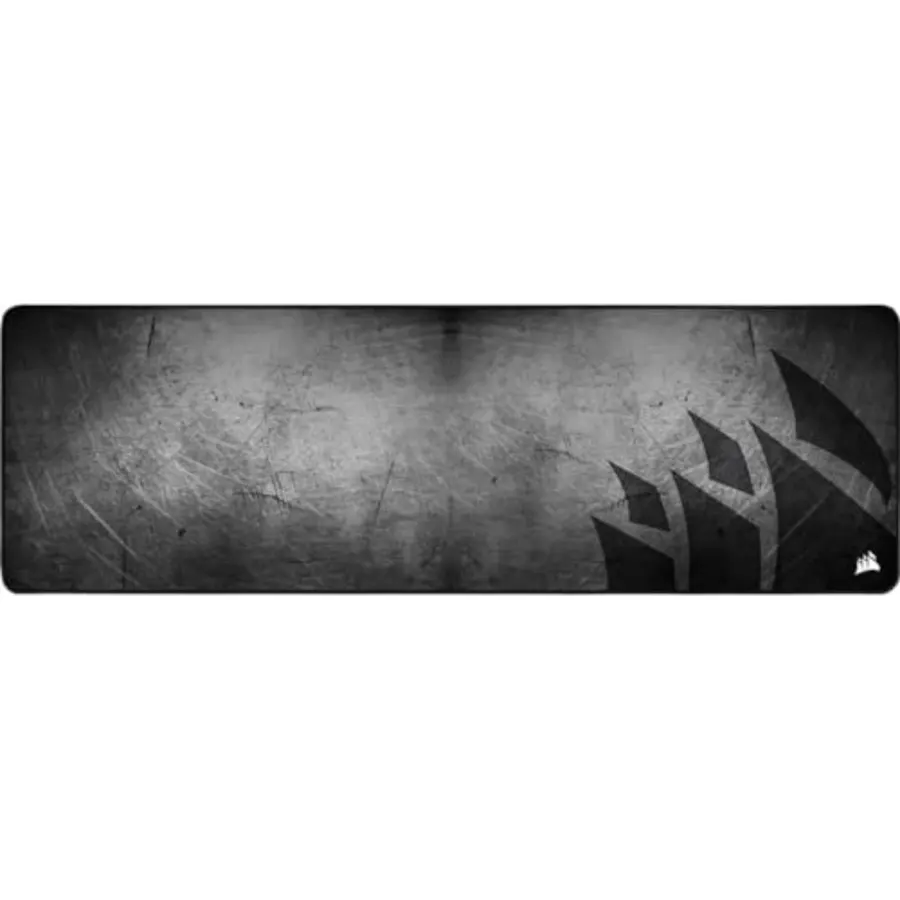
Every cloth pad eventually meets a drink, and the MM300 PRO is built for it: a spill-proof, stain-resistant coating over micro-weave cloth means coffee and soda bead on top and wipe away rather than soaking into the foam and leaving a tide mark. Underneath is 3 millimetres of plush rubber with a textured anti-skid base and stitching around all four edges, and the 930 by 300 millimetre footprint is wide enough for a keyboard and a long mouse sweep while staying shallow enough for a 24-inch-deep desk. Owners rate it 4.8 stars from 2,800 reviews. The trade-offs are that shallow depth, which limits vertical mouse travel, and a coated surface some players find a hair slicker than plain cloth. For a shared family PC or a desk with a drink always on it, those are easy trades.
- Liquids bead and wipe off instead of soaking in
- 2,800 owners at 4.8 stars
- Stitched all the way round
- Wide 36.6 in surface in a shallow 11.8 in depth that fits narrow desks
- Only 11.8 in deep; tall mouse sweeps can run off the back
- The coated surface feels slightly slicker than plain cloth
- Busy multicolor design is not for every desk
Razer Goliathus Extended Chroma Gaming Mouse Pad: Customizable Chroma RGB Lighting, Soft, Cloth Material, Gears of WAR 5 Edition
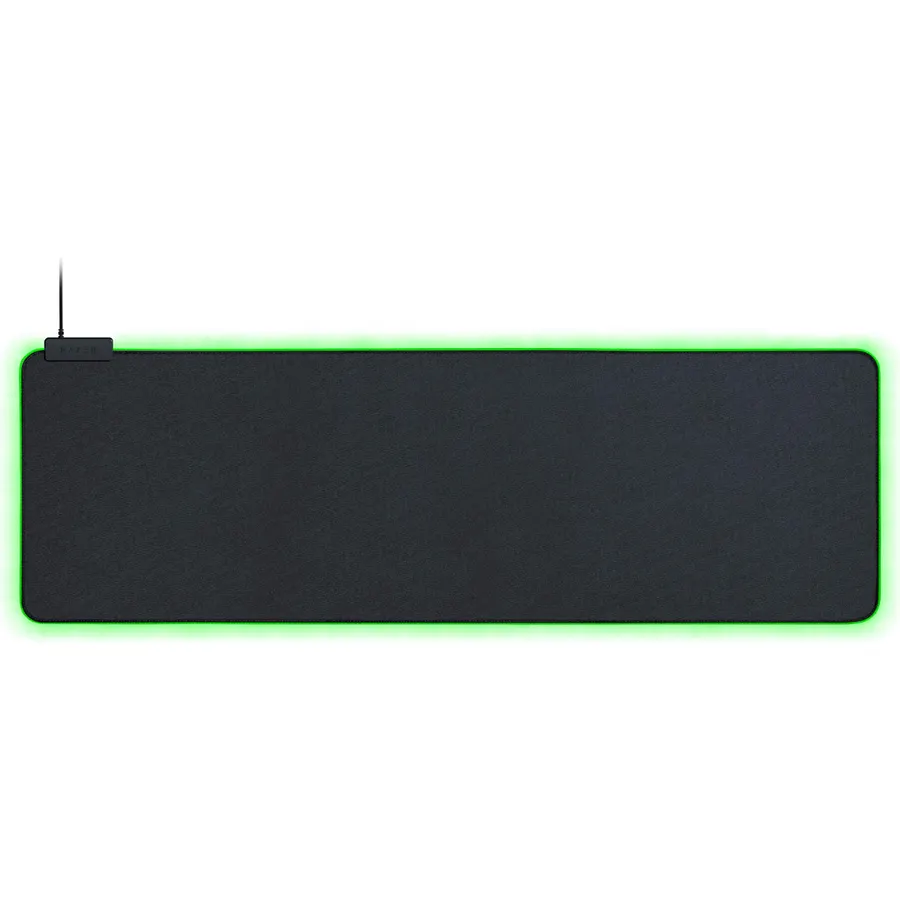
The Goliathus Extended Chroma is the pad for a desk that already glows: a strip of Razer Chroma RGB runs around the edge, syncs with Razer keyboards and mice and Philips Hue bulbs, and reacts to supported games through Synapse. The cloth is Razer’s control-biased micro-textured weave, which gives more tactile feedback than the Gigantus and suits players who aim in small, deliberate movements, on the same non-slip natural-foam rubber base as the plain pads. The compromises are a USB cable that has to reach the PC, a 294 millimetre depth that is shallow for a tall mouse sweep, and the fact that this listing wears Gears of War 5 artwork rather than plain black. Owners do not seem to mind; 9,600 of them rate it 4.7 stars.
- Chroma lighting syncs with Razer gear, Philips Hue and supported games
- 9,600 owners at 4.7 stars
- Softer micro-textured surface gives more control for precise aim
- Natural-foam rubber base stays put
- Needs a USB cable running to the pad
- This listing is the Gears of War 5 artwork, not plain black
- Shallow 11.6 in depth like the Corsair MM300
Corsair MM700 RGB Extended Cloth Gaming Mouse Pad - 360 RGB Lighting - Two USB Port Hub - Thick Rubber - Black
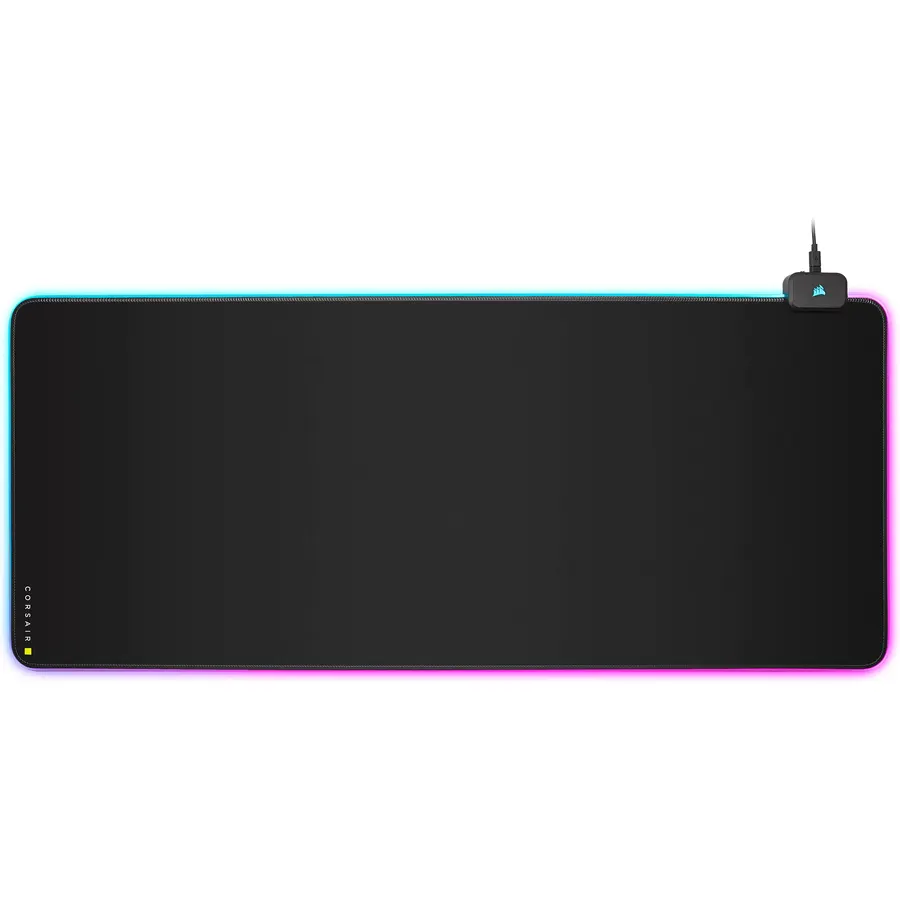
The MM700 RGB Extended is a full desk mat, 930 by 400 millimetres, with a ring of three-zone RGB around the whole perimeter and a two-port USB hub in the lighting module at the back, a genuinely useful place to park a mouse dongle or a headset cable. Twelve lighting profiles live on the pad, so you can cycle them with a button without installing iCUE; install iCUE and it syncs with Corsair keyboards and fans. The 4 millimetre cloth smooths out an uneven desk. It is the most expensive extended pad here, the hub needs a second cable, and the solid module at the back gets in the way of a keyboard pushed to the top edge. For a Corsair build where the whole desk should glow in one color, 5,200 owners at 4.6 stars say it delivers.
- Full 15.8 in depth plus 36.6 in width covers the whole desk
- Two USB ports on the pad for a headset or mouse dongle
- 360-degree three-zone RGB with 12 profiles that work without iCUE
- 5,200 owners at 4.6 stars
- Priced like three Gigantus pads
- The USB hub needs its own cable to the PC
- Lighting module adds a hard block at the back edge that some owners knock
Corsair MM200 PRO Premium Spill-Proof Cloth Gaming Mouse Pad - Heavy XL - Black
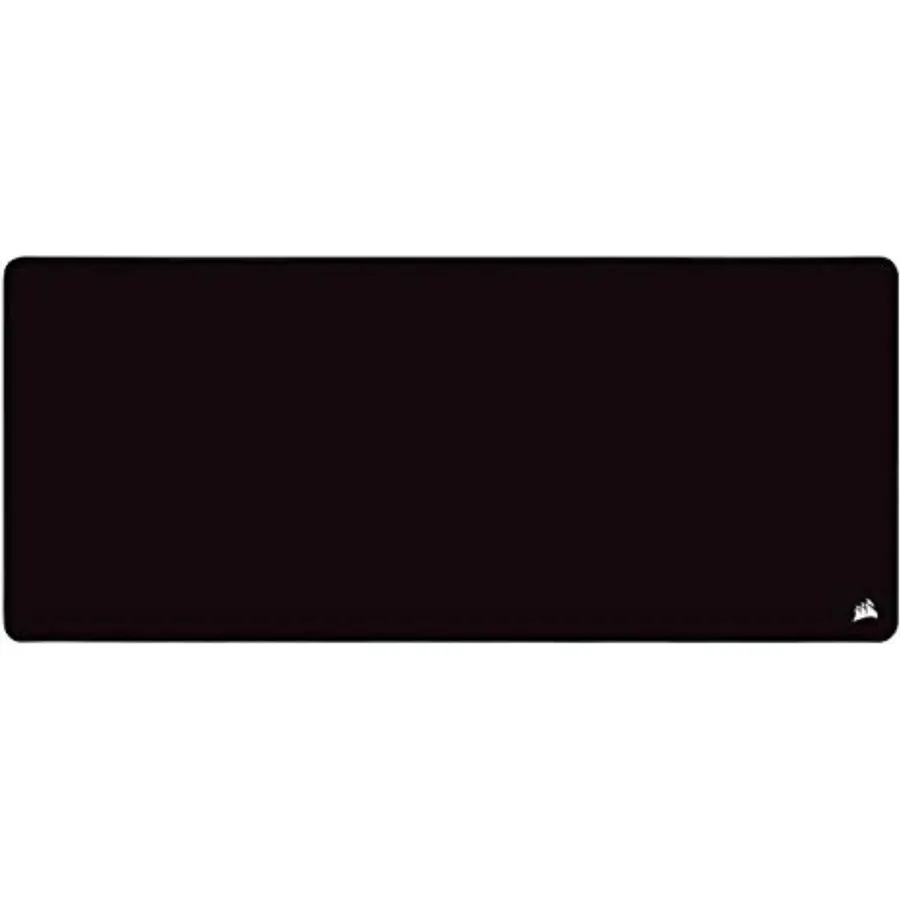
Not everyone wants the keyboard on the pad; some players want a huge mouse area and a keyboard on the bare desk at its own angle. The MM200 PRO Heavy XL is for them: 450 by 400 millimetres of spill-proof micro-weave cloth on 6 millimetres of plush rubber, the thickest pad on this page, with stitched edges and the same textured anti-skid base as the MM300 PRO. The 400 millimetre depth gives low-DPI players the full vertical sweep the shallow extended pads cannot. The 6mm edge is tall enough to feel under a wrist that rests half on and half off, and it is not a keyboard pad, so if you want one sheet under everything look at the extended picks. For a mouse-only zone that forgives a knocked-over drink, 1,800 owners rate it 4.7 stars.
- 6mm thickness is the plushest here and hides desk seams completely
- Spill-proof coating like the MM300 PRO
- 1,800 owners at 4.7 stars
- Deep 400mm sweep for low-DPI aim without covering the keyboard
- Not an extended pad; the keyboard sits off it
- 6mm lip is noticeable under the wrist at the edge
- Fewer reviews than the Razer and Corsair extended pads
Razer Gigantus V2 Soft Gaming Mouse Mat Micro Weave Cloth Surface 3XL
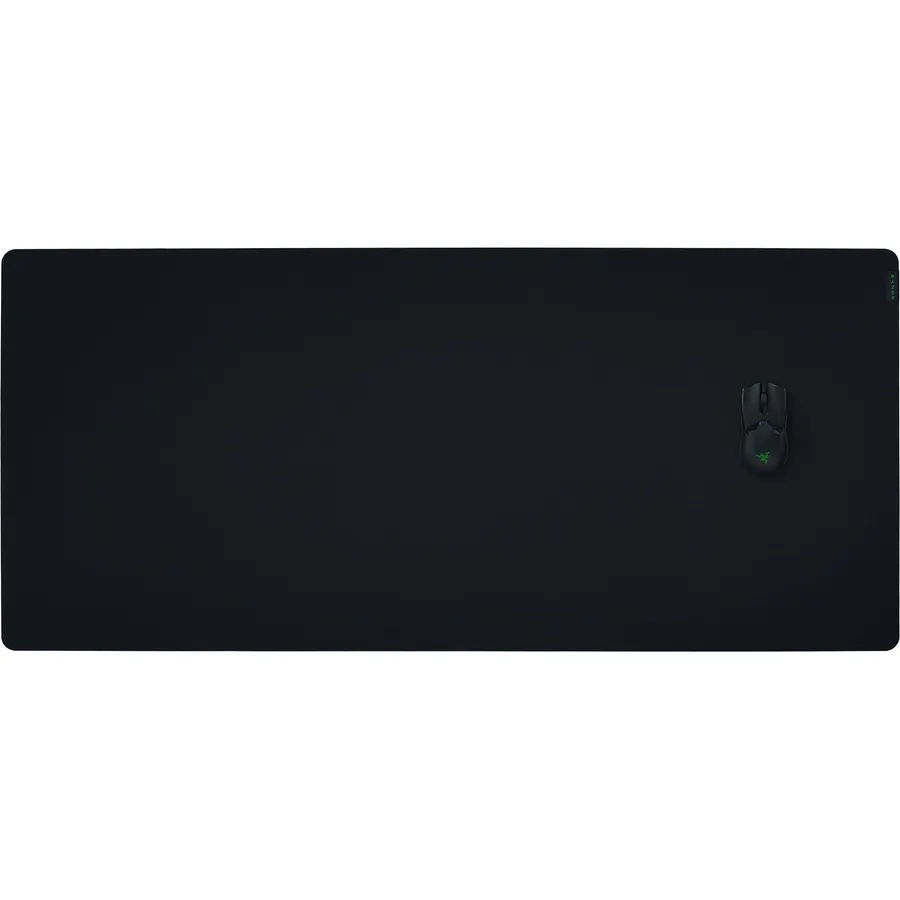
When the XXL still leaves bare desk, the 3XL covers it: roughly 1200 by 550 millimetres, wall-to-wall on a standard 48 by 24 inch desk, with the same textured micro-weave cloth, 4 millimetre high-density foam and anti-slip base as the XXL. Monitor stand, speakers and keyboard all sit on one continuous surface and the mouse never finds an edge. It is also the pad Razer lets you personalise through Razer Customs with your own art or gamer tag. The costs are literal and physical: it is priced several times above the XXL, it needs a desk big enough to lie flat, and because it ships rolled, owners say it takes a few days under weight to lose the curl. Once it does, 7,800 owners rate it 4.6 stars.
- Covers a 48 in desk corner to corner
- Same micro-weave and 4mm foam as the XXL
- 7,800 owners at 4.6 stars
- Can be ordered with a custom print through Razer Customs
- Needs a desk at least 48 in wide and 24 in deep
- Costs several times the XXL
- Shipped rolled; owners report a few days to flatten
Razer Pro Glide Soft Mouse Mat, Textured Micro-Weave Cloth, White, XXL
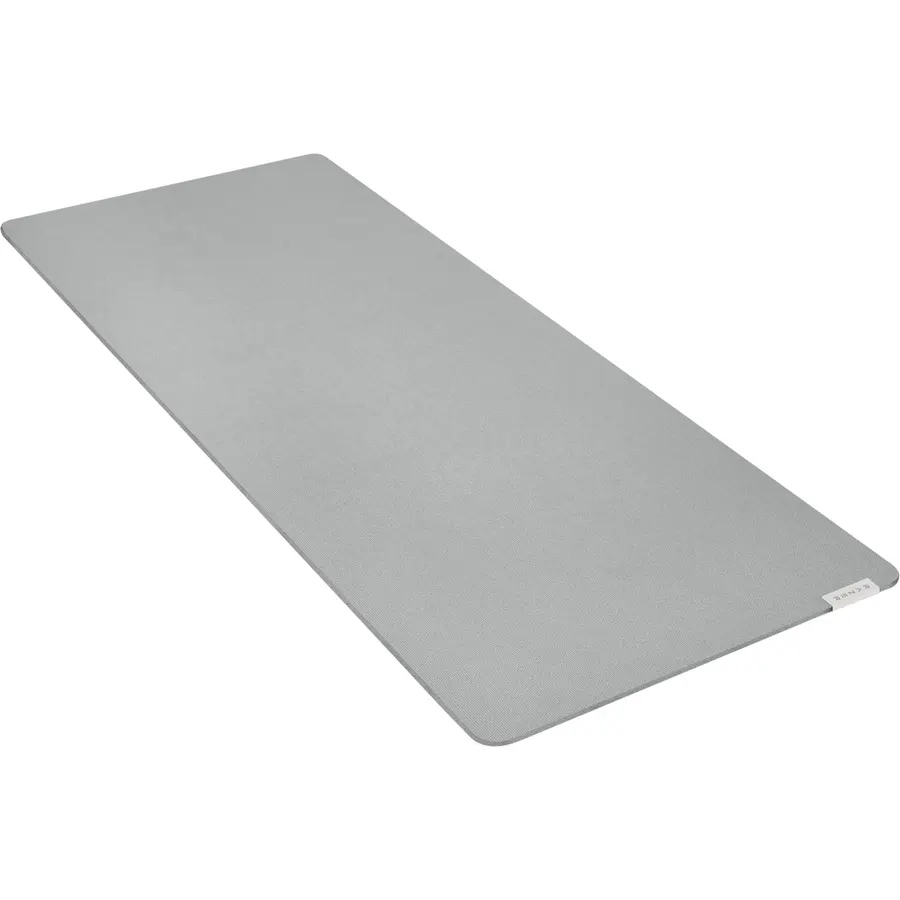
The Pro Glide is the Gigantus V2 XXL in office clothes: the same 940 by 410 millimetre footprint, a textured micro-weave cloth tuned a little more toward control, and a rubberized base with an added grip texture, in white with no gaming branding to argue with a monitor and a plant. It is the pad for a desk that is a workstation by day and a gaming rig by night, or for anyone whose setup is white. The 3 millimetre foam is thinner than the Gigantus XXL’s 4mm, the edge is not stitched, and white cloth is honest about every coffee ring and ink smudge, so it suits a tidy desk. Owners rate it 4.5 stars from 1,400 reviews, and the common thread is that it glides well and stays put.
- Same footprint as the Gigantus V2 XXL in a clean white office finish
- Grip-textured base built for desks that get wiped
- Tuned for control, which suits precise desktop work as well as aim
- 1,400 owners at 4.5 stars
- White cloth shows coffee, ink and skin oil quickly
- 3mm, thinner than the Gigantus XXL
- No stitched edge
Compare the picks
| Product | Size | Surface | Thickness | Extras | Owner rating | Our score | |
|---|---|---|---|---|---|---|---|
| Razer Gigantus V2 XXLRazer | 37 x 16 in | Micro-weave, balanced | 4mm | None | 4.7 (9,800+) | 9.4 | See price |
| Professional Large 31.5 x 11.8Cmhoo | 31.5 x 11.8 in | Smooth Lycra | 3mm, stitched | Printed designs | 4.8 (16,000+) | 9.6 | See price |
| Corsair MM300 PRO ExtendedCorsair | 36.6 x 11.8 in | Micro-weave, spill-proof | 3mm, stitched | Spill coating | 4.8 (2,800+) | 9.6 | See price |
| Razer Goliathus Extended ChromaRazer | 36.2 x 11.6 in | Micro-textured, control | Standard | Chroma RGB edge | 4.7 (9,600+) | 9.4 | See price |
| Corsair MM700 RGB ExtendedCorsair | 36.6 x 15.8 in | Cloth, control | 4mm | 360 RGB + 2 USB ports | 4.6 (5,200+) | 9.2 | See price |
| Corsair MM200 PRO Heavy XLCorsair | 17.7 x 15.7 in | Micro-weave, spill-proof | 6mm, stitched | Spill coating | 4.7 (1,800+) | 9.4 | See price |
| Razer Gigantus V2 3XLRazer | 47 x 22 in | Micro-weave, balanced | 4mm | Razer Customs print | 4.6 (7,800+) | 9.2 | See price |
| Razer Pro Glide XXLRazer | 37 x 16 in | Micro-weave, control | 3mm | White finish | 4.5 (1,400+) | 9.0 | See price |
XXL, extended or 3XL?
The names are not standardised. Razer calls 940 by 410 millimetres XXL and 1200 by 550 3XL; Corsair calls both 930 by 300 and 930 by 400 Extended; budget brands use XL and XXL for anything from 700 by 300 up. Measure the desk instead. A keyboard and mouse need about 800 millimetres of width, and a low-DPI sweep wants 300 millimetres of depth, 400 if you aim from the elbow. On a 48 by 24 inch desk the XXL pads leave a few inches bare at the sides; the 3XL covers it entirely. On a desk shallower than 24 inches, the 300 millimetre deep Corsair MM300 PRO and Goliathus leave room for a monitor stand.
Speed, control and thickness
Smooth Lycra (the Professional Large) is fast: the mouse glides easily but stops less precisely. Textured micro-weave (Gigantus, Pro Glide) sits in the middle, and the softer weave on the Goliathus and MM700 is control-biased, with more feedback for small corrections. Fast suits high sensitivity and desk work; control suits low-DPI shooters. Thickness is about the desk, not the game: 3 millimetres is plenty on a flat desk, 4 millimetres smooths a seam, and the 6 millimetre MM200 PRO hides almost anything but leaves a lip at the edge.
Spills, edges and RGB
Cloth pads die from frayed edges, curled corners and a soaked-in drink. Stitched edges (Professional Large, both Corsair PRO pads) solve the first, a few days flat under weight solve the second, and only a coated surface solves the third, which is why the Corsair PRO pads exist. RGB adds cables and a rigid module at the back edge: one cable for the Goliathus Chroma, two for the MM700 with its hub. If lights are not the point, the plain Gigantus V2 or Pro Glide gives you the same cloth for less. Whichever you choose, keep the mouse feet fresh; worn skates make any pad feel slow, and our Razer gaming mice guide covers the mice these pads were tuned for.
What size is an XXL gaming mouse pad?
Usually around 900 to 940 mm wide and 400 to 420 mm deep, about 36 by 16 inches, enough for a full-size keyboard and a wide mouse sweep. Extended pads from Corsair are 930 mm wide but can be as shallow as 300 mm. 3XL pads are around 1200 by 550 mm.
Will an extended mouse pad fit my desk?
Measure first. A 36 by 16 inch pad needs a desk at least 40 inches wide and 20 inches deep to lie flat with a monitor stand behind it. A 3XL pad needs a 48 by 24 inch desk. If your desk is shallower than 24 inches, choose a 300 mm deep extended pad.
How do I flatten a rolled mouse pad?
Unroll it, lay it face down on a flat floor and put books or a flat weight on the curled ends for one to three days. A warm room helps. Never iron the surface. Thicker pads like the Gigantus V2 XXL and 3XL flatten faster than thin ones because the dense foam holds its shape.
Can I wash a cloth gaming mouse pad?
Yes. Use lukewarm water, a drop of mild dish soap and a soft brush or sponge, rinse, and air dry flat and face down away from heat. Do not put it in a washing machine or dryer. The spill-proof Corsair PRO pads only need a wipe with a damp cloth.
Do RGB mouse pads need software?
The Corsair MM700 cycles twelve lighting profiles with a button on the pad and needs iCUE only for custom effects and syncing. The Razer Goliathus Chroma needs Synapse to change colors and sync with games. Both need a USB cable to the PC for power.
Prices and stock change daily. The buttons above open Amazon so you always see the current price. We may earn a commission if you buy through them, at no extra cost to you.
Do Best Deal is a participant in the Amazon Services LLC Associates Program. As an Amazon Associate we earn from qualifying purchases. If you buy through links on this site we may earn a commission, at no extra cost to you. Learn more.