W
Works Great for Me!Warren
Bought this dock for a Dell Rugged laptop I use at work. Super easy to connect, has faster ports than many other comparable docks, and no issues so far. I could not be more pleased.
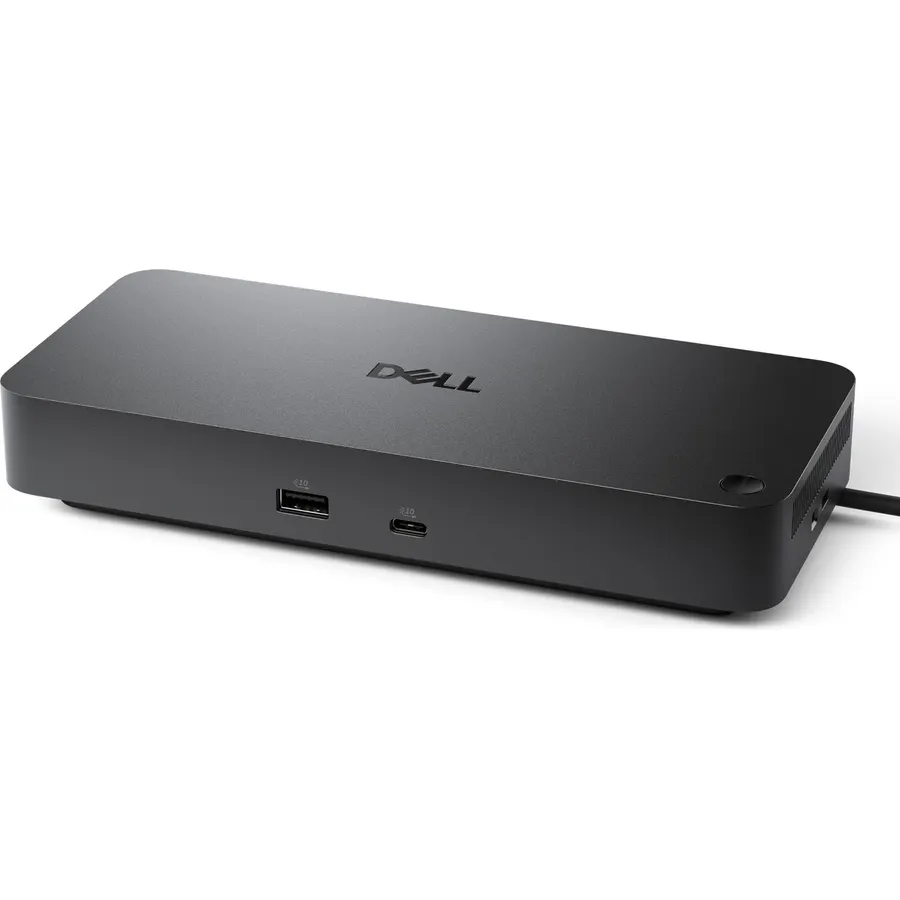 9.0Our score 4 photos
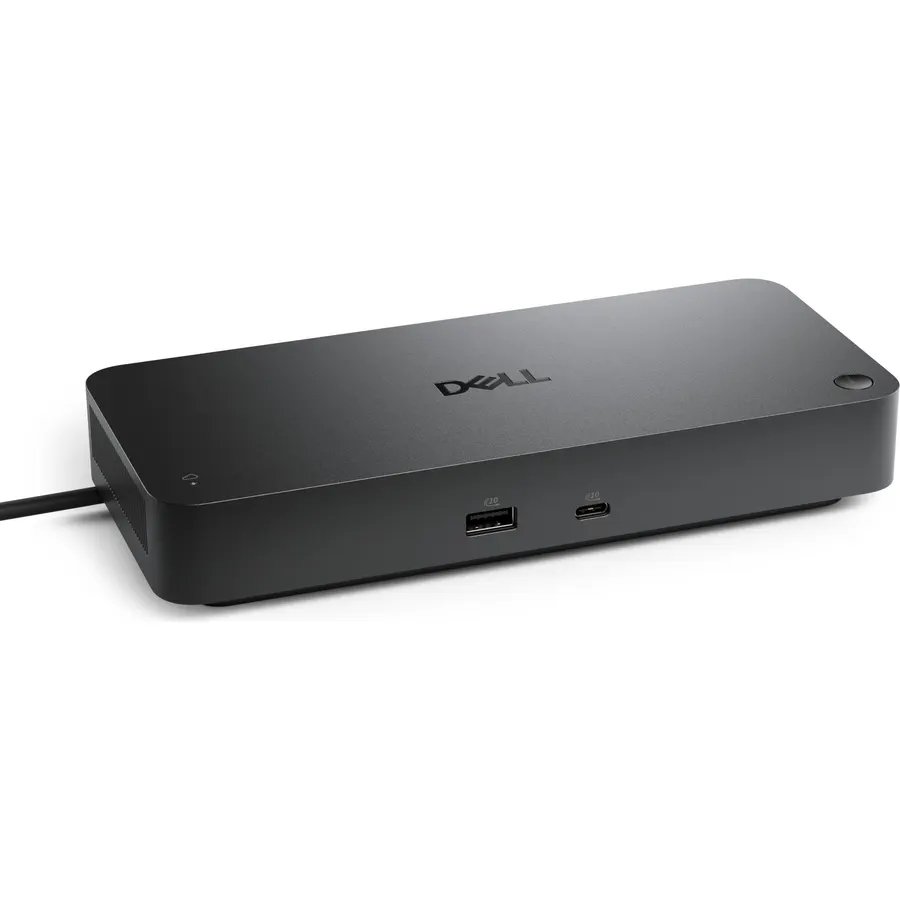
Powerful compatibility: Power essential productivity across the AI PC workplace. The Dell Pro Dock offers enhanced compatibility and drives
Ranked #99 in Accessories · 4 things we like
Quick answer The Dell Pro Laptop Docking Station WD25 scores 9.0/10 with us. Amazon owners rate it 4.5 out of 5 across 318 reviews, above the 4.3 average of the 7 docking stations we track. It was listed at $152.97 on Amazon when we last checked in September 2026. Key facts: minimum required operating system version Windows 10, total hdmi ports 1, total usb ports 6.
Designed for sustainability. The new generation of Dell Pro Docks reflect a commitment to sustainable design innovation to reduce their environmental impact. Centralize management through a single cloud-based console.
When connected to a PC, the Dell Pro Dock, and other Dell peripherals, offer streamlined manageability from the Dell Device Management Console.
Do Best Deal is a participant in the Amazon Services LLC Associates Program. As an Amazon Associate we earn from qualifying purchases. If you buy through links on this site we may earn a commission, at no extra cost to you. Learn more.
| Brand | Dell |
|---|---|
| Color | Black |
| Compatible Devices | Windows 10; Windows 11; Ubuntu 24.04; Red Hat Enterprise Linux 9.6+; ChromeOS 137 |
| Hardware Interface | DisplayPort, Ethernet, HDMI, USB |
| Item Dimensions L x W x H | 8.07"L x 3.54"W x 1.39"H |
| Item Highlight | Universal Dock, Ethernet, USB-A Ports, USB-C Ports, Power Delivery Charging, Quad Display, Plug and Play, Office Ready, |
| Item Weight | 1.2 pounds |
| Mfr Part Number | PTC1N |
| Minimum Required Operating System Version | Windows 10 |
| Model Number | WD25 |
| Number of Items | 1 |
|---|---|
| Number of Packs | 1 |
| Number of Ports | 10 |
| Product Dimensions | 8.07"L x 3.54"W x 1.39"H |
| Total HDMI Ports | 1 |
| Total Number of HDMI Ports | 1 |
| Total USB Ports | 6 |
| Unit Count | 1 Count |
| Warranty Description | 3-Year Limited Hardware Warranty with Advanced Exchange |
| Wattage | 130 |
Yes, it is one of the stronger picks in its group. We score the Dell Pro Laptop Docking Station WD25 9.0 out of 10. Amazon owners rate it 4.5 out of 5 across 318 reviews, above the 4.3 average of the 7 docking stations we track.
It was listed at $152.97 on Amazon when we last checked in September 2026. That is more than the $66.99 median for docking stations in our catalog. Amazon prices change daily, so use the price button on this page to see the current figure.
Minimum Required Operating System Version: Windows 10; Total HDMI Ports: 1; Total USB Ports: 6. All 20 specifications are in the product information table on this page.
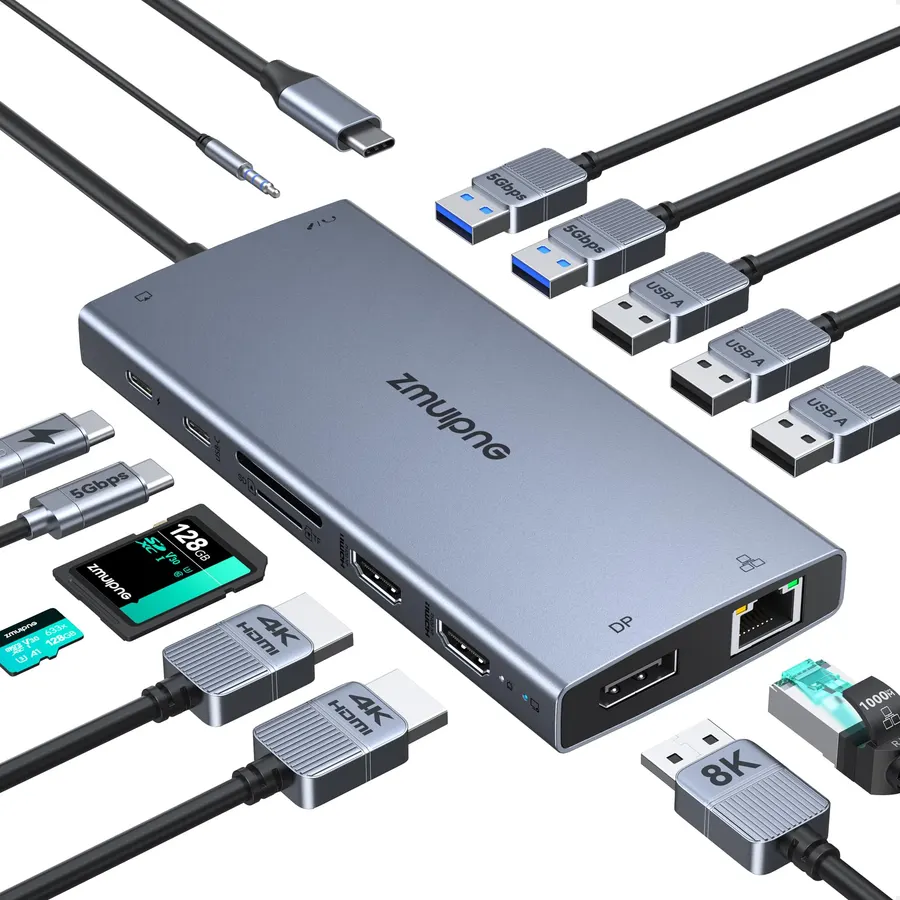
Similar, well-rated docking stations in our catalog: Anker Laptop Docking Station Dual Monitor (9.0/10, 4.5 stars from 35,140 owners); ZMUIPNG USB C Docking Station Dual Monitor Laptop (8.8/10, 4.4 stars from 9,699 owners); Dell Pro Thunderbolt 4 Smart Dock SD25TB4 (8.4/10, 4.2 stars from 161 owners).
Anker Laptop Docking Station Dual MonitorZMUIPNG USB C Docking Station Dual Monitor LaptopDell Pro Thunderbolt 4 Smart Dock SD25TB4
Breakdown from the 9 most helpful reviews we imported.
Bought this dock for a Dell Rugged laptop I use at work. Super easy to connect, has faster ports than many other comparable docks, and no issues so far. I could not be more pleased.
This dock replaced a Surface dock, vintage 2016, driving 2 Dell 27 inch IPS monitors hooked to a Surface Pro 4 and then a Pro 7. I also have an HP G5 dock purchased last year that drives a 28 inch Samsung 4K monitor with another Surface Pro 7+.It was time to upgrade to a new computer, so I purchased a Dell New XPS 14 laptop with the Panther Lake processor. Of course, the power button on the Dell laptop is in the keyboard and not accessable with it closed. The G5 dock would not wake the laptop with its power button so I looked for a better solution. The Dell WD25 came up as the best solution to
Good dock to power multiple monitors. I have had several of these docks. They work for 3-5 years before dying and then it needs replaced. So far works well.
I tried a few other docks to get my (Dell) work laptop set up at home, and I always had issues with one or both HDMI/DP monitor connections not working properly. Finally, I just looked at what they were actually using in the office, and ordered this Dell dock for home. It was 100% plug and play without any issues at all. Worth it!
A decent option to extend the usability of my Dell XPS-15 to almost the same capability as my desktop computer. The Pro Dock allows me to extend my internal screen with 3 extra 32" external screens (4 screens in total). Excellent for remote work and Day Trading. The dock also has extra USB ports for use as needed (i.e, Memory Sticks, etc). Unfortunately, the Pro Dock doesn't seem to have enough charging power for the laptop on it's own, so I also need to keep the normal charger connected as well. Small con, but there it is.
Months ago I lead myself astray with help from Amazon's messy way of responding to search requests I found and even bought A Dell WD15 docking unit not realizing it would not support Windows 11. I'd learned the hard way that suddenly our upgraded from Windows 10 to Windows 11 notebooks would not work as expected with their docking stations. It's Dell's product design at fault, but Amazon amplifies it with listings that don't focus on compatibility and if like me your attention slips, you have to rely on their generous return polity.So with that hard-earned learning this unit was finally, and e
Plug it in and go. Dual monitors, charges laptop, zero noise, easy to connect your peripherals.
I haven't used this except to check that it works as expected with my MacBook Air M4. Connected one monitor to the dock HDMI and hooked a second monitor to the laptop's Thunderbolt using C-to-Display Port cable. (I believe two monitors connected to the dock would only mirror each other but I haven't checked that.). Also using Logitech keyboard and mouse USB-A receiver in the dock. Wired ethernet works. I'm happy, this isn't cheap but does seem to be professional quality.
Customer reviews are shown as published on Amazon and are not written by Do Best Deal.
Alternatives to the Dell Pro Laptop Docking Station WD25
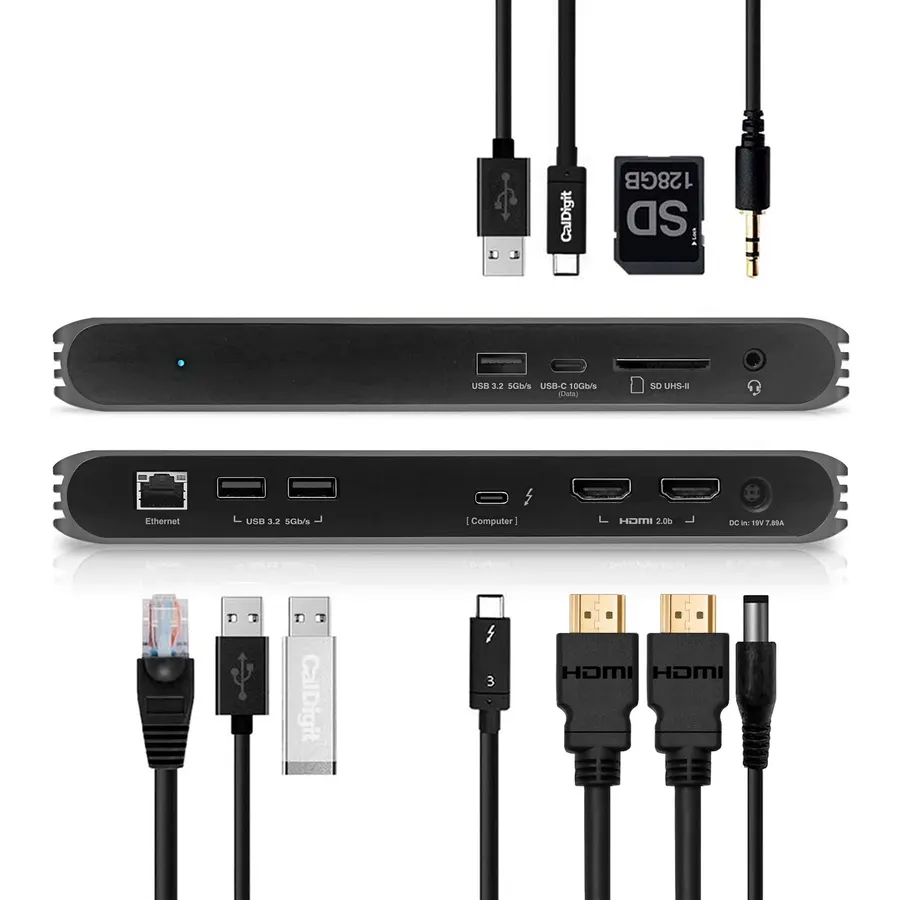 9.3
9.3The TS4 is the dock you buy once.
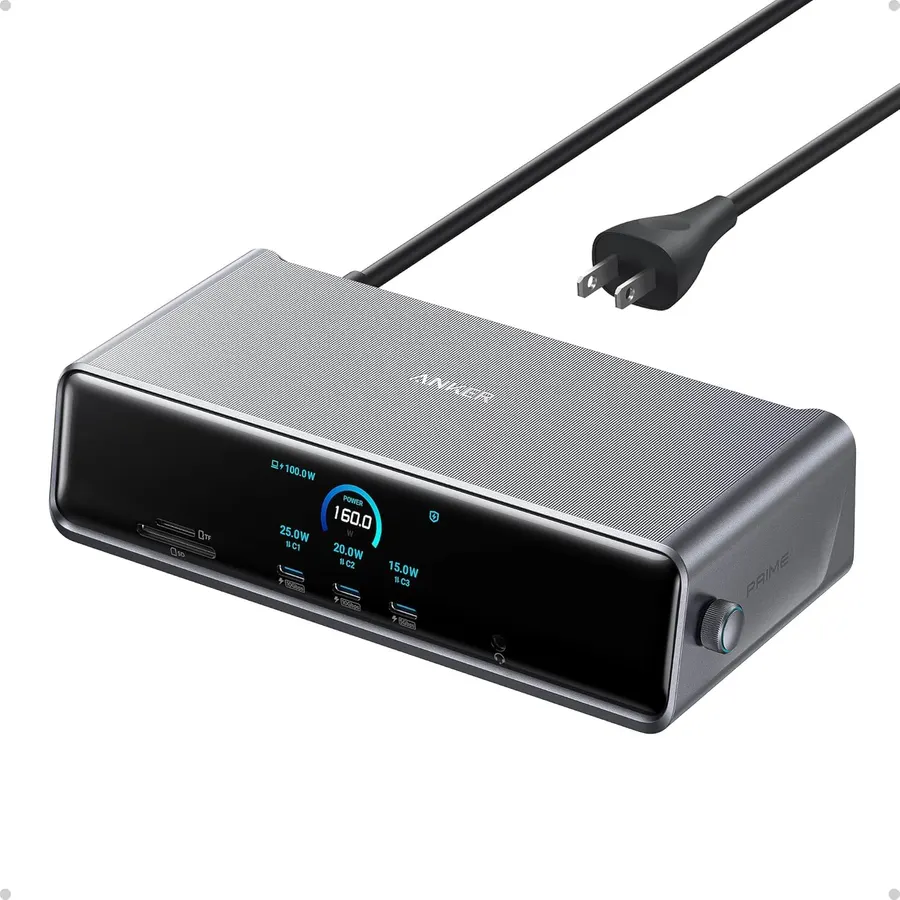 8.9
8.9The 575 is the dock for people whose laptop does not have Thunderbolt, or who do not need the TS4's bandwidth.
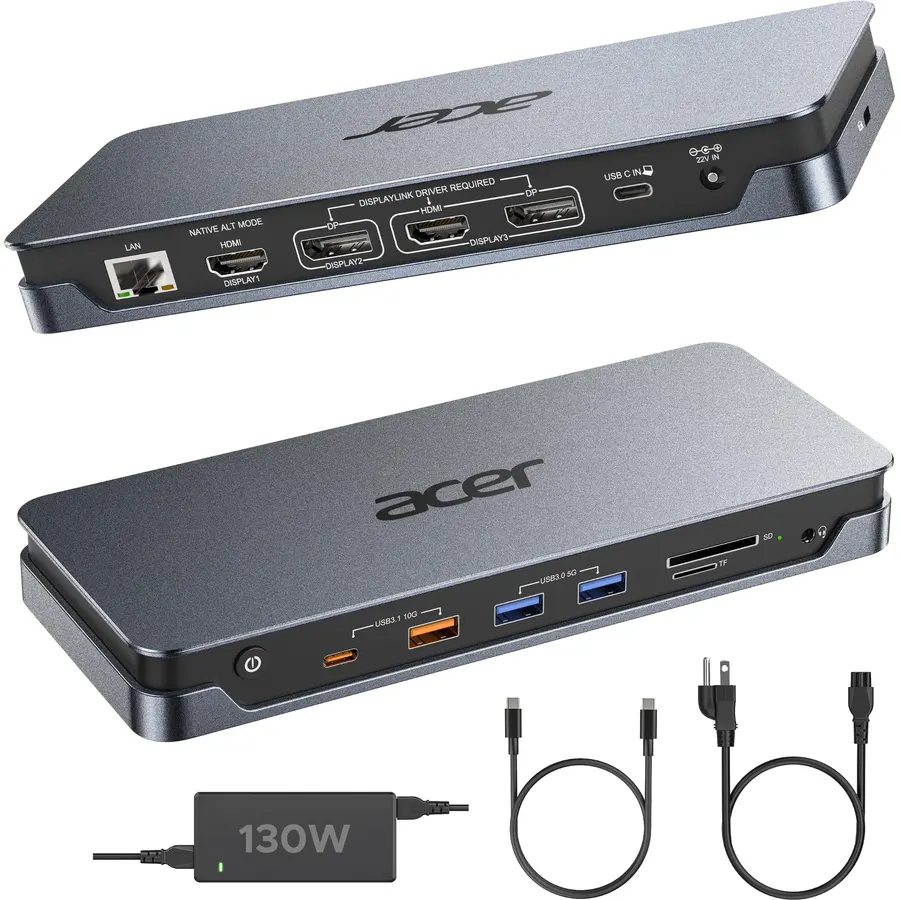 9.2
9.216 Versatile Connection Ports: All-in-one Acer docking station built for multi-screen office workflows, equipped with dual HDMI 2.0, dual DP
 8.0
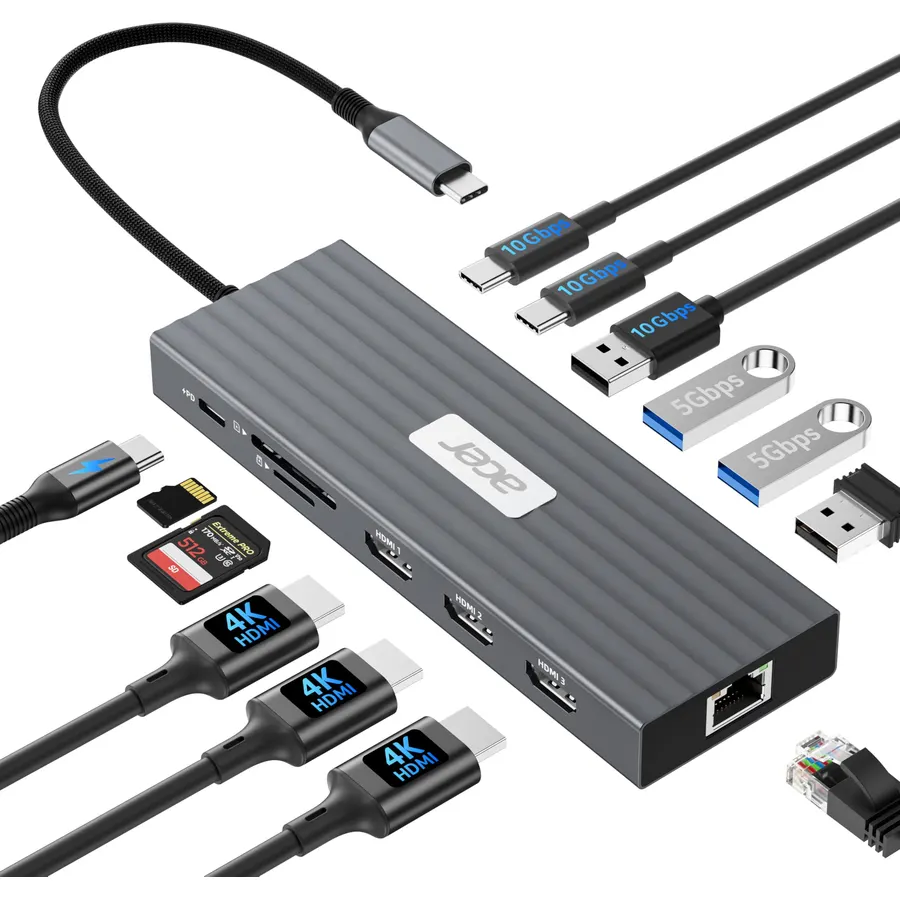
8.0【Versatile Docking Station】This Acer USB C docking station features 3 HDMI (4K@60Hz), 2 USB-C (10Gbps), 1 USB-A (10Gbps), 2 USB-A (5Gbps), 1
 8.2
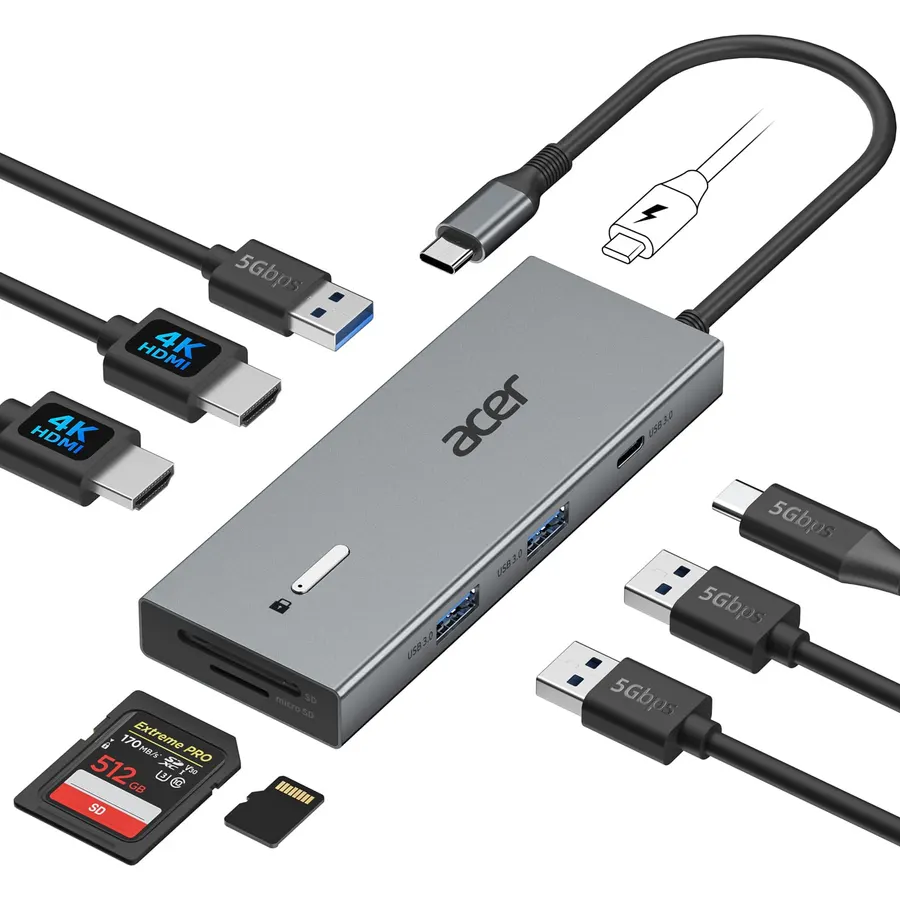
8.2【9-in-1 USB-C Docking Station】This Acer laptop docking station includes 2 HDMI(4K@60Hz), 3 USB-A (5Gbps), 1 USB-C (5Gbps), 100W PD charging,
 9.0
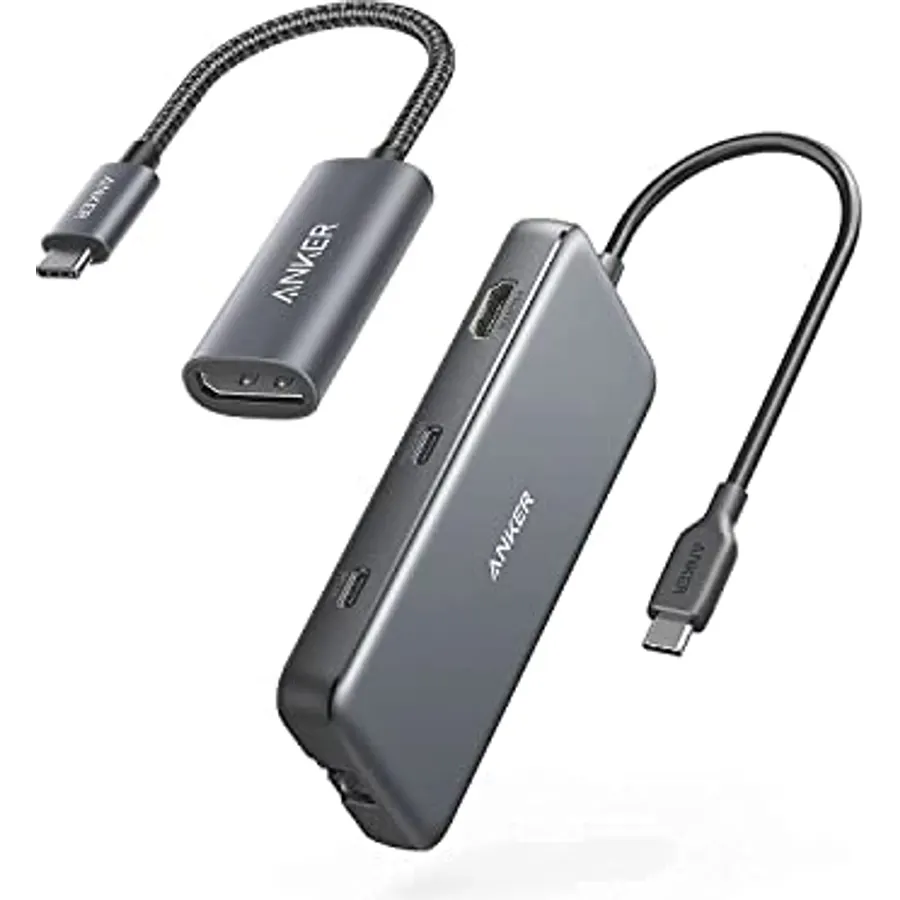
9.0The Anker Advantage: Join the 50 million+ powered by our leading technology.
 8.4
8.4Up to 4 4K monitors per HDMI 2.1, DP 1.4, USB-C and Thunderbolt 4 — ideal for creative, data, or AI work.
 9.8
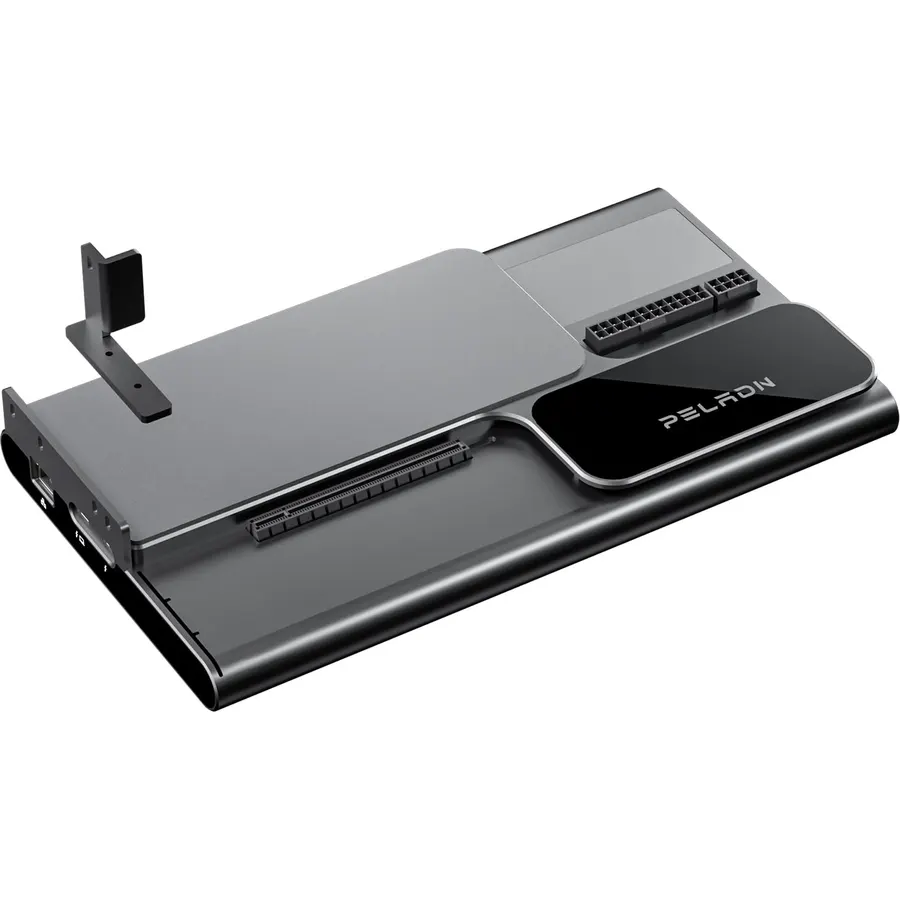
9.8【Dual Thunderbolt5 Link】: Supercharge your eGPU dock. This external GPU dock features a Thunderbolt5 UP Link that supports up to 140W PD for
 8.8
8.8USB C Laptop Docking Station 15 IN 1: the docking station 3 monitors features 2*HDMI 4K ports, 1*DP 8K ports, turn off button, compatible an
 8.6
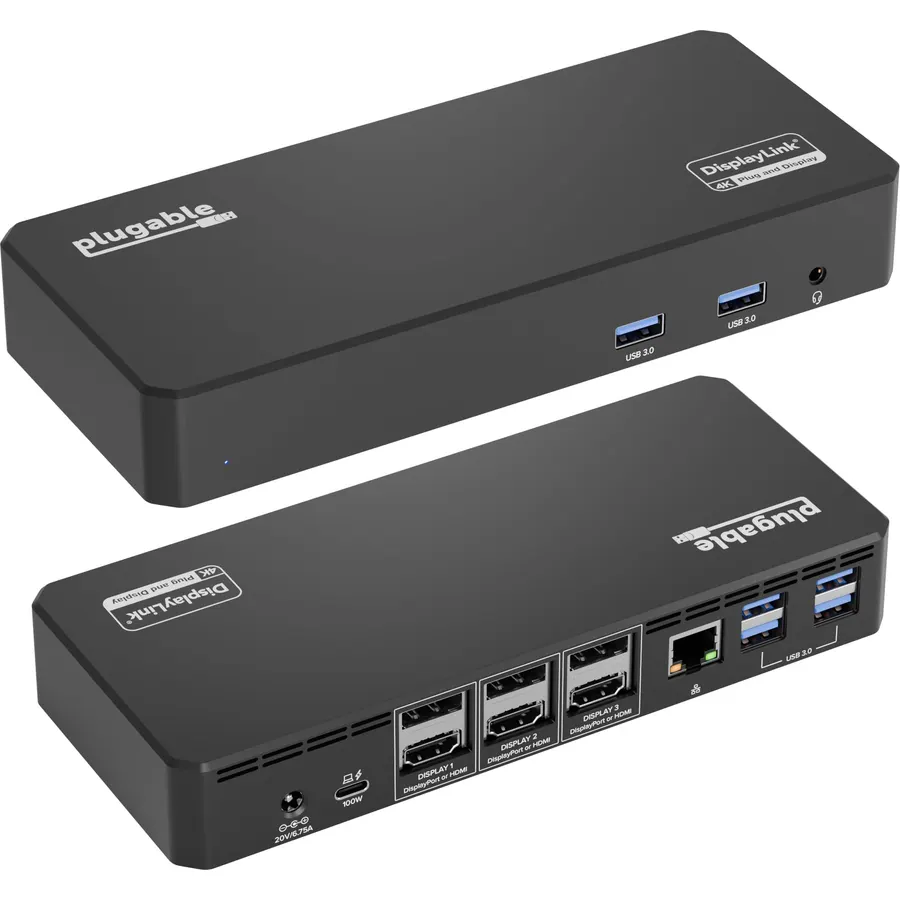
8.6Some laptops, and every base-model M-series MacBook, can only natively drive one external display.
 8.2
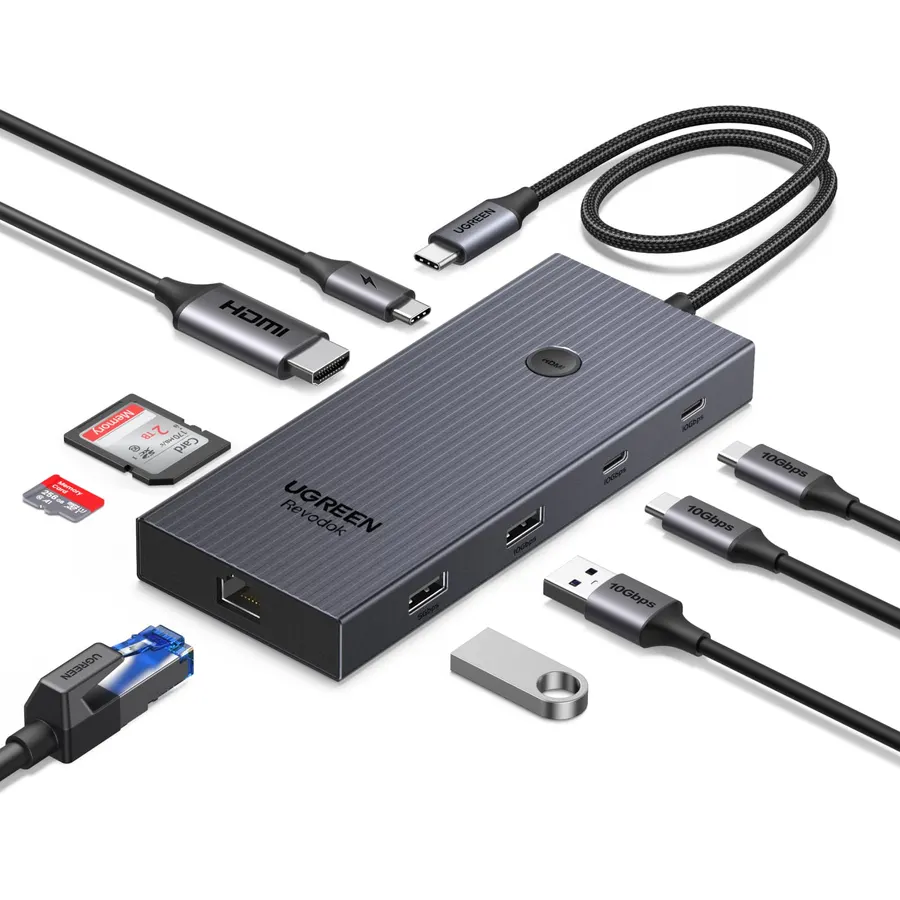
8.2If the Anker 555 is more than you want to spend, the Revodok Pro does almost the same job for less.
![[4 Pack] USB C Charger Block Fast Charging Multiport Wall Charger [PD 20W USB-C & QC 3.0 USB Port] for IP 15/14/13/12/11/X/8, i Pad, Sam Sung, Google, Galaxy & More](https://dobestdeals-img-0.pages.dev/4-pack-usb-c-charger-block-fast-charging-multiport-wall-char.webp) 9.2
9.2[2-in-1] Compatible with both USB Type-A and USB-C, this charger block can power up just about any smartphones, i Phone or And roid phone. I
 9.4
9.4Material: Zinc Alloy (lead and nickel free)
 8.8
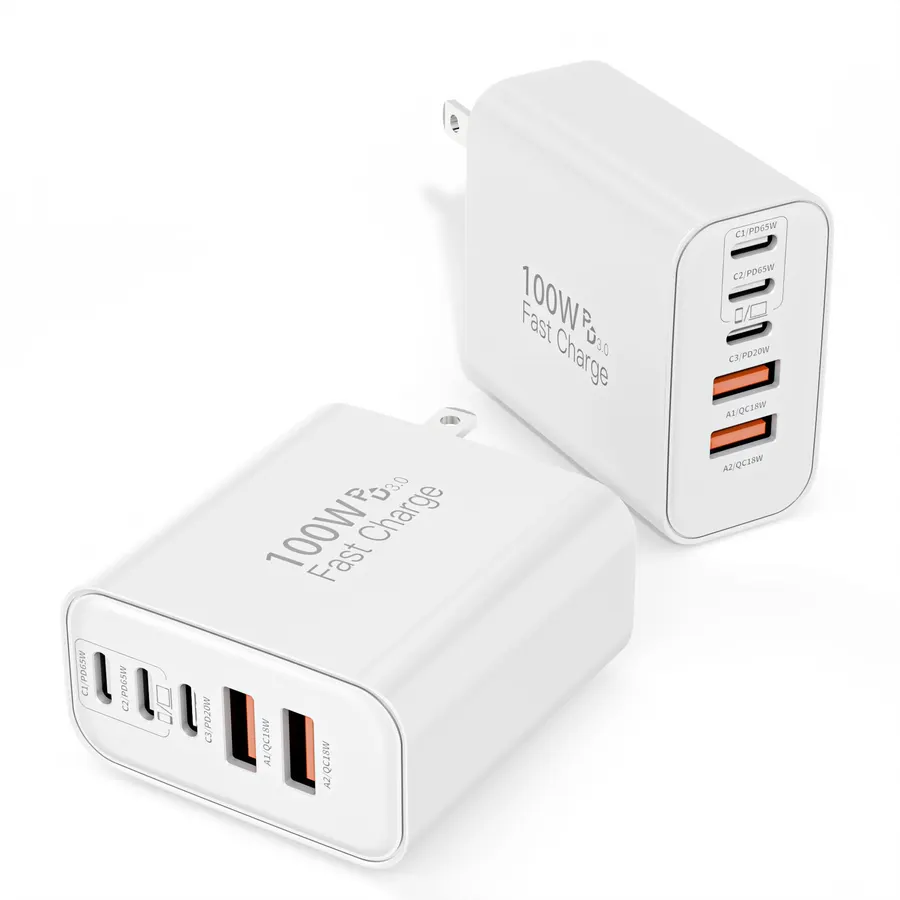
8.8[ 100W USB C Charger Fast Charging Blocks ] 5-port PD Fast USB C Charging Blocks is a USB wall charger equipped with 3 USB-C ports and 2 USB
 9.6
9.6The S2722QC has been our default recommendation for a plain, excellent 4K work monitor for a while now.
 8.0
8.02019 Dell G3 Gaming Laptop Computer
 9.8
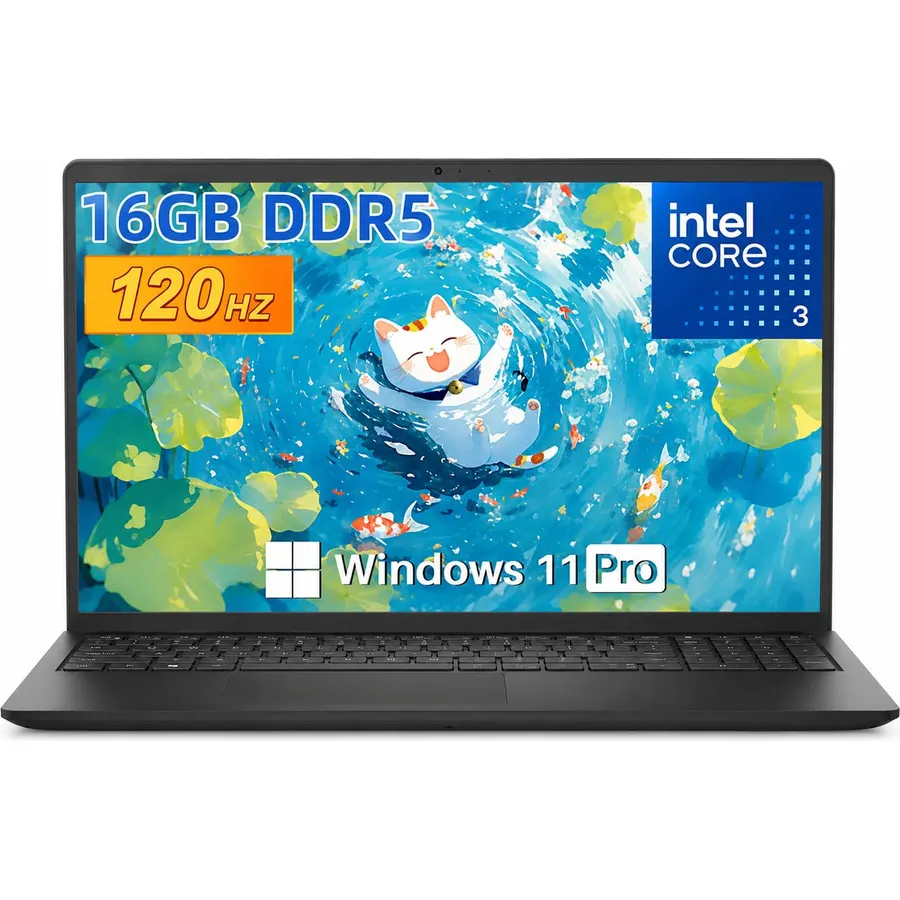
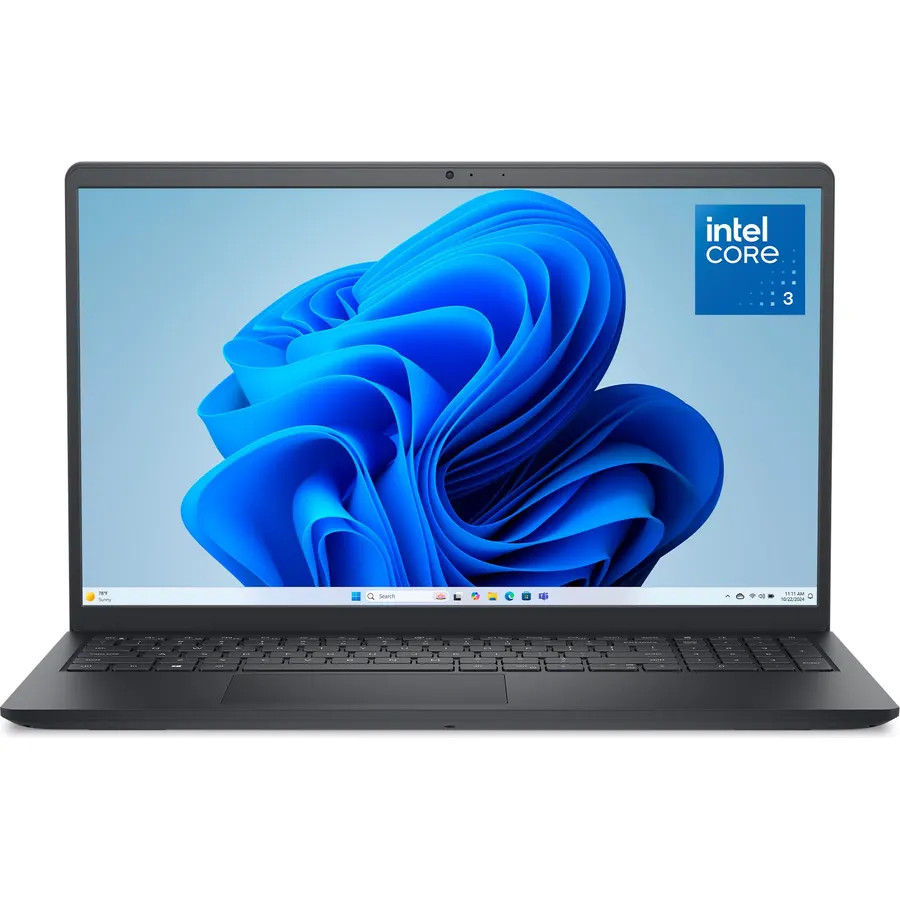
9.8【Everyday Power with Intel Core 3】Driven by the Intel Core 3 100U processor, this Dell 15 laptop features 6 cores, 8 threads, speeds up to 4
 9.6
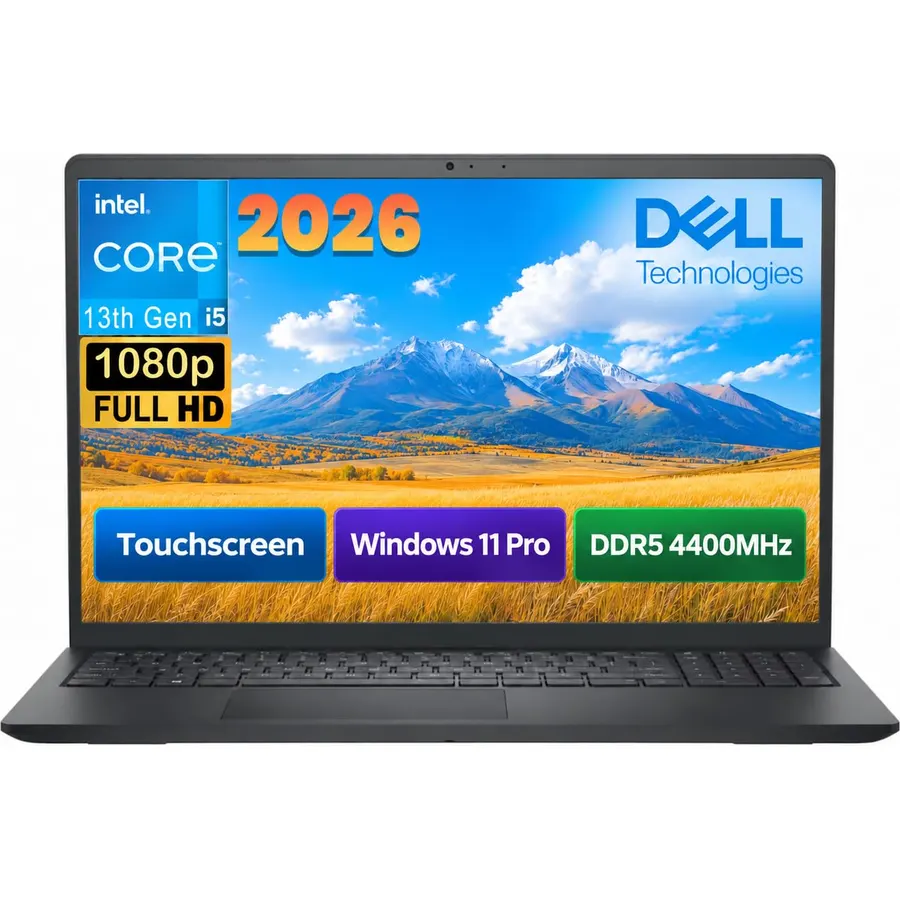
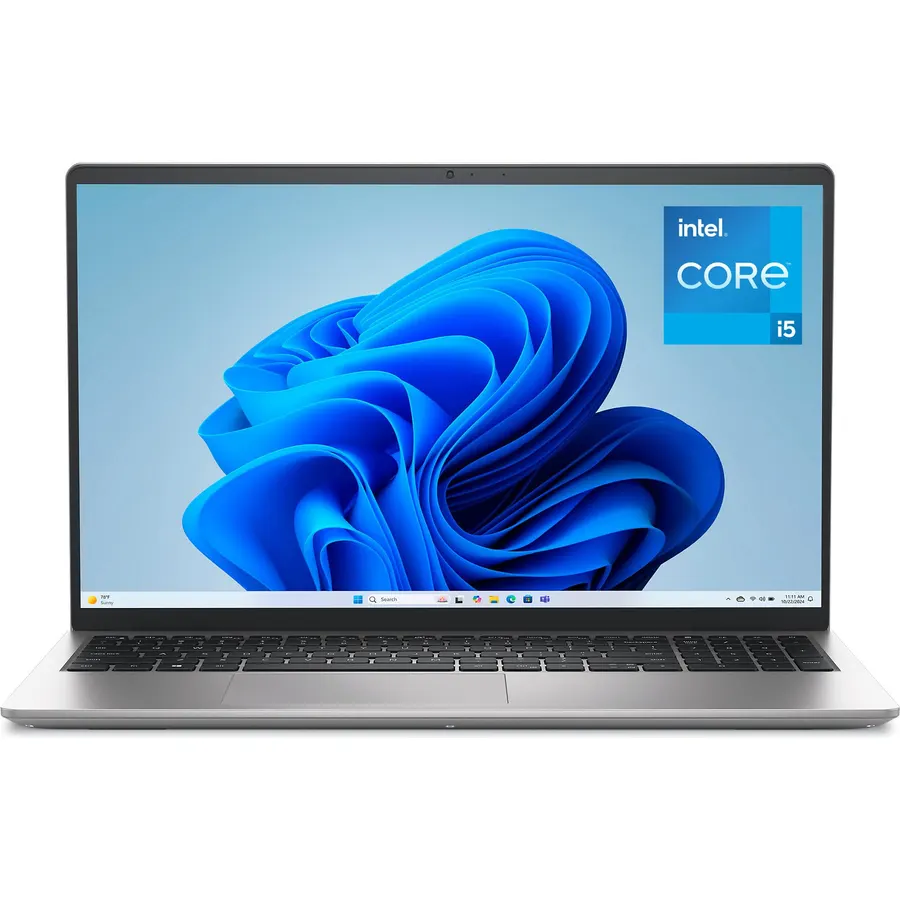
9.6**[Intel Intel 13th Gen Processor Performance]**Powered by the 13th Gen Intel 10-Core i5 processor (10 cores, 12 threads, up to 4.6GHz), thi
 8.6
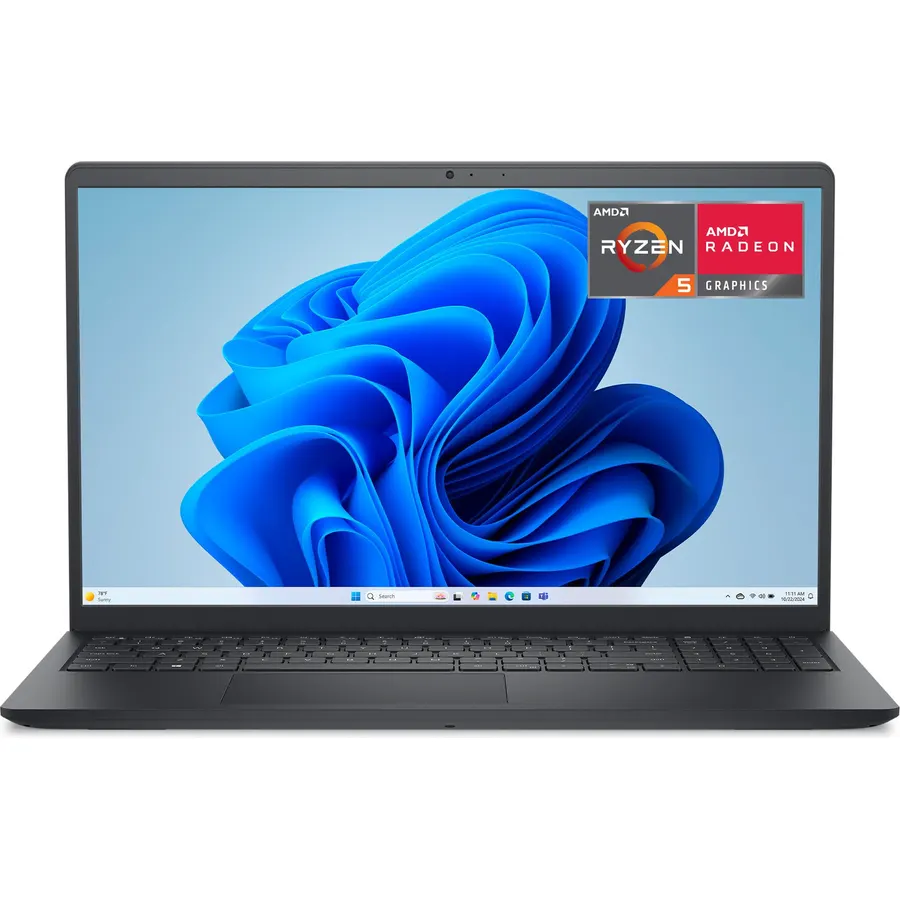
8.6Effortlessly chic. Always efficient. Finish your to-do list in no time with AMD Ryzen processors built for everyday computing.
 8.6
8.6Effortlessly chic. Always efficient. Finish your to-do list in no time with the Dell 15, built for everyday computing with Intel Core 3 proc
 9.8
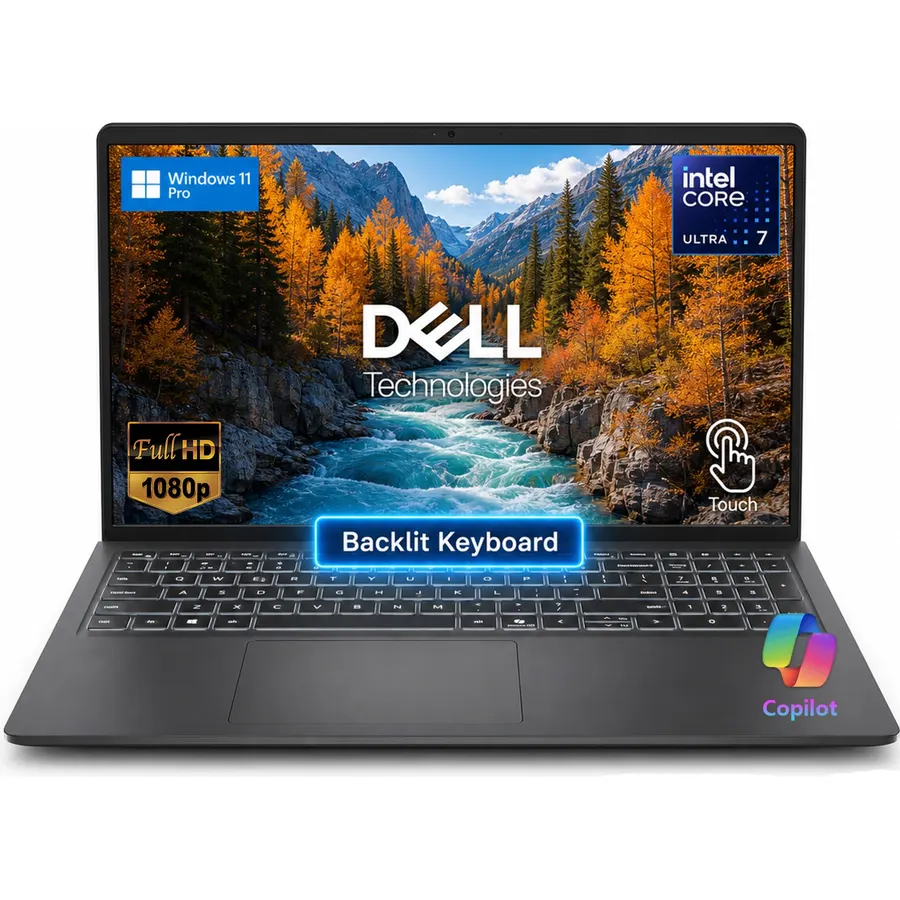
9.8[ELITE MULTITASKING] Powered by the Intel Ultra 7 255U processor featuring 12 cores and up to 5.2GHz turbo speed. Combined with 32GB DDR5 RA
 8.6
8.6Effortlessly chic. Always efficient. Finish your to-do list in no time with the Dell 15, built for everyday computing with Intel Core i5 pro
 8.5
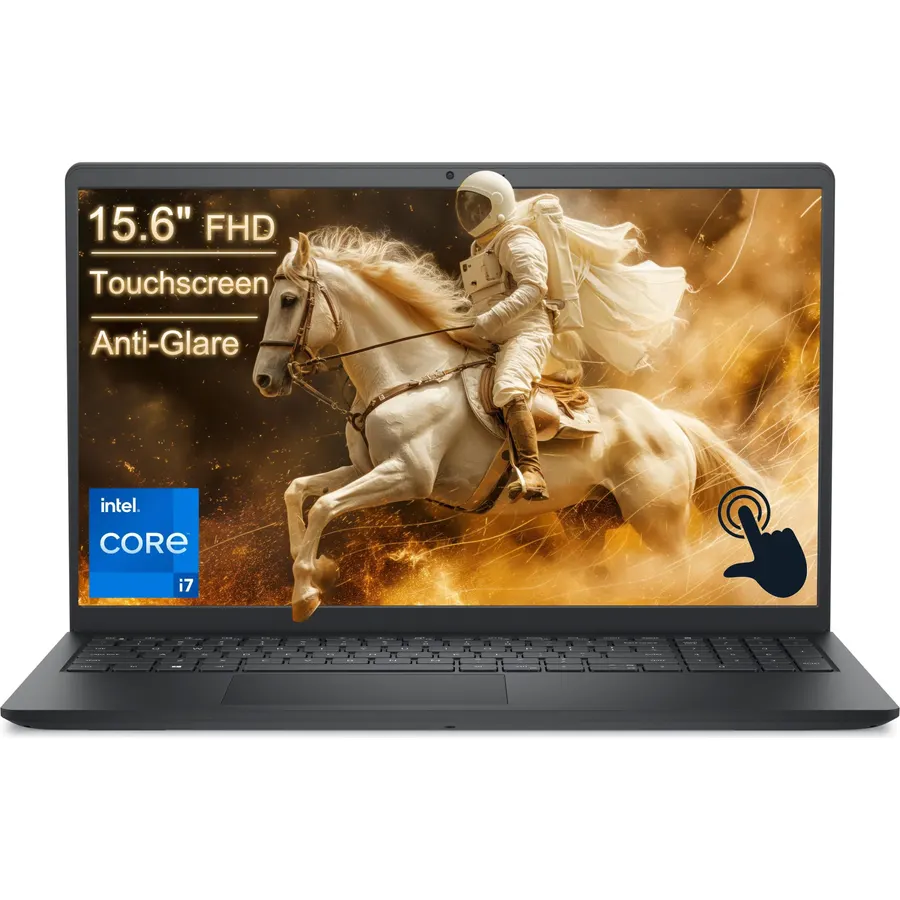
8.5Pro-Level Performance with 13th Gen Intel Core i7 Work faster and more efficiently with the Dell 15 laptop powered by the 13th Gen Intel Cor
 8.8
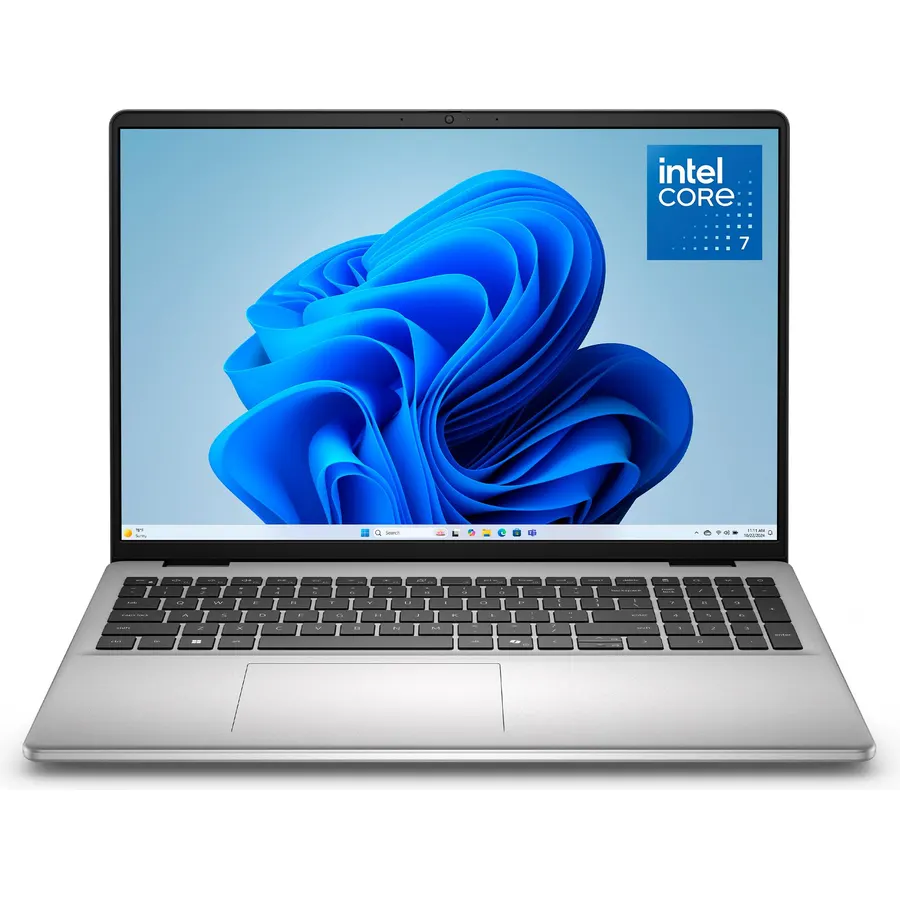
8.8Edge-to-edge clarity: Enjoy crisp, expansive visuals on a 16" screen with up to FHD+ and a 16:10 aspect ratio—delivering a wide, immersive v
 9.8
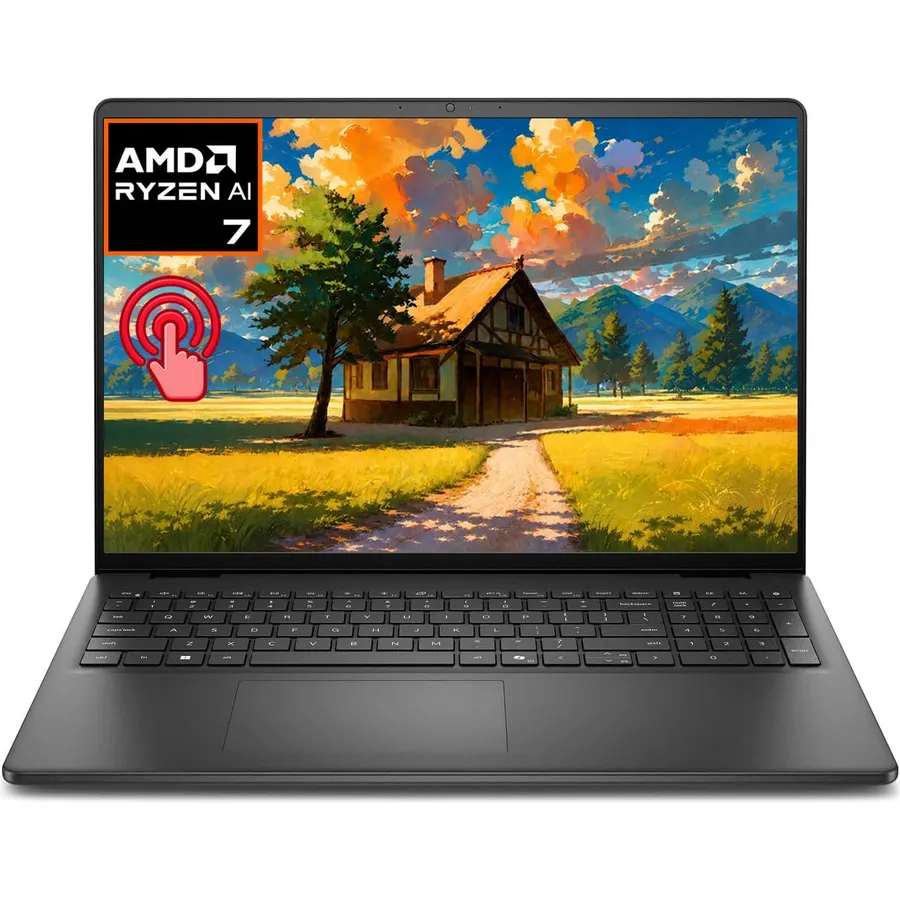
9.8【AMD Ryzen 7 AI Performance】 Built around the AMD Ryzen 7 250 processor, this Dell 16 laptop combines 8 cores, 16 threads, Zen 4 architectur
 5.8
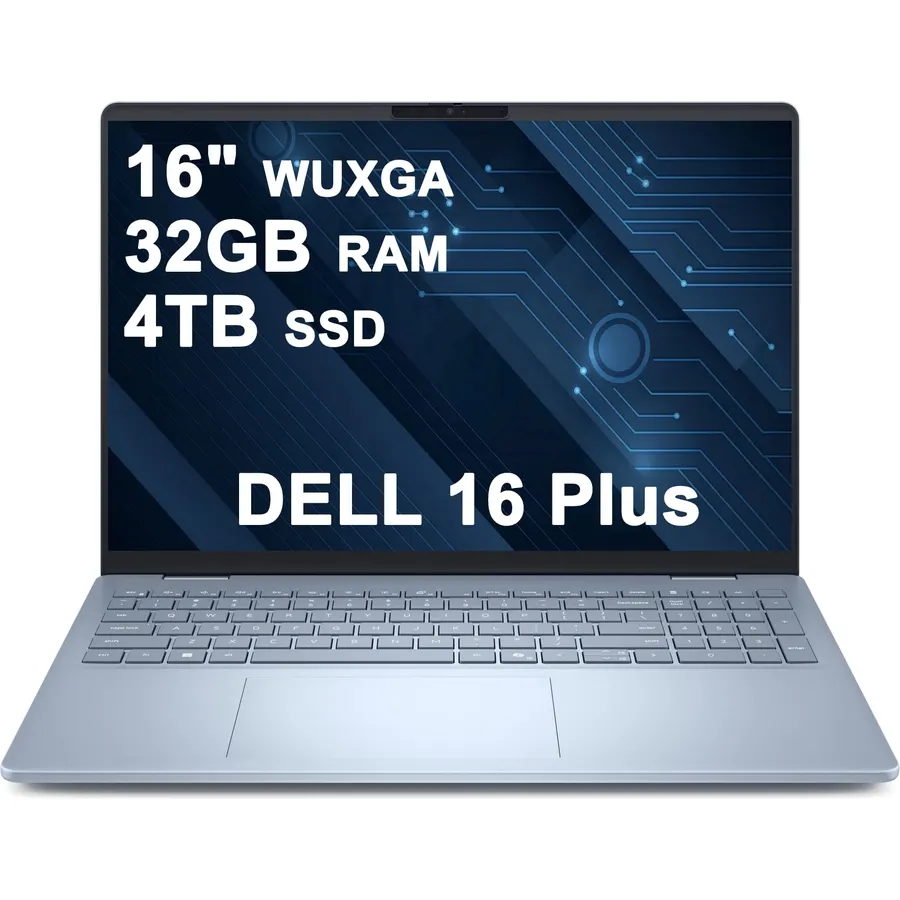
5.832gb ram | 4tb ssd
 8.5
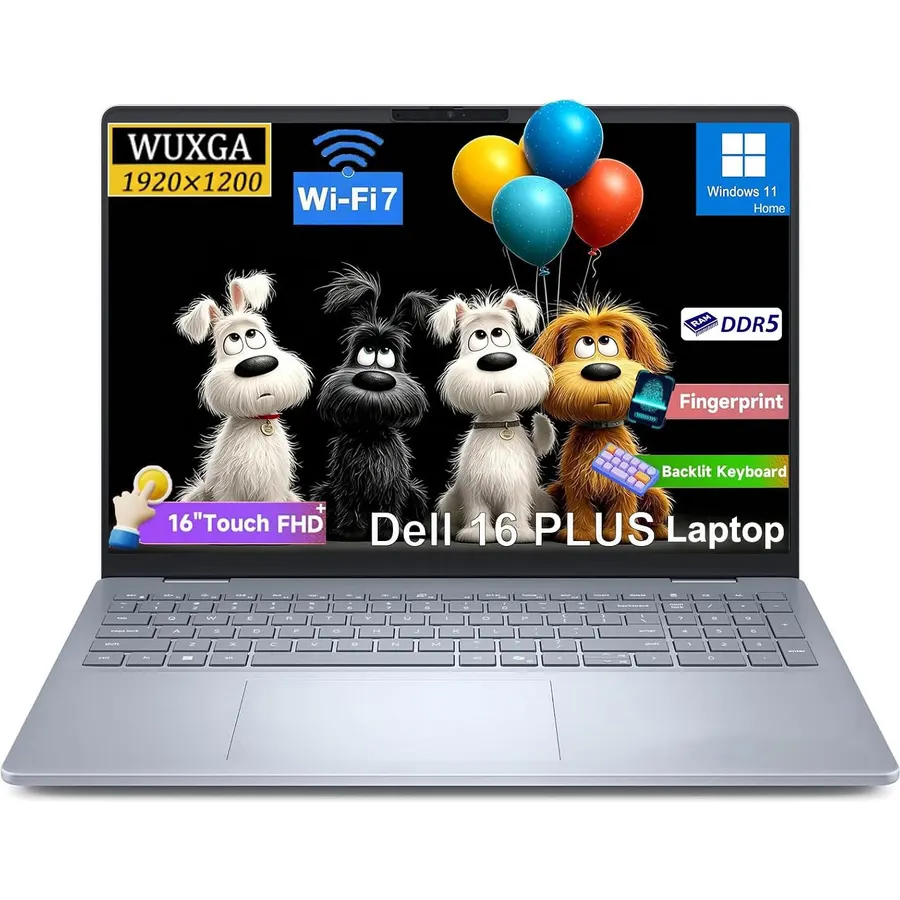
8.5✔ Immersive FHD Touch Display: Experience crisp, vibrant visuals on the 16" FHD+ (1920 x 1200 pixels) display. Besides, dell 16 plus laptop
 9.8
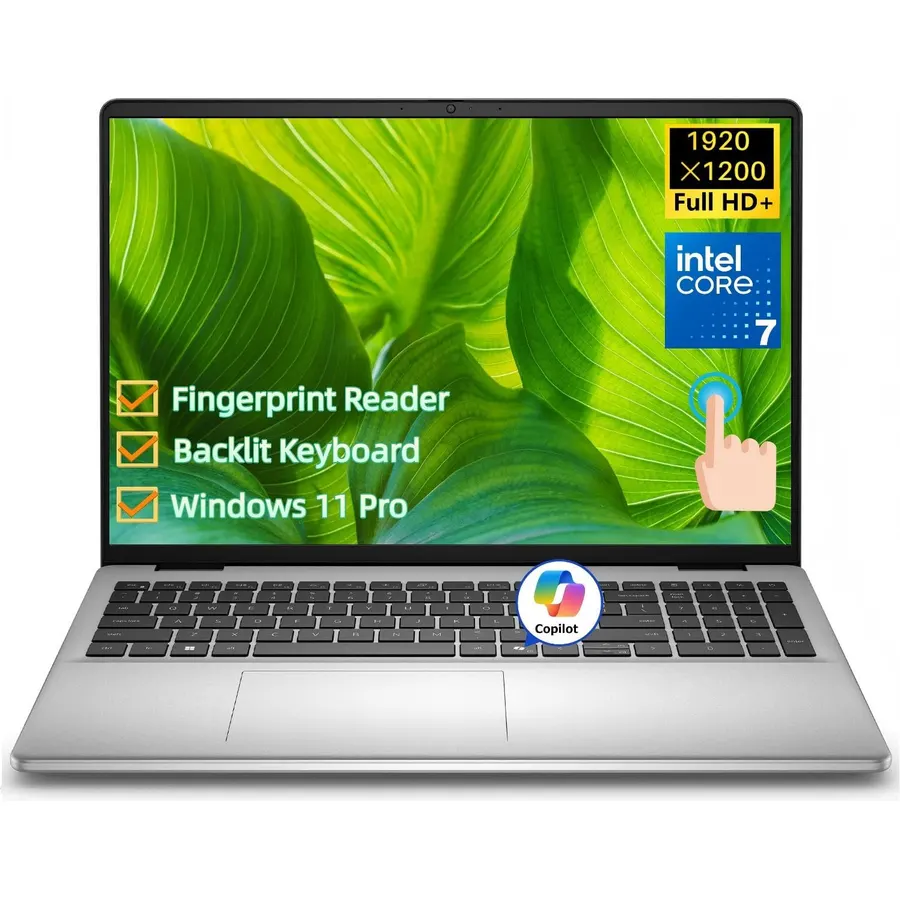
9.8Power Through Your Workday: Stay in the zone with the Intel Core 7 150U processor inside this Dell 16 laptop. Its 10-core design (2 performa