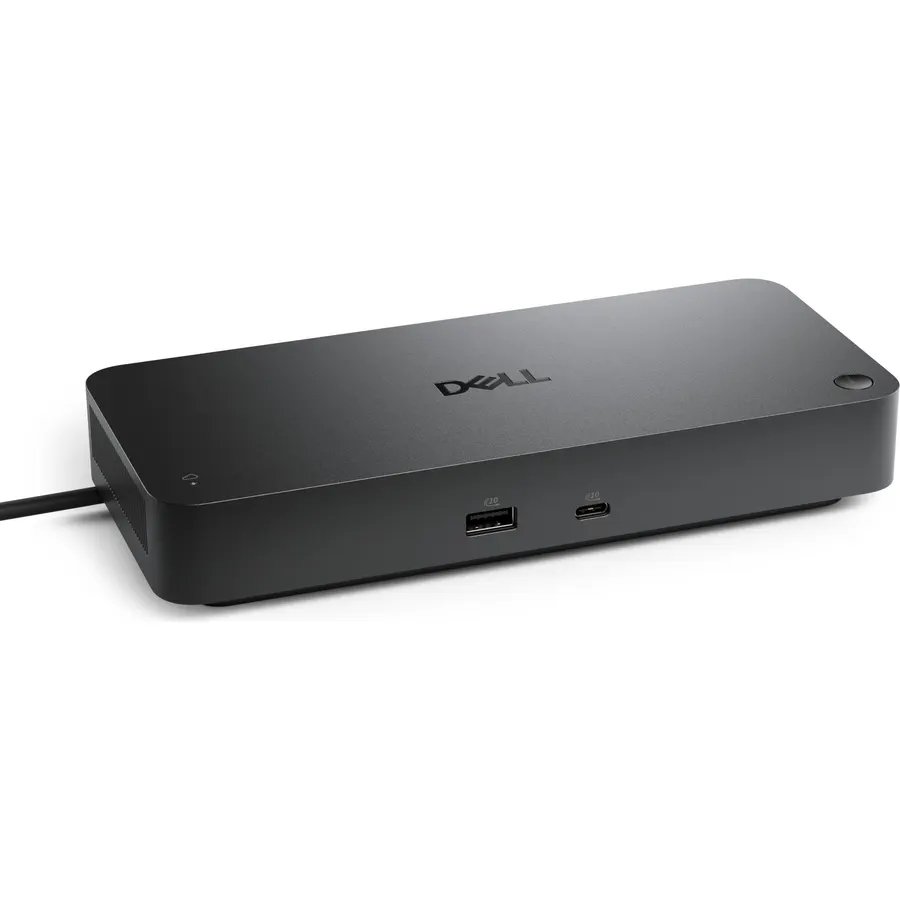
Up to 4 4K monitors per HDMI 2.1, DP 1.4, USB-C and Thunderbolt 4 — ideal for creative, data, or AI work.
Ranked #99 in Accessories · 4 things we like
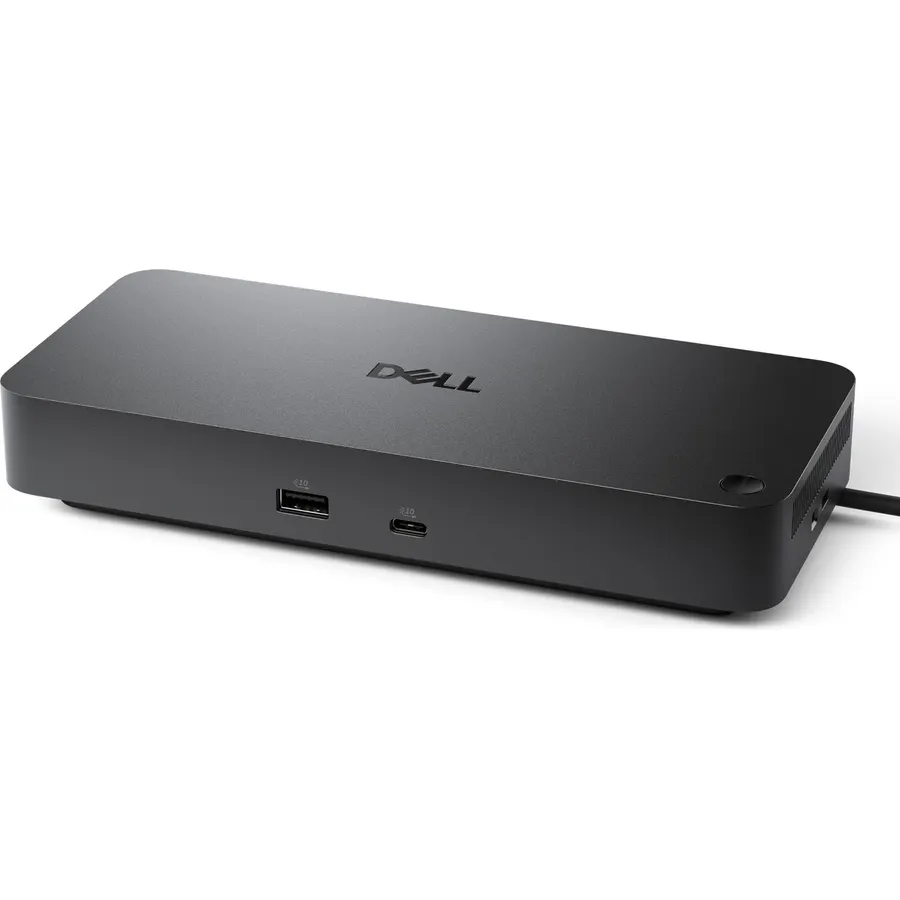
Quick answer The Dell Pro Thunderbolt 4 Smart Dock SD25TB4 scores 8.4/10 with us. Amazon owners rate it 4.2 out of 5 across 161 reviews, in line with the 4.3 average of the 7 docking stations we track. It was listed at $203.97 on Amazon when we last checked in September 2026. Key facts: minimum required operating system version Windows 10, total hdmi ports 1, total usb ports 6.
Boost your productivity with the Dell Pro Thunderbolt 4 Smart Dock SD25TB4. Supports up to 4 4K displays, offers 130W charging and advanced connectivity with Thunderbolt 4. Manage remotely over Wi-Fi with business security.
Its eco-friendly and compact design makes it ideal for demanding professionals.
Do Best Deal is a participant in the Amazon Services LLC Associates Program. As an Amazon Associate we earn from qualifying purchases. If you buy through links on this site we may earn a commission, at no extra cost to you. Learn more.
Product information
19 specifications
Brand
Dell
Color
Black/White
Compatible Devices
Laptops, tablets, smartphones, and other portable devices with USB-C, Thunderbolt 4, HDMI, DP 1.4
Global Trade Identification Number
05397184961797
Hardware Interface
DisplayPort, Ethernet, HDMI, Thunderbolt 4, USB, USB Type C
Item Dimensions L x W x H
1.39"L x 3.54"W x 8.07"H
Item Weight
580 g
Mfr Part Number
SD25TB4
Minimum Required Operating System Version
Windows 10
Model Number
SD25TB4
Number of Items
1
Number of Packs
1
Number of Ports
12
Product Dimensions
1.39"L x 3.54"W x 8.07"H
Total HDMI Ports
1
Total Number of HDMI Ports
1
Total USB Ports
6
Unit Count
1 Count
Wattage
180 watts
Pros & cons
What we like
POWERFUL MULTIDISPLAY SUPPORT: Up to 4 4K monitors per HDMI 2.1, DP 1.4, USB-C and Thunderbolt 4 — ideal for creative, data, or AI work.
130W USB-C CHARGING PERFORMANCE: Up to 130W for Dell and 96W for others — fast, efficient, no cable mess.
THUNDERBOLT 4 SPEED AND CONNECTIVITY: Dual data port, dual 4K video and chain up to 6 devices.
REMOTE WI-FI MANAGEMENT: Manage docks without PC with Dell Console and Intel AMT, via Wi-Fi.
What could be better
Dell Pro Thunderbolt 4 Smart Dock SD25TB4: questions & answers
Is the Dell Pro Thunderbolt 4 Smart Dock SD25TB4 worth buying?
Yes, for most buyers it is a safe choice. We score the Dell Pro Thunderbolt 4 Smart Dock SD25TB4 8.4 out of 10. Amazon owners rate it 4.2 out of 5 across 161 reviews, in line with the 4.3 average of the 7 docking stations we track.
How much does the Dell Pro Thunderbolt 4 Smart Dock SD25TB4 cost?
It was listed at $203.97 on Amazon when we last checked in September 2026. That is more than the $66.99 median for docking stations in our catalog. Amazon prices change daily, so use the price button on this page to see the current figure.
What are the key specs of the Dell Pro Thunderbolt 4 Smart Dock SD25TB4?
Minimum Required Operating System Version: Windows 10; Total HDMI Ports: 1; Total USB Ports: 6. All 19 specifications are in the product information table on this page.
What are good alternatives to the Dell Pro Thunderbolt 4 Smart Dock SD25TB4?
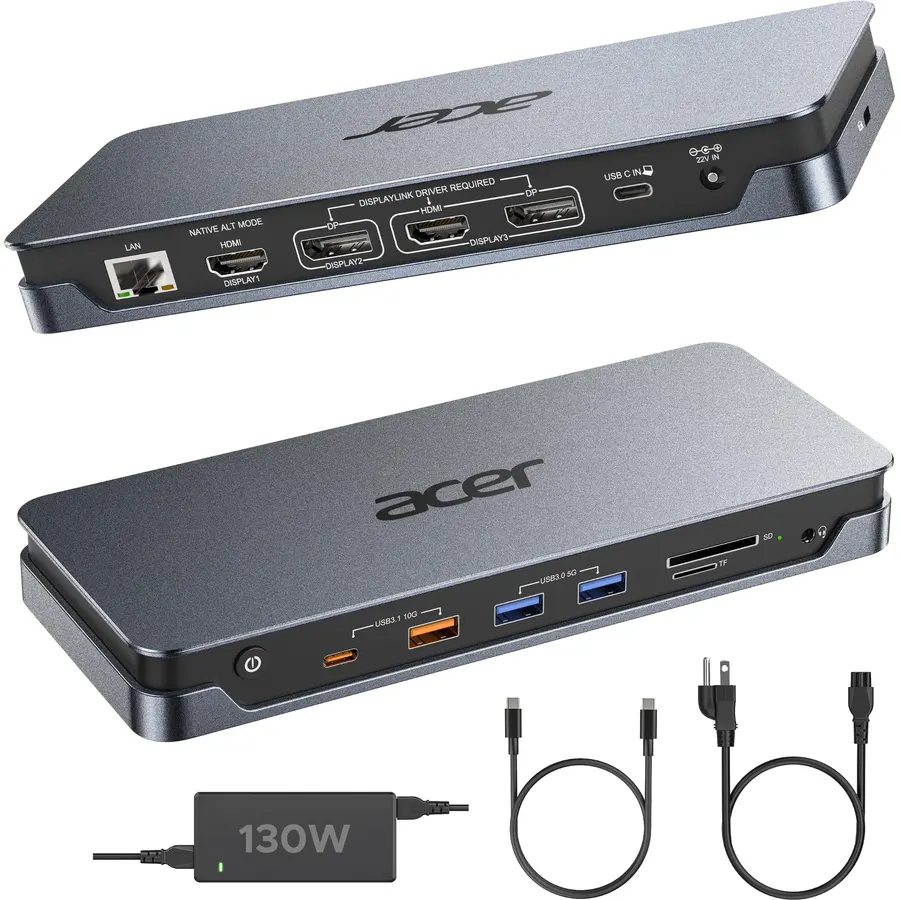
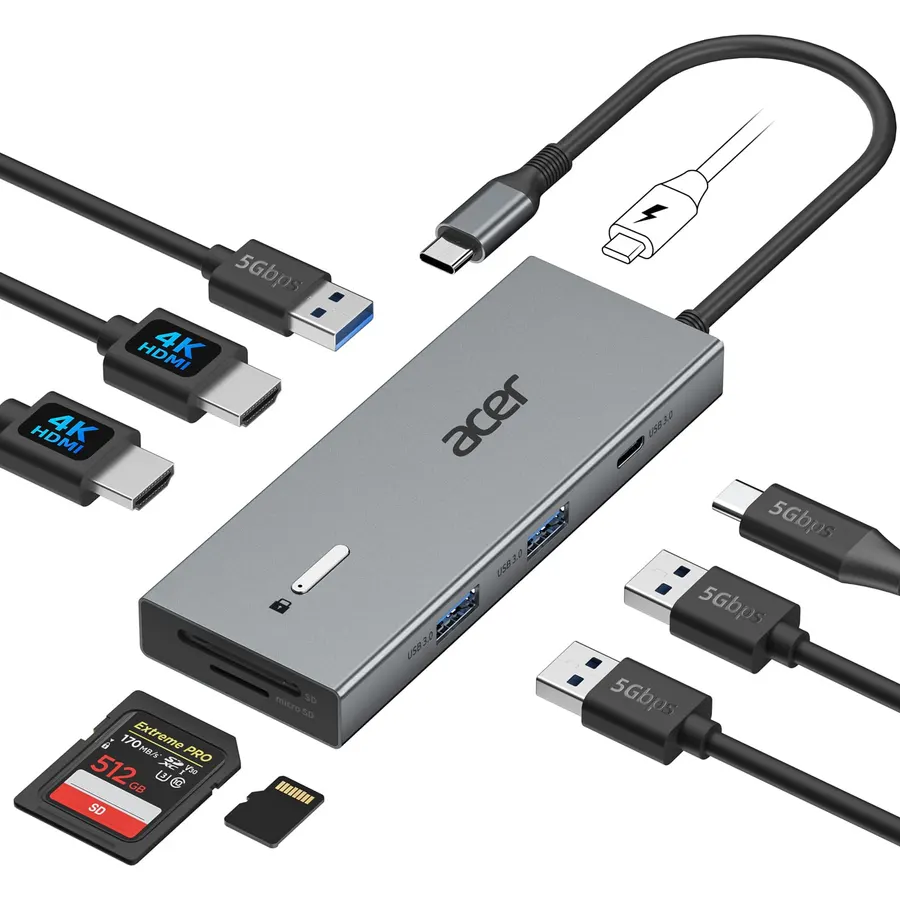
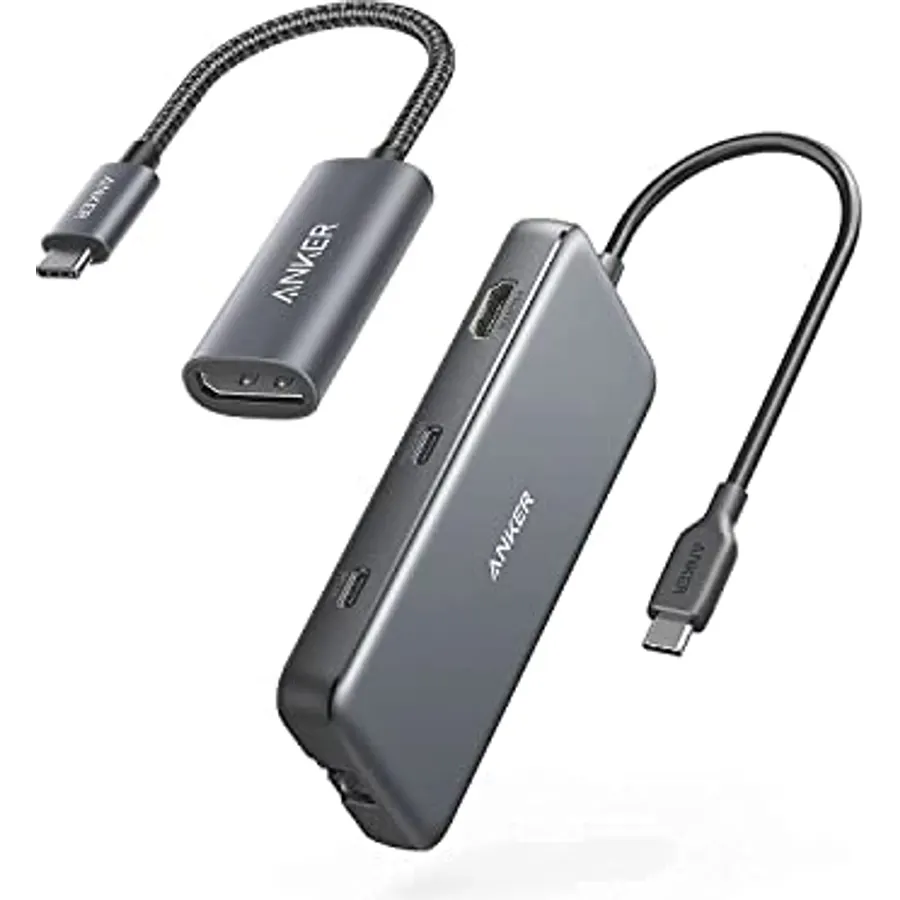
Similar, well-rated docking stations in our catalog: Dell Pro Laptop Docking Station WD25 (9.0/10, 4.5 stars from 318 owners); Acer USB-C Docking Station Dual Monitor (8.2/10, 4.1 stars from 2,487 owners); Anker Laptop Docking Station Dual Monitor (9.0/10, 4.5 stars from 35,140 owners).
Breakdown from the 10 most helpful reviews we imported.
D
Danila Fedorin
Verified purchaseAugust 22, 2026
Finally a working one-cable dock.
Pricey but worth it. Plug-and-play with my MacBook Pro, drives two monitors at 60hz (I assume it can drive more, but I don't have that many!), supplies steady charge and has back-facing USB slots into which I've plugged my keyboard, mouse, and microphone. Works like a charm.
Y
Ysabel
Verified purchaseAugust 21, 2026
Easy setup and functionality out of the box. Highly recommend depending on your needs.
Out of the box, I had to update the firmware of several components. (Dell has a comprehensive firmware update utility available on their website) Easy setup and functionality is great. A less expensive alternative to the SD25TB5 depending on your needs.
A
Amazon Customer
Verified purchaseAugust 29, 2026
Had I bought it.
I put off getting a docking station for years, but due to trying to travel with my computer and an auxiliary monitor I found I had to get something. I started out with a portable travel dock however, it did not have enough amperage to power the monitor and turned out being a mess. So I bought this. It works beautifully. I have an auxiliary monitor, auxiliary scanner, mouse, and my laptop plugged into it and everything works great. It is small enough to pack in my backpack and take with yet powerful enough to make everything work.
B
Brian
Verified purchaseNovember 11, 2025
Dock Fails to Negotiate Above 100Mbps Speeds And Needs Device Reset to Restore
Recommend that you not purchase this item until Dell fixes the firmware. I am running this dock with a Dell XPS-15 laptop which is one of their supported devices as it does have a Thunberbolt 4 USB port. My main two uses of this dock is to have convenient access for a single USB-C to have the needed XPS power passed to the laptop and full ethernet speed of my network (2.5 Gbps). I continue to run into a difficult to reproduce issue that the network adapter keeps reverting to 100/100 Mbps. After verifying that all drivers and firmware on the dock are up to date, Dell told me a procedure to "har
A
Amazon Customer
Verified purchaseJuly 23, 2026
Great hardware, but a massive power brick and silent feature locks hold it back
Overall, the Thunderbolt 4 Smart Dock is a remarkably capable piece of hardware. When it's up and running under optimal conditions, it handles high-resolution displays effortlessly and delivers top-tier throughput that really speeds up my workflow. That said, a couple of design quirks and quiet restrictions keep it from being perfect.First, the power supply brick is massive—it’s literally the exact same size as the dock itself. Trying to find a place for it under the desk or squeeze it into standard cable management trays is a real headache. It effectively doubles the physical footprint of the
R
Rick G
Verified purchaseOctober 14, 2025
Provides flexibility and speed
I've owned all the docking stations and travel companions that Dell has made including the original laptop dock that had a proprietary plug/bus on the bottom of the machine (my favorite). This Dock is really great too!The speed of the two Thunderbolt ports is really great and I've had Windows tell me that I should be using a Thunderbolt when I plugged into a USB-C port on the computer that was not similarly equipped. Its a difference maker.I have not yet used the dock as a power supply for any peripherals or the machine but it seems like a no brainer that I will forget a cord or have one die s
D
Didi
Verified purchaseAugust 19, 2026
Excellent dock station by Dell
Excellent dock station by Dell.
F
Florida Customer
Verified purchaseSeptember 4, 2026
A great way to bring all components together.
Plenty of power easy to install. All accessories work awesome and all easy to connect. Size is perfect,
Customer reviews are shown as published on Amazon and are not written by Do Best Deal.
More accessories we compared
Alternatives to the Dell Pro Thunderbolt 4 Smart Dock SD25TB4
![[4 Pack] USB C Charger Block Fast Charging Multiport Wall Charger [PD 20W USB-C & QC 3.0 USB Port] for IP 15/14/13/12/11/X/8, i Pad, Sam Sung, Google, Galaxy & More](https://dobestdeals-img-0.pages.dev/4-pack-usb-c-charger-block-fast-charging-multiport-wall-char.webp)