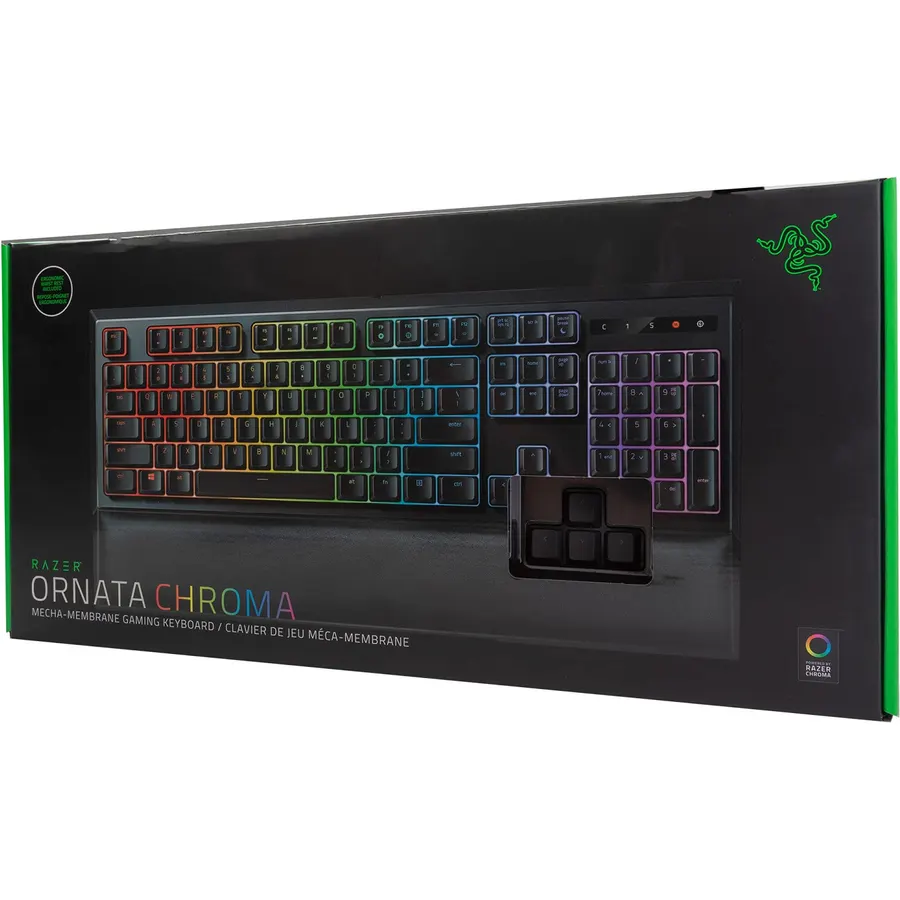
High-Performance Mecha-Membrane Switches Provides the tactile feedback of mechanical key press on a comfortable soft-cushioned membrane rubb
Connectivity TechnologyWired - AttachedKeyboard LayoutQWERTYSwitch TypeTactileTotal USB 2.0 Ports1
About this item
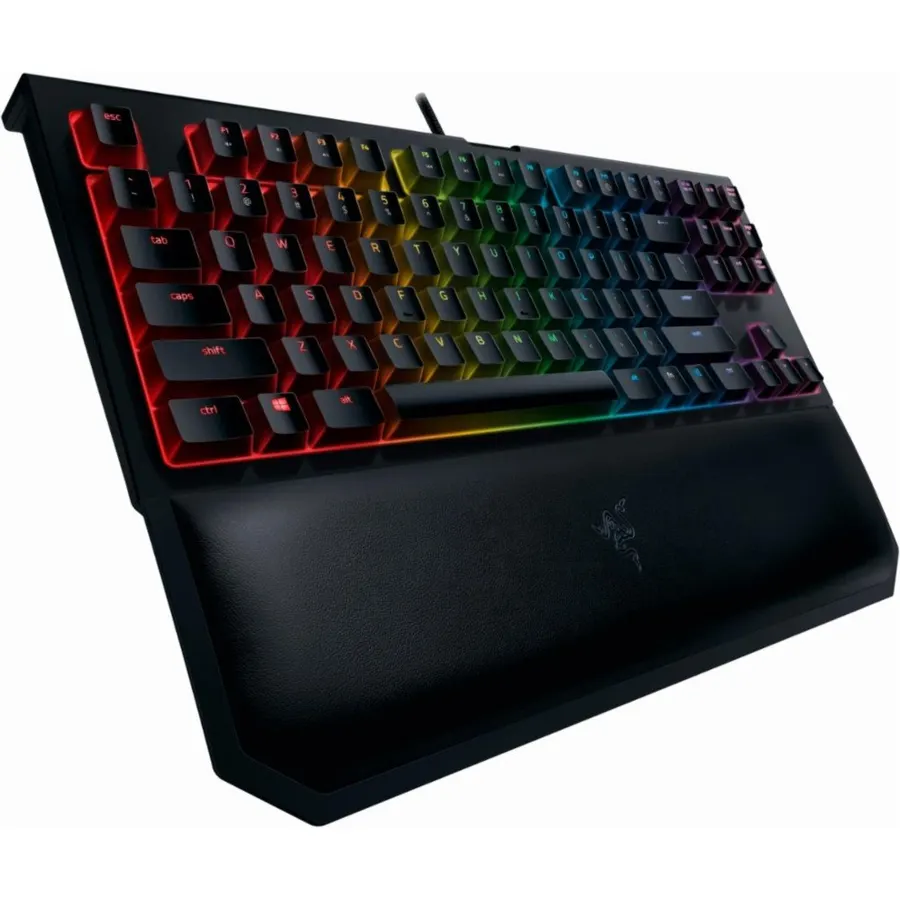
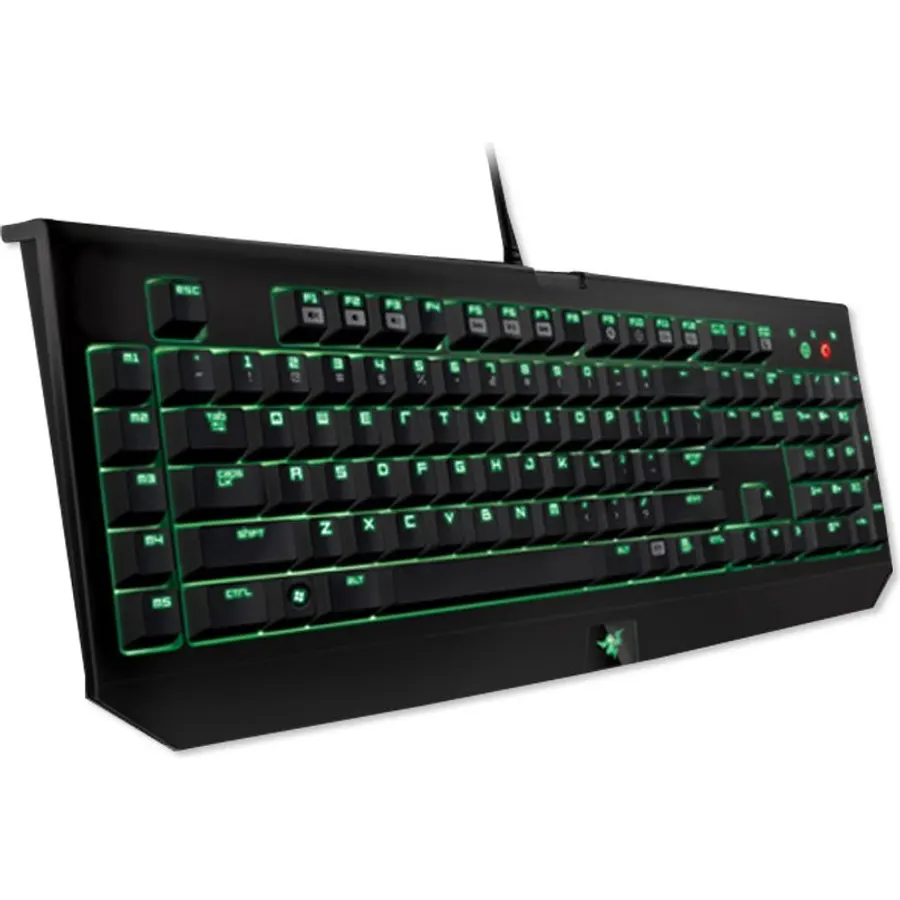
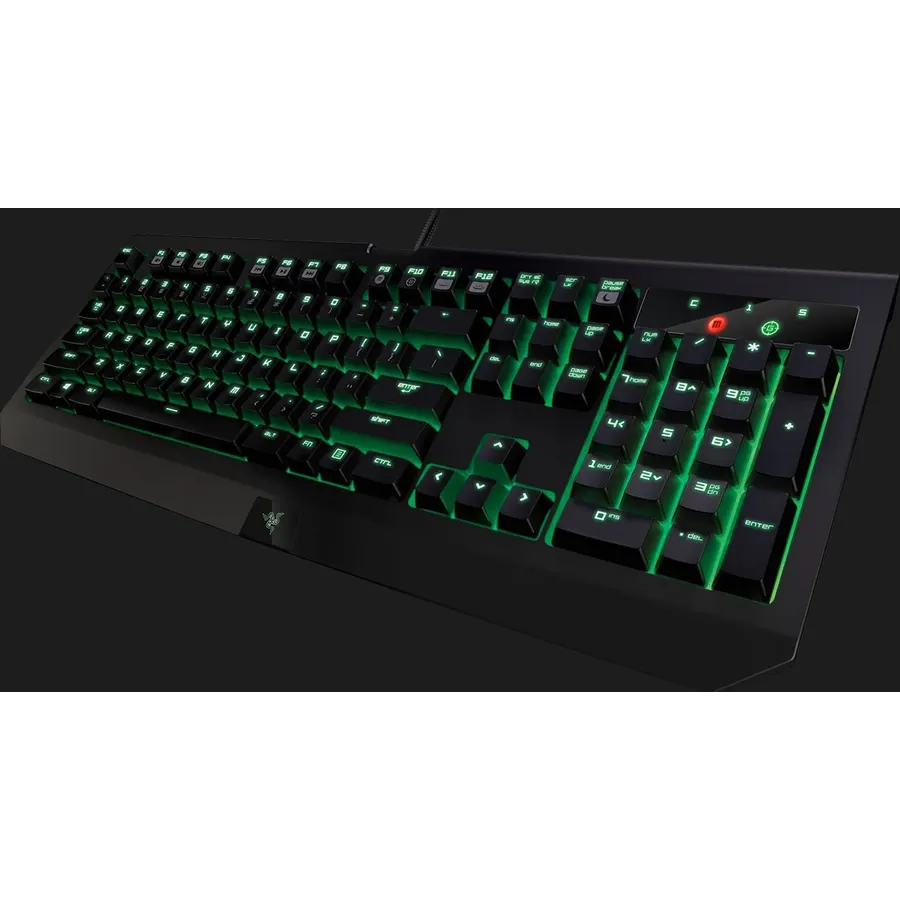
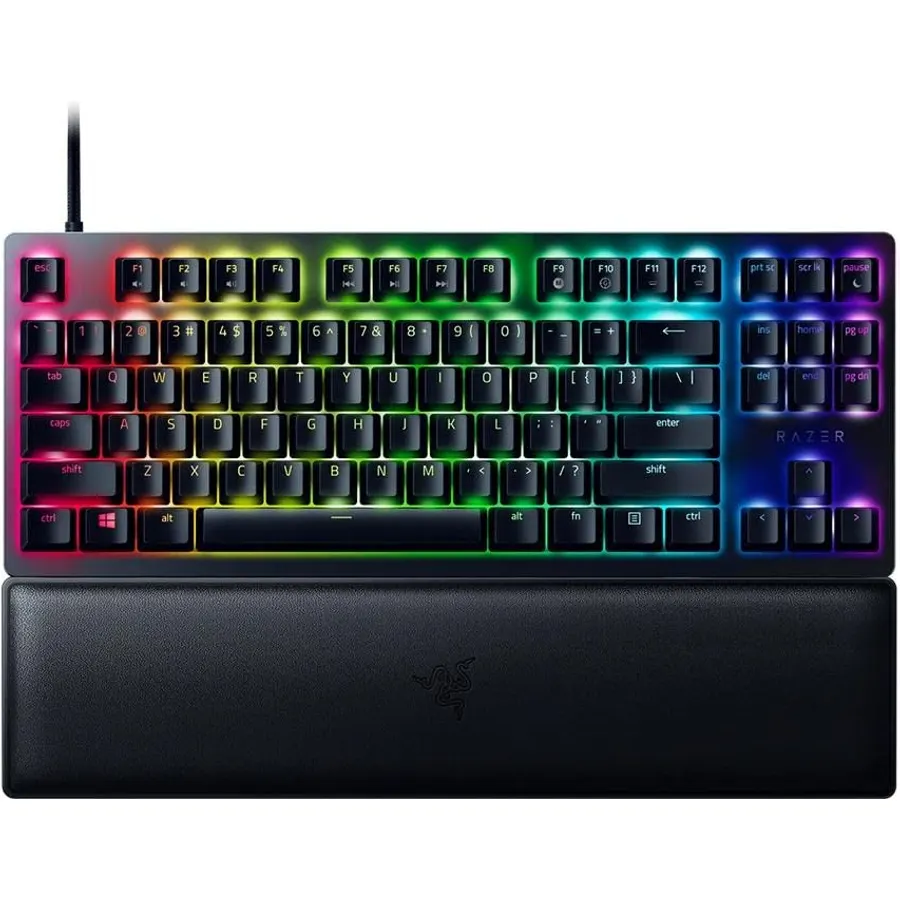
High-Performance Mecha-Membrane Switches Provides the tactile feedback of mechanical key press on a comfortable soft-cushioned membrane rubber dome switch suitable for gaming
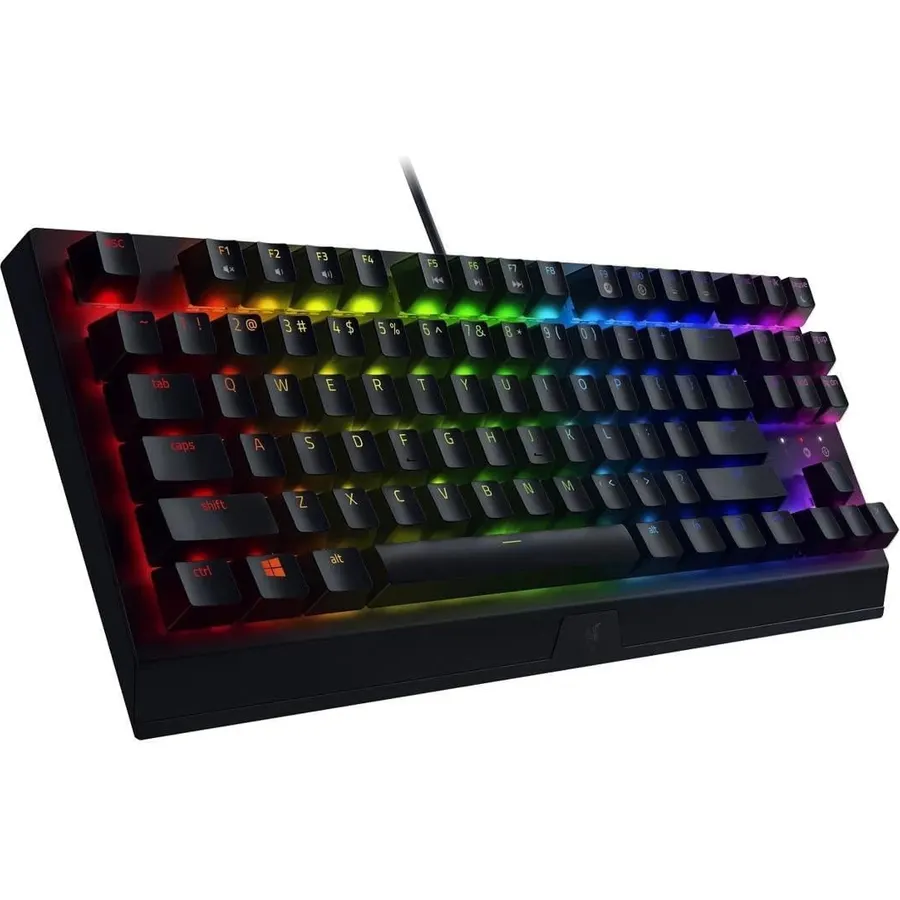
Ultimate Personalization & Gaming Immersion with Razer Chroma Fully syncs with popular games Razer hardware Philips Hue and gear from 30 plus partners supports 16 8 million colors on individually backlit keys.Keycaps:Regular ABS
Fully Programmable Macro Support Razer Hypershift allows for all keys and keypress combinations to be remapped to execute complex commands
Ergonomic Magnetic Wrist Rest Made of soft-touch leatherette to maximize comfort over extended gaming sessions with built-in magnets for convenient alignment
Durable Construction Supports up to 80 million clicks backed by a 2-year
High-Performance Mecha-Membrane Switches Provides the tactile feedback of mechanical key press on a comfortable soft-cushioned membrane rubb
Ranked #99 in Keyboards · 4 things we like
Quick answer The Razer Ornata Chroma Gaming Keyboard: Hybrid scores 9.4/10 with us. Amazon owners rate it 4.7 out of 5 across 11,026 reviews, above the 4.4 average of the 42 gaming keyboards we track. Key facts: connectivity technology Wired - Attached, keyboard layout QWERTY, switch type Tactile.
The Razer Ornata Chroma features the all-new Razer Mecha-Membrane that combines the best of both membrane rubber domes and mechanical switches to deliver a typing experience unlike anything before. While traditional rubber dome keyboards are known for their soft cushioned touch, they fail to deliver accurate tactility due to their mushy feel and lack of actuation control. On the other hand, mechanical switches deliver fast actuations and distinct tactile feedback but cause fatigue during extended gaming sessions.
Do Best Deal is a participant in the Amazon Services LLC Associates Program. As an Amazon Associate we earn from qualifying purchases. If you buy through links on this site we may earn a commission, at no extra cost to you. Learn more.
Product information
24 specifications
Additional Features
Backlit, Ergonomic, Inter Device Syncronization, Wrist Rest
Antenna Location
Gaming
Brand
Razer
Built-In Media
Wrist Rest
Button Quantity
6
Color
Black
Compatible Devices
PC
Connectivity Technology
Wired - Attached
Enclosure Material
Acrylonitrile Butadiene Styrene, Rubber
Global Trade Identification Number
00814855022670
Hand Orientation
Ambidextrous
Item Dimensions L x W x H
18.2"L x 6.7"W x 1.3"H
Keyboard Backlighting Color Support
RGB
Keyboard Description
Gaming
Keyboard Layout
QWERTY
Model Name
Ornata
Model Number
Ornata Chroma Gaming Keyboard
Number of Keys
110
Number of Sections
1
Power Source
DC power supply
Style Name
Modern
Switch Type
Tactile
Total USB 2.0 Ports
1
Unit Count
1 Count
Pros & cons
What we like
High-Performance Mecha-Membrane Switches Provides the tactile feedback of mechanical key press on a comfortable soft-cushioned membrane rubber dome switch suitable for gaming
Ultimate Personalization & Gaming Immersion with Razer Chroma Fully syncs with popular games Razer hardware Philips Hue and gear from 30 plus partners supports 16 8 million colors on individually backlit keys.Keycaps:Regular ABS
Fully Programmable Macro Support Razer Hypershift allows for all keys and keypress combinations to be remapped to execute complex commands
Ergonomic Magnetic Wrist Rest Made of soft-touch leatherette to maximize comfort over extended gaming sessions with built-in magnets for convenient alignment
Is the Razer Ornata Chroma Gaming Keyboard: Hybrid worth buying?
Yes, it is one of the stronger picks in its group. We score the Razer Ornata Chroma Gaming Keyboard: Hybrid 9.4 out of 10. Amazon owners rate it 4.7 out of 5 across 11,026 reviews, above the 4.4 average of the 42 gaming keyboards we track.
What are the key specs of the Razer Ornata Chroma Gaming Keyboard: Hybrid?
Connectivity Technology: Wired - Attached; Keyboard Layout: QWERTY; Switch Type: Tactile; Total USB 2.0 Ports: 1. All 24 specifications are in the product information table on this page.
What are good alternatives to the Razer Ornata Chroma Gaming Keyboard: Hybrid?
Similar, well-rated gaming keyboards in our catalog: Razer Cynosa V2 Gaming Keyboard: Customizable (9.2/10, 4.6 stars from 3,597 owners); Razer BlackWidow TE Chroma v2 TKL Tenkeyless (9.0/10, 4.5 stars from 1,152 owners); Razer BlackWidow Mechanical Gaming Keyboard (9.2/10, 4.6 stars from 2,019 owners).
Breakdown from the 10 most helpful reviews we imported.
A
Aaron Earl
Verified purchaseJune 16, 2024
Good keyboard for the price
I like this keyboard and use it on my gaming PC. The backlight colors are bright and easy to control with the Razer synapse app. They keys are nice and clicky but not overly loud and they have a good amount of resistance to each press to make them feel solid. The keyboard came with a wrist pad that is comfortable and soft to use with a good quality feeling to it. They wrist board attaches with magnets to the keyboard so its easy to remove if you don't want to use it. Ive had the keyboard for about a year now and have not had any problems with keys not responding or double clicking. I use this
1
100xp
Verified purchaseJuly 31, 2017
RGB keyboard ftw.
New machine, new keyboard.Finally broken down and got an RGB keyboard, after demoing it at a few department stores I finally ordered one for myself.I gotta say, I'm liking it so far.Pros:- The "Mecha" Membrane feels strange at first but you quickly get used to it and then every keystroke feels natural. There's a very satisfying click every time you press one of the keys.- It's programmable and actually pretty easy to program following the instruction manual and using their downloadable software.- I also have a Razer mouse so I was able to link the RGB lighting to sync with each other...which i
L
LM
Verified purchaseMarch 11, 2018
Glad to join the Cult of Razer. Though... working class cultist.
Awesome. Love the mid-height keys and the way each key-press sounds. Imbues confidence, without sounding too much like cheap plastic as other mech keyboards do.I've been a Logitech fan through and through, but I needed a work keyboard that checks all the boxes above. Hard to go back to non-mech when you're so used to the reliability of buttons designed with precision and reliability in mind. Plus, one that's much easier to clean compared to the typical scissor switch keyboard! (Oh, god...)Anyway, summary:1. Very solid keys. Easy to remove and clean in solution2. Solid construction. Chassis its
J
J-Juls
Verified purchaseFebruary 12, 2021
Amazing cost to performance...
I had been experiencing issues with previous keyboards. It was a combination of key height being a bit high, along with inaccuracies when I was typing. Of course, many of the culprits were membrane keyboards. Naturally I was looking at mechanical keyboards by Corsair and others along with Razer. I fell in love with the Razer Mamba mouse and knew their products were top tier. I realized that for the $60 price point, Razer packs one heck of a punch. After watching numerous video reviews online, most of who were actually bashing the whole membrane/tactile combination, for whatever reason I still
K
kunoh
Verified purchaseDecember 15, 2018
Bought 3 of these, 1 had issues; overall decent gaming keyboard
I've had a pretty good experience with Razer products in general, so I decided to upgrade from my old Razer keyboard (Anansi), to the new Ornata Chroma which was on sale. Of course the big selling feature with the Ornata Chroma is that the keyboard uses a "mecha membrane" key system. When each key is pressed down, the feeling is similar to that of a clicky mechanical keyboard. Typing feels much better compared to my old membrane keyboard. And since it uses a membrane instead of individual mechanical keys, the price is kept down.LightingThe main reason why I bought this keyboard was for the ill
P
PridefulWiccan
Verified purchaseOctober 27, 2020
Best Keyboard I have had
I love this keyboard. I got this back on my birthday in July. I wanted to give myself some time with it before I reviewed it.1) The wrist rest is amazing! I had a just regular wrist rest before I got this keyboard and the fact that I never have to worry about it sliding around is amazing, but it's also just plain comfortable.2) Just a little side note here but... thank you razer for keeping long back space keys. THANK....YOU! No one wants a short backspace button, no one.3) This is my first time with a keyboard where I can customize the RGB and WOW! Do I love it. It's not necessary by any mean
J
JRBD
Verified purchaseAugust 8, 2018
BEST FEELING KEYBOARD (For Me)
UPDATE: I bought a second one for work! hahaI've finally found what I've been looking for after 4 years!!!!!!!I always liked the clicky feel and sound of some mechanical keyboard but, never fully. RAZER's Tartarus nailed down the feel of a the keyboard that I I absolutely love. The best that I can describe the feeling is that there is some feeling of resistance when pressing down on the key when traveling down, but when coming back up from a keystroke, you feel the key pushing back up, similar to a pop. I guess that would be the rubber membrane dome design. But yeah, that's how the Tartarus fe
T
Timesplitters4ever
Verified purchaseDecember 19, 2019
Clicky and colorful!
So up until now I've only used standard keyboards that came with laptops and then had a logitech wave for 6 years.Decided since I built a pretty new rig it was time for pretty keyboard and mouse too... This just came in yesterday so can only speak for the 4 hours it was used so far.I don't know how a true mechanical keyboard feels or all the different kinds of switches that are used, but this "hybrid?" I guess feels amazing! Has smooth presses and a satisfying click that isn't too loud. Cords are long enough too where I folded a little up so it wasn't dragging on the floor behind desk. Next I
Customer reviews are shown as published on Amazon and are not written by Do Best Deal.
More keyboards we compared
Alternatives to the Razer Ornata Chroma Gaming Keyboard: Hybrid