A touchscreen on a laptop is one of those features people either use every day or forget exists. It earns its place if you mark up PDFs, take handwritten notes, sketch, or just prefer tapping through a recipe in the kitchen. A true 2-in-1 goes further: the screen folds back or slides forward so the laptop becomes a tablet or a drawing stage. We went through the touchscreen laptops in our catalog and kept the five that owners rate 4.3 stars or higher after at least 100 reviews, at prices from budget to studio at the time of writing.
One honest note: only one true convertible cleared that bar. The other four are clamshell laptops with touchscreens, and we say which is which. We have not used every model ourselves, so the rankings lean on specs and owner reviews. Prices are not printed because they change daily; every button opens the live Amazon page.
How we picked
- A touchscreen in the listing, and we note the one pick that is a true convertible with pen support.
- Owner rating of 4.3 stars or higher with at least 100 reviews.
- A full range of budgets, from an entry-level HP to Microsoft’s studio machine.
- Specs that hold up: at least 8GB of RAM and an SSD on every pick.
- No refurbished or renewed listings, and we skipped the 2019-era Surface Laptop 3 despite its rating because the hardware is dated.
The picks
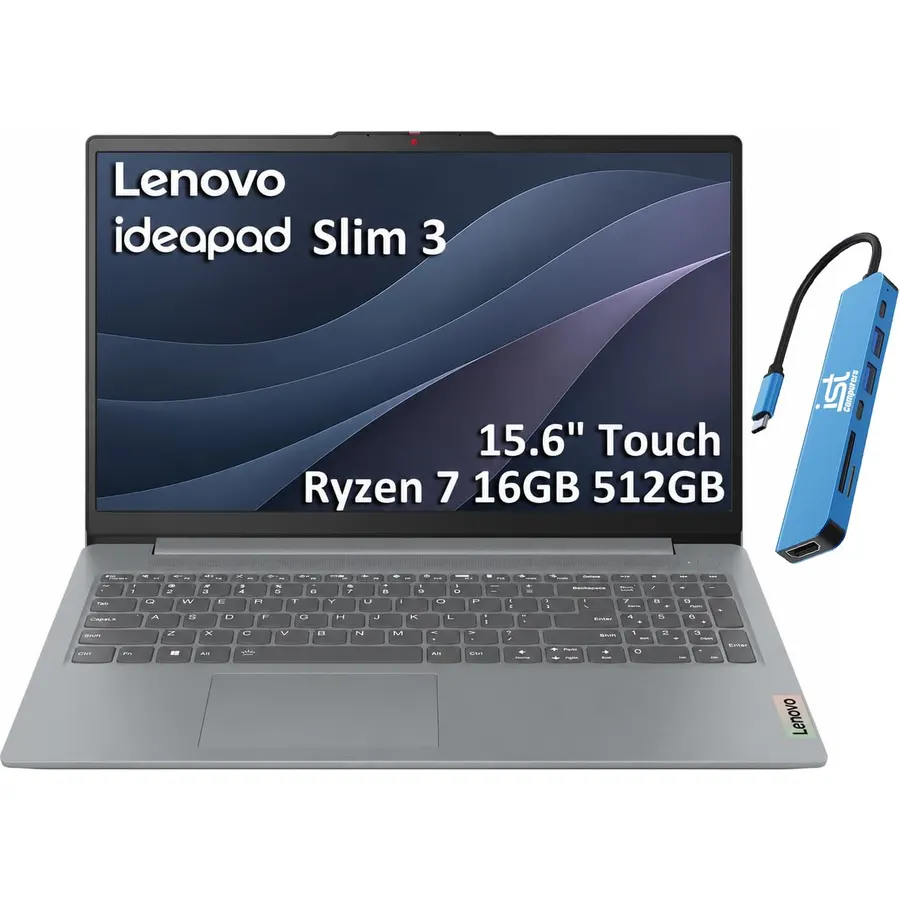
The IdeaPad Slim 3 is the touchscreen laptop we would recommend to most people because it does not make you pay a premium for the touch panel. You get an 8-core Ryzen 7, 16GB of RAM and a 512GB SSD, which is a better configuration than most laptops at this price without a touchscreen. The 15.6-inch panel is 1080p, 300 nits and anti-glare, so fingerprints and reflections are less of a problem than on the glossy panels most touch laptops use. It has real ports, including HDMI and an SD card slot. It is a clamshell, so no tablet mode, and no pen. Owners rate it 4.4 stars.
- 8-core Ryzen 7, 16GB and 512GB: the best spec sheet under four figures here
- Anti-glare touch panel, which is rare
- Full ports including HDMI and an SD reader
- MIL-STD 810H durability, 3.6 lb
- Clamshell: the screen does not fold back into a tablet
- No pen support listed
- Ryzen 5825U is a previous-generation chip
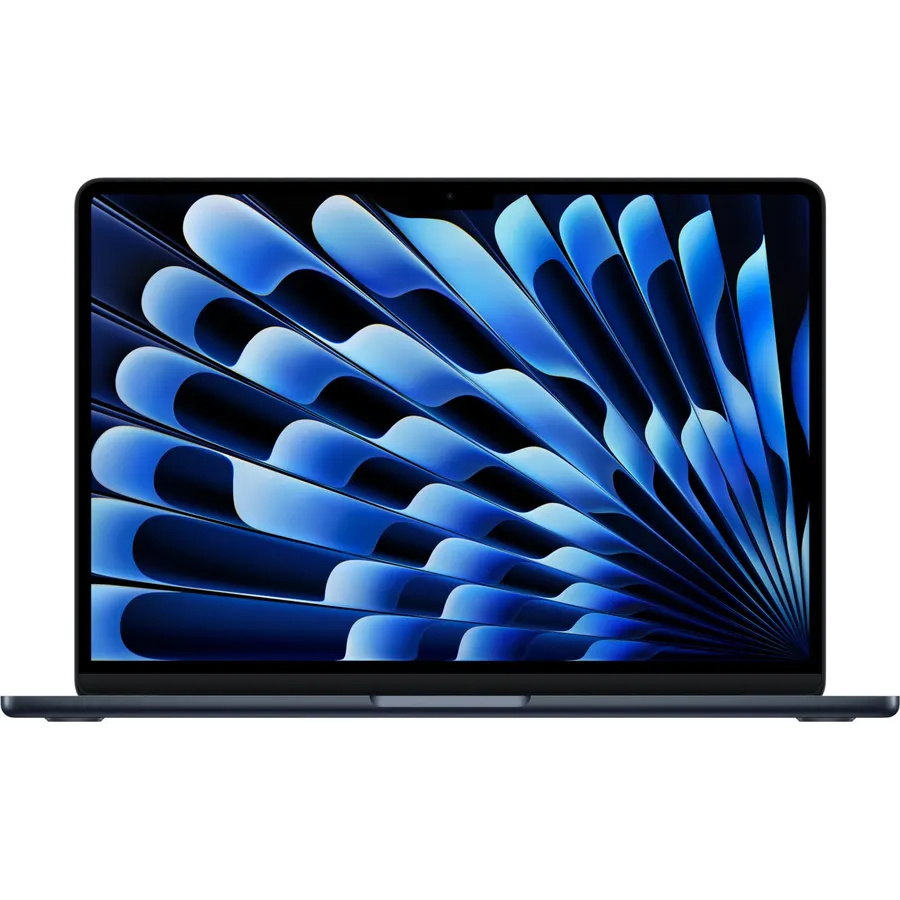
Microsoft Surface Laptop (2024), Windows 11 Copilot+ PC, 13.8-inch Touchscreen Display, Snapdragon X Elite (12 core)
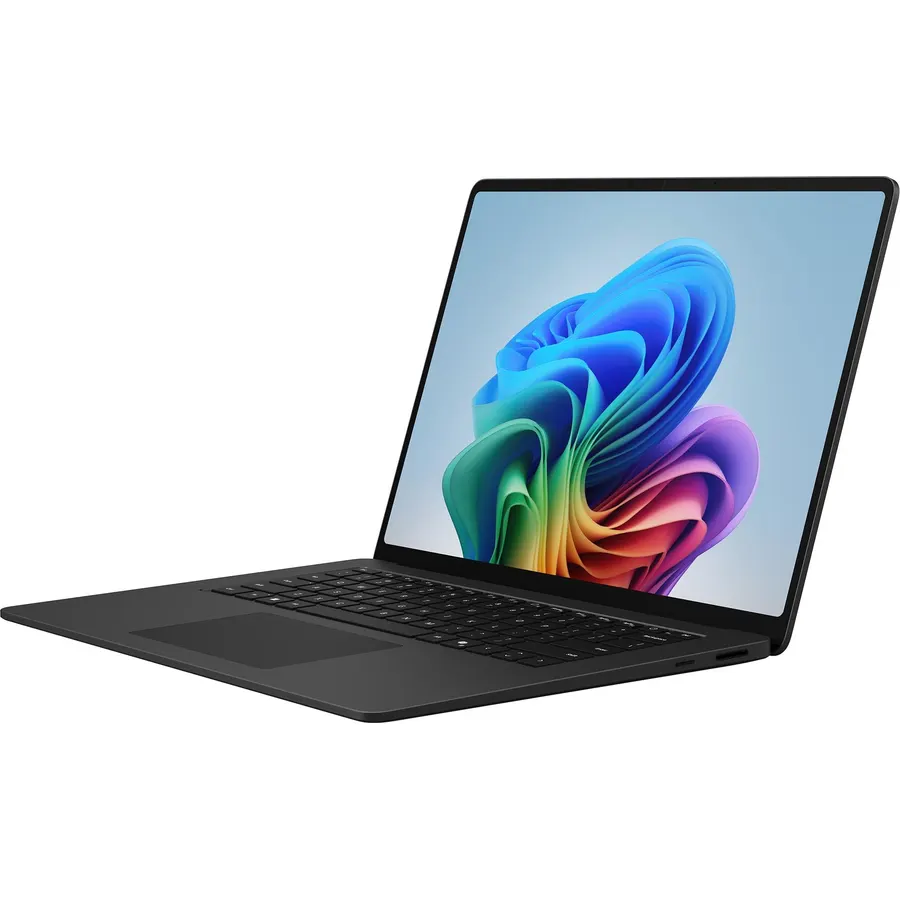
The 2024 Surface Laptop is what you buy when the touchscreen is a bonus and the rest of the laptop is the point. The Snapdragon X Elite runs cool, quiet and for a very long time on a charge, and the 13.8-inch touch panel, keyboard and trackpad are the best on this page. The catch is the Arm processor: most software has been ported and the rest runs through emulation, but a few legacy Windows programs and anti-cheat games will not work, so check your must-have apps first. It is a premium clamshell, not a convertible. Owners rate it 4.3 stars.
- Up to 20 hours of claimed battery; owners report genuine all-day use
- Fanless-quiet and cool in normal use
- Best keyboard and trackpad on this list
- 346 owner ratings at 4.3 stars
- Arm chip: a few older Windows apps and some games do not run
- Clamshell with no pen support in the listing
- Expensive for the specs
Lenovo IdeaPad Slim 5 Laptop, Intel 7 240H 10-Core, 16-inch WUXGA IPS Touchscreen, 32GB DDR5, 1TB SSD
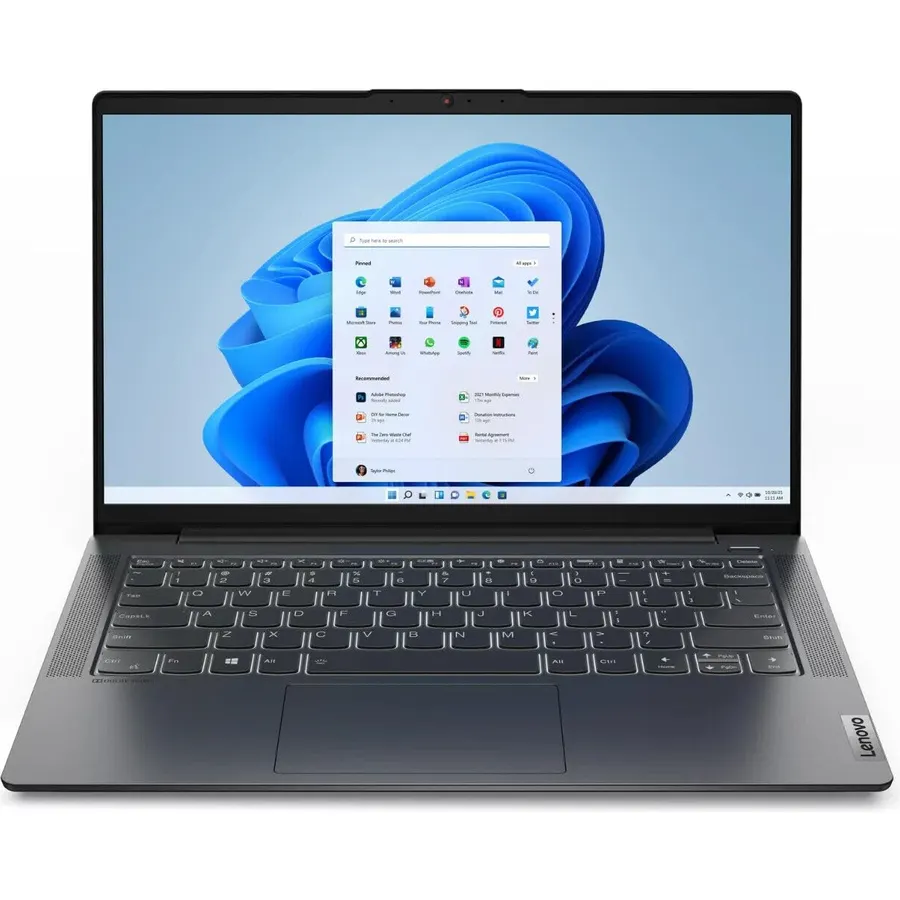
This IdeaPad Slim 5 is the workhorse. A reseller has upgraded it to 32GB of DDR5 and a 1TB SSD, and the Intel Core 7 240H is a full H-series chip, so it will compile code, run virtual machines and edit video faster than anything else on the list. The 16-inch 16:10 touch panel is anti-glare and 300 nits, though its color coverage is narrow, so it suits spreadsheets and documents more than photo editing. Note the opened seal on the listing and the separate warranty on the upgraded parts. Owners give it 4.5 stars, the highest here.
- 32GB of RAM and a 1TB SSD, the most of any pick
- 16-inch 16:10 anti-glare touch panel gives more vertical space
- 10-core H-series chip is the fastest CPU here
- Backlit keyboard, number pad, 1080p webcam
- Seller-upgraded RAM and SSD (seal opened for the upgrade)
- Clamshell, no tablet mode or pen
- Only 45% NTSC color coverage, so not for photo work
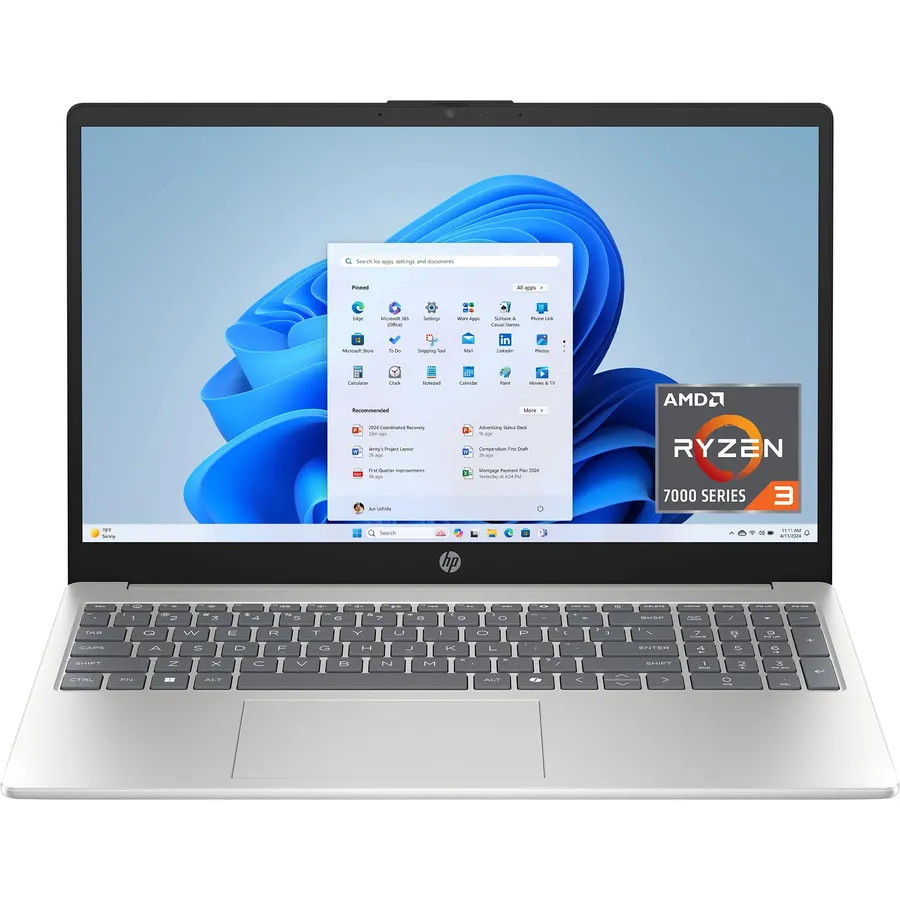
If you want a touchscreen for the kitchen, the sofa or a student who mostly streams and writes, the HP 15 does the job for far less. It has 8GB of RAM and a proper NVMe SSD, which is more than most laptops at this price, and 1,600 owners have rated it 4.4 stars. The compromise is the 1366 x 768 panel, which is noticeably less sharp than the 1080p screens above it. The USB-C port also only carries data, so a dock or an external monitor has to go over HDMI. For light use it is the sensible budget touchscreen.
- The cheapest touchscreen laptop that met our review bar
- 1,600 owner ratings at 4.4 stars
- 8GB of RAM and a real NVMe SSD, not eMMC
- Light for a 15.6-inch laptop
- 1366 x 768 screen is soft next to the 1080p picks
- USB-C port is data only: no charging, no external monitors
- Ryzen 3 is fine for everyday use, nothing heavier
Microsoft Surface Laptop Studio, 14.4-inch Touchscreen, Intel Core i7, 32GB Memory, 1TB SSD, Platinum
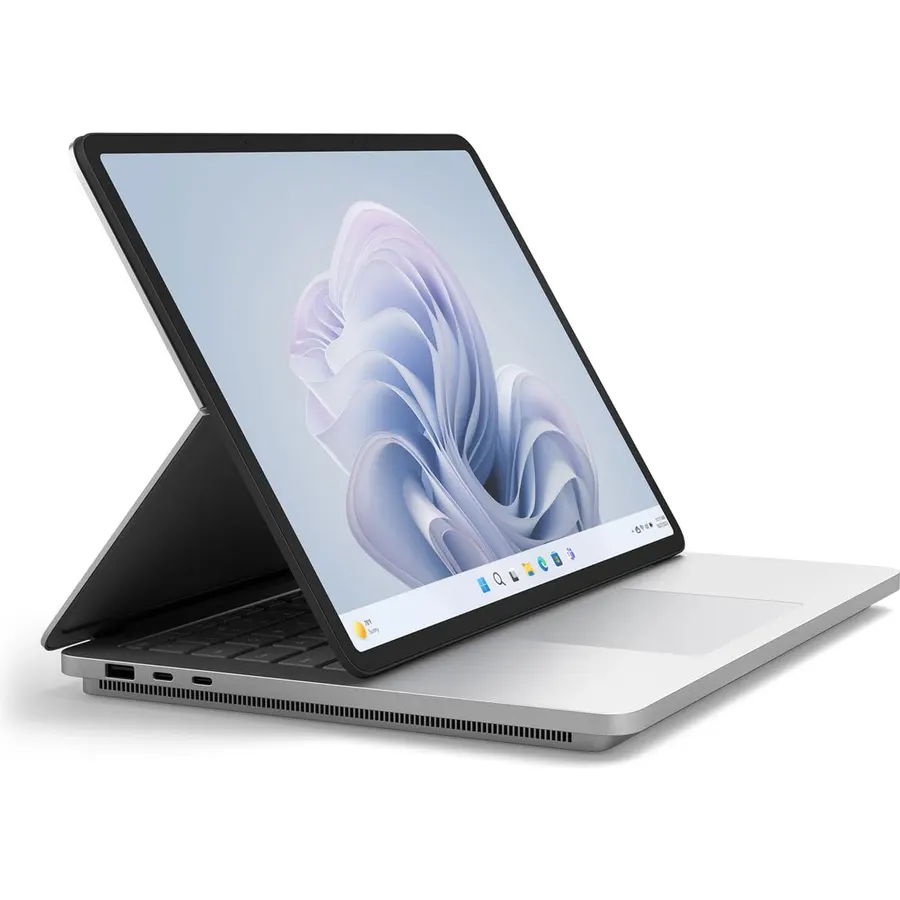
The Surface Laptop Studio is here for one group: people who draw, annotate and design on the screen. The display slides forward into a stage for touch use and lies flat as a tablet, the Slim Pen 2 docks magnetically underneath, and the RTX 3050 Ti handles Photoshop and light 3D. The price is the problem. This is the original Studio with a four-core 11th-gen i7, and you pay studio money for it. If you need a convertible with pen support and a discrete GPU, it is the one that qualified. If you just want a touchscreen, buy the IdeaPad Slim 3 and keep the difference.
- The only true 2-in-1 here: laptop, stage and tablet modes
- Best pen experience of any pick, with a magnetic pen dock
- 32GB, 1TB and an RTX 3050 Ti for creative apps
- 171 owner ratings at 4.3 stars
- Very expensive for a four-core 11th-gen chip
- Heaviest laptop on the page
- This is the original model; a Studio 2 exists
Compare the picks
| Product | Form factor | RAM / storage | Screen | Owner rating | Our score | |
|---|---|---|---|---|---|---|
| Lenovo IdeaPad Slim 3 TouchLenovo | Clamshell touch | 16GB / 512GB | 15.6" 1080p anti-glare | 4.4 / 238 | 8.8 | See price |
| Surface Laptop (2024)Microsoft | Clamshell touch | 512GB SSD | 13.8" touch | 4.3 / 346 | 8.6 | See price |
| Lenovo IdeaPad Slim 5 16 TouchLenovo | Clamshell touch | 32GB / 1TB | 16" 1920 x 1200 | 4.5 / 131 | 9.8 | See price |
| HP 15.6 HD TouchscreenHP | Clamshell touch | 8GB / 256GB | 15.6" 768p | 4.4 / 1,600+ | 8.8 | See price |
| Surface Laptop StudioMicrosoft | Convertible + pen | 32GB / 1TB | 14.4" touch | 4.3 / 171 | 8.6 | See price |
Touchscreen clamshell or true 2-in-1?
A touchscreen clamshell gives you tap and scroll on a normal laptop with no weight or price penalty, which is why four of our five picks are that type. A true 2-in-1 adds a hinge that folds 360 degrees or a sliding stage, plus pen support, and you pay for the hinge in weight, price and sometimes a smaller battery. Buy a convertible only if you will actually write or draw on it. If you mostly want a bigger canvas at a desk, a portable monitor adds screen space to any laptop for less.
Screen tips for touch laptops
Most touch panels are glossy, which is fine in a dim room and a mirror in a sunlit one. The two Lenovo picks are anti-glare, which is unusual and worth noting. Resolution matters more on a touchscreen because you look at it up close: the 768p HP is the only pick below 1080p. Fingerprints are inevitable; keep a microfiber cloth in the bag. For docks that add monitors and charging in one cable, see our USB-C docks guide; if code is your main use, our programming laptops guide weighs screens differently. Everything we track is in the laptops shop.
Do these laptops support a stylus?
Only the Surface Laptop Studio lists pen support (Surface Slim Pen 2, sold separately). The other four respond to finger touch; a capacitive stylus will work for tapping but not for pressure-sensitive drawing.
Can I run my old Windows programs on the Snapdragon Surface Laptop?
Most apps run natively or through emulation, but some older 32-bit installers, drivers and games with kernel anti-cheat do not. Check the publisher's site for Arm support before buying if you depend on a specific program.
Which pick is best for a student?
The Lenovo IdeaPad Slim 3 for most students: 16GB of RAM, a 512GB SSD and an anti-glare screen at a mid-range price. On a strict budget, the HP 15.6 HD Touchscreen covers writing, video calls and streaming.
What about returns if the touchscreen has dead spots?
Test the whole panel in the first week by dragging a window across every edge. Amazon-sold laptops normally allow returns for 30 days; third-party sellers, including the ones offering upgraded Lenovo units, can set their own terms, so read the Returns section on the product page.
Prices and stock change daily. The buttons above open Amazon so you always see the current price. We may earn a commission if you buy through them, at no extra cost to you.
Do Best Deal is a participant in the Amazon Services LLC Associates Program. As an Amazon Associate we earn from qualifying purchases. If you buy through links on this site we may earn a commission, at no extra cost to you. Learn more.