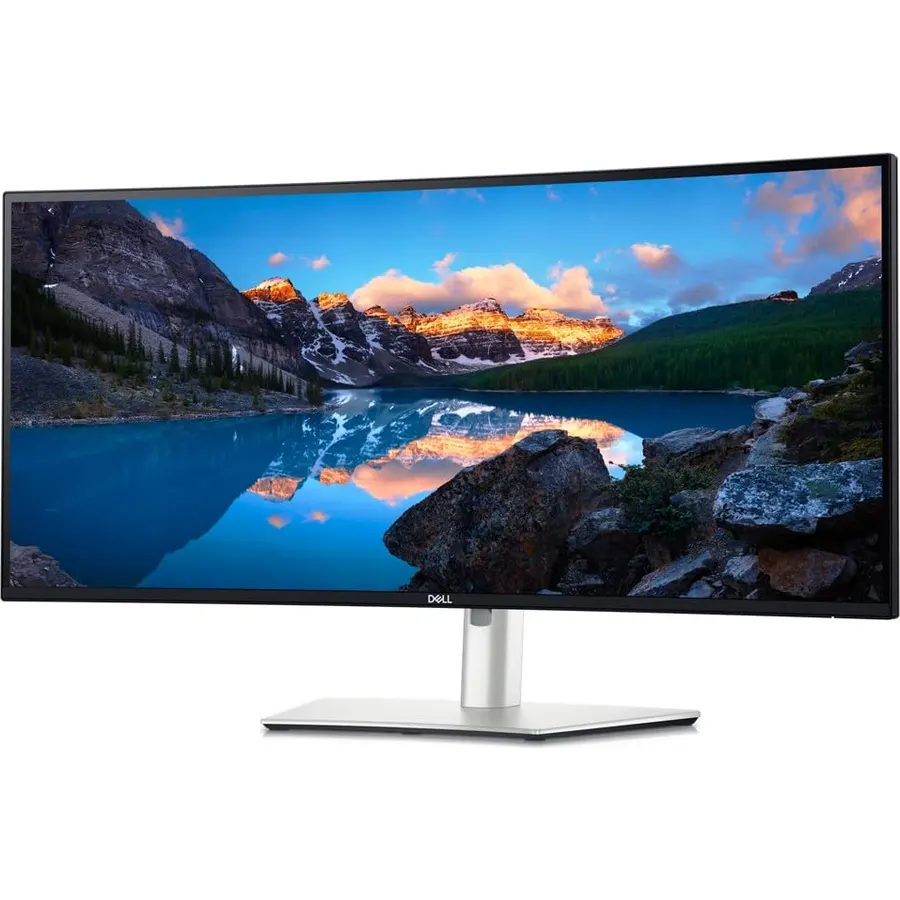
Quick answer The Dell UltraSharp 34 Monitor scores 8.6/10 with us. Amazon owners rate it 4.3 out of 5 across 109 reviews, in line with the 4.3 average of the 494 products we track in Monitors. It was listed at $732.00 on Amazon when we last checked in September 2026. Key facts: aspect ratio 21:9, display resolution maximum 3440 x 1440, refresh rate 120 hertz.
Dell UltraSharp U3425WE 34" Class UW-QHD Curved Screen LED Monitor - 21:9 - Black, Silver
Do Best Deal is a participant in the Amazon Services LLC Associates Program. As an Amazon Associate we earn from qualifying purchases. If you buy through links on this site we may earn a commission, at no extra cost to you. Learn more.
Yes, it is one of the stronger picks in its group. We score the Dell UltraSharp 34 Monitor 8.6 out of 10. Amazon owners rate it 4.3 out of 5 across 109 reviews, in line with the 4.3 average of the 494 products we track in Monitors.
How much does the Dell UltraSharp 34 Monitor cost?
It was listed at $732.00 on Amazon when we last checked in September 2026. Amazon prices change daily, so use the price button on this page to see the current figure.
What are the key specs of the Dell UltraSharp 34 Monitor?
Aspect Ratio: 21:9; Display Resolution Maximum: 3440 x 1440; Refresh Rate: 120 hertz; Resolution: 5K QHD 1440p; Screen Finish: Glossy; Screen Size: 34.1 inches. All 24 specifications are in the product information table on this page.
What are good alternatives to the Dell UltraSharp 34 Monitor?
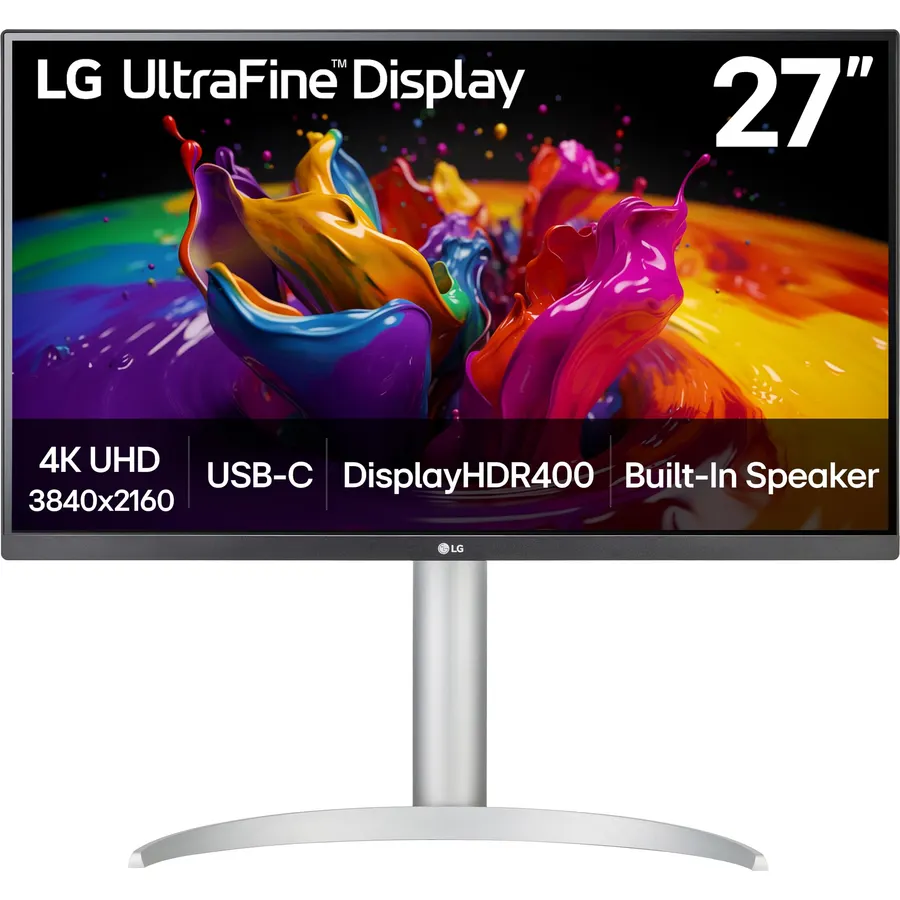
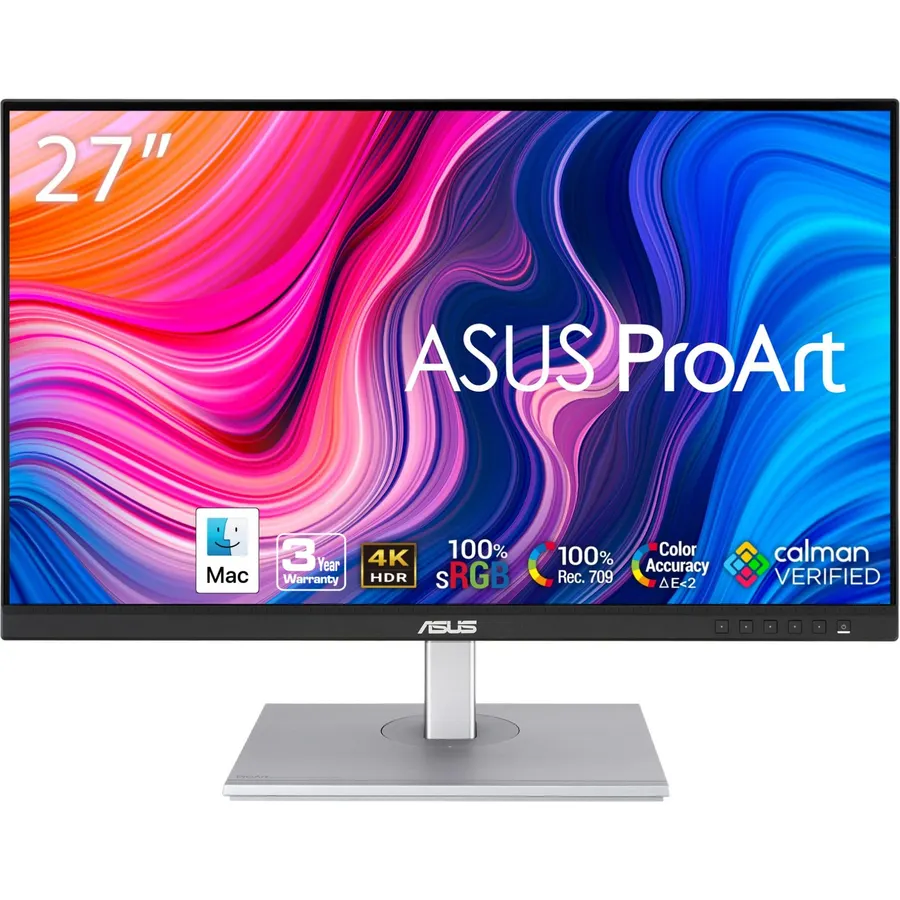
Similar, well-rated products in our catalog: DELL ULTRASHARP 34 Monitor (9.8/10, 4.8 stars from 16 owners); Dell DELL-U4025QW UltraSharp 40 Curved (9.6/10, 4.5 stars from 71 owners); ASUS ProArt PA278QV 27 Inch 1440p QHD (9.2/10, 4.6 stars from 3,065 owners).
Breakdown from the 10 most helpful reviews we imported.
S
Stephen Phillips
Verified purchaseAugust 3, 2026
Great monitor
I love this monitor. I use it for programming/coding. Many other programmers I know prefer two monitors, but I always hated switching between the screens. With this monitor I get the advantages of both. But that is generally true of all ultra-wide monitors. I haven't had a ton of experience with ultra-wide monitors, but this one is polished and works very well. I like the image quality and size. One warning, it can be a bit shaky on a standing desk, so just be aware.
D
Douglas B.
Verified purchaseApril 29, 2026
Really Great
I bought this display the U3425WE to replace a older Dell display the S3423DWC (VA panel). They're basically the same form factor but the U3425WE is greatly advanced. Unboxing, setup and configuration with some cable management took about 45 minutes. This display has a really precise pixel feel which is visible to the eyes. Video content seems to have a very defined sharpness between light / dark colors that almost seem to be on a per-pixel basis. Am testing it with some 4K footage. I think this is what Dell calls the "IPS black" technology. Black levels are much better than my old display wit
G
Gabi
Verified purchaseMarch 26, 2026
Great purchase
I’m really happy with this purchase. The monitor looks amazing and the picture quality is sharp and clear. It definitely improves my productivity and overall setup.I tested everything after receiving it, and all functions are working perfectly with no issues. Setup was also quick and easy.Overall, a very satisfying purchase and I would definitely recommend it.
W
wumpus
Verified purchaseJune 2, 2026
Dead Pixels, Warranty Nightmare and Abysmal Support
I'll be upfront: the image quality on this monitor, when it works properly, is good. The colors are fairly accurate, the panel is bright, and the resolution is what you'd expect from a Dell display at this price point. That's where my positive experience ends.After several months of normal use, dead pixels appeared. Not stuck pixels that might recover, these are fully dead, permanently black spots on the panel. Dell's own support documentation acknowledges that dead pixels cannot be fixed and that the only solution is replacing the display panel. Fair enough. That's why you have a warranty.Exc
B
BlindOne
Verified purchaseJanuary 7, 2026
Excellent monitor
I previously had the Dell U3415W for about 8 years so I'm very used to the size, features of the monitor. This U3425WE well exceeds my old monitor and I would say would be a huge upgrade from someone coming from a smaller monitor.The colors and blacks on the U3425WE are so much better than my old monitor, the 120Hz is nice but is a small benefit for my eyes. Matters a lot more if you're a gamer, but this probably wouldn't be the choice for hard core gaming. This is a powerhouse of a productivity monitor.I can't stress how awesome the KVM switching is!! Plug one cable into my laptop and boom, a
E
Emmanuel S.
Verified purchaseApril 8, 2025
High-Quality, Reliable, and Feature-Packed
I’ve been using this monitor for a while now and I absolutely love it. The curved display hits that sweet spot—it doesn’t feel extreme or unnatural, just a smooth, immersive experience that’s perfect for work and multitasking.Multitasking is effortless. I can split windows and run multiple apps side by side with no extra setup. It just works, and it’s been a great upgrade from a dual monitor setup. For me, this size feels just right—not too small, not overwhelming. I’ve tried larger ultrawides before, and they were just too much for my desk and viewing distance. This one feels balanced. You do
D
Do
Verified purchaseAugust 25, 2026
Dell Monitor
Love this monitor. Best purchase ever.
B
Brittany
Verified purchaseApril 18, 2026
Worth the Investment for Productivity & Eye Protection
The Dell UltraSharp 34 inch monitor is definitely an investment, but one I am glad I made. If you work for many hours, want something productive, and help with a bit of eye protection I would 100% pull the trigger and buy this monitor!! Don’t get me wrong it is pricey but it is honestly worth it.I use my computer for a wide range of tasks and often work long days, sometimes up to 12 hours, and my eyes would frequently feel strained by the end. One of the main reasons I chose this monitor was for its eye comfort features, which have made a noticeable difference.There was a bit of an adjustment
Customer reviews are shown as published on Amazon and are not written by Do Best Deal.