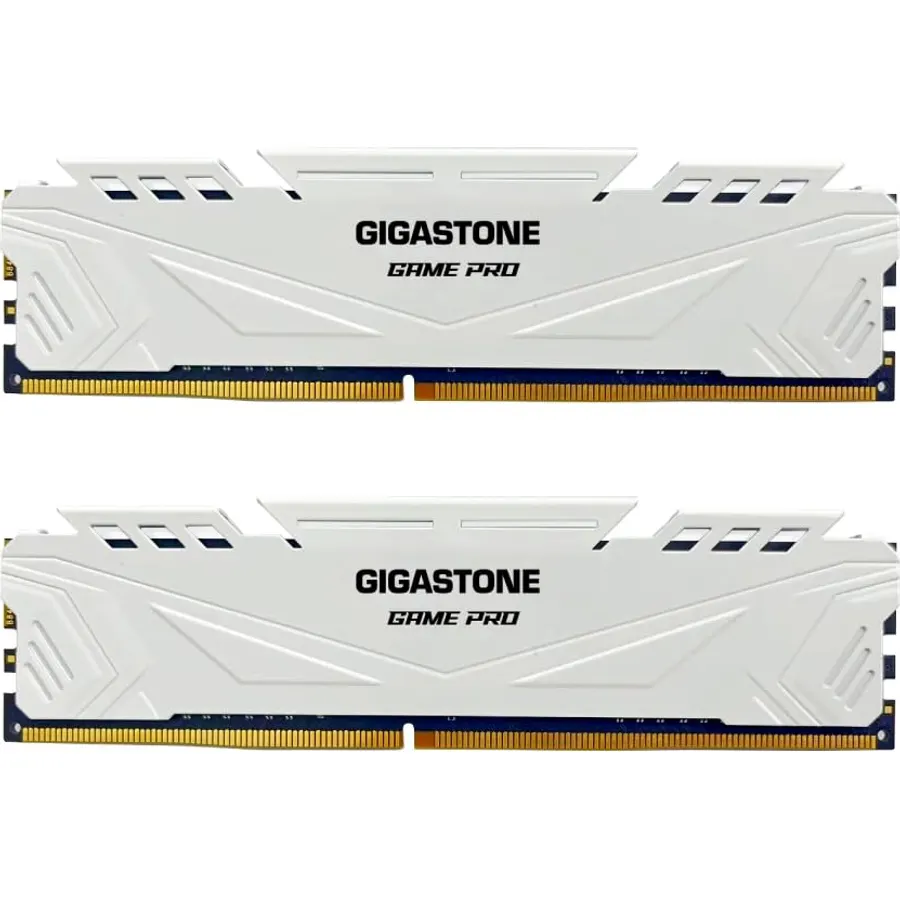
DDR4 is not dead; it is cheap, mature and still the memory in tens of millions of gaming PCs on AMD’s AM4 and Intel’s 10th to 14th generation platforms. If you are upgrading one of those machines, adding a second kit, or building a budget PC around a Ryzen 5 5600 or a Core i5-12400 with a DDR4 board, the question is which 3200MHz or 3600MHz kit to buy from a market full of nearly identical sticks. We ranked the DDR4 desktop kits in our PC parts catalog by speed and CAS latency, capacity, whether the heat spreader clears a big air cooler, lighting for those who want it, and what thousands of owners report after years of use, since many of these kits have been on sale since 2019.
We have not benchmarked these kits ourselves; the verdicts rest on the published spec sheets and on the owner review history. Prices are not printed because they change daily; every button opens the live Amazon page. For a new platform, see our DDR5 RAM kits guide instead; for the boards these kits fit, see micro-ATX motherboards and motherboards for gaming; and for a broader survey across both standards, see RAM kits for gaming PCs.
How we picked
- Desktop UDIMM kits of two sticks. No single modules and no laptop SODIMMs, which share the DDR4 name but do not fit.
- 3200MHz or faster at CL16 to CL18 on the gaming kits, since that is where Ryzen 5000 and Intel 12th to 14th gen perform best; the 64GB kit runs at CL22, which we flag.
- An XMP 2.0 profile on every pick so the rated speed is one BIOS click away on Intel and AMD boards.
- Spreader height noted for builds with large air coolers.
- Owner ratings of 4.5 stars or better, with review counts from 1,000 to 6,000.
The picks
CORSAIR Vengeance LPX DDR4 RAM 16GB (2x8GB) Up to 3200MHz CL16-20-20-38 1.35V Intel AMD Desktop Computer Memory - Black (CMK16GX4M2E3200C16)
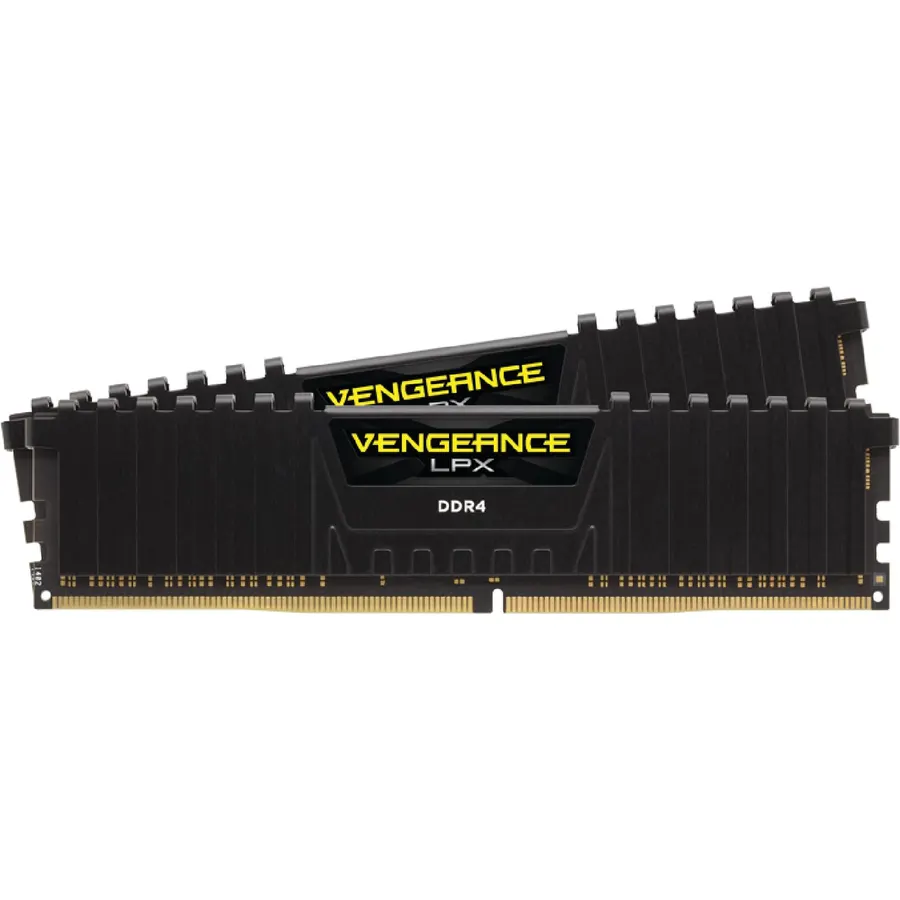
The Vengeance LPX is the DDR4 kit that built a thousand budget PCs, and for good reason: 3200MHz at CL16 is the speed and latency that Ryzen 5000 and Intel 12th-gen chips run best with, the 34mm aluminum spreader slides under any tower cooler, and Corsair hand-sorts the chips for headroom. It carries an XMP 2.0 profile and is validated for both Intel and AMD boards. The record is the argument: 6,000 owners rate it 4.8 stars after years on sale, and the complaints are about the box, not the memory. Its secondary timings of 20-20-38 are a touch looser than some rivals at CL16, which costs nothing you will notice. Sixteen gigabytes is now the floor for gaming, so if you can stretch, buy the 32GB kits below; if not, this is the safe pick.
- 6,000 owners at 4.8 stars
- 34mm height fits under every air cooler
- Hand-sorted chips with overclocking headroom
- The default recommendation for AM4 and Intel DDR4 boards
- 16GB is the minimum for gaming in 2026
- No lighting
- CL16-20-20 secondary timings are looser than some rivals
TEAMGROUP T-Force Delta RGB DDR4 16GB (2x8GB) 3200MHz (PC4-25600) CL16 Desktop Memory Module ram White - TF4D416G3200HC16CDC01
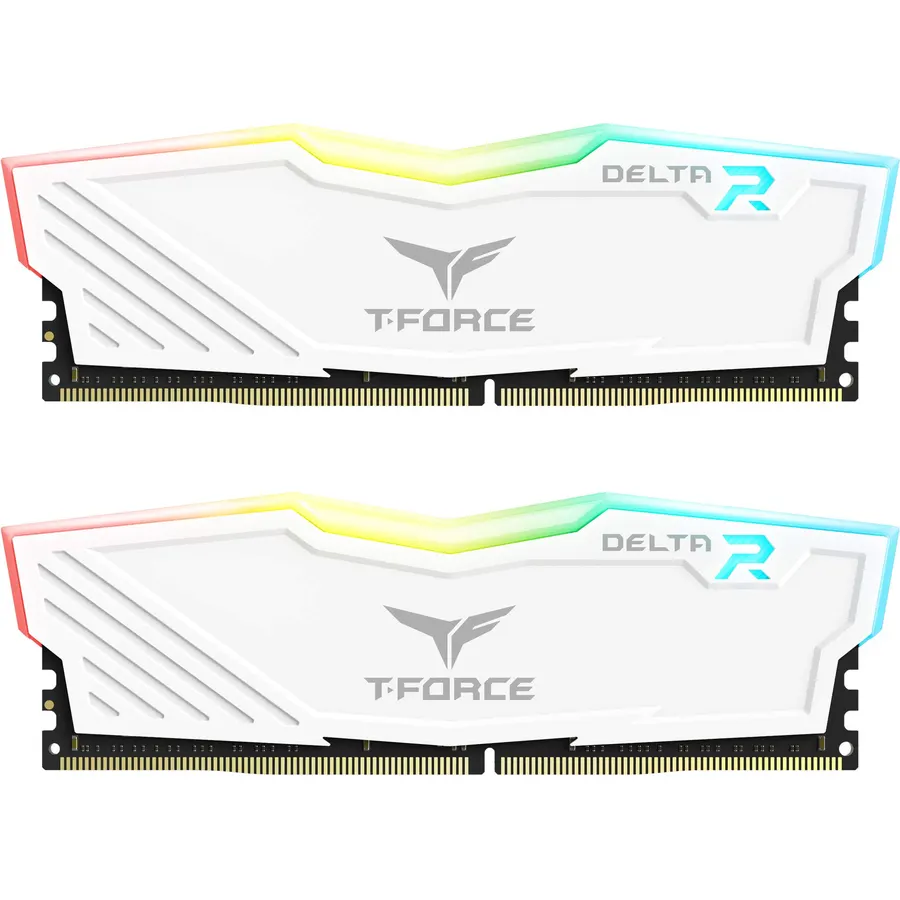
The T-Force Delta RGB is the kit to buy when the memory needs to be seen: a white spreader with a full-frame light bar that throws colour across 120 degrees, controllable from ASUS Aura Sync, MSI Mystic Light, Gigabyte RGB Fusion and ASRock Polychrome. Underneath it is a sensible 3200MHz CL16 kit with an XMP 2.0 profile, validated by the mainstream board makers and backed by TeamGroup’s lifetime warranty. It has 5,200 reviews at 4.8 stars, matching the Corsair, and a long history of running at its rated speed on AM4 boards that were fussy with other kits. The spreader is tall, so a large dual-tower air cooler may overhang the first slots; measure first. You also pay a premium for the lighting over the plain Vulcan Z below, which is the same speed and latency.
- 5,200 owners at 4.8 stars
- Wide 120-degree light bar, white spreader
- Works with ASUS, MSI, Gigabyte and ASRock lighting apps
- Lifetime warranty
- Tall RGB spreader; check cooler clearance
- 16GB only in this kit
- Pays a premium for the lights
G.SKILL Trident Z RGB Series DDR4 RAM (XMP) 32GB (2x16GB) Up to 3200MT/s* CL16-18-18-38 1.35V Intel AMD Desktop Computer Memory U-DIMM (F4-3200C16D-32GTZR)
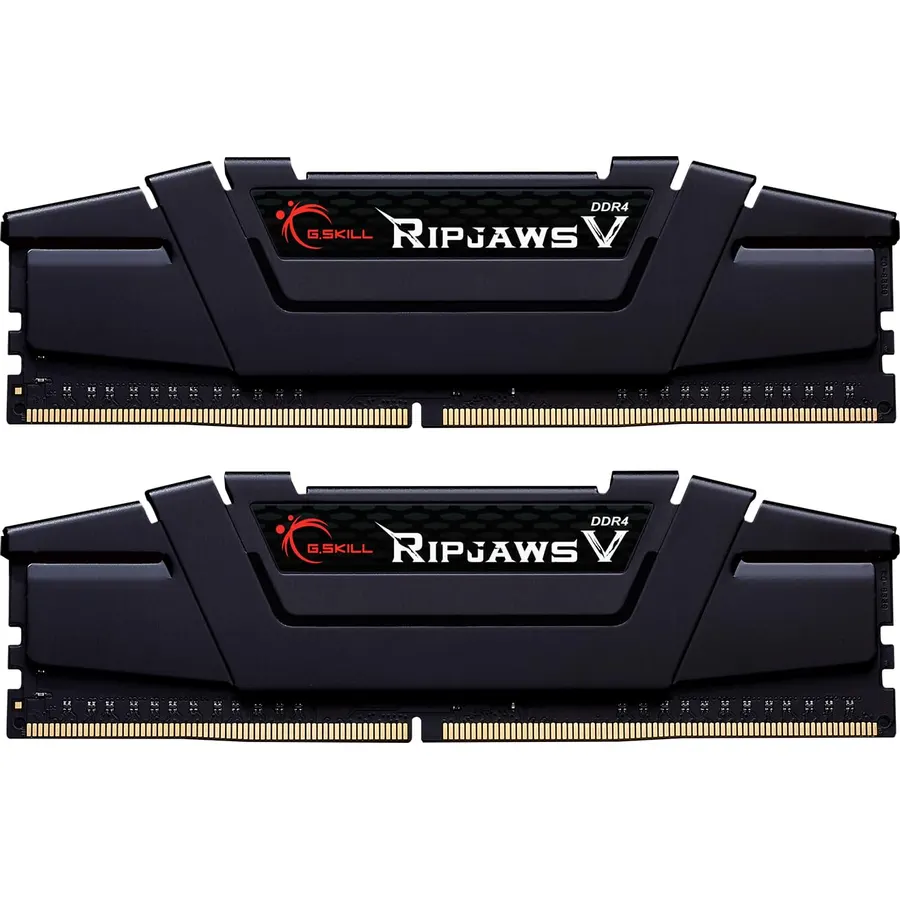
If 32GB is the target, the Trident Z RGB 3200 CL16 is the kit most people have already bought: 3,400 reviews at 4.8 stars make it the most-reviewed 32GB option on this page. The timings are tighter than the Corsair at 16-18-18-38, it runs at 1.35V with an XMP 2.0 profile and a JEDEC fallback, and G.Skill validates it for Intel and AMD. The Trident Z spreader with its diffused light bar is the design most other RGB memory copies. G.Skill is firm that kits must not be mixed, so if you think you will want 64GB, buy a 64GB kit instead of planning to add a second one of these. The spreader is tall and the price is above the plain Kingston FURY Beast 32GB; the premium buys lighting and slightly tighter timings.
- 3,400 owners at 4.8 stars, the most-reviewed 32GB kit here
- Tight 16-18-18 timings
- Trident Z spreader and lighting are the benchmark for RGB memory
- JEDEC and XMP profiles
- Tall spreader
- More expensive than the Kingston FURY 32GB
- G.Skill warns not to mix kits, so buy the capacity you need now
G.SKILL Trident Z RGB Series DDR4 RAM (XMP) 32GB (2x16GB) Up to 3600MT/s* CL18-22-22-42 1.35V Intel AMD Desktop Computer Memory U-DIMM (F4-3600C18D-32GTZR)
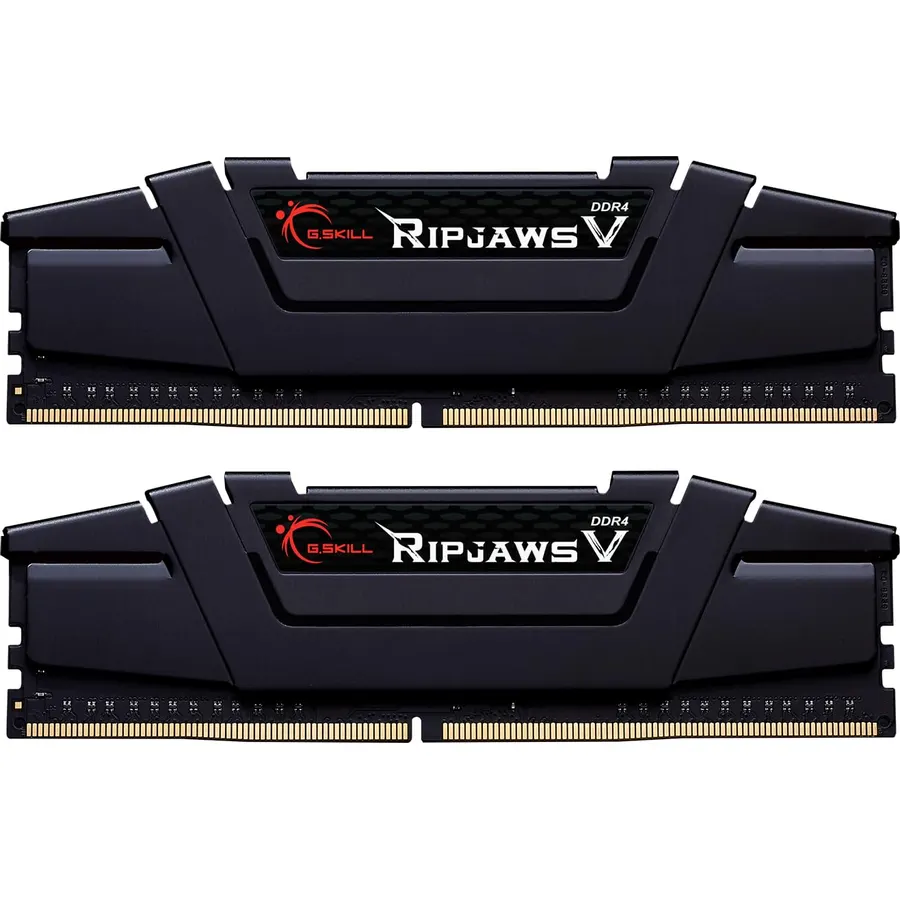
Ryzen 5000 runs its memory controller in step with the memory up to about 3600MHz, which makes 3600 CL18 the ceiling worth paying for on AM4, and the Trident Z RGB 3600 kit is the one with the review history to back it: 2,000 owners at 4.8 stars. It is the same 32GB Trident Z package as the 3200 kit with the speed raised and the latency loosened to CL18-22-22-42; in real latency the two are close, and the extra bandwidth helps Ryzen’s Infinity Fabric a little. The caveat is that not every Ryzen chip and board holds 3600 at the 1:1 ratio, and if yours does not you are better off at 3200 CL16. For Intel 12th to 14th gen with a DDR4 board, 3600 is simply a little faster.
- 3600MHz, the upper limit Ryzen 5000 runs in sync
- 2,000 owners at 4.8 stars
- Same Trident Z build as the 3200 kit
- Measurable gain over 3200 on Ryzen
- CL18 offsets some of the speed gain
- Some AM4 boards and chips cannot hold 3600 1:1; 3200 may be needed
- Tall spreader
OLOy DDR4 RAM 16GB (2x8GB) 3200 MHz CL16 1.35V 288-Pin Desktop Gaming UDIMM (MD4U0832160BJ0DA)
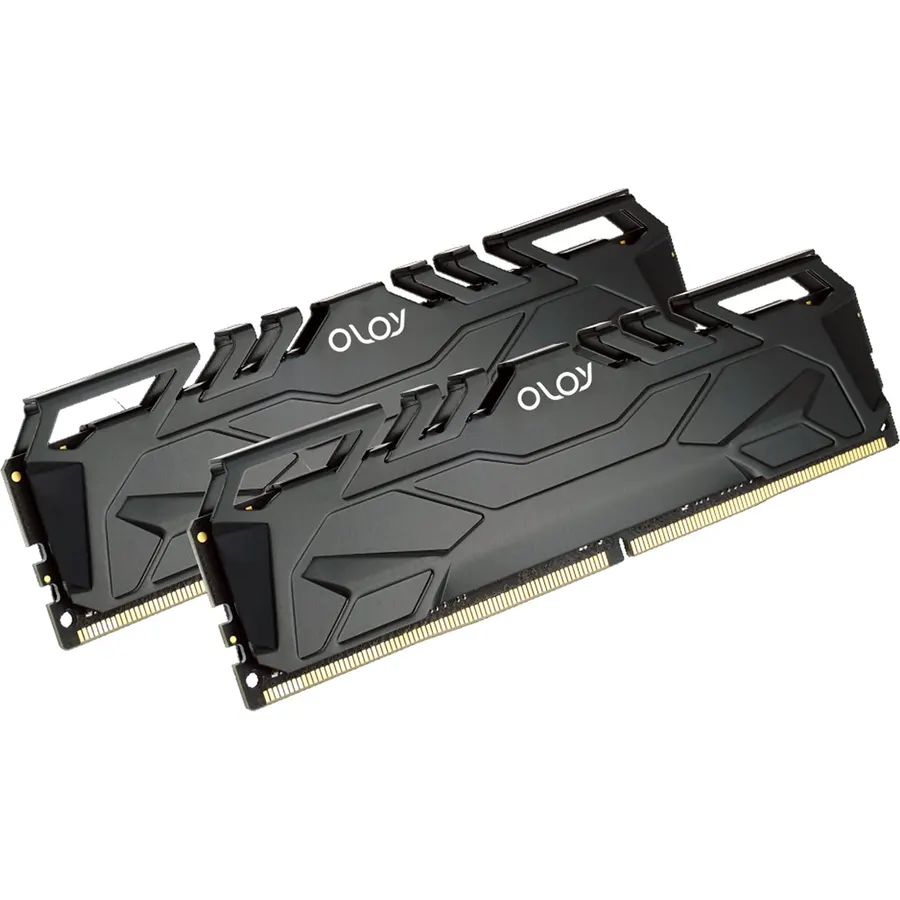
OLOy is the budget brand that owners of cheap builds keep coming back to, and its 16GB 3200 CL16 kit matches the Corsair Vengeance LPX spec line for line, 16-20-20-38 at 1.35V with an XMP 2.0 profile, with a lifetime warranty and a low spreader. It usually costs less. The difference is in the review record: 2,200 owners rate it 4.5 stars, the lowest score here, and a handful describe a stick failing after months, which the warranty covers but which is a hassle. For a first build, a child’s PC or a second kit to bring an office machine to 16GB, that is a reasonable trade. For a machine you depend on, the Corsair or the Vulcan Z are the same speed with longer and stronger records.
- Same 3200 CL16 spec as the Corsair for less money
- Lifetime warranty
- 2,200 owners at 4.5 stars
- Low-profile spreader
- 4.5 stars is the lowest on this page; a few owners report one stick failing
- Less brand recognition and resale value
- 16GB only
TEAMGROUP T-Force Vulcan Z DDR4 DRAM 16GB Kit (2x8GB) 3200MHz Desktop Memory Module (PC4-25600) CL16 Ram (Gray) - TLZGD416G3200HC16FDC01
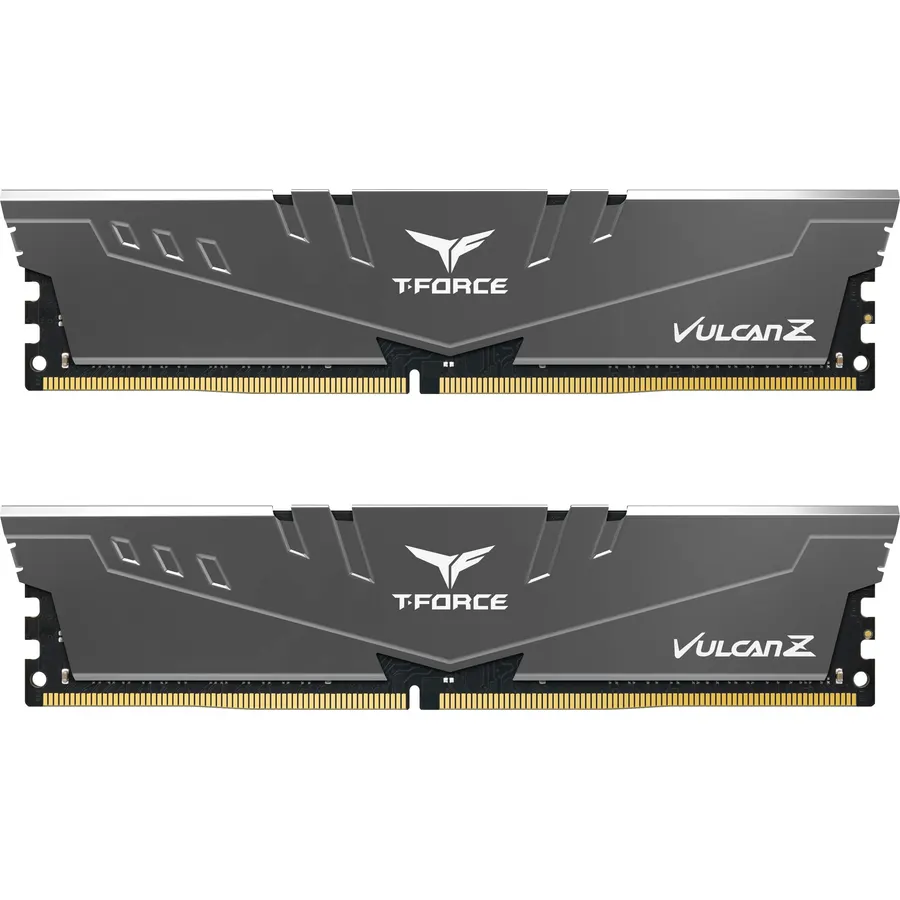
The Vulcan Z is TeamGroup’s no-lights version of the same 3200 CL16 recipe as the Delta RGB, and it is what we would buy for a quiet or closed-case build: a gray aluminum spreader bonded to the module with thermal adhesive, selected chips, XMP 2.0 for Intel and AMD, and 1,700 reviews at 4.8 stars. It sits between the Corsair and the OLOy on price and matches the Corsair on rating, so the choice between them is mostly about which spreader you prefer and which is cheaper that week. Like every 16GB kit here it is the minimum for gaming rather than a comfortable amount, and the review sample is smaller than the Corsair’s. If you want 32GB from TeamGroup, the Vulcan Z is also sold in a 2 x 16GB version.
- 4.8 stars from 1,700 owners
- Same speed as the Delta RGB without the lighting premium
- Low working voltage and a simple bonded spreader
- Selected ICs from TeamGroup
- 16GB only
- Gray spreader is plain
- Fewer reviews than the Corsair
Kingston FURY Beast 32GB (2x16GB) 3200MT/s DDR4 CL16 Desktop Memory Kit of 2 KF432C16BBK2/32
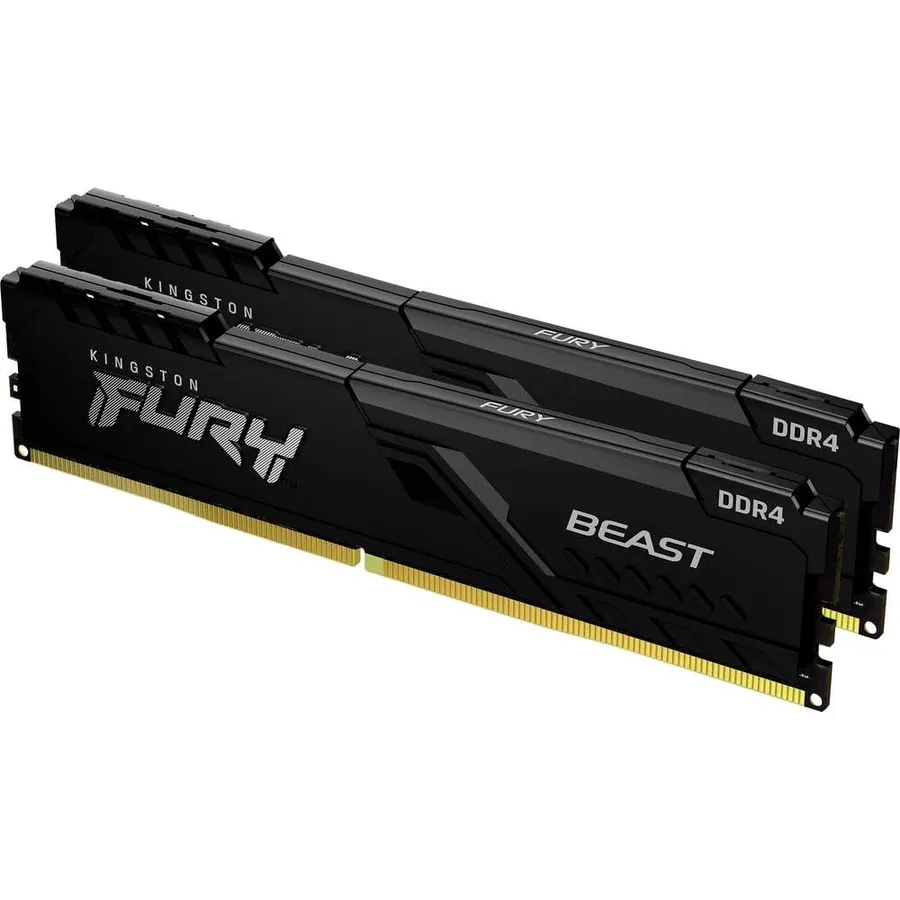
Kingston’s FURY Beast is the 32GB kit for someone who does not want to think about memory again: two 16GB sticks at 3200 CL16, a low-profile black spreader that clears every cooler, and Kingston’s Plug N Play feature, which runs the kit at 2666MHz automatically on boards that never had XMP enabled and at the full 3200 once you turn XMP on. It is Intel XMP ready and listed as ready for Ryzen. Owners rate it 4.7 stars from 1,000 reviews, and Kingston’s reputation for memory that simply works is the reason most of them bought it over a flashier kit. The listing is sparse, with a single photo, and the module is plain; that is the point. It is the no-drama 32GB pick, and the Trident Z RGB above is the same capacity with lights.
- Runs at 2666 automatically with no BIOS changes, 3200 with XMP
- 32GB at CL16 with a low-profile spreader
- Kingston reliability; 1,000 owners at 4.7 stars
- No lighting, fits under any cooler
- Only one product photo in the listing
- Plain looks
- Priced above the 16GB kits, as expected
Crucial Pro 64GB DDR4 RAM Kit (2x32GB), 3200MHz (or 3000MHz or 2666MHz) Desktop Memory, Compatible with Intel and AMD Ryzen - CP2K32G4DFRA32A
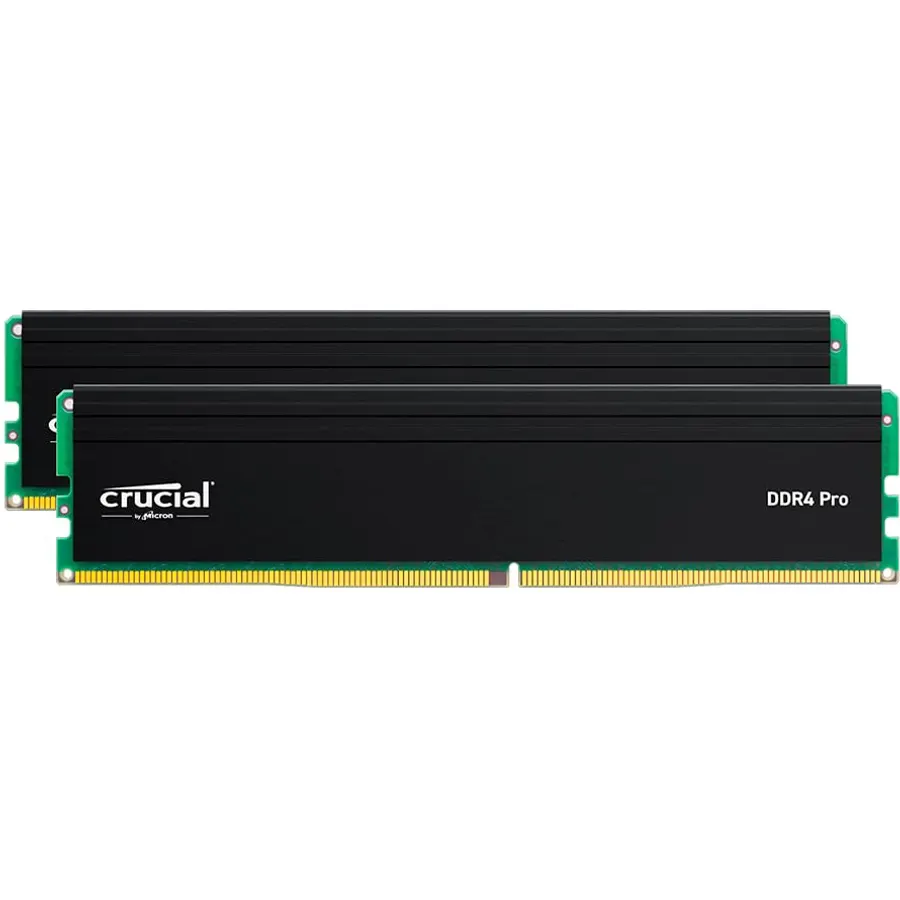
The Crucial Pro 64GB is for the DDR4 workstation: video editing, photo libraries, large spreadsheets, virtual machines, or simply a machine that will never be upgraded again and should never run out. Two 32GB Micron modules give 64GB while leaving two slots open, and the kit runs at 3200MHz with automatic downclocking to 3000 or 2666 on older boards, at a cool 1.2V with a low-profile spreader. The latency is CL22, which is the JEDEC-standard figure rather than a tuned gaming spec, and in games the kit would trail the CL16 kits here by a few percent. Crucial lists compatibility from 8th to 13th gen Intel and Ryzen 1000 to 5000. Owners rate it 4.7 stars from 1,800 reviews, mostly people who needed capacity and wanted Micron reliability.
- 64GB on two sticks, leaving two slots free
- 1,800 owners at 4.7 stars
- Micron chips, 1.2V, low profile
- Downclocks automatically for older boards
- CL22 is slow for gaming
- 1.2V JEDEC-style kit, not a tuned gaming kit
- Far more than games need
Compare the picks
| Product | Capacity | Speed / latency | Lighting | Profile height | Owner rating | Our score | |
|---|---|---|---|---|---|---|---|
| Corsair Vengeance LPX 16GBCorsair | 16GB (2 x 8GB) | 3200 / CL16 | None | Low, 34mm | 4.8 (6,000+) | 9.6 | See price |
| T-Force Delta RGB 16GBTEAMGROUP | 16GB (2 x 8GB) | 3200 / CL16 | RGB bar | Tall | 4.8 (5,200+) | 9.6 | See price |
| G.Skill Trident Z RGB 32GB 3200G.SKILL | 32GB (2 x 16GB) | 3200 / CL16 | RGB bar | Tall | 4.8 (3,400+) | 9.6 | See price |
| G.Skill Trident Z RGB 32GB 3600G.SKILL | 32GB (2 x 16GB) | 3600 / CL18 | RGB bar | Tall | 4.8 (2,000+) | 9.6 | See price |
| OLOy 16GB 3200OLOy | 16GB (2 x 8GB) | 3200 / CL16 | None | Low | 4.5 (2,200+) | 9.0 | See price |
| T-Force Vulcan Z 16GBTEAMGROUP | 16GB (2 x 8GB) | 3200 / CL16 | None | Low | 4.8 (1,700+) | 9.6 | See price |
| Kingston FURY Beast 32GBKingston | 32GB (2 x 16GB) | 3200 / CL16 | None | Low | 4.7 (1,000+) | 9.4 | See price |
| Crucial Pro 64GBCrucial | 64GB (2 x 32GB) | 3200 / CL22 | None | Low | 4.7 (1,800+) | 9.4 | See price |
3200 CL16 is the sweet spot
Nearly every pick here is 3200MHz at CL16, and that is not a coincidence. Ryzen 3000 and 5000 run their Infinity Fabric in sync with memory up to 3600MHz, and 3200 CL16 gives almost all of the benefit at the lowest price, with 3600 CL18 as the ceiling for people who want the last few percent. Intel 12th to 14th gen chips on DDR4 boards behave similarly. Faster DDR4 kits exist at 4000MHz and beyond, but they run out of sync on Ryzen and cost more than the DDR5 they are competing with. If a kit is 3200 CL16 with XMP, as six of these eight are, the differences come down to spreader height, lighting, warranty and review history.
16GB, 32GB or 64GB
Sixteen gigabytes is the minimum for a gaming PC in 2026, and games plus a browser and Discord will touch it. Thirty-two is the comfortable amount and what we would buy for any new DDR4 build or any upgrade from 8GB or 16GB; two 16GB sticks leave slots free and run at full speed. Sixty-four is for creative and professional work. Whichever capacity you choose, buy it as one matched kit: G.Skill and TeamGroup both warn that mixing kits, even of the same model, can prevent the rated speed from running, and the Corsair kit is sold in 32GB and 64GB versions as well as the 16GB one here.
Fitting under a cooler and turning on XMP
Memory height is the detail that catches builders out. A large dual-tower air cooler often overhangs the first two DIMM slots, and a 44mm RGB module will not fit where a 34mm Corsair LPX will. Every low-profile pick here clears any cooler; the Trident Z and Delta RGB kits need a check against the cooler specification. After installing, remember that all DDR4 kits boot at 2133 or 2666MHz until you enable XMP in the BIOS; the Kingston FURY Beast is the only one that runs at 2666 by default without any setting. Enabling XMP is a single menu toggle and is what the kit was sold to do.
Is DDR4 still worth buying in 2026?
For an existing AM4 or Intel 10th to 14th gen system with a DDR4 board, yes; a DDR4 upgrade is far cheaper than a new board, CPU and DDR5 kit. For a brand-new build, DDR5 platforms are now the better long-term choice.
What DDR4 speed is best for Ryzen 5000?
DDR4-3200 CL16 for the best value, or DDR4-3600 CL18 for the last few percent, since 3600 is the highest speed at which most Ryzen 5000 chips run the Infinity Fabric in sync with memory.
Can I mix a new DDR4 kit with the RAM already in my PC?
It often works at the speed of the slowest stick, but it is not guaranteed and the memory makers advise against it. The reliable approach is to replace the existing sticks with one matched kit of the total capacity you want.
Do I need RGB memory for performance?
No. The T-Force Delta RGB and the plain Vulcan Z are the same 3200 CL16 speed. Lighting adds height and cost, nothing else. Choose it for looks only.
Why does my new RAM show 2133MHz or 2666MHz in Windows?
Because XMP is not enabled. Every DDR4 kit boots at a JEDEC default speed until you turn on the XMP profile in the BIOS. Enable it and the kit will run at its rated 3200 or 3600MHz.
Prices and stock change daily. The buttons above open Amazon so you always see the current price. We may earn a commission if you buy through them, at no extra cost to you.
Do Best Deal is a participant in the Amazon Services LLC Associates Program. As an Amazon Associate we earn from qualifying purchases. If you buy through links on this site we may earn a commission, at no extra cost to you. Learn more.