Thin laptops have stopped shipping USB-A ports, tablets never had them, and a dongle is one more thing to lose. A Bluetooth mouse pairs straight to the device, and the good ones remember three devices and switch between them with a button. We ranked the Bluetooth mice in our mice catalog by comfort and size, how many devices they pair with, battery life, scroll and click quality, and what tens of thousands of owners report after months of use. Gaming mice were excluded; this guide is about work and everyday use.
We have not tested every one of these ourselves; the verdicts rest on the spec sheets and on the owner review history. Prices are not printed because they change daily; every button opens the live Amazon page. For a mouse that will mostly live in a bag, see our wireless mouse for laptops and travel guide, and for desk work the wireless mouse for productivity guide.
How we picked
- Bluetooth built in, not Bluetooth via a dongle. Several picks also include a receiver as a second option.
- Multi-device switching on the mid and premium picks, since that is the main reason to go Bluetooth.
- Battery life of at least a year on the cell-powered picks, or weeks on a charge for rechargeable ones.
- Owner ratings of 4.4 stars or better; six of the eight picks have more than 2,000 reviews.
- No gaming mice. Low-latency gaming over Bluetooth is a compromise, so this guide sticks to work and home use.
The picks
Logitech M240 Compact Silent Bluetooth Wireless Mouse - Rose
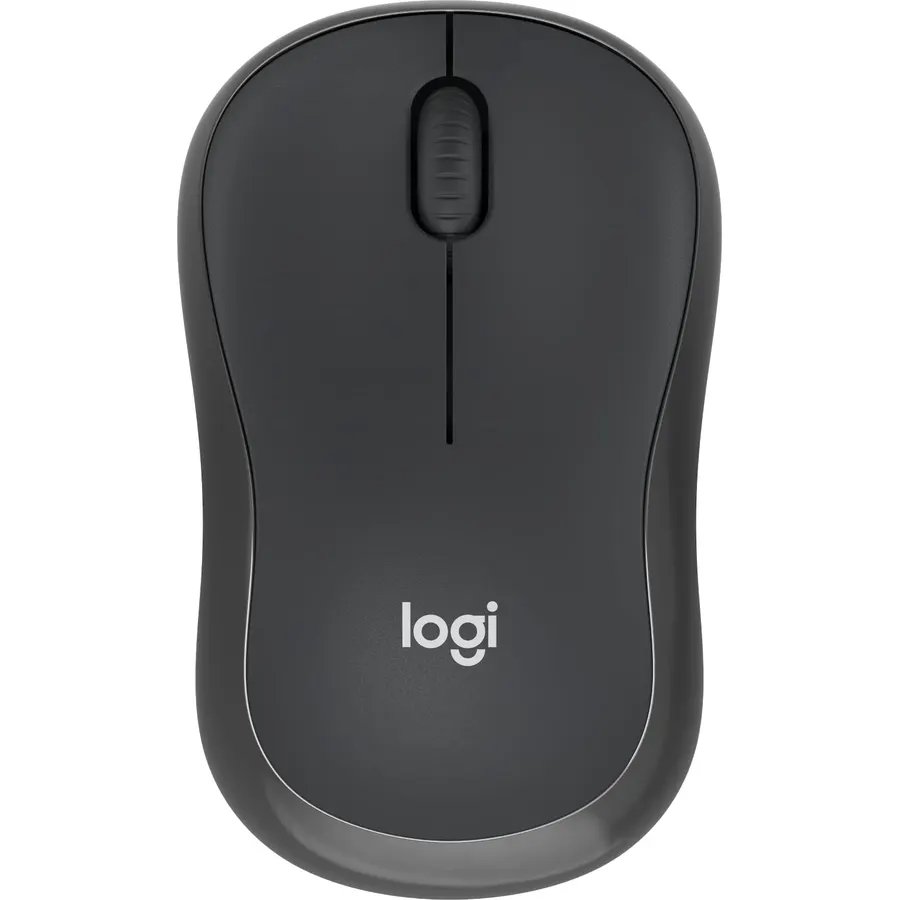
The M240 Silent is the Bluetooth mouse to buy if you do not want to think about it. It pairs in seconds with no dongle, works with Windows, macOS, Linux, ChromeOS, iPadOS and Android, and its SilentTouch switches cut click noise by 90 percent while keeping the same feel, so it is welcome in a shared office. A single battery lasts up to 18 months with auto sleep, and the slim ambidextrous body slips into any bag. It is a three-button mouse that remembers one device at a time and offers little palm support, so it is not the pick for a full day at a desk. About 11,500 owners rate it 4.4 stars. For a laptop, a tablet or a travel bag it is the sensible default.
- About 11,500 owner reviews at 4.4 stars
- Silent clicks and an 18-month battery
- Fits either hand and any bag
- Works with every major OS including iPadOS
- Three buttons only
- Slim shape gives little palm support
- Pairs with one device at a time
Logitech M196 Compact Ambidextrous Bluetooth Wireless Mouse - Sand
The M196 is the cheapest way to add a Bluetooth mouse to a laptop or tablet, and about 6,200 owners rate it 4.5 stars, a touch higher than the M240 above it. The body is compact and contoured for either hand, it pairs in seconds with no dongle, the optical sensor tracks on nearly any surface, and a single AA lasts a year with auto sleep. The shell is made with up to 67 percent recycled plastic. Compared with the M240 it has ordinary clicks rather than silent ones and a shorter battery life, and like the M240 it has three buttons and remembers one device. If you do not need silence, save the difference; if you work near other people, the M240 is worth it.
- The cheapest Bluetooth mouse on this page
- 4.5 stars from about 6,200 owners
- Ambidextrous and small enough for any bag
- Twelve-month battery on one AA
- Standard clicks, not silent
- Three buttons and no multi-device switching
- Shorter battery life than the M240
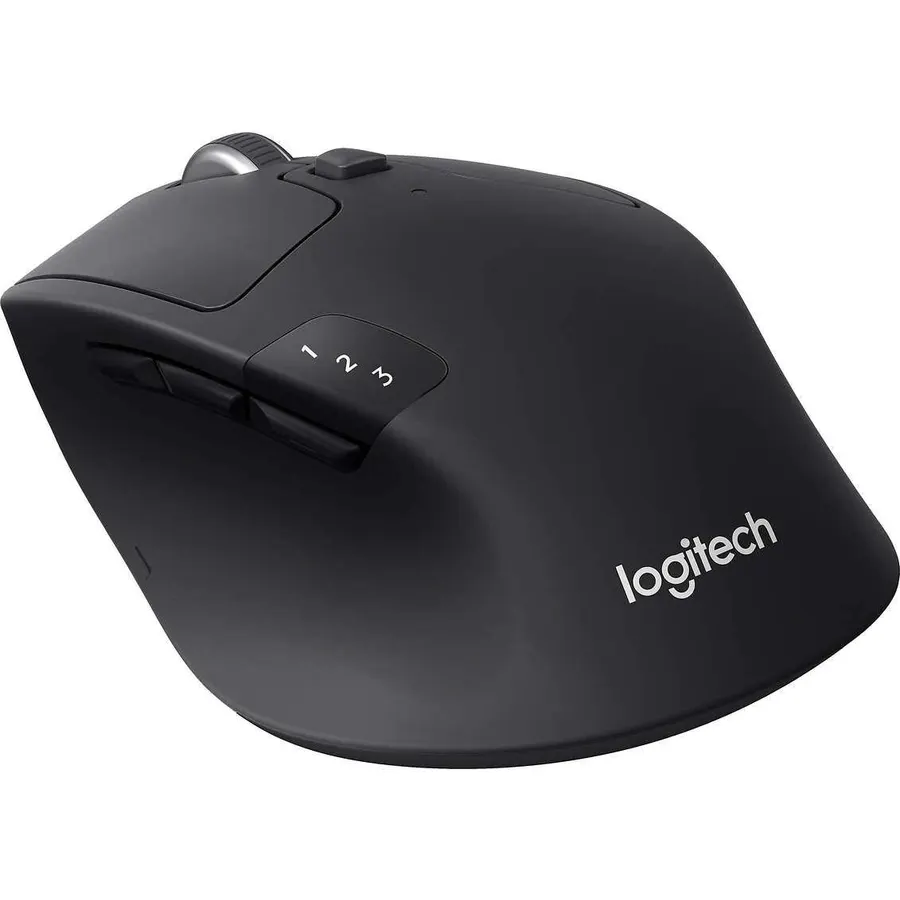
Logitech MX Master 3S Performance Wireless Mouse - Graphite With Bolt Reciever
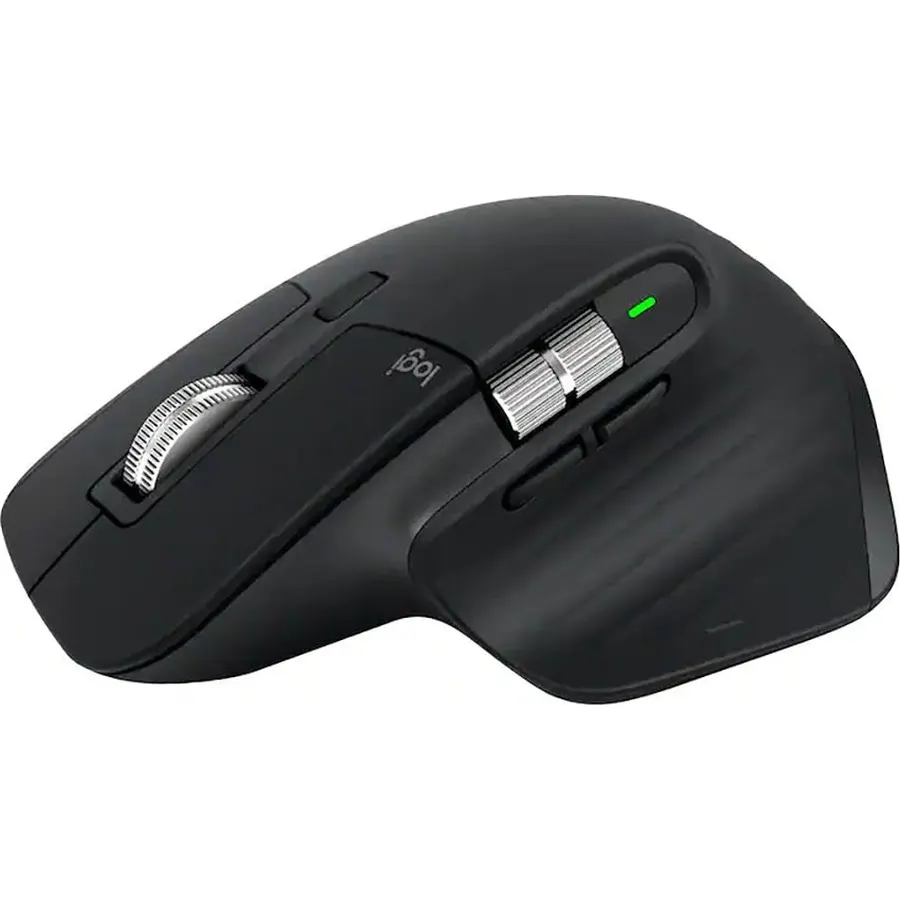
The MX Master 3S is the Bluetooth mouse for a desk where a laptop and a desktop sit side by side. It pairs with three devices over Bluetooth or the included Logi Bolt receiver, switches between them with a button, and Logitech Flow drags text and files from one machine to another. The MagSpeed wheel free-spins through long documents and stops dead on a pixel, a thumb wheel scrolls sideways, the 8,000 DPI sensor tracks on glass, and Quiet Clicks cut noise by 90 percent. It is heavy at 141 grams, large and right-handed, so it is a desk mouse rather than a travel one. About 8,800 owners rate it 4.6 stars. Our Logitech MX Master 3S review goes into detail.
- Switches between three devices and moves files between them with Flow
- MagSpeed wheel scrolls 1,000 lines a second and stops on a pixel
- Quiet Clicks and glass tracking
- 4.6 stars from about 8,800 owners
- Heavy at 141 g and strictly right-handed
- Large for small hands
- The most expensive mouse here
Logitech M535 Bluetooth Mouse - Optical - Wireless - Bluetooth - Black - 1000 dpi - Computer - Tilt
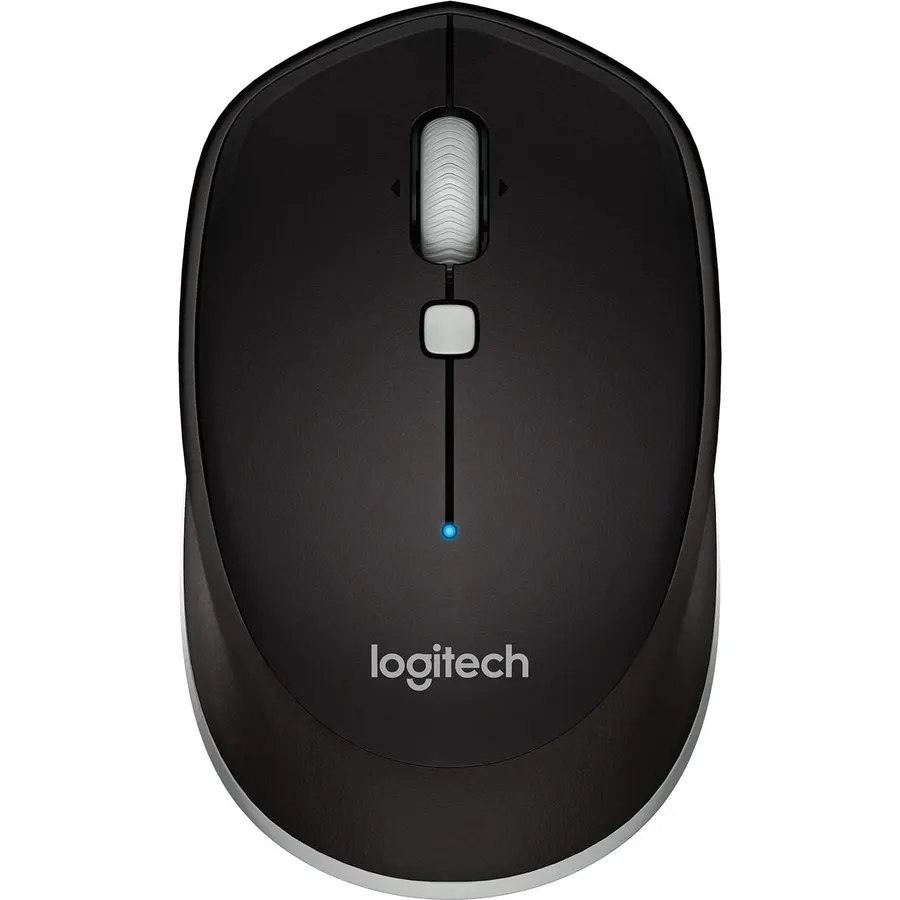
The M535 is an older Logitech Bluetooth mouse that keeps selling because it does one thing the budget picks above do not: its scroll wheel tilts left and right for sideways scrolling, which anyone who lives in wide spreadsheets or timelines will miss on a three-button mouse. It is compact enough to slip into a pocket, runs on a single AA that is included, and pairs with Mac, Windows, Chrome OS and Android tablets. The 1,000 DPI optical sensor is modest by current standards and it pairs with one device at a time, and the Amazon listing is sparse on detail. About 4,400 owners rate it 4.6 stars, the joint-highest score here, which says the basics are right.
- 4.6 stars from about 4,400 owners
- Tilt wheel for sideways scrolling in spreadsheets
- Works across Mac, Windows, Chrome OS and Android
- Compact enough for a pocket
- Older model with a 1,000 DPI sensor
- Single-device Bluetooth
- Listing details are thin
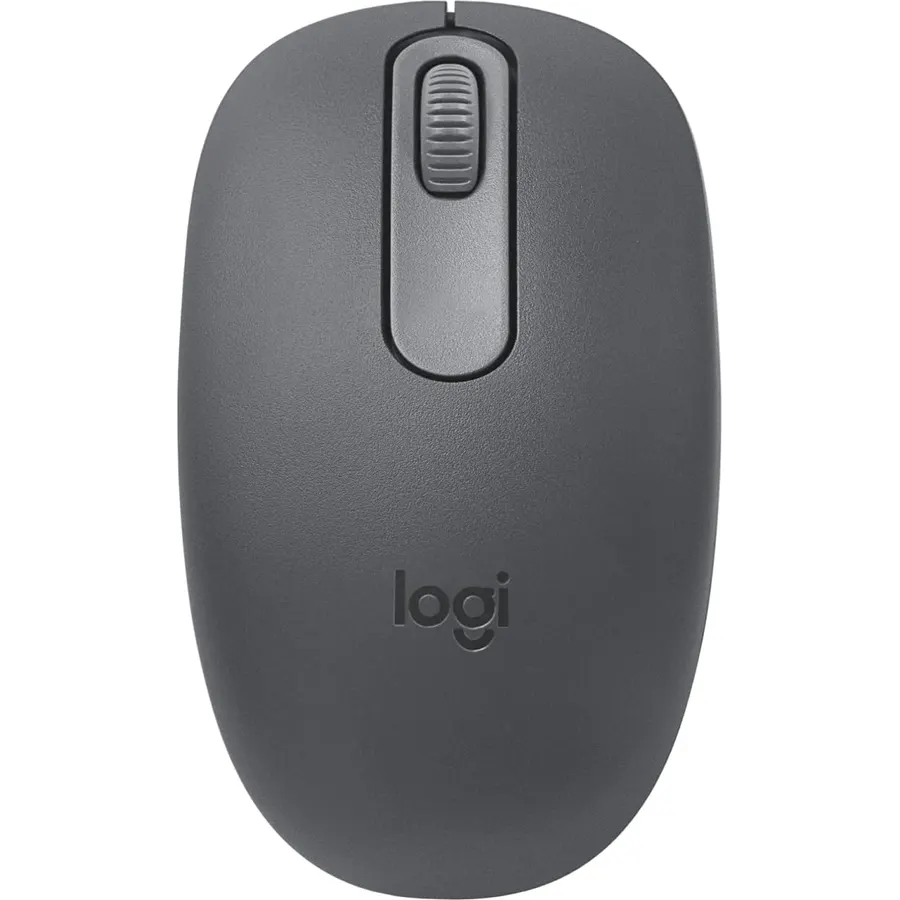
Logitech POP Mouse, Compact and Portable Wireless Bluetooth Mouse - Mist
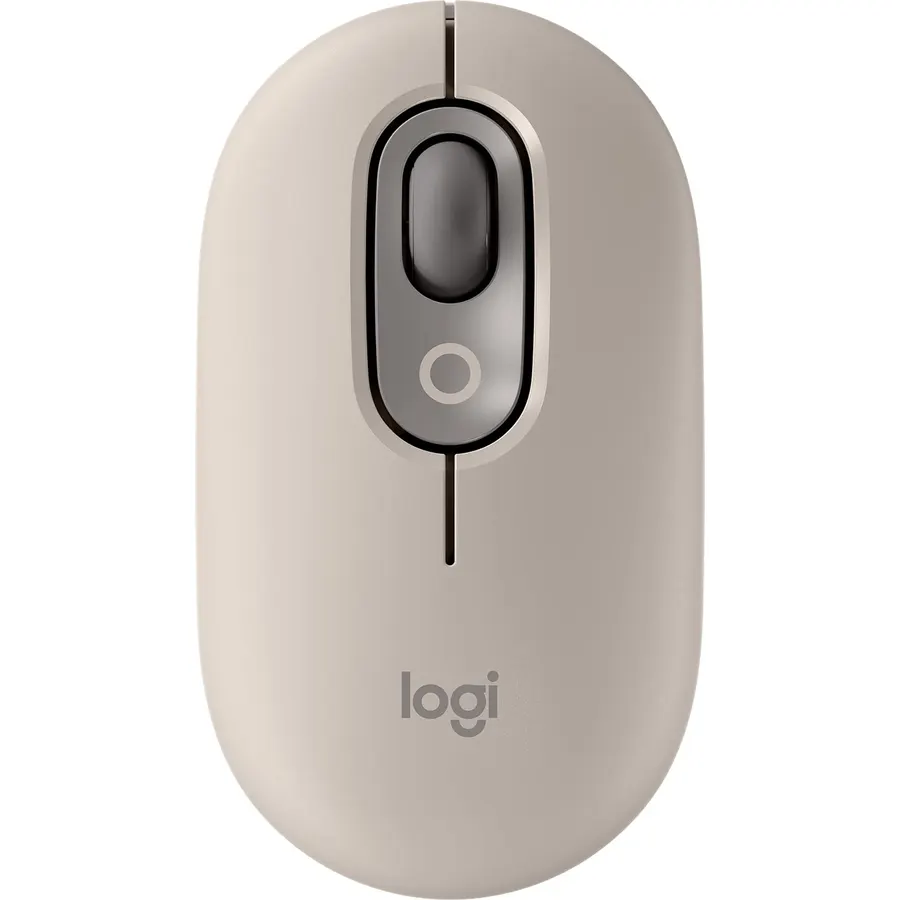
The POP Mouse is the cheapest mouse here that pairs with three devices and switches between them, which puts the main feature of the MX line into a small, colourful body. It has Silent Touch clicks, a SmartWheel that flips into fast scrolling with a flick, and Action Buttons that Logi Options+ can set to switch between work, social and break modes or to call up AI tools. It comes in several pastel finishes that match the POP Keys keyboard. The low profile means a palm grip gets no support, and it is Bluetooth only. About 3,800 owners rate it 4.6 stars, the joint-highest score on the page. For someone who moves between a laptop, a tablet and a phone all day, it is the best value Bluetooth mouse.
- Three-device switching at a mid price
- Silent clicks and a SmartWheel
- Colourful finishes that match the POP Keys keyboard
- 4.6 stars from about 3,800 owners
- Very low profile, little palm support
- Bluetooth only, no receiver
- More style than substance for the money
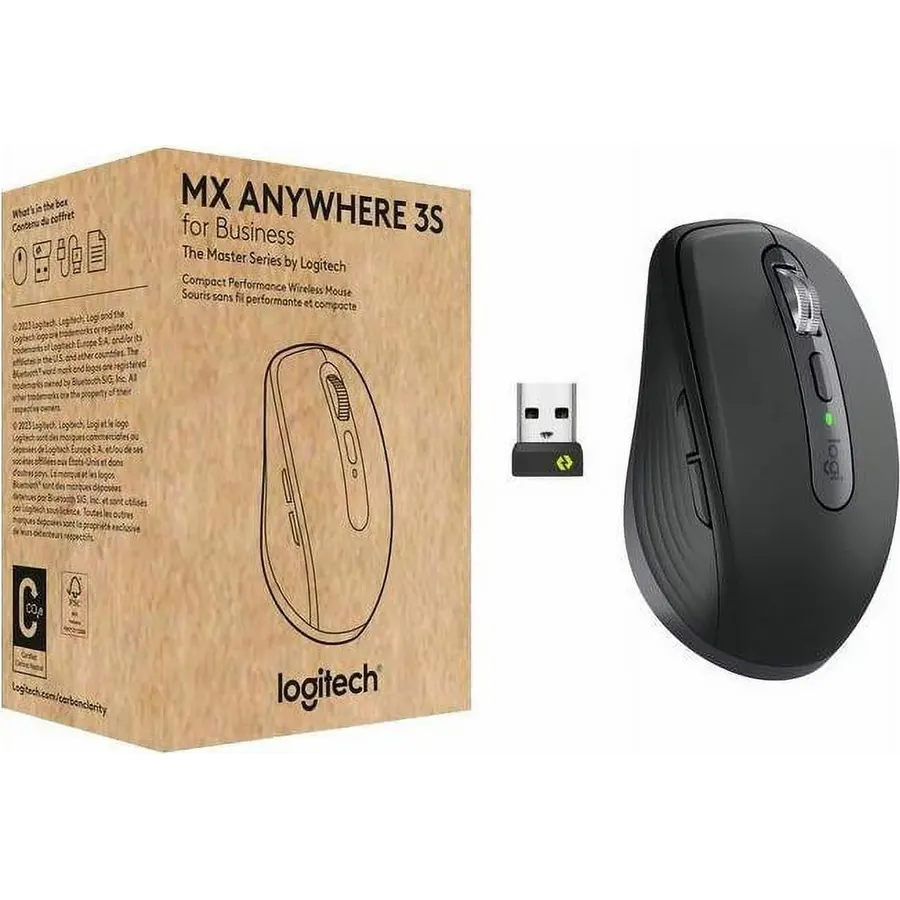
The MX Anywhere 3S is the MX Master’s little sibling: the same free-spinning MagSpeed wheel, the same sensor that works on glass, and the same three-device switching over Bluetooth or Logi Bolt, in a body small enough to live in a bag. People with small hands often prefer it as a desk mouse too; large-handed users find it cramped after a few hours, which is the honest trade-off for its size. It is the right Bluetooth mouse for someone who works from a laptop at a cafe in the morning and a monitor in the afternoon and wants the same mouse at both. About 2,300 owners rate it 4.5 stars. Our mice for small hands guide looks at it from the fit angle.
- MX Master wheel and glass tracking in a travel body
- Three-device switching with Bluetooth or Bolt
- 4.5 stars from about 2,300 owners
- Light enough to carry daily
- Cramped for large hands over long sessions
- Low profile, little palm support
- Costs several times a budget pick
Logitech Ergo M575S Wireless Bluetooth Trackball Mouse - Graphite Blue Ball
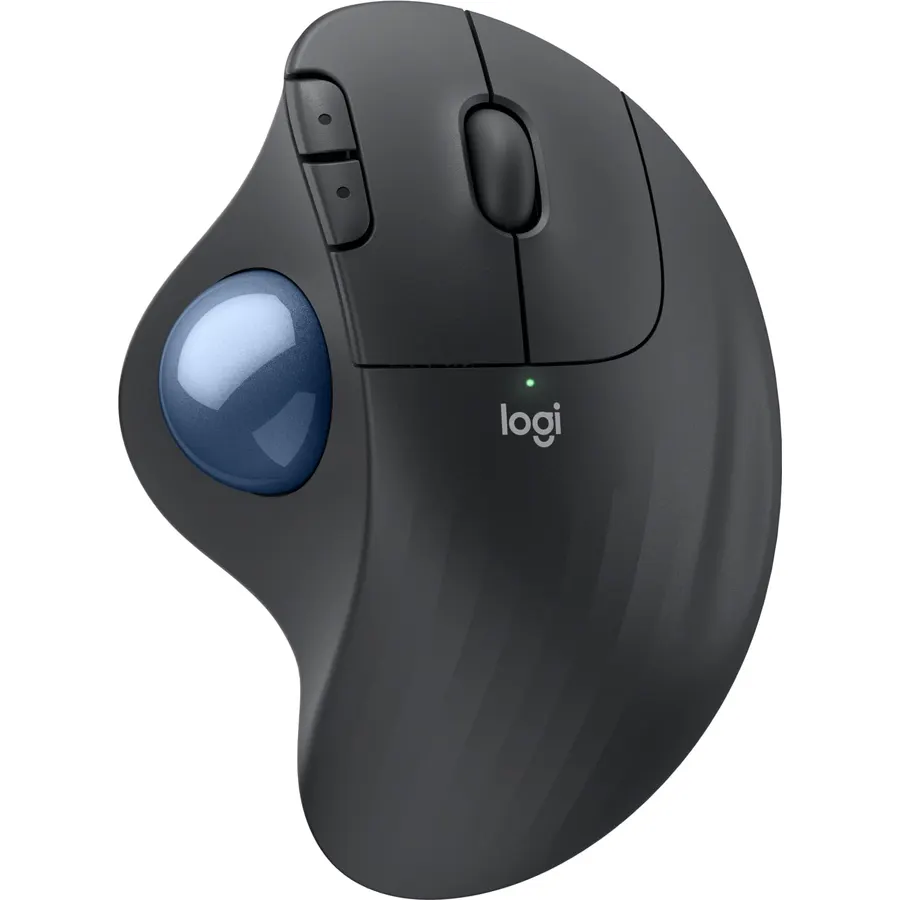
The Ergo M575S is the Bluetooth pick for a wrist that hurts. It is a thumb-operated trackball: the hand rests on a sculpted shell and the thumb rolls a ball to move the cursor, so the arm and wrist never drag across the desk, and Logitech quotes 25 percent less forearm muscle strain with the design certified by ergonomists. It pairs over Bluetooth or the included Logi Bolt receiver, runs 18 months on one AA, and the S version has quiet clicks. Three buttons are customisable in Logi Options+. It is right-handed only, the ball takes a few days to feel natural and wants a wipe every few weeks. About 2,300 owners rate it 4.4 stars. Our trackball mice guide compares it with finger trackballs.
- The hand stays still, so the arm and wrist stop moving
- Bluetooth and Bolt with an 18-month battery
- Quiet clicks and a shape that suits most hand sizes
- 4.4 stars from about 2,300 owners
- Right-handed only
- Thumb ball takes a few days to learn
- Ball needs occasional cleaning
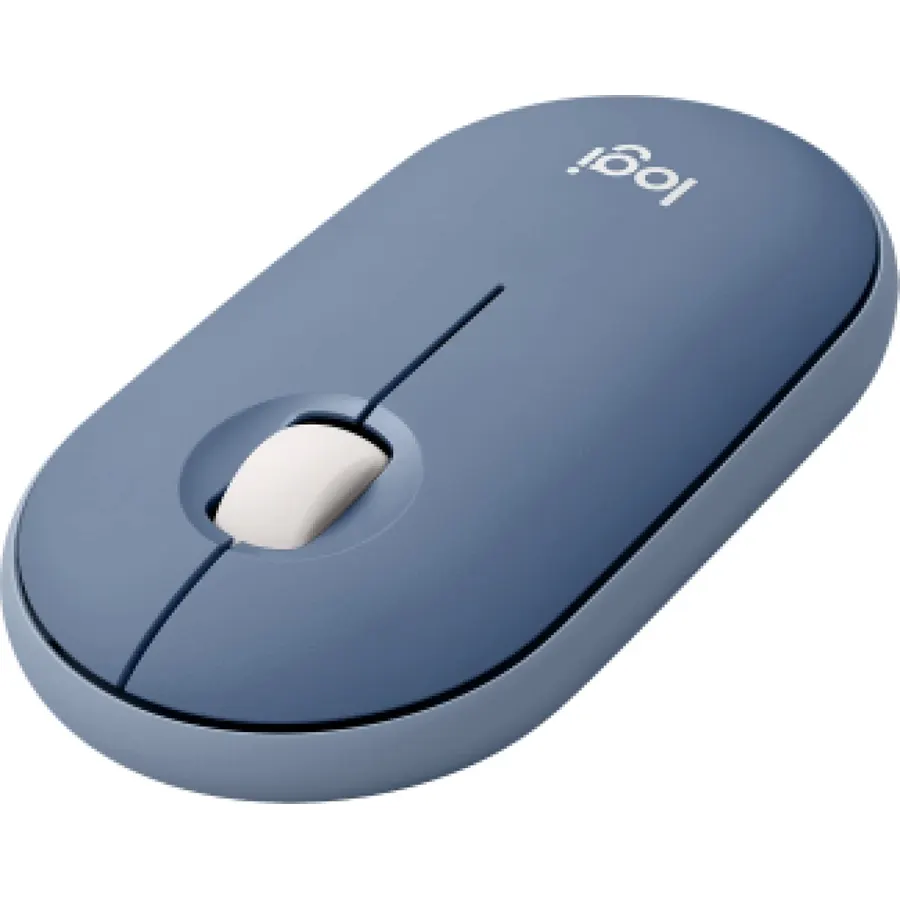
The Pebble 2 M350s is the flattest mouse on this page, a slim round disc that disappears into a laptop sleeve, and it still pairs with three devices over Bluetooth and switches between them with a button. Silent Touch clicks remove 90 percent of the noise, a single battery lasts up to two years, and the middle button can be customised in Logi Options+ for a favourite app. The shell is made with recycled plastic and comes in several colours. The flat shape is the whole point and the whole limitation: there is no palm support, so it suits fingertip users and travel rather than an eight-hour desk day. About 620 owners rate it 4.6 stars, the fewest reviews here but the joint-best score.
- Three-device Bluetooth switching in the slimmest body here
- Silent clicks and a two-year battery
- 4.6 stars from about 620 owners
- Several colours, recycled plastic
- Very flat, so no palm support at all
- Fewest reviews of the picks here
- Three buttons
Compare the picks
| Product | Devices | Receiver too? | Silent clicks | Battery | Owner rating | Our score | |
|---|---|---|---|---|---|---|---|
| Logitech M240 SilentLogitech | 1 | No | Yes | 18 months | 4.4 (11,500+) | 8.8 | See price |
| Logitech M196Logitech | 1 | No | No | 12 months, AA | 4.5 (6,200+) | 9.0 | See price |
| Logitech MX Master 3SLogitech | 3 | Logi Bolt included | Quiet Clicks | Rechargeable | 4.6 (8,800+) | 9.2 | See price |
| Logitech M535Logitech | 1 | No | No | AA included | 4.6 (4,400+) | 9.2 | See price |
| Logitech POP MouseLogitech | 3 | No | Yes | Battery | 4.6 (3,800+) | 9.2 | See price |
| Logitech MX Anywhere 3SLogitech | 3 | Logi Bolt | Quiet | Rechargeable | 4.5 (2,300+) | 9.0 | See price |
| Logitech Ergo M575SLogitech | 2 (Bluetooth or Bolt) | Logi Bolt included | Yes | 18 months, AA | 4.4 (2,300+) | 8.8 | See price |
| Logitech Pebble 2 M350sLogitech | 3 | No | Yes | 2 years | 4.6 (620+) | 9.2 | See price |
Bluetooth only, or Bluetooth plus a receiver?
Bluetooth alone (M240, M196, M535, POP Mouse, Pebble 2) means nothing to lose and nothing to plug in, and it is the right choice for a laptop or tablet that travels. The catch is that a few desktop PCs have no Bluetooth, and pairing can take a moment after sleep. Mice with Bluetooth plus a Logi Bolt receiver (MX Master 3S, MX Anywhere 3S, Ergo M575S) give you the dongle for a desktop and Bluetooth for everything else, and Bolt has a more robust link in a crowded office. If one of your devices is an older desktop, pay for a mouse that includes the receiver.
Single device or multi-device?
Budget Bluetooth mice (M240, M196, M535) remember one device; to move to another you re-pair. Multi-device mice (MX Master 3S, MX Anywhere 3S, POP Mouse, Pebble 2) store up to three and switch with a button, which is the feature that makes one mouse serve a laptop, a tablet and a phone. The MX pair add Logitech Flow, which moves the cursor and files between two computers as if they were one. If you have one laptop, buy the M240 or M196; if you juggle devices, the POP Mouse is the cheapest multi-device pick and the MX Anywhere 3S the most capable small one.
Which shape and features matter for desk work?
For a full day at a desk, size and scrolling matter more than price. The MX Master 3S is the only pick here with real palm support and a thumb rest, and its MagSpeed wheel saves time in long documents; the M535 adds tilt scrolling for spreadsheets. The compact picks (M240, M196, POP Mouse, MX Anywhere 3S, Pebble 2) suit smaller hands and fingertip grips and are the ones to carry. The Ergo M575S trackball is the outlier, keeping the whole hand still for anyone with wrist pain; our ergonomic mouse for wrist pain guide has conventional alternatives.
Do Bluetooth mice work with an iPad?
Yes, iPadOS has supported Bluetooth mice since version 13.4. The M240, M196, POP Mouse, Pebble 2, MX Anywhere 3S, MX Master 3S and Ergo M575S all list iPadOS compatibility. Pair from the Bluetooth menu in Settings.
Is a Bluetooth mouse slower than one with a dongle?
Slightly, which matters for fast games but not for work. Bluetooth polls less often than a 2.4 GHz receiver and can take a second to wake, but for documents, browsing and spreadsheets the difference is not noticeable.
Which Bluetooth mouse has the longest battery life?
The Pebble 2 M350s at up to two years on one battery, followed by the M240 and Ergo M575S at 18 months and the M196 at 12 months. The rechargeable MX Master 3S and MX Anywhere 3S run for weeks per charge.
Can a Bluetooth mouse connect to two computers?
Multi-device mice can. The MX Master 3S, MX Anywhere 3S, POP Mouse and Pebble 2 store up to three devices and switch with a button; the Ergo M575S uses Bluetooth for one and its Bolt receiver for another. The M240, M196 and M535 pair with one at a time.
Which Bluetooth mouse is quietest?
The M240 Silent, POP Mouse and Pebble 2 use Silent Touch switches that remove 90 percent of click noise, and the MX Master 3S has Quiet Clicks. The M196 and M535 have ordinary clicks.
Prices and stock change daily. The buttons above open Amazon so you always see the current price. We may earn a commission if you buy through them, at no extra cost to you.
Do Best Deal is a participant in the Amazon Services LLC Associates Program. As an Amazon Associate we earn from qualifying purchases. If you buy through links on this site we may earn a commission, at no extra cost to you. Learn more.