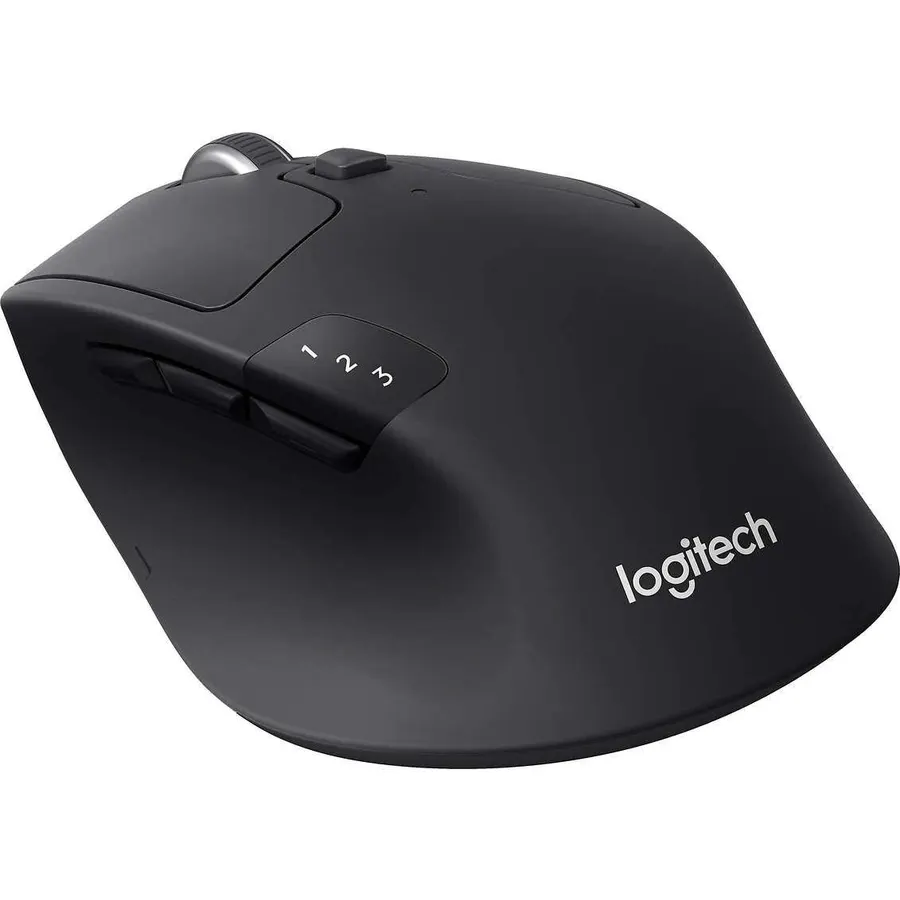
Most mice are designed around a medium to large hand, and if yours is smaller you know the result: a thumb that cannot reach the side buttons, a palm that floats above the hump, and a wrist that aches by mid-afternoon. A mouse that fits is shorter, narrower and lower. We ranked the compact mice in our mice catalog by physical size and shape, button placement, connection and battery, build quality, and what tens of thousands of owners with small hands report after months of use.
We have not measured every one of these in our own hands; the verdicts rest on the spec sheets and on the owner review history. Prices are not printed because they change daily; every button opens the live Amazon page. See also our wireless mouse for laptops and travel guide and, for sore wrists, the ergonomic mouse for wrist pain guide.
How we picked
- Genuinely compact. Every pick is a small or compact body; full-size mice sold as “for everyone” were left out.
- Buttons within reach. Side buttons, where present, sit far enough forward for a shorter thumb.
- Light weight, because a small hand tires faster pushing a heavy mouse.
- Office and gaming both covered, since small-handed gamers have the hardest time finding a fit.
- Owner ratings of 4.3 stars or better; six of the eight picks have more than 3,000 reviews.
The picks
Logitech M185 Compact Ambidextrous 2.4 GHz Wireless Mouse - Swift Grey
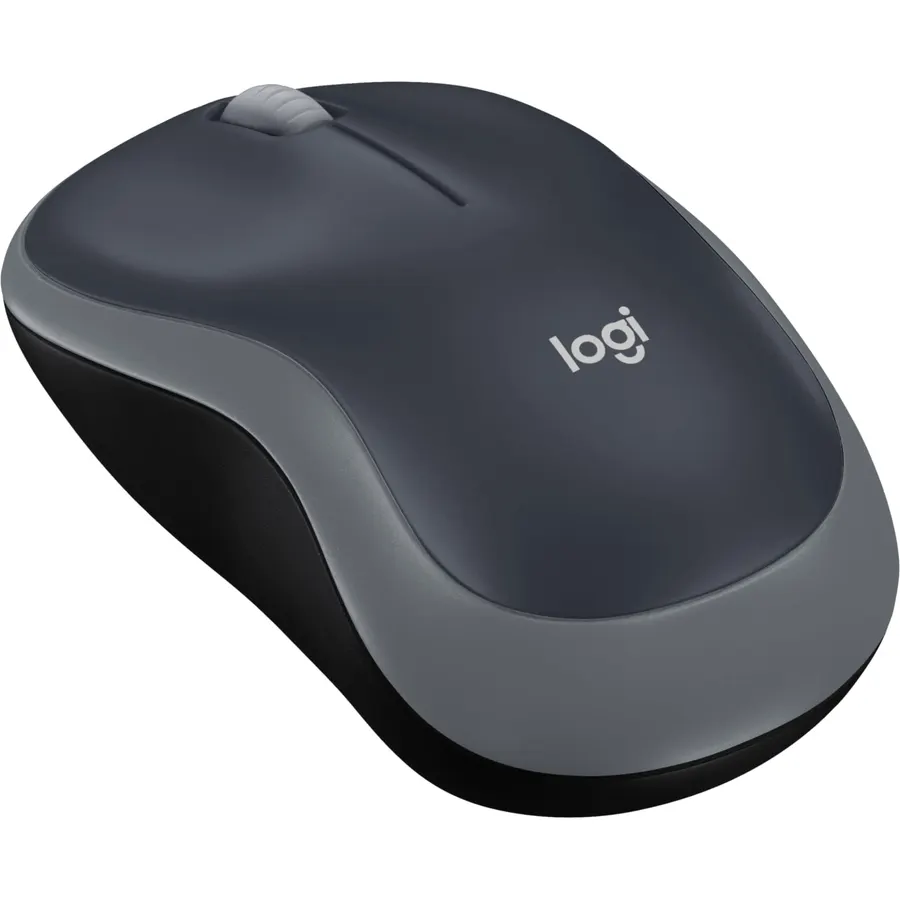
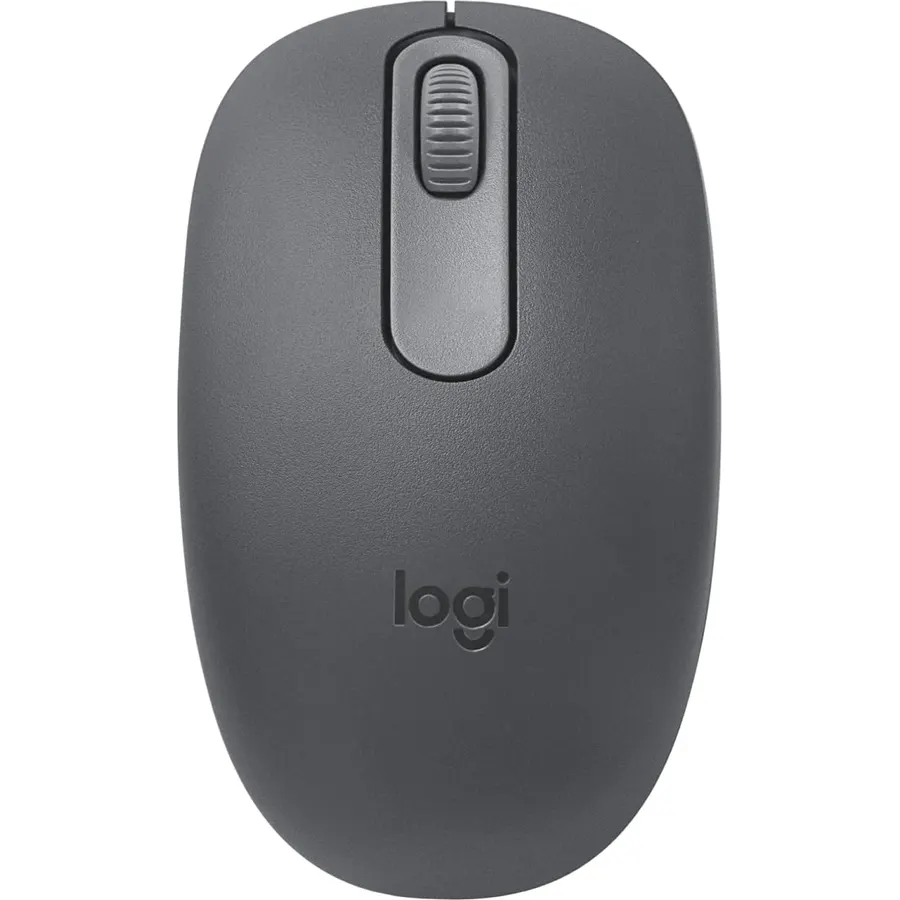
The M185 is the compact mouse most small-handed people end up with, and Logitech’s own listing says why: it is designed for small to medium hands, tight desks and laptop bags. The body is short, low and contoured for either hand, it weighs very little, and its single AA lasts a year with smart sleep. The nano receiver plugs in and stays in a laptop, and it works with Windows, Mac, Chrome OS and Linux. There are only three buttons and no Bluetooth, so it is a basic mouse, but about 44,900 owners rate it 4.5 stars and it costs almost nothing. For a first compact mouse, a school laptop or a backup in the bag, buy this; if you want side buttons or Bluetooth, read on.
- Logitech describes it as suitable for small to medium hands
- About 44,900 owner reviews at 4.5 stars
- Ambidextrous, so it fits a small left hand too
- One-year battery and a three-year warranty
- Only three buttons
- Plain receiver, not Unifying or Bluetooth
- Basic plastic finish
Logitech M240 Compact Silent Bluetooth Wireless Mouse - Rose
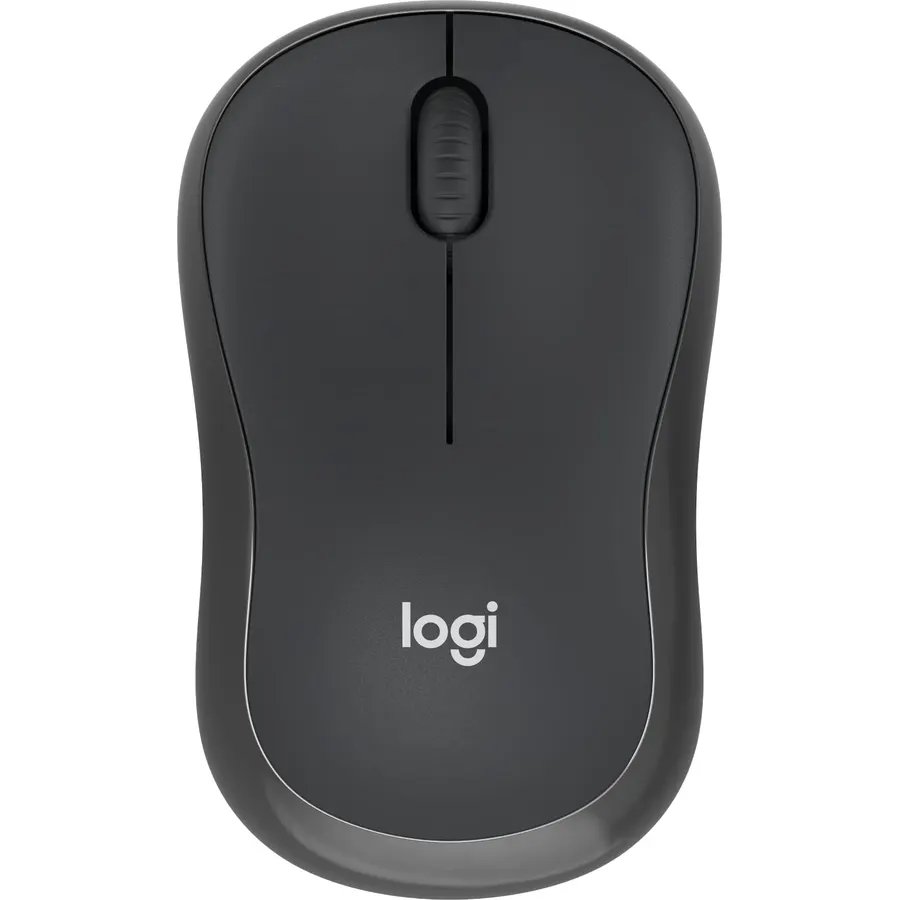
The M240 Silent is the M185 idea brought up to date: a slim compact body that suits a right or left hand, Bluetooth pairing so it works with a thin laptop or an iPad with no USB-A port, and SilentTouch clicks that cut noise by 90 percent while keeping the click feel. A single battery lasts 18 months with auto sleep, and it is certified for Chromebooks as well as Windows, macOS, Linux, iPadOS and Android. The slim shape is the point for a small hand and the limitation for anyone who wants a palm rest, and it has no receiver option and only three buttons. About 11,500 owners rate it 4.4 stars, and its Rose colour is one of several.
- Pairs by Bluetooth, no USB port needed
- Silent clicks for shared rooms
- 18-month battery
- 4.4 stars from about 11,500 owners
- Bluetooth only; no receiver option
- Three buttons only
- Slim shape gives little palm support
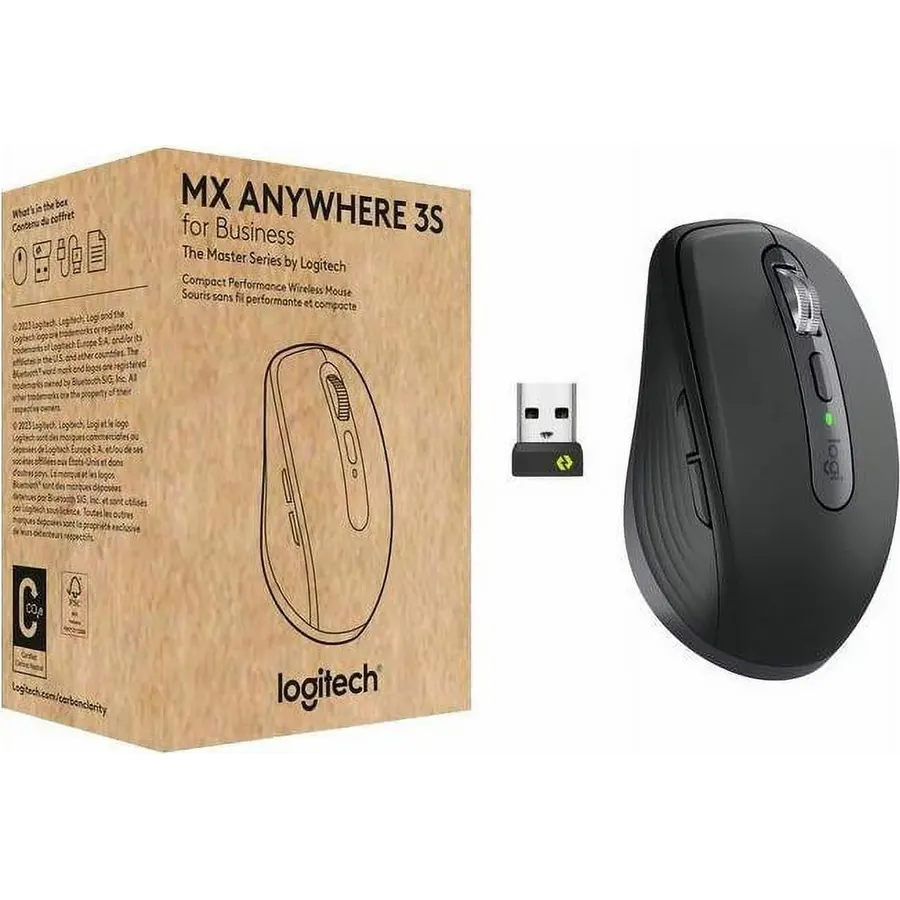
The MX Anywhere 3S is the MX Master’s little sibling, and for a small hand it is often the better mouse. You get the same free-spinning MagSpeed wheel, the same sensor that works on glass and the same three-device switching, in a body small enough to live in a bag; Logitech’s own description notes that people with small hands often prefer it as a desk mouse too. It connects over Bluetooth or the Logi Bolt receiver. The low, compact shape offers little palm support, which is exactly why it suits a short hand and why large-handed users complain after a few hours. It is the most expensive mouse here, but about 2,300 owners rate it 4.5 stars and it is the one compact mouse with flagship features. Our wireless mouse for productivity guide compares it with the full-size MX Master.
- The MX Master wheel and glass sensor in a small body
- Three-device switching
- Small enough to live in a bag
- 4.5 stars from about 2,300 owners
- Large hands find it cramped, which is the point here
- Low profile offers little palm support
- Costs several times an M185
Razer Orochi V2 Wireless Gaming Mouse, Ultra Lightweight & Portable, Bluetooth & 2.4Ghz Wireless Connectivity, 18K DPI, Up to 950hrs Battery Life, Compatible with PC & Mac, White
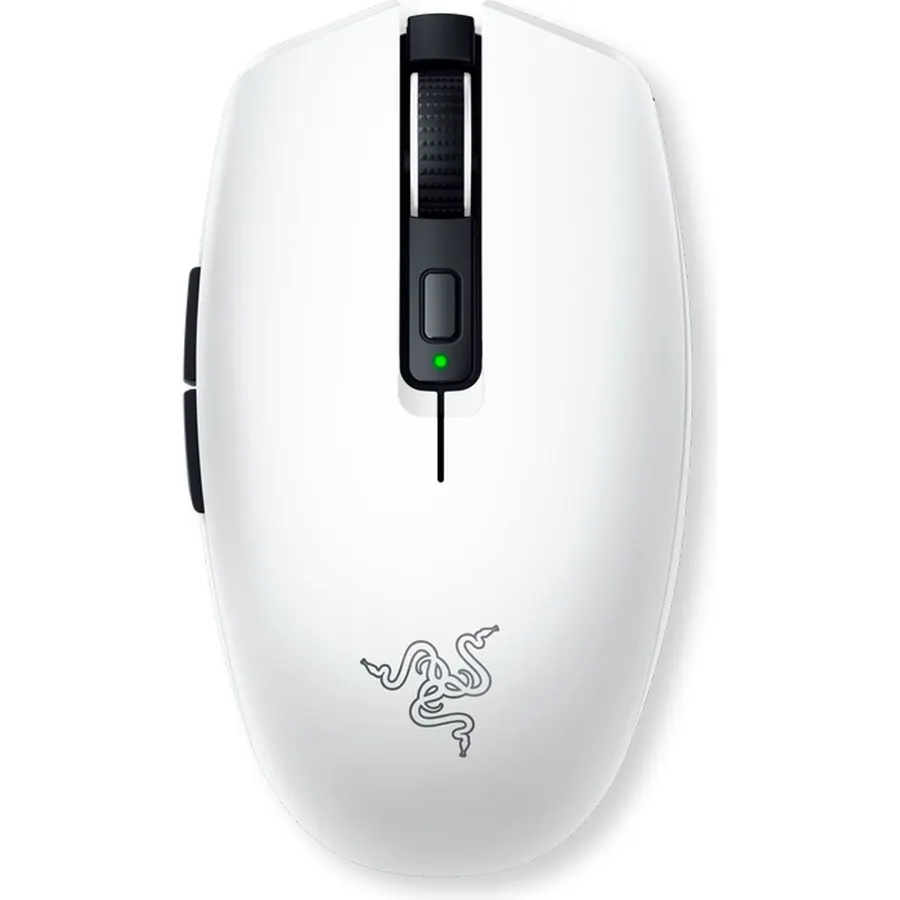
Small-handed gamers have the hardest time of anyone because gaming mice are built big, and the Orochi V2 is the best wireless answer. It is a compact symmetrical shape weighing 60 grams before its battery, with low-latency HyperSpeed wireless for games and Bluetooth for a laptop, an 18K sensor and second-generation mechanical switches. It takes an AA or an AAA, and with an AAA it is one of the lightest wireless mice sold, running up to 950 hours on Bluetooth. The side buttons are small, which small thumbs mind less than large ones. About 5,600 owners rate it 4.4 stars. For more small gaming shapes, see our lightweight gaming mice guide.
- A compact gaming shape with low-latency HyperSpeed wireless
- 60 g, and lighter still with an AAA
- Bluetooth for work, dongle for games
- 4.4 stars from about 5,600 owners
- Side buttons are small
- Mechanical rather than optical switches
- White finish picks up marks
Logitech M196 Compact Ambidextrous Bluetooth Wireless Mouse - Sand
The M196 is the M185 with Bluetooth instead of a dongle, and it is the cheapest way to get a compact mouse onto a laptop or tablet that has no spare USB port. The contoured ambidextrous body is small and light, it pairs in seconds, and a single AA lasts a year with auto sleep. The shell uses up to 67 percent recycled plastic depending on colour. It has ordinary clicks rather than the silent switches of the M240 and only three buttons, and the battery life is shorter than its sibling, but about 6,200 owners rate it 4.5 stars, the highest among the budget Logitech picks here. If you want Bluetooth and do not care about silence, buy this; if you share a room, pay a little more for the M240.
- The cheapest Bluetooth mouse Logitech makes
- Fits either hand and any bag
- 4.5 stars from about 6,200 owners
- Recycled plastic shell
- Standard clicks, not silent like the M240
- Three buttons
- One-year battery is shorter than the M240
Logitech POP Mouse, Compact and Portable Wireless Bluetooth Mouse - Mist
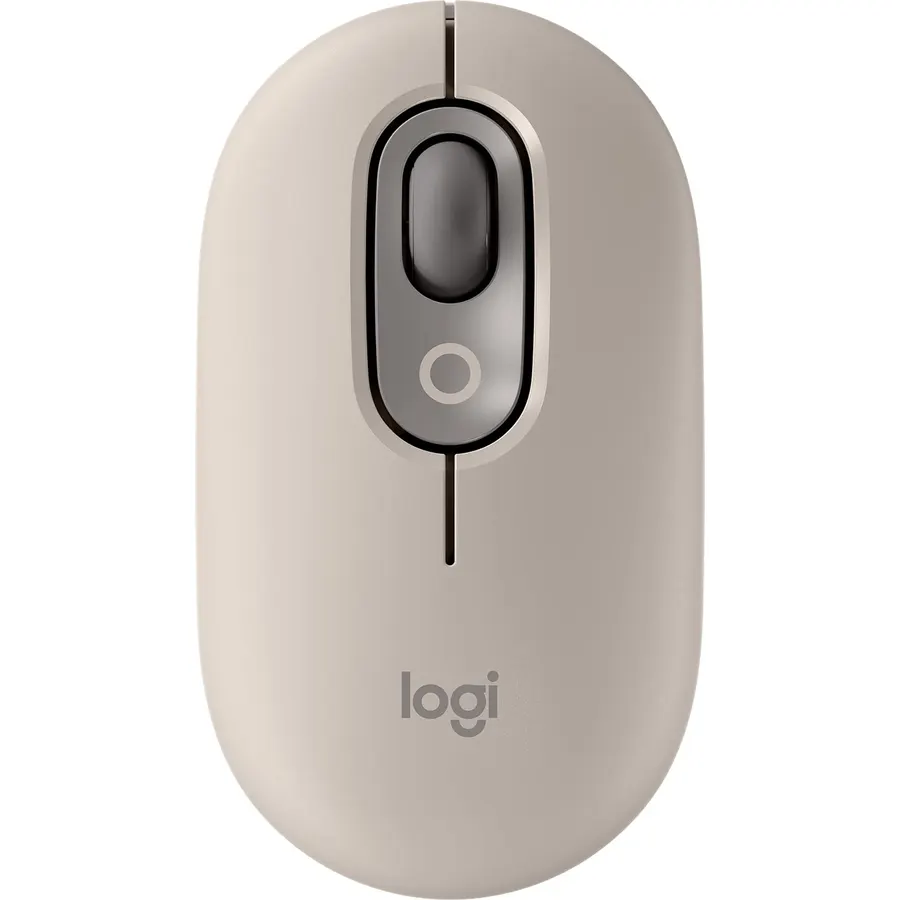
The POP Mouse is what you buy when the compact mouse should look as good as it feels. It is slim and contoured in a range of pastel colours, pairs with three devices over Bluetooth and switches between them with a button, has Silent Touch clicks and a SmartWheel that flicks into speed scrolling, and its Action Buttons can be customised in Logi Options+ to switch between work, social and break modes. It is Bluetooth only and very low, so palms get no support, and it costs more than the M240 for similar basics. About 3,800 owners rate it 4.6 stars, the highest score here, and it matches the POP Keys keyboard from our Logitech keyboards guide for a coordinated desk.
- Three-device Bluetooth switching in a tiny mouse
- Silent clicks and a SmartWheel
- Colourful finishes that match the POP Keys keyboard
- 4.6 stars from about 3,800 owners
- Low profile gives no palm support
- Bluetooth only
- Style costs more than the M240 for similar basics
Razer Viper Mini - Wired Gaming Mouse for PC/Mac (Ultralight 61g, Ambidextrous, Speedflex Cable, 8500 DPI Optical Sensor, Chroma RGB Illumination) Black
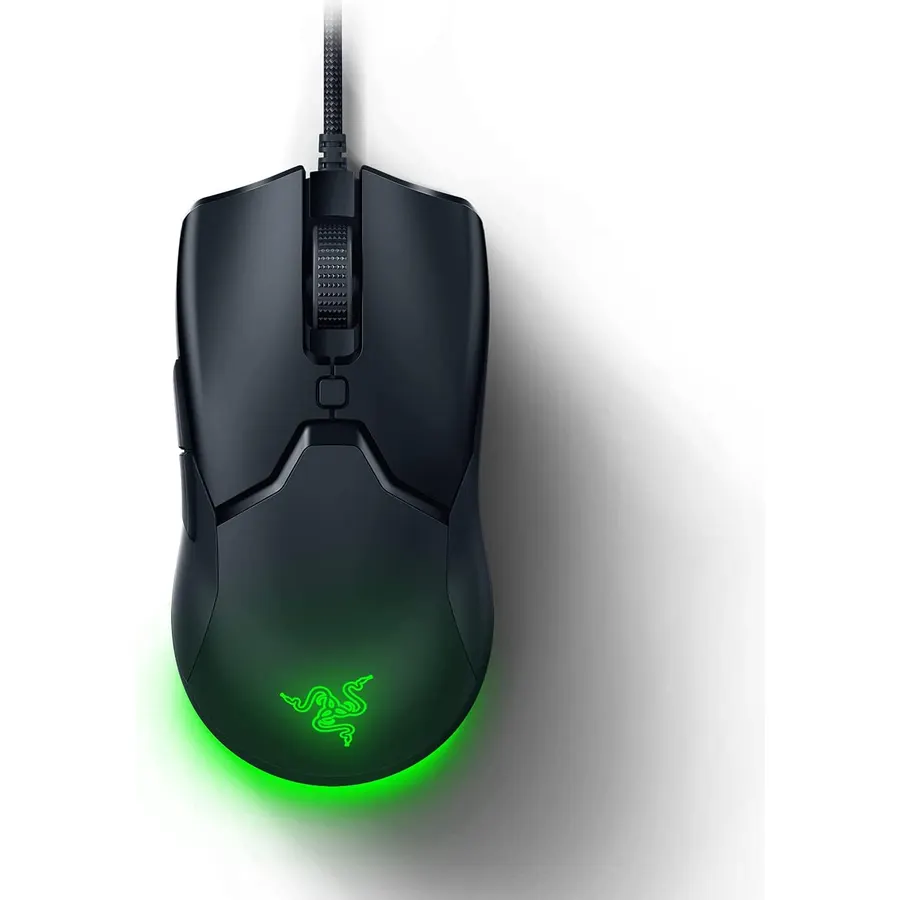
The Viper Mini is one of very few gaming mice designed small from the start rather than shrunk as an afterthought, and that makes it the wired pick for small hands. It weighs 61 grams in a solid ambidextrous shell, uses Razer optical switches rated for 50 million clicks, and its Speedflex cable drags so little that owners say it feels nearly wireless on a bungee. The 8,500 DPI sensor is modest but accurate, six buttons are programmable, and Chroma lighting glows from the underside. The side buttons are on the left only, so left-handers lose them. About 10,600 owners rate it 4.3 stars, and the common theme in positive reviews is finally finding a gaming mouse that fits. Our gaming mouse under 50 guide has more budget options.
- Built small on purpose, which is rare in gaming mice
- 61 g and optical switches at a budget price
- About 10,600 owner reviews at 4.3 stars
- Ambidextrous body
- Wired only
- 8,500 DPI sensor is entry level
- Side buttons on the left only
Logitech M340 Compact Ambidextrous Silent Wireless Mouse - Blue Floral
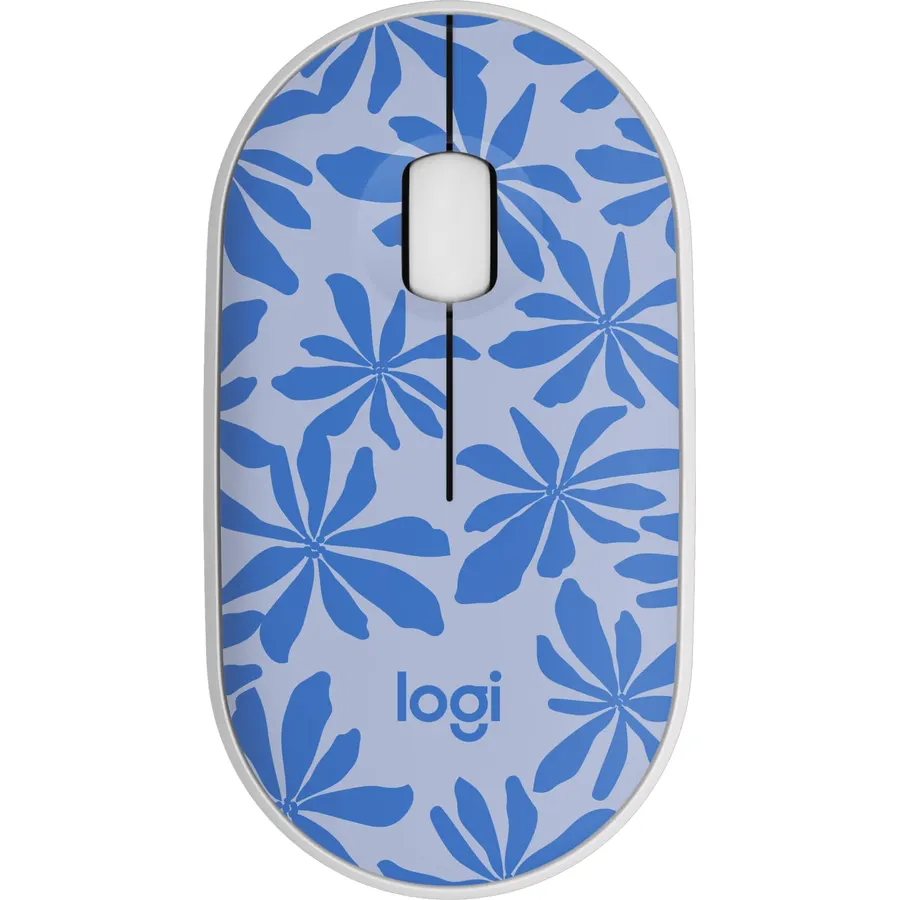
The M340 fills the gap between the M185 and the M240: a slim, ultra-compact round body with Silent Touch clicks that remove 90 percent of click noise, connected by a 2.4 GHz receiver rather than Bluetooth, so it works instantly on a desktop PC without pairing. The shell uses recycled plastic and comes in patterns like this Blue Floral. It is listed for Windows and Chrome OS and works with Surface devices. It needs a USB-A port, which rules out some thin laptops, and it is the newest and least-reviewed Logitech here. About 960 owners rate it 4.6 stars, and for a quiet, tiny mouse for a Windows desktop it is the one to pick.
- Silent clicks with a plug-and-play receiver, unlike the Bluetooth-only picks
- Ultra-compact and light for a bag
- Patterned finishes
- 4.6 stars from about 960 owners
- Needs a USB-A port
- Windows and Chrome OS only on the listing
- Fewest reviews of the Logitech picks here
Compare the picks
| Product | Type | Connection | Silent clicks | Battery | Owner rating | Our score | |
|---|---|---|---|---|---|---|---|
| Logitech M185Logitech | Compact office | Nano receiver | No | 1 year, AA | 4.5 (44,900+) | 9.0 | See price |
| Logitech M240 SilentLogitech | Slim office | Bluetooth | Yes | 18 months | 4.4 (11,500+) | 8.8 | See price |
| Logitech MX Anywhere 3SLogitech | Compact premium | Bluetooth or Bolt | Quiet | Rechargeable | 4.5 (2,300+) | 9.0 | See price |
| Razer Orochi V2Razer | Compact gaming | HyperSpeed and Bluetooth | No | Up to 950 h, AA or AAA | 4.4 (5,600+) | 8.8 | See price |
| Logitech M196Logitech | Compact office | Bluetooth | No | 12 months, AA | 4.5 (6,200+) | 9.0 | See price |
| Logitech POP MouseLogitech | Compact style | Bluetooth, 3 devices | Yes | Battery | 4.6 (3,800+) | 9.2 | See price |
| Razer Viper MiniRazer | Small gaming | Wired | No | None needed | 4.3 (10,600+) | 8.6 | See price |
| Logitech M340Logitech | Ultra-compact office | USB-A receiver | Yes | Battery | 4.6 (960+) | 9.2 | See price |
How to tell if a mouse is too big
Measure from the tip of your middle finger to the first crease of your wrist. Under about 17 cm is a small hand, and most full-size mice are built for 18 to 20 cm. With the right size, your palm rests on the back of the mouse while your fingertips sit on the front third of the buttons and your thumb reaches the side buttons without stretching. If your palm floats, the mouse is too long or too tall; if your thumb has to slide back to click the side button, it is too long. Every pick here is short and low, which is why they work for claw and fingertip grips as well as a small palm grip.
Bluetooth or receiver?
Bluetooth (M240, M196, POP Mouse, MX Anywhere 3S, Orochi V2) needs no dongle and works with tablets and thin laptops, but pairing takes a moment and a few older desktop PCs lack Bluetooth. A 2.4 GHz receiver (M185, M340, Orochi V2 HyperSpeed) is plug-and-play and has lower latency, which is why gamers use it, but it occupies a USB-A port. The Orochi V2 and MX Anywhere 3S offer both. If you move between an iPad and a laptop, choose Bluetooth; if the mouse lives on one Windows desktop, a receiver is simpler.
Small gaming mice
Gaming mice are the hardest category for small hands because most are built around a large palm grip. The two Razer picks here were designed small on purpose: the Viper Mini is a low 61-gram ambidextrous wired mouse and the Orochi V2 is a compact 60-gram wireless one. Both suit the claw and fingertip grips that small hands tend to use, and both have six buttons; MMO mice with twelve-button grids are universally large. Pair either with a pad from our desk mats and mouse pads guide.
What size mouse is best for small hands?
A compact mouse roughly 10 to 11 cm long and under 6 cm wide, with a low hump, so the palm rests on the back and the fingertips sit on the front third of the buttons. Every pick on this page is a compact or small body.
Is the Logitech M185 good for small hands?
Yes. Logitech describes it as suitable for small to medium hands, and it is the most-reviewed compact mouse on Amazon with about 44,900 ratings at 4.5 stars. It has three buttons and uses a plain nano receiver.
Which gaming mouse is best for small hands?
The Razer Viper Mini if you want wired and the Razer Orochi V2 if you want wireless. Both were designed as small mice from the start, weigh about 60 g and suit claw and fingertip grips.
Do compact mice cause more hand strain?
Not if they fit. A mouse that is too big forces the fingers to stretch and the palm to hover, which causes strain; a compact mouse lets a small hand relax. A very flat mouse used with a palm grip can tire the hand, so match the shape to your grip.
Are there compact mice for left-handed users?
The Logitech M185, M196, M240, M340 and POP Mouse are ambidextrous. The Razer Viper Mini has an ambidextrous body but side buttons on the left only. The MX Anywhere 3S and Orochi V2 are symmetrical but with right-hand side buttons.
Prices and stock change daily. The buttons above open Amazon so you always see the current price. We may earn a commission if you buy through them, at no extra cost to you.
Do Best Deal is a participant in the Amazon Services LLC Associates Program. As an Amazon Associate we earn from qualifying purchases. If you buy through links on this site we may earn a commission, at no extra cost to you. Learn more.