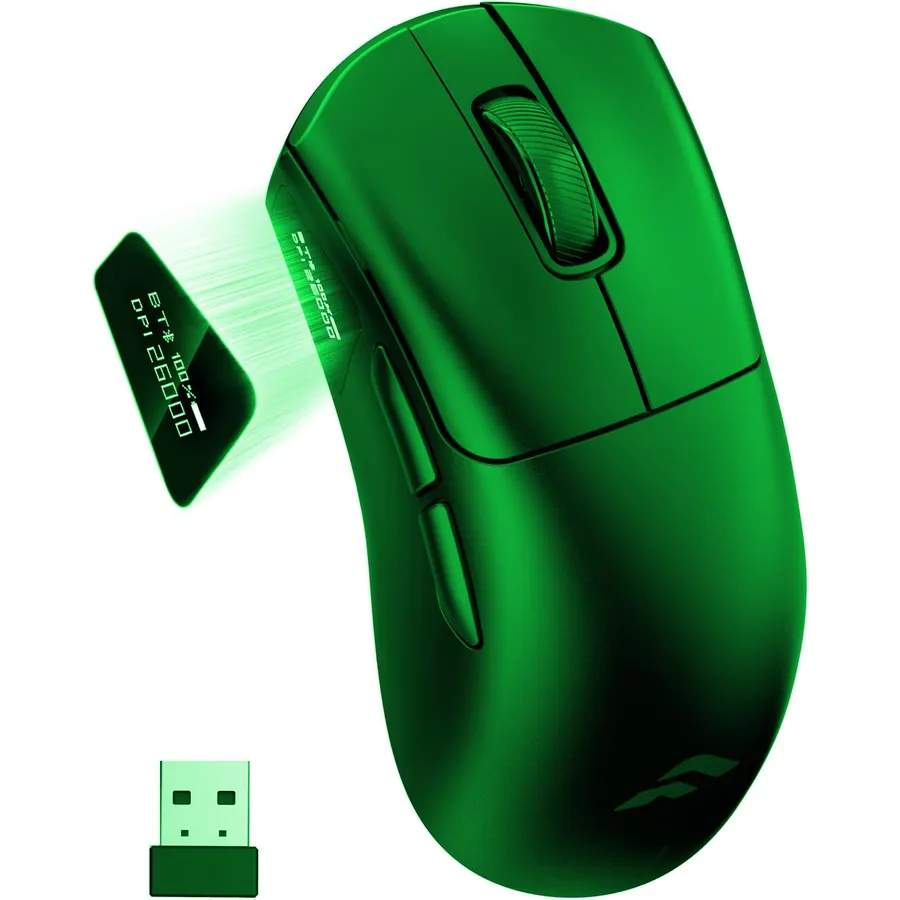
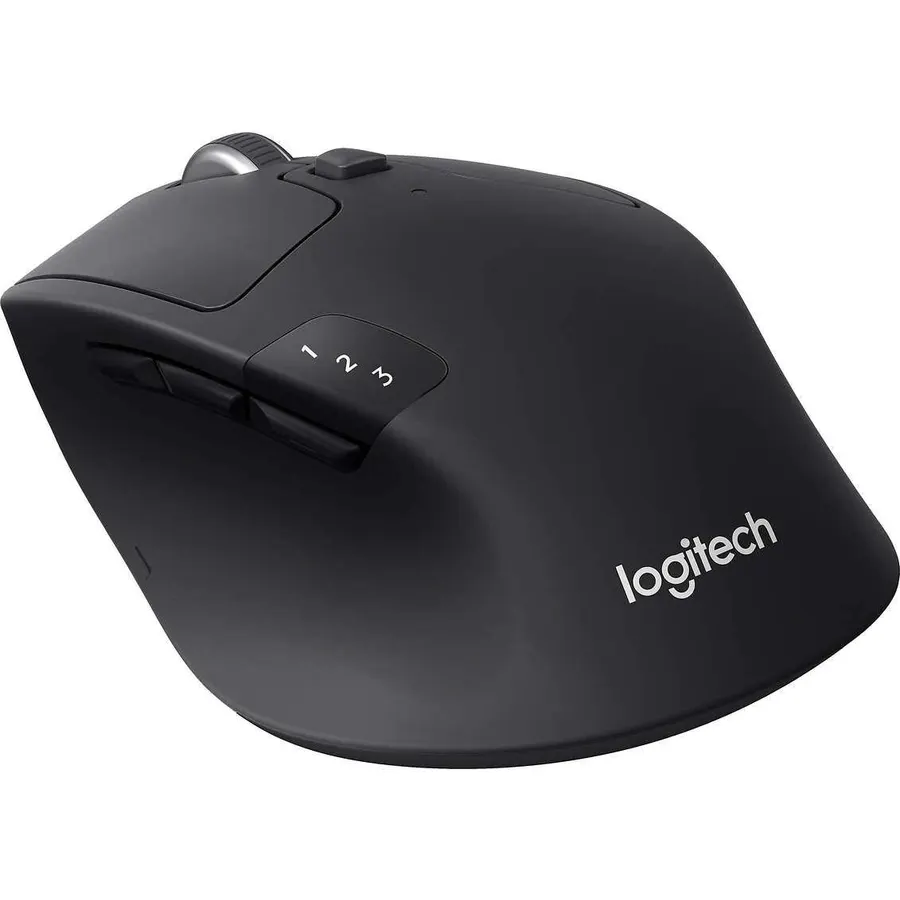
Wireless used to mean lag, and gamers used to refuse it. Modern 2.4 GHz links from Razer and Logitech now poll as fast as a cable, so the only real questions left are battery life, weight and whether the mouse also needs to work with your laptop over Bluetooth. We ranked the wireless gaming mice in our mice catalog by wireless technology and polling rate, sensor and switch quality, battery life and how the mouse is powered, shape and weight, and what thousands of owners report after months of play.
We have not tested every one of these ourselves; the verdicts rest on the spec sheets and on the owner review history. Prices are not printed because they change daily; every button opens the live Amazon page. See also our lightweight gaming mice and Razer gaming mice guides.
How we picked
- Low-latency 2.4 GHz on every pick. Mice that are Bluetooth-only were excluded; several picks offer Bluetooth as a second mode.
- Battery you can live with. Rechargeable picks last at least 90 hours; battery-cell picks last hundreds.
- Sensor and switches from the premium picks are flagship parts; budget picks have at least a 13,000 DPI sensor and 1000 Hz polling.
- A spread of shapes and budgets, from esports symmetrical to thumb-rest ergonomic, and from very cheap to flagship.
- Owner ratings of 4.2 stars or better, with six picks past 1,000 reviews.
The picks
Razer Viper V3 Pro Wireless Esports Gaming Mouse, 54g Lightweight, Black
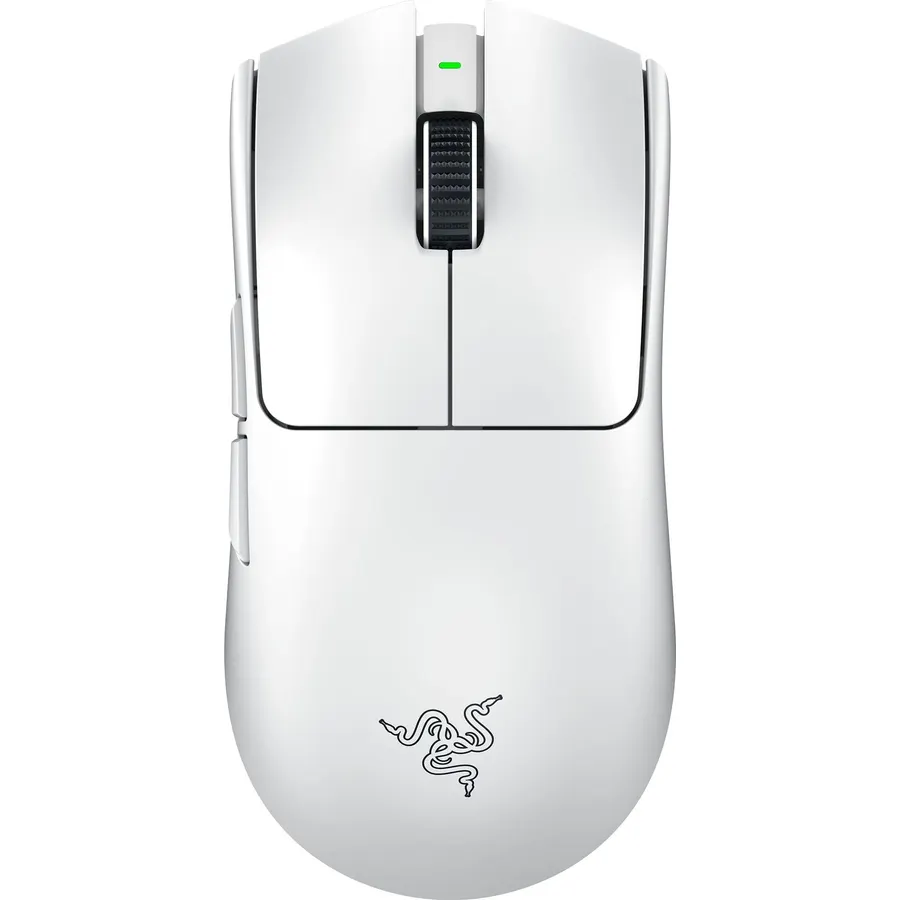
The Viper V3 Pro is the wireless mouse that ended the wired-versus-wireless argument in esports. Its HyperSpeed link polls at a true 8000 Hz, its Focus Pro 35K Gen-2 sensor tracks on glass and adjusts in single DPI steps, and it weighs 54 grams in a solid shell. Gen-3 optical switches actuate in 0.2 ms and cannot develop the double-click fault of mechanical switches. Battery life is up to 95 hours at 1000 Hz, far less at 8000, and it recharges over USB-C. It has no Bluetooth and no lighting. About 2,300 owners rate it 4.6 stars and most critical reviews are about price rather than performance. If you play shooters seriously, buy this.
- Pro-grade 8000 Hz wireless with no cable
- 54 g and a glass-capable sensor
- Optical switches with no double-click failure mode
- 4.6 stars from about 2,300 owners
- No Bluetooth and no RGB
- Expensive
- Battery life falls to a fraction at 8000 Hz
Razer Basilisk V3 X HyperSpeed Customizable Wireless Gaming Mouse, Black
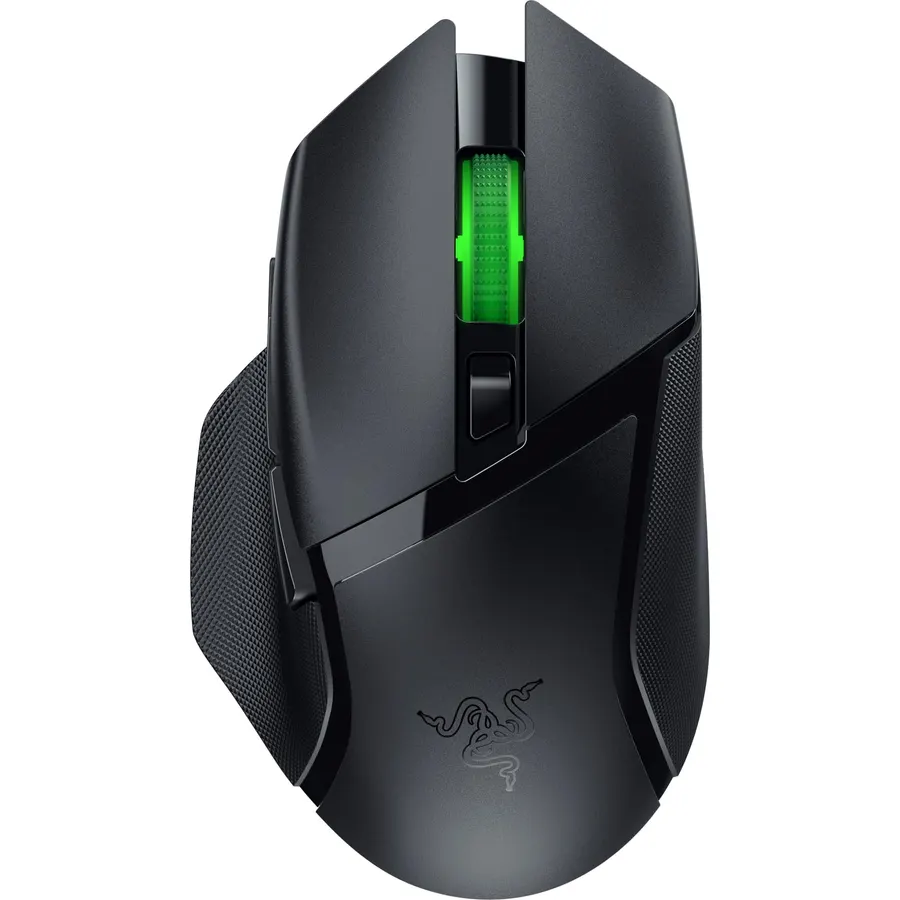
The Basilisk V3 X HyperSpeed is the wireless mouse for players who want comfort and buttons rather than the lowest possible weight. Its right-handed shape with a thumb rest and paddle is one of the most copied in gaming, nine controls are programmable through Synapse, and it connects over HyperSpeed for play or Bluetooth for a laptop. It runs on one AA battery for up to 285 hours on HyperSpeed and 535 on Bluetooth, which means months between changes. The trade-offs are weight from the battery, an 18K sensor a generation older than Razer’s Focus Pro, and mechanical rather than optical switches. About 2,400 owners rate it 4.4 stars and praise the shape and battery life above all. It is the all-rounder on this list.
- Signature thumb-rest shape with nine controls
- Switch to Bluetooth for work and HyperSpeed for games
- Hundreds of hours on a single AA
- 4.4 stars from about 2,400 owners
- Heavier than the esports picks because of the AA cell
- No USB-C recharging
- 18K sensor is a generation behind Focus Pro
Razer Orochi V2 Wireless Gaming Mouse, Ultra Lightweight & Portable, Bluetooth & 2.4Ghz Wireless Connectivity, 18K DPI, Up to 950hrs Battery Life, Compatible with PC & Mac, White
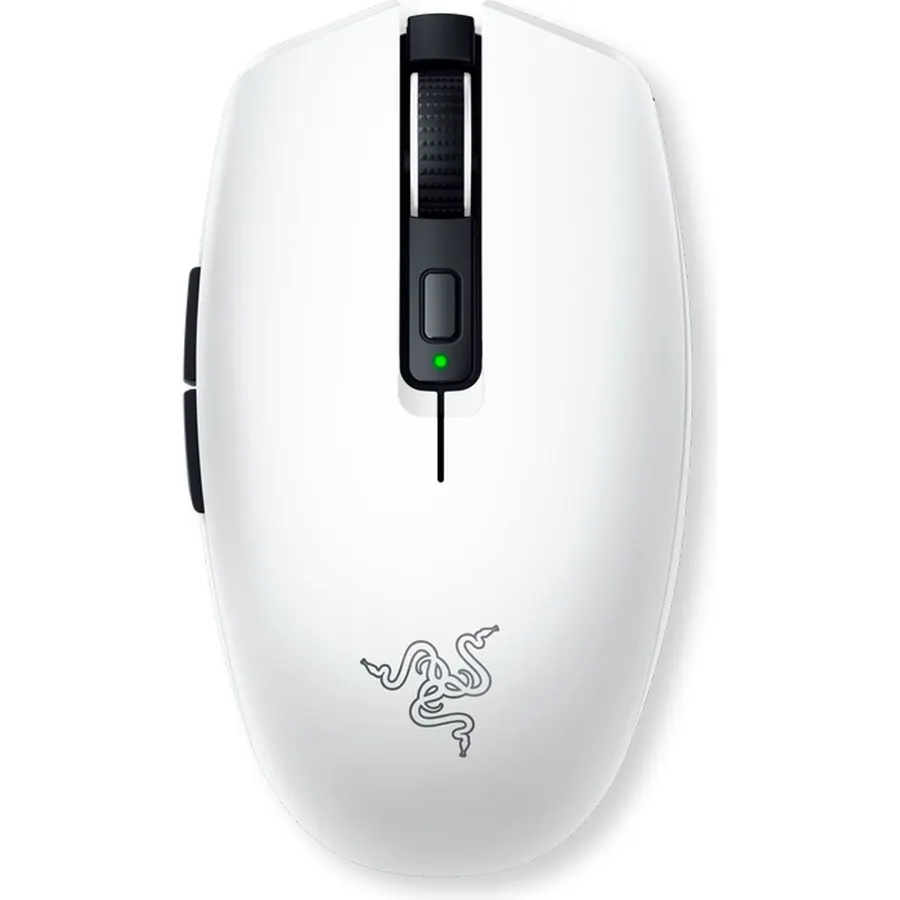
The Orochi V2 is the most-reviewed mouse on this page, with about 5,600 owners averaging 4.4 stars, because it fits a life rather than a desk. It is compact and 60 grams before its battery, connects over Bluetooth to a laptop or tablet and over HyperSpeed to a gaming PC, and runs up to 950 hours on Bluetooth or 425 on HyperSpeed from a single AA or AAA. The 18K sensor and second-generation mechanical switches are solid mid-range parts. Its size is the limit: large hands and palm grips will find it small. If you want one wireless mouse that goes from a coffee shop to a ranked match, this is it.
- Longest battery life on this page
- Small and light enough for any laptop bag
- Bluetooth for the office, HyperSpeed for games
- 4.4 stars from about 5,600 owners
- Compact shape is small for large hands
- Mechanical switches, not optical
- Dongle stores in the mouse but is easy to lose
Razer DeathAdder V3 Pro Wireless Gaming Mouse, 64g, 90 Hr Battery, White
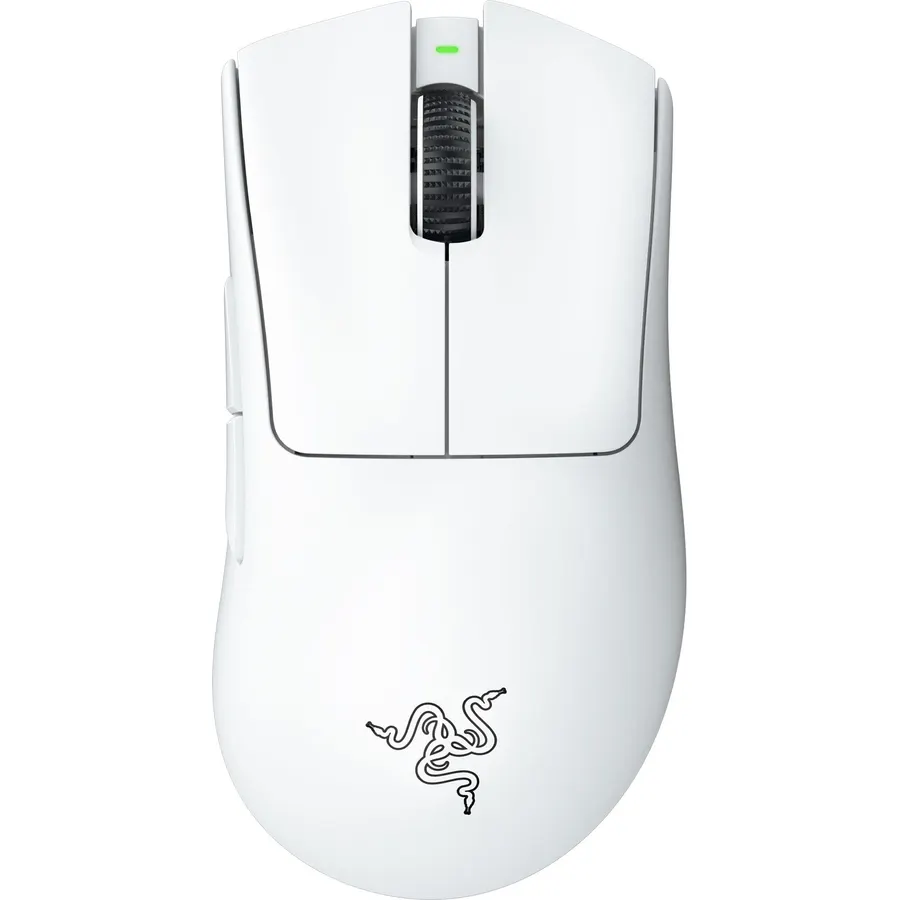
The DeathAdder V3 Pro is the ergonomic counterpart to the Viper V3 Pro: the same Focus Pro 30K sensor with glass tracking, the same Gen-3 optical switches and HyperSpeed wireless, in the right-handed DeathAdder shape that has sold more units than any gaming mouse design. At 63 to 64 grams it is more than a quarter lighter than the DeathAdder V2 Pro, battery life is up to 90 hours and it charges over USB-C. It has no Bluetooth and no lighting. Its 4.2-star average from about 2,200 owners is the lowest among the Razer flagships here; the complaints centre on scroll wheel durability and wear on the white coating, so consider the black version. For palm-grip FPS players it remains the wireless mouse to beat.
- The DeathAdder shape in a 64 g wireless body
- Focus Pro 30K sensor and optical switches
- Over 25 percent lighter than the previous DeathAdder
- About 2,200 owner reviews
- 4.2 stars; some owners report scroll wheel and coating wear
- No Bluetooth, no RGB
- White coating shows marks
Razer Viper V3 HyperSpeed Wireless PC Gaming Mouse, 82g, Black
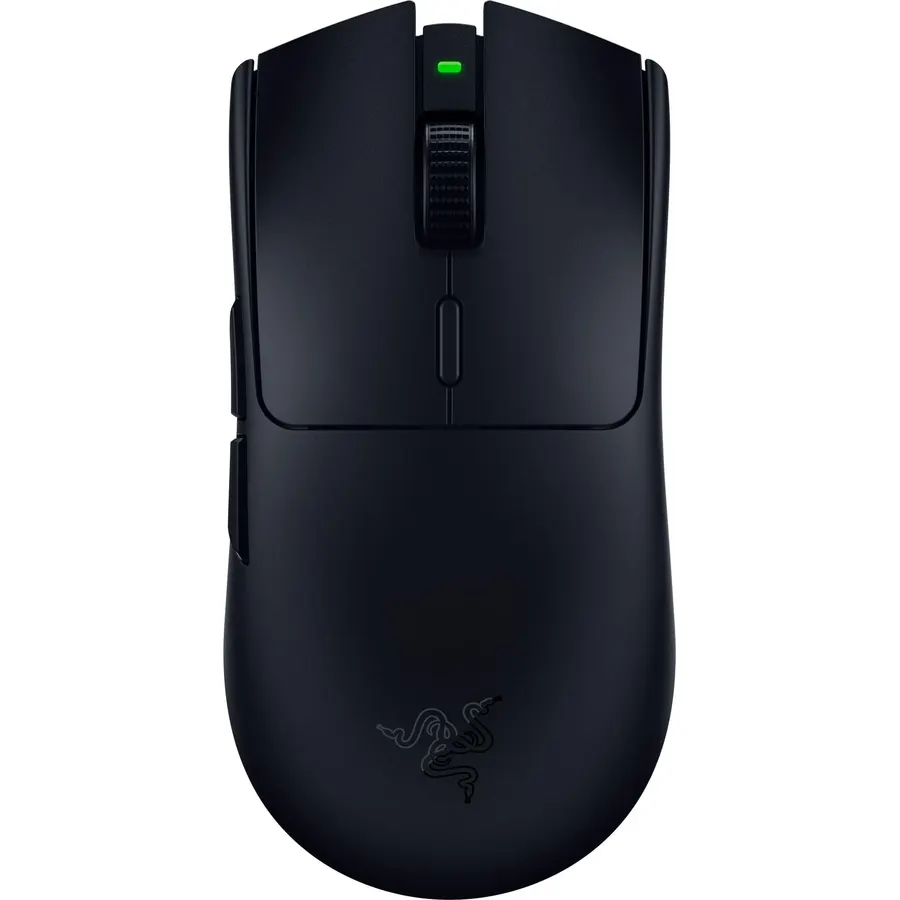
The Viper V3 HyperSpeed is the sensible version of the Viper V3 Pro: the same shape and the same Focus Pro 30K glass-tracking sensor, but powered by a single AA battery for up to 280 hours instead of a rechargeable cell, and fitted with second-generation mechanical switches rather than optical. The battery adds weight, 82 grams in total, which is the real cost of the saving. A DPI button on top steps through five stages and HyperSpeed wireless is the same low-latency link. For players who want flagship tracking in a balanced, battery-powered mouse that never needs a cable, it is good value, and about 1,300 owners rate it 4.4 stars. If weight matters more than money, step up to the Pro.
- The Viper V3 shape with a flagship Focus Pro 30K sensor
- Up to 280 hours on one AA
- Costs about half of the V3 Pro
- 4.4 stars from about 1,300 owners
- 82 g, much heavier than the Pro
- Mechanical switches rather than optical
- No Bluetooth or RGB
Razer Cobra Pro Wireless Gaming Mouse, 2.4 Ghz, 170 Hr Battery, Black
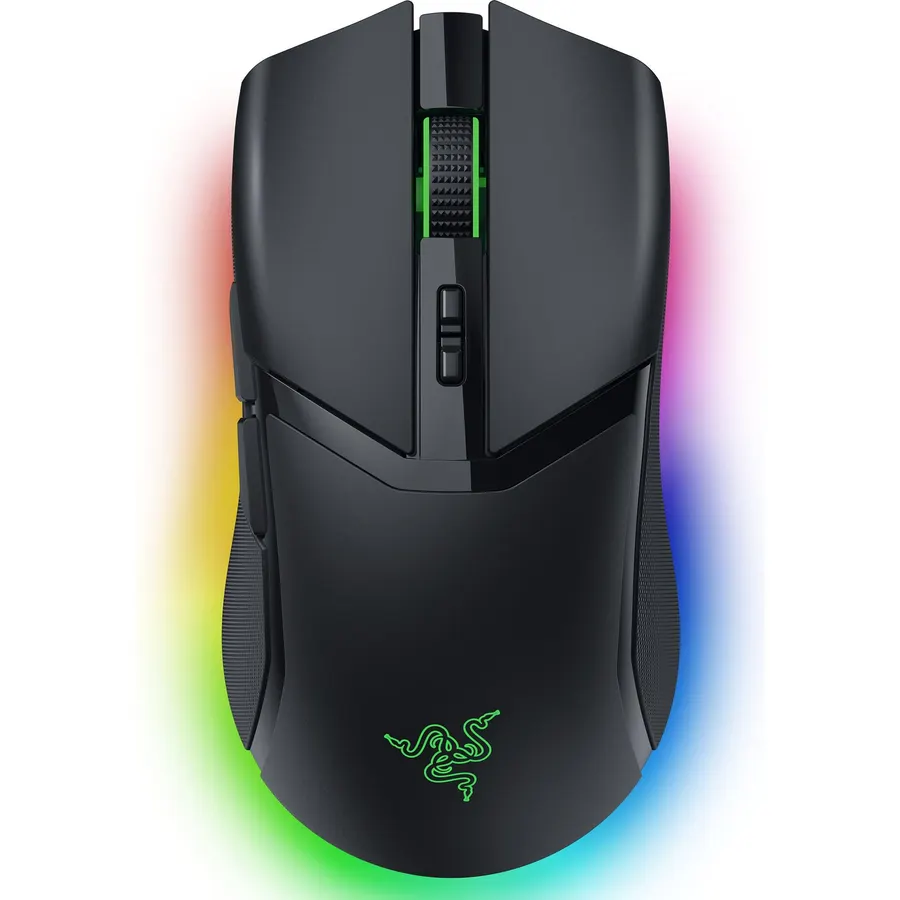
The Cobra Pro is for players who want flagship internals and a light show. Razer fits the Focus Pro 30K sensor, Gen-3 optical switches and HyperSpeed wireless, then adds 11 individually addressable Chroma zones including a full underglow ring, ten programmable controls and five profiles stored on the mouse itself. Battery life is up to 170 hours with lighting dimmed, less with every zone blazing. It is a medium symmetrical shape that suits most grips, heavier than a Viper because of the lighting hardware. About 450 owners rate it 4.5 stars, and the recurring note is that it is the best-looking mouse on their desk without giving up tracking. If RGB is part of your setup, this is the wireless Razer to pick.
- Eleven lighting zones, the most RGB of any pick
- Ten controls and five profiles stored on the mouse
- Focus Pro 30K sensor and optical switches
- 4.5 stars from about 450 owners
- Heavier than the esports mice because of the lighting
- Fewer reviews than the Viper and Basilisk
- Lighting shortens battery life
SOLAKAKA SM600 Wireless Gaming Mouse with Honeycomb Shell, Gray
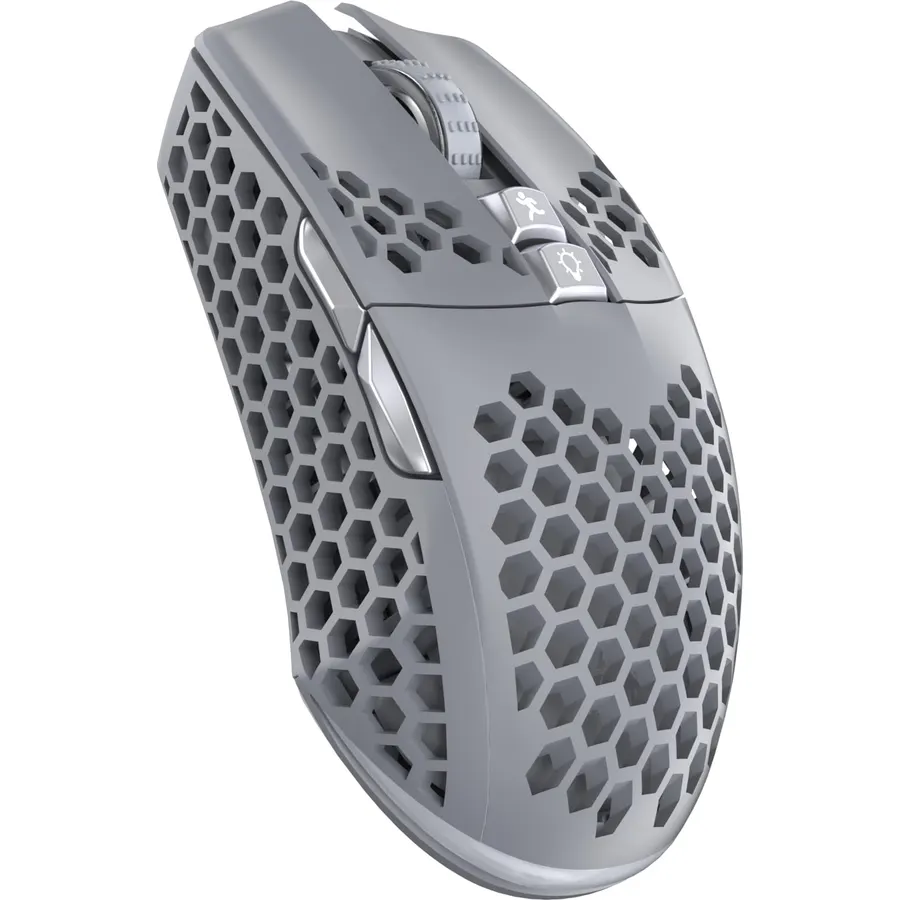
The SM600 is proof that a usable wireless gaming mouse no longer costs much. It connects three ways, over 2.4 GHz, two Bluetooth 5.1 channels and a USB-C cable, and remembers up to four devices, so it can drive a desktop, a laptop and a tablet. Seven buttons are programmable with macro software, the sensor adjusts through six levels up to 13,200 DPI at 1000 Hz, and a built-in battery recharges over the cable. The honeycomb shell keeps it light and cool. What you give up is known: unnamed switches and sensor, basic software and holes that gather dust. About 2,200 owners rate it 4.4 stars, respectable for the price. Our gaming mouse under 50 guide has more in this bracket.
- Pairs with up to four devices across three modes
- Seven programmable buttons and macro software
- 4.4 stars from about 2,200 owners
- Very cheap for a 1000 Hz wireless mouse
- Honeycomb shell collects dust
- Unknown switch lifespan and sensor model
- Software is basic compared with Synapse or G HUB
TECKNET Wireless Gaming Mouse, Tri-Mode 24000 DPI Ergonomic Gaming Mouse
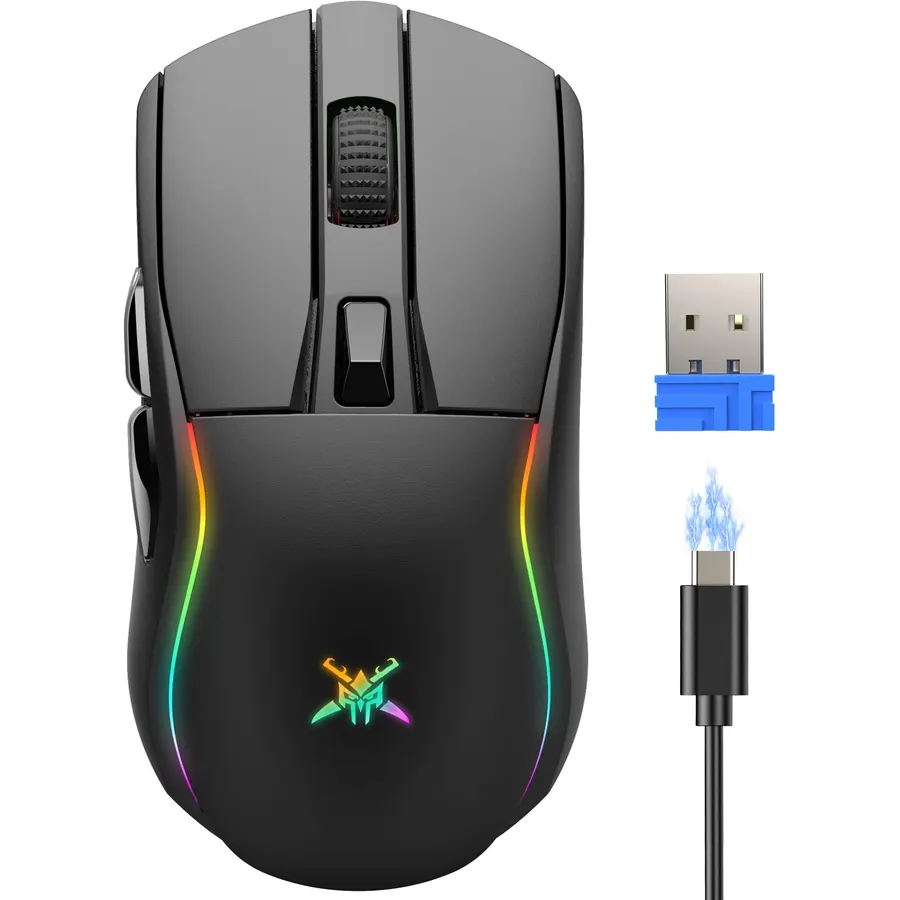
The TECKNET is the budget pick for players who want a right-handed ergonomic shape. It connects over 2.4 GHz, Bluetooth 5.0 or a USB-C cable, has six programmable buttons including a pair on the side, and its sensor runs from 800 to 24,000 DPI at 1000 Hz; treat the top number as marketing and the polling rate as the useful spec. At 85 grams it is the heaviest mouse here, and battery life is 40 hours with the RGB on or 100 with it off. TECKNET backs it with a 36-month warranty after registration, unusual at this price. About 1,100 owners rate it 4.5 stars, the second-highest score on the page, mostly for comfort and value.
- Ergonomic right-handed shape at a budget price
- Tri-mode connection and a 36-month warranty
- 4.5 stars from about 1,100 owners
- Six RGB modes you can turn off for 100 hours of battery
- 85 g is heavy next to the esports picks
- Budget sensor despite the 24,000 DPI headline
- Battery life with RGB on is short
Compare the picks
| Product | Wireless | Weight | Sensor | Battery | Owner rating | Our score | |
|---|---|---|---|---|---|---|---|
| Razer Viper V3 ProRazer | HyperSpeed 8000 Hz | 54 g | Focus Pro 35K Gen-2 | 95 h rechargeable | 4.6 (2,300+) | 9.2 | See price |
| Razer Basilisk V3 X HyperSpeedRazer | HyperSpeed + Bluetooth | AA powered | 18K optical | 285 h / 535 h on AA | 4.4 (2,400+) | 8.8 | See price |
| Razer Orochi V2Razer | HyperSpeed + Bluetooth | 60 g + battery | 18K optical | 425 h / 950 h on AA or AAA | 4.4 (5,600+) | 8.8 | See price |
| Razer DeathAdder V3 ProRazer | HyperSpeed | 64 g | Focus Pro 30K | 90 h rechargeable | 4.2 (2,200+) | 8.4 | See price |
| Razer Viper V3 HyperSpeedRazer | HyperSpeed | 82 g with AA | Focus Pro 30K | 280 h on AA | 4.4 (1,300+) | 8.8 | See price |
| Razer Cobra ProRazer | HyperSpeed | Medium, RGB | Focus Pro 30K | 170 h rechargeable | 4.5 (450+) | 9.0 | See price |
| SOLAKAKA SM600SOLAKAKA | 2.4 GHz + 2x Bluetooth + USB-C | Honeycomb | 13,200 DPI | Rechargeable | 4.4 (2,200+) | 8.8 | See price |
| TECKNET Tri-ModeTECKNET | 2.4 GHz + Bluetooth + USB-C | 85 g | 24,000 DPI | 40 h / 100 h rechargeable | 4.5 (1,100+) | 9.0 | See price |
2.4 GHz, Bluetooth or both?
Every pick here has a 2.4 GHz dongle, the only wireless mode you should game on: it polls at 1000 Hz or more with latency indistinguishable from a cable. Bluetooth polls far slower, fine for a spreadsheet and bad for a shooter. Mice with both (Basilisk V3 X, Orochi V2, SM600, TECKNET) are the right choice if the same mouse serves a work laptop, because Bluetooth needs no dongle and stretches battery life. The esports mice (Viper V3 Pro, DeathAdder V3 Pro, Viper V3 HyperSpeed, Cobra Pro) skip Bluetooth to save weight.
Rechargeable or replaceable battery?
Rechargeable mice (Viper V3 Pro, DeathAdder V3 Pro, Cobra Pro, SM600, TECKNET) are lighter and need a USB-C cable every few days to a few weeks depending on polling rate and lighting. AA-powered mice (Basilisk V3 X, Orochi V2, Viper V3 HyperSpeed) run for hundreds of hours and never tie you to a cable, but the cell adds 20 grams or more. Competitive players almost always choose rechargeable for the weight; everyone else is usually happier with an AA mouse they forget about.
Which shape fits your grip?
Symmetrical esports shapes (both Vipers, Orochi V2, Cobra Pro, SM600) are low and suit claw and fingertip grips. Ergonomic right-handed shapes (DeathAdder V3 Pro, Basilisk V3 X, TECKNET) have a higher hump and a thumb rest that support a palm grip; the Basilisk adds a thumb paddle for players who map abilities to the mouse. Hand size matters: the Orochi V2 is small, the Vipers and Cobra medium, the DeathAdder and Basilisk medium to large. Pair any of them with a cloth pad from our desk mats and mouse pads guide.
Is a wireless gaming mouse as fast as wired?
Over a modern 2.4 GHz link, yes. Razer HyperSpeed polls at 1000 Hz or more with latency that matches a cable, and the Viper V3 Pro reaches a true 8000 Hz. Bluetooth is slower and should be kept for work.
Which wireless gaming mouse has the longest battery life?
The Razer Orochi V2 at up to 950 hours on Bluetooth and 425 on HyperSpeed from one AA or AAA cell. The Basilisk V3 X HyperSpeed manages 285 and 535 hours. Rechargeable mice run 90 to 170 hours between charges.
Do I need 8000 Hz polling?
Not unless you play competitively on a high-refresh monitor. 8000 Hz lowers motion delay slightly and smooths cursor movement, but it drains the battery far faster. Most players run 1000 Hz and notice no difference.
Are cheap wireless gaming mice any good?
The SOLAKAKA SM600 and TECKNET picks poll at 1000 Hz, connect three ways and have thousands of positive reviews between them. They use unnamed sensors and switches, so expect a shorter life than a Razer, but for casual play they are fine.
Can I use a wireless gaming mouse with a laptop and a PC?
Yes, if it has Bluetooth as well as 2.4 GHz. The Orochi V2, Basilisk V3 X HyperSpeed, SM600 and TECKNET all pair with multiple devices and switch between them. The esports-only mice have the dongle alone.
Prices and stock change daily. The buttons above open Amazon so you always see the current price. We may earn a commission if you buy through them, at no extra cost to you.
Do Best Deal is a participant in the Amazon Services LLC Associates Program. As an Amazon Associate we earn from qualifying purchases. If you buy through links on this site we may earn a commission, at no extra cost to you. Learn more.