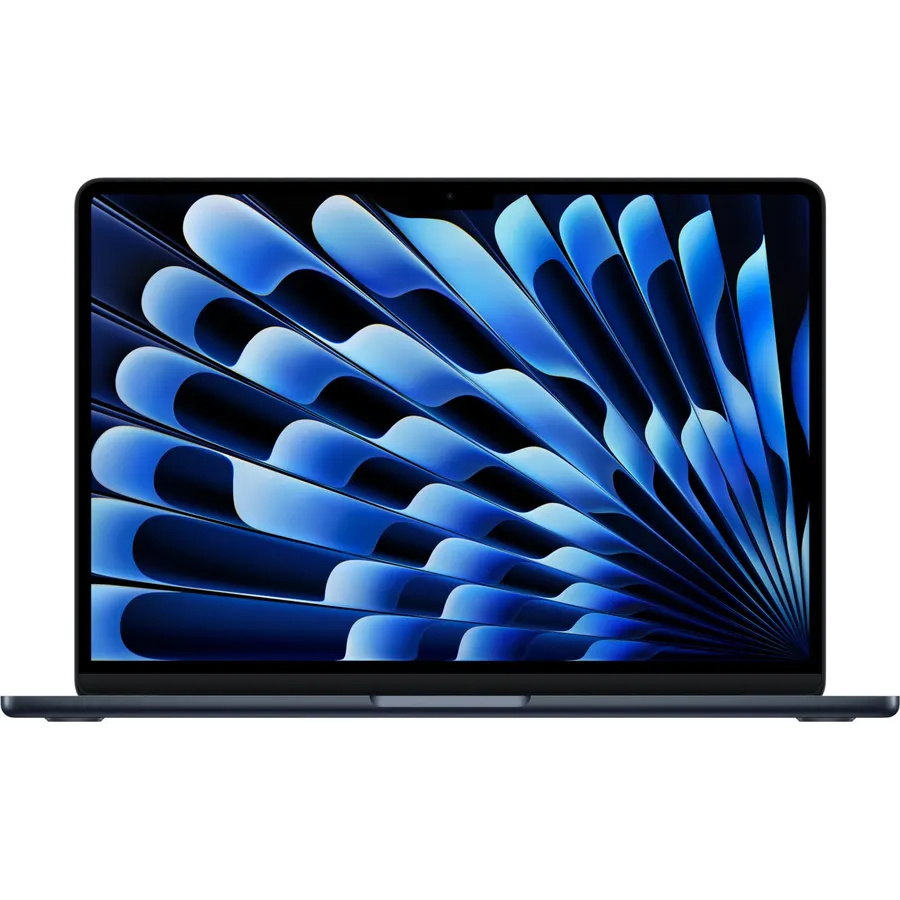
A laptop under $500 has to make compromises. The trick is choosing the right ones. A cheap laptop with 8 or 16GB of RAM, an SSD and a 1080p screen will handle school, office work and streaming for years. One with 4GB, eMMC storage and a 768p screen will feel slow within months. We went through the laptops in our catalog, kept the ones under $500 at the time of writing, and ranked the five that owners rate 4.3 stars or higher after hundreds of reviews.
We have not used every laptop here ourselves, so we lean on the specs and on what long-term owners report. Prices are not printed because they change daily; every button opens the live Amazon page.
How we picked
- Under $500 at the time of writing. Prices move, so check the live page before you assume.
- Owner rating of 4.3 stars or higher with at least 100 reviews. Most picks have several hundred.
- 1080p screens where possible. A 1366 x 768 screen is the biggest reason a budget laptop feels cheap.
- SSD storage preferred over eMMC, and we say clearly which picks ship with only 4GB of RAM.
- No refurbished or renewed listings. Every pick is a new unit.
The picks
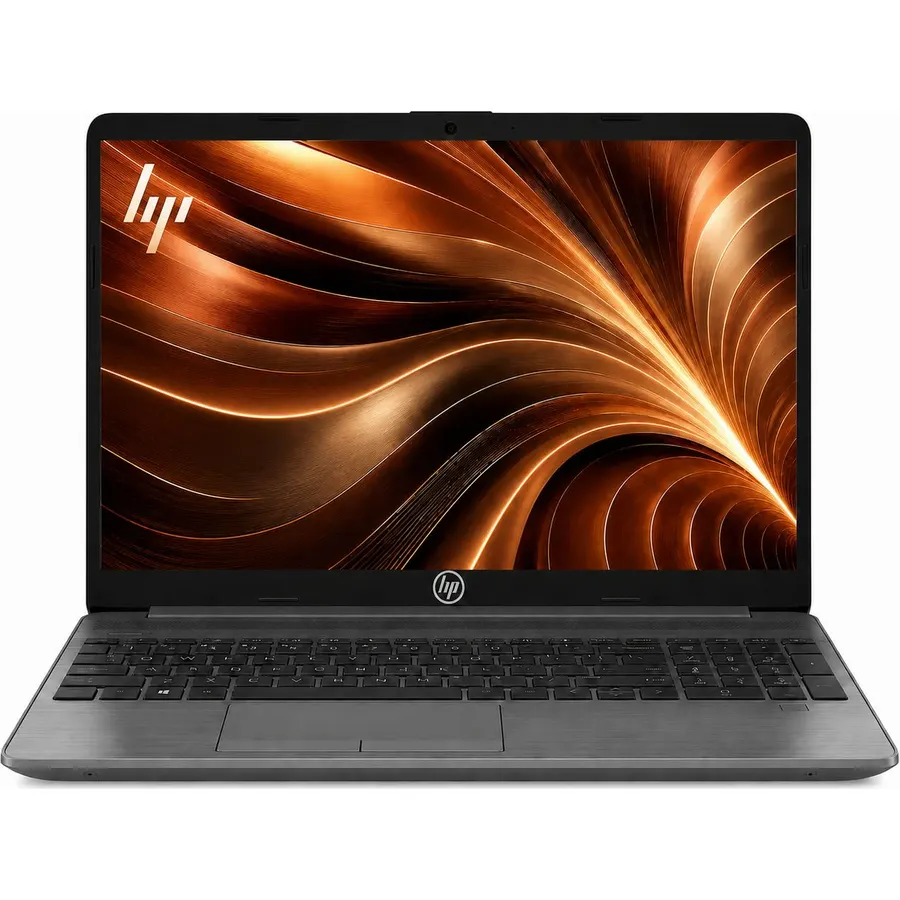
The HP 255 G10 is the only laptop in our under-$500 list with 16GB of RAM, and that alone puts it at the top. Eight gigabytes is enough today; sixteen is what keeps a laptop from feeling slow when Windows updates, Teams and thirty browser tabs are all open in two years. It also gets the other basics right: a 256GB SSD, a 15.6-inch 1080p screen and a four-core Ryzen 3 7330U. HP sells the 255 as a business laptop, so it is dull to look at and built to be carried. Owners rate it 4.3 stars across almost a thousand reviews, and the complaints are about the modest screen brightness rather than the performance.
- 16GB of RAM is rare under $500 and the main reason to buy it
- Full HD screen, not 768p
- Four-core Ryzen handles office work, video calls and many browser tabs
- Nearly 1,000 owner ratings at 4.3 stars
- Sits right at the top of the budget
- Plain business-gray plastic build
- Ryzen 3 is fine for everyday work, not for editing video
Dell 15.6 Laptop, FHD, Intel Core 3 100U, 8 GB RAM, Windows 11 Home
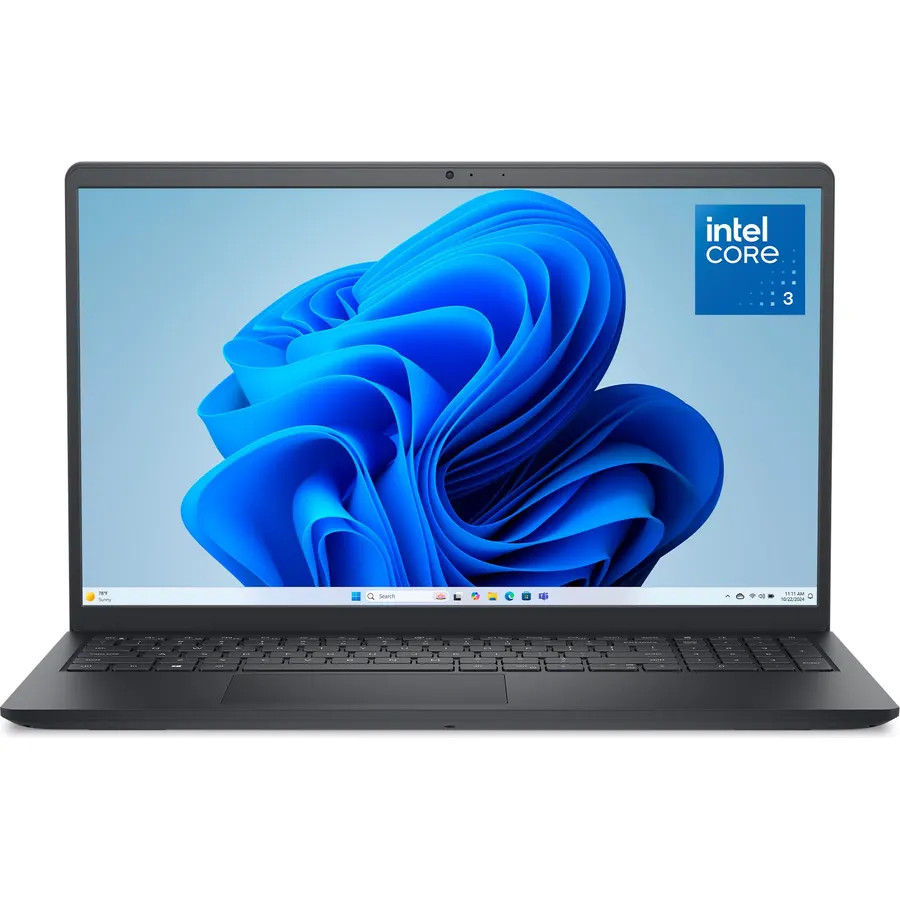
If you store photos, lectures or a big Steam backlog on the laptop itself, the Dell 15 is the pick. Its 512GB SSD is double the HP 255 for less money, and the 15.6-inch anti-glare 1080p screen and separate number pad make it a comfortable spreadsheet machine. The Core 3 100U is a current low-power Intel chip that is more than enough for school and office use. It is heavier than the rest of the list, and 8GB of RAM is the ceiling for this price, so keep an eye on how many tabs you leave open.
- 512GB SSD is twice what most budget laptops ship with
- Anti-glare 1080p screen and a full number pad
- Express Charge and a memory card slot
- 775 owner ratings at 4.3 stars
- 8GB of RAM, not 16
- Heavier than the others at 4.2 lb
- Intel UHD graphics, so no gaming beyond the basics
Lenovo IdeaPad Slim 3i 15.6-inch FHD Laptop with Microsoft Office Included, Intel N100, 4GB DDR5, 128GB SSD
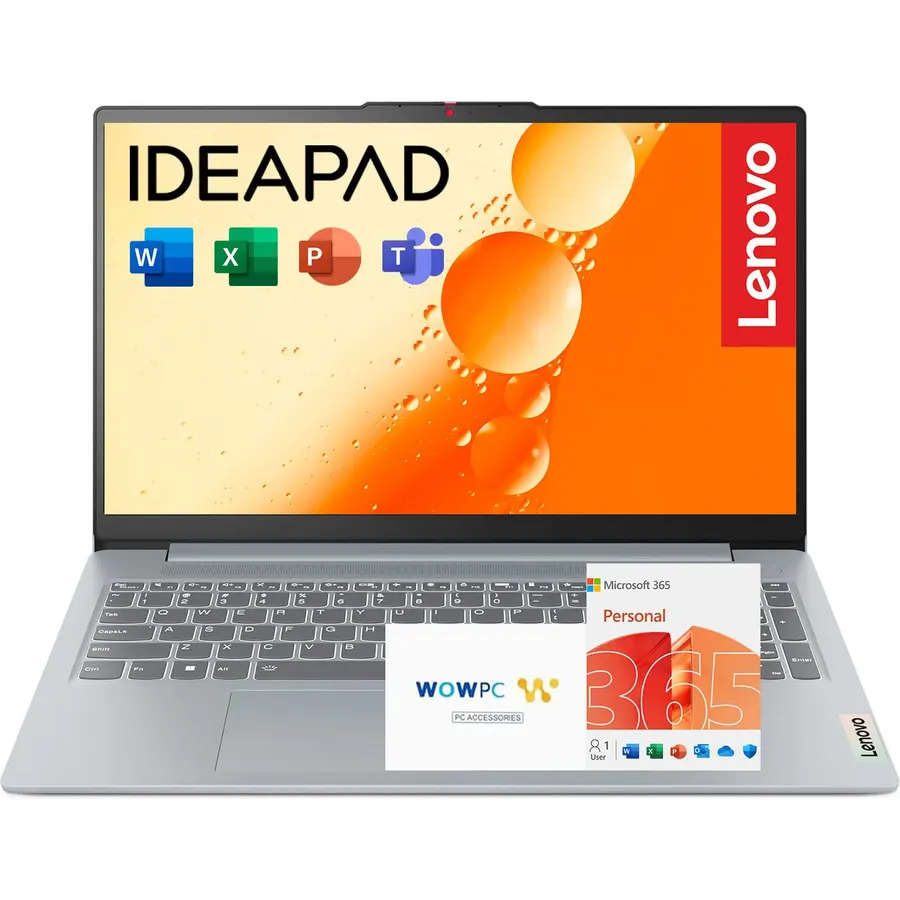
The IdeaPad Slim 3i is a well-made basic laptop, and owners like it more than anything else on this page. The 16:10 Full HD screen is the standout at this price, the keyboard is spill-resistant, and Microsoft Office comes in the box. Be honest with yourself about the 4GB of RAM and 128GB of storage, though. This is a laptop for documents, email, video calls and streaming, one or two things at a time. For that job it is excellent and it costs far less than our top two picks.
- Full HD 16:10 screen at a price where most rivals are 768p
- Microsoft Office included, which saves a subscription
- Light, slim and rated to MIL-STD durability
- The highest owner rating here: 4.6 stars from 700-plus reviews
- 4GB of RAM limits you to a handful of apps at once
- 128GB SSD fills up fast
- N100 is a low-power chip; expect basic tasks only
HP Chromebook 14 Laptop, Intel Celeron N4120, 4 GB RAM, 64 GB eMMC, 14-inch HD Display, Chrome OS
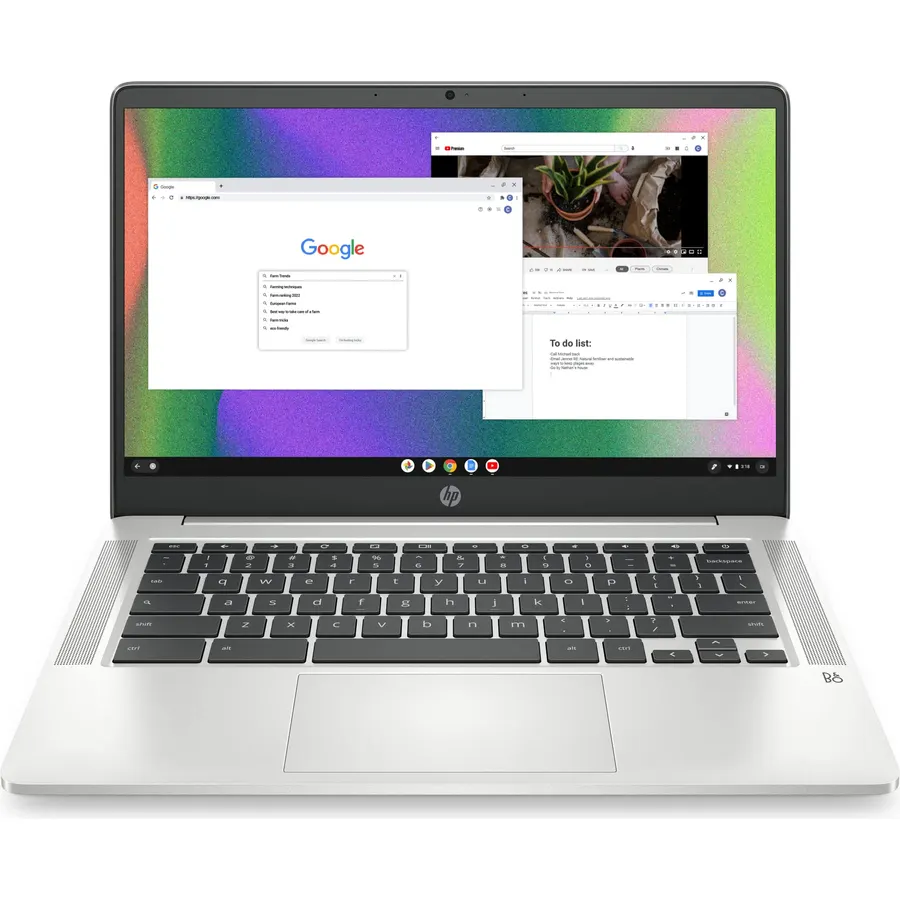
If everything you do lives in a browser, a Chromebook is the sensible budget buy. ChromeOS needs far less RAM than Windows, so the 4GB here feels fine, and the Celeron N4120 has no trouble with Google Docs, Zoom and streaming. The HP Chromebook 14 is light, gets through a school day on a charge and has more owner reviews than any laptop we considered. The screen is the compromise: 1366 x 768 on a 14-inch panel is readable but not sharp. Buy it for a student or as a second laptop, not as a Windows replacement.
- Cheapest pick on the list by a wide margin
- ChromeOS boots in seconds and does not slow down over time
- Long battery life and only 3.2 lb
- More than 3,000 owner ratings at 4.3 stars
- 1366 x 768 screen looks soft next to a 1080p panel
- 64GB eMMC is slow and small; plan on cloud storage
- Runs web and Android apps only, no Windows software
HP OmniBook 3 17.3 inch Laptop PC, FHD Display, AMD Ryzen 3 30, 8 GB RAM, 512 GB SSD, AMD Radeon 610M Graphics
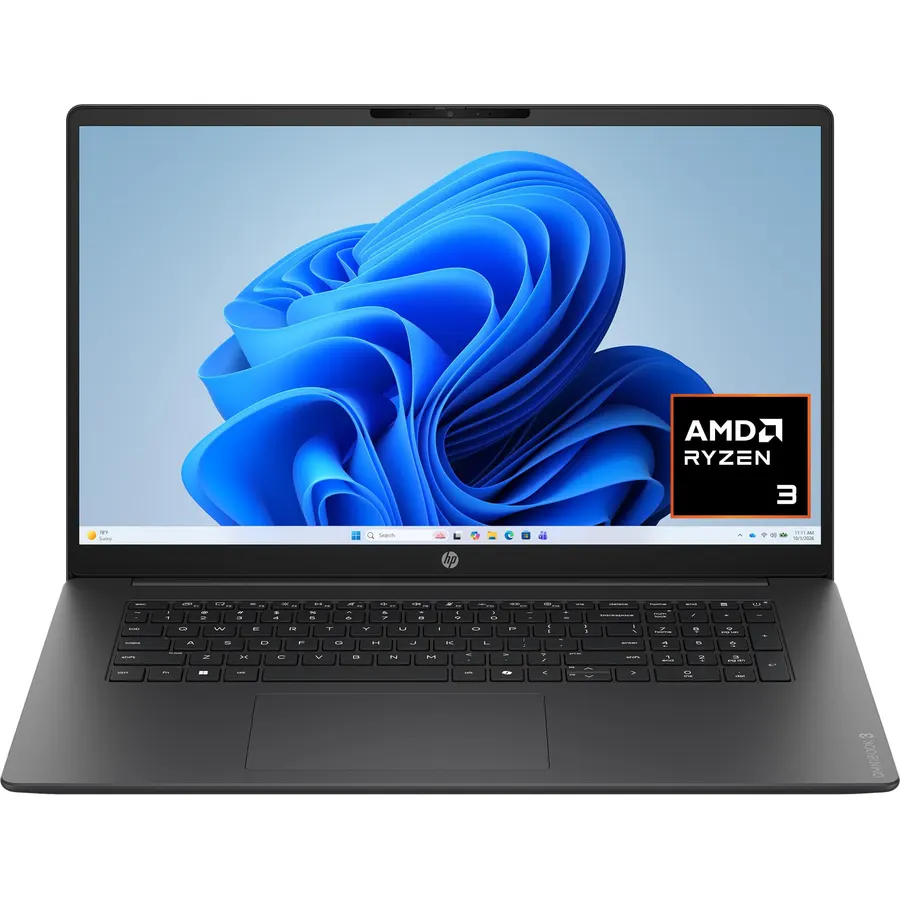
The OmniBook 3 is for people who use a laptop at a desk and want a screen they do not squint at. The 17.3-inch IPS panel is 1080p, 300 nits and anti-glare, which is better than the screens on most laptops at this price. You also get a 512GB SSD, 8GB of RAM and one of the longest claimed battery figures on the page. It is not a laptop you carry every day, and the color coverage is average, so photo editors should look elsewhere. For a home office or a dorm desk, it is a lot of laptop for the money.
- 17.3-inch IPS 1080p screen is the largest and brightest here
- 512GB SSD and 8GB of RAM
- Claimed 14-hour battery with HP Fast Charge
- 4.5 stars from 227 owners
- Too big and heavy (4.4 lb) for a backpack
- Only 62.5% sRGB color coverage
- Fewer reviews than the other picks
Compare the picks
| Product | RAM / storage | Screen | OS | Owner rating | Our score | |
|---|---|---|---|---|---|---|
| HP 255 G10HP | 16GB / 256GB SSD | 15.6" 1080p | Windows 11 | 4.3 / 990+ | 8.6 | See price |
| Dell 15 (Core 3 100U)Dell | 8GB / 512GB SSD | 15.6" 1080p | Windows 11 | 4.3 / 775 | 8.6 | See price |
| Lenovo IdeaPad Slim 3iLenovo | 4GB / 128GB SSD | 15.6" 1080p 16:10 | Windows 11 + Office | 4.6 / 710+ | 9.2 | See price |
| HP Chromebook 14HP | 4GB / 64GB eMMC | 14" 768p | ChromeOS | 4.3 / 3,000+ | 8.6 | See price |
| HP OmniBook 3 17.3HP | 8GB / 512GB SSD | 17.3" 1080p IPS | Windows 11 | 4.5 / 227 | 9.0 | See price |
8GB or 16GB of RAM?
On Windows 11, 8GB is the practical minimum and 16GB is the comfortable amount. With 8GB you can run a browser, Office and a video call together; add Spotify, a second browser window and a Windows update in the background and it starts swapping to disk. With 4GB you are limited to one or two things at a time. Most laptops under $500 solder the RAM, so what you buy is what you keep. Under $500 the RAM is usually the trade-off against storage, which is why the 16GB HP 255 ships with 256GB and the 8GB Dell ships with 512GB.
Windows or ChromeOS?
A Chromebook does less, but it does it on cheaper hardware. ChromeOS runs on 4GB of RAM and a Celeron without feeling slow, updates itself quietly and rarely needs any maintenance. The catch is software: if you need full Microsoft Office, a Windows-only program from school or work, or games, you need Windows. The screen matters too: budget Chromebooks are usually 768p, while every Windows pick here is 1080p. Our programming laptops guide explains why a sharper screen matters if you will be reading small text all day.
What you give up under $500
Expect a plastic body, a 720p webcam, a screen that is dim outdoors and speakers that are just OK. None of that affects how the laptop works. A USB-C dock turns any of these into a desktop setup, and a portable monitor is the cheapest fix for a small or soft screen. You can browse everything we track in the laptops shop.
Is a $500 laptop good enough for college?
Yes, for most majors. The HP 255 G10 or the Dell 15 will handle writing, research, video calls and coursework for four years. Engineering or design students who run CAD or Adobe apps should budget more and look at 16GB machines with better graphics.
Can I upgrade the RAM or SSD later?
Sometimes. The HP 255 G10 listing says it supports up to 64GB of RAM and 2TB of storage, so it has slots. Most laptops with 4GB of LPDDR5, including the IdeaPad Slim 3i and the Chromebook, have RAM soldered to the board and cannot be upgraded.
Do these come with Windows 11 in S mode?
Some budget laptops ship in S mode, which only allows Microsoft Store apps. It is free to switch out of S mode in Settings and the change is permanent. Check the product page; the Dell and HP listings here state Windows 11 Home.
What is the return window on Amazon for laptops?
Amazon-sold laptops usually have a 30-day return window, but third-party sellers can set their own policy and some charge a restocking fee for opened electronics. Check the Returns section on the product page before you buy, and keep the box for the first month.
Prices and stock change daily. The buttons above open Amazon so you always see the current price. We may earn a commission if you buy through them, at no extra cost to you.
Do Best Deal is a participant in the Amazon Services LLC Associates Program. As an Amazon Associate we earn from qualifying purchases. If you buy through links on this site we may earn a commission, at no extra cost to you. Learn more.