A MacBook trackpad is excellent, and after two hours of spreadsheet work most people still reach for a mouse. The catch is ports: a modern MacBook Air or Pro has USB-C only, so a mouse that needs a USB-A dongle also needs an adapter, and Bluetooth becomes the sensible way in. We ranked the Bluetooth mice in our mice catalog by comfort over a working day, scroll quality, how many devices they switch between, macOS software support, battery life, and what thousands of owners report after months of daily use next to a Mac.
We have not run each of these on a MacBook ourselves; the verdicts rest on the spec sheets and on the owner review history. Prices are not printed because they change daily; every button opens the live Amazon page. If the goal is a desk setup rather than a travel mouse, our wireless mouse for productivity guide goes deeper on the big Logitech models, and our USB-C docks and hubs guide covers the port problem.
How we picked
- Bluetooth built in. Every pick pairs directly to a MacBook with no dongle; several also include a receiver for a desktop.
- macOS software or none needed. Logi Options+ runs on macOS for the Logitech picks; the Magic Mouse configures in System Settings.
- Multi-device switching on six of the eight picks, because a MacBook often sits next to an iPad or a work PC.
- Battery measured in months, not days, with USB-C charging on the rechargeable picks.
- Owner ratings of 4.4 stars or better, most with thousands of reviews.
The picks
Logitech MX Master 3S Performance Wireless Mouse - Graphite With Bolt Reciever
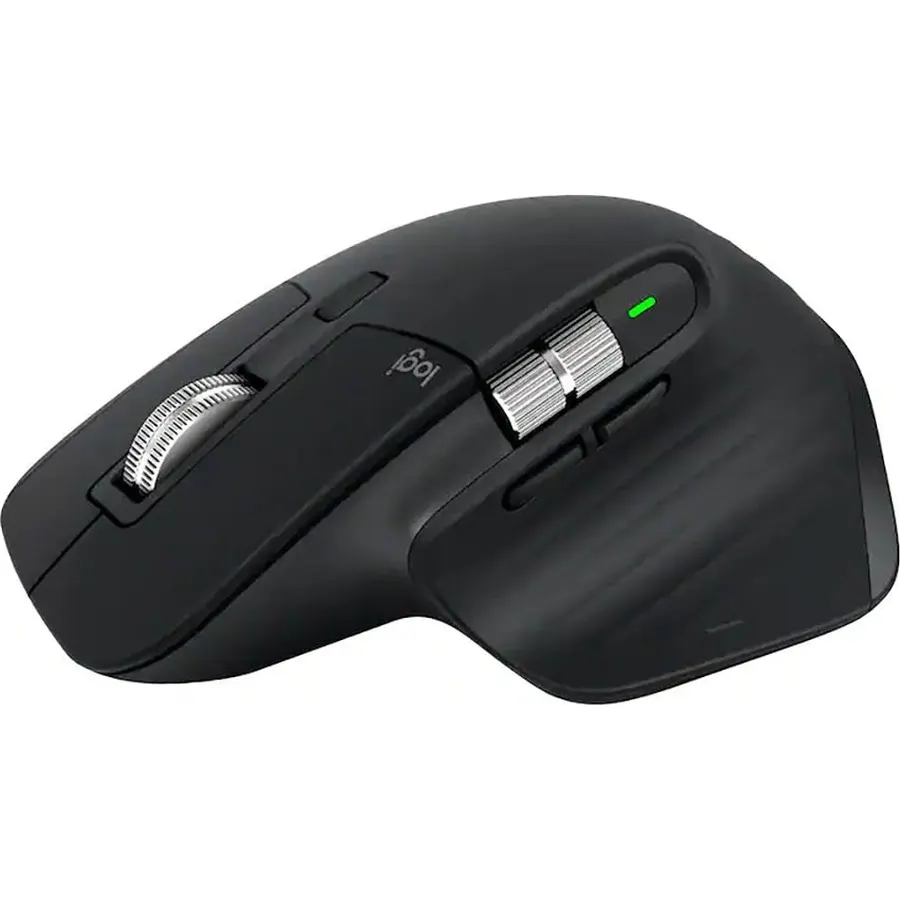
The MX Master 3S is the mouse most MacBook owners end up with, and 8,800 of them rate it 4.6 stars. It pairs over Bluetooth or the included Bolt receiver, remembers three computers or tablets and switches with a button under the thumb, tracks at 8,000 DPI on glass tables and coffee shop counters, and scrolls with the MagSpeed wheel that free-spins through a thousand lines then stops dead when you touch it. A second wheel under the thumb scrolls sideways through timelines and wide spreadsheets, and the Quiet Clicks make it one of the least annoying mice in an open office. Logi Options+ on macOS maps every button per app. It is big, heavy and right-handed, so it is a desk mouse that travels rather than a travel mouse, and it costs what a good keyboard costs.
- 8,800 owners at 4.6 stars
- Fast MagSpeed scrolling with a side thumb wheel for timelines and sheets
- Switches between a MacBook, an iPad and a PC with one button
- Logi Options+ on macOS maps gestures and per-app buttons
- Large and heavy for a laptop bag
- Right-handed only
- Priced near the top of this list
Logitech MX Master 4 for Mac, Ergonomic Bluetooth Mouse with Advanced Performance Haptic Feedback, Ultra-Fast Scrolling, USB-C Charging, MacOS, iPadOS, Windows - White Silver
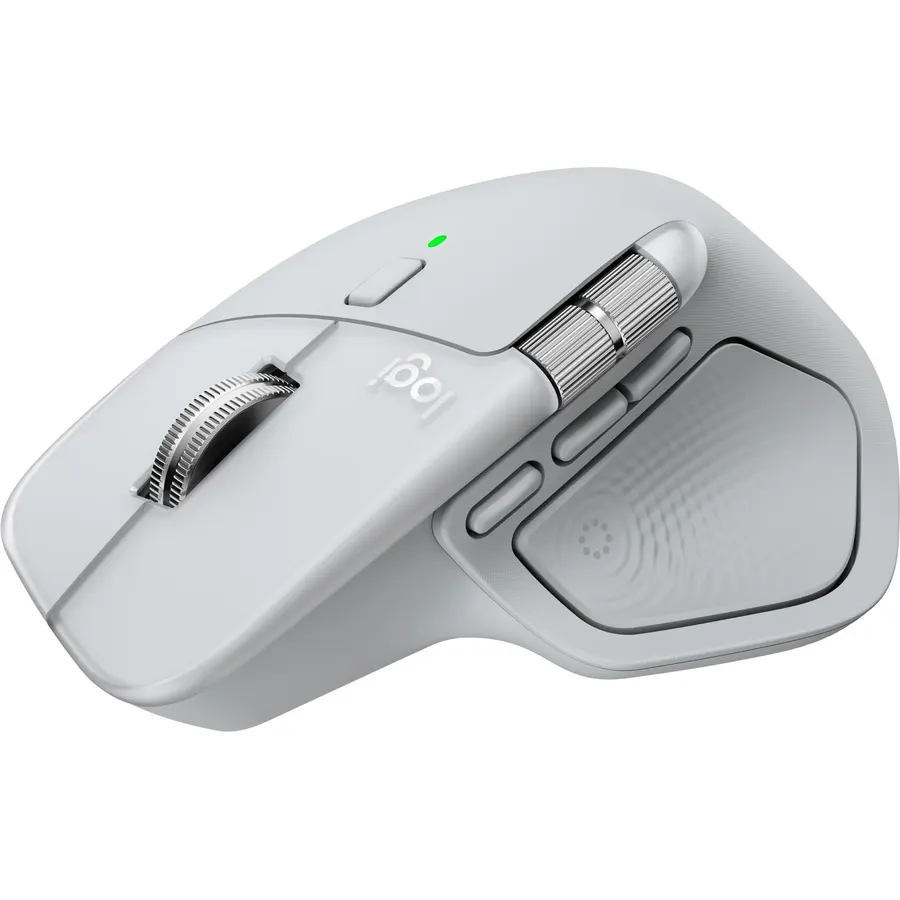
The MX Master 4 for Mac is the 3S with two new ideas: a haptic panel under the thumb that buzzes gently on actions you choose, like switching desktops or hitting the end of a slider, and an Actions Ring that pops a per-app wheel of shortcuts under the cursor when you press it. The MagSpeed wheel, thumb wheel, quiet clicks and sculpted shape carry over, the finish matches a silver MacBook, and Options+ ships with macOS defaults. Being the Mac edition, it drops the Bolt receiver and is Bluetooth only, which on a MacBook is no loss. It is new, so 540 owners at 4.4 stars is a smaller sample than the 3S, and some reviewers switch the haptics off after a week. If you want the latest and the Apple look, this is it; if you want the proven one, buy the 3S.
- Haptic feedback and the Actions Ring are new to the MX line
- Finish and Options+ defaults tuned for macOS
- Same MagSpeed scrolling and thumb wheel as the 3S
- USB-C charges while you work
- Newer model with about 540 reviews so far
- The Mac version drops the Bolt receiver; Bluetooth only
- Priced above the 3S for features some people will turn off
Apple Magic Mouse with Multi-Touch Surface, Wireless, Touch Scroll, Bluetooth, Rechargeable, + USB-C Charge Cable (Mouse - White)
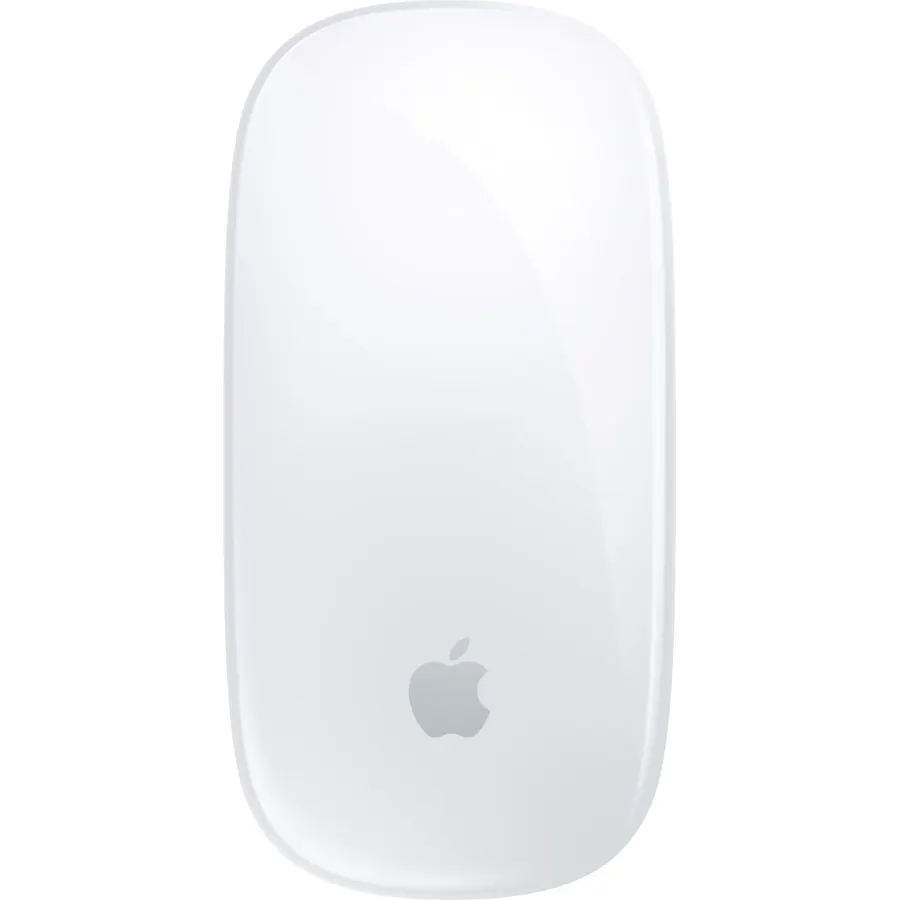
The Magic Mouse is the only mouse here that behaves like a MacBook trackpad: the glass top is a Multi-Touch surface, so you scroll in any direction with a finger, swipe sideways between pages and full-screen apps, and double-tap for Mission Control, all set up in System Settings with no software. It pairs automatically, lasts about a month on a charge, and this current version finally charges over USB-C with a woven cable in the box. The shape is the argument against it: it is low and flat with no palm support, and a share of owners find it uncomfortable after an hour, while the port on the underside means it lies dead while it charges. For people who love trackpad gestures and want them on a desk, 3,500 owners rate it 4.4 stars; everyone else should look at the Logitechs.
- Swipe between pages and desktops like a trackpad
- Pairs the moment it is switched on near a Mac
- Now charges over USB-C
- 3,500 owners at 4.4 stars
- Flat shape has no palm support; fatigues many hands
- Charging port is on the bottom, so it cannot be used while charging
- No programmable buttons beyond gestures
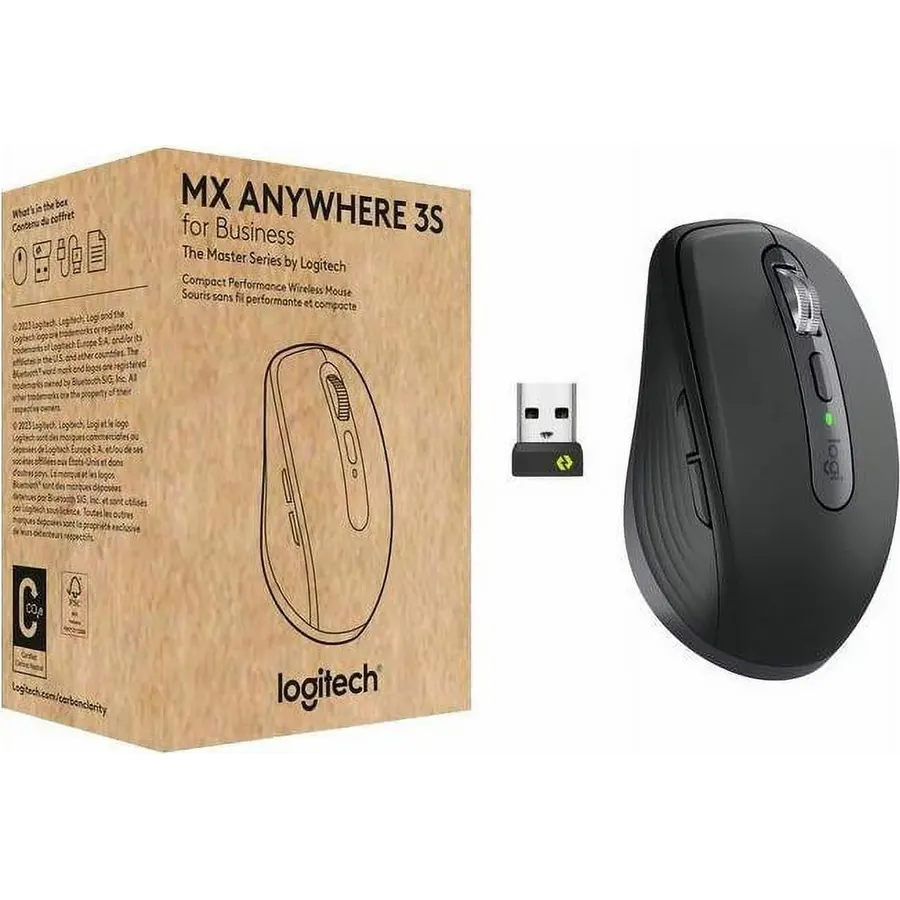
The Anywhere 3S is the MX Master’s little sibling: the same free-spinning MagSpeed wheel, the same 8,000 DPI sensor that works on glass, the same three-device Easy-Switch and quiet clicks, in a body small enough to live in a laptop sleeve. For a MacBook that moves between home, office and cafe it is the natural partner, and people with small hands often prefer it as a desk mouse outright. The costs are a missing thumb wheel and a low profile that large-handed users find cramped after a few hours, and a price that is not far below the full-size 3S. Owners rate it 4.5 stars from 2,300 reviews. If the MacBook is mostly on your lap or in a bag, buy this; if it lives on a desk, buy the 3S.
- The MX Master scroll wheel and glass tracking in a pocket-size body
- 2,300 owners at 4.5 stars
- Three-device switching
- Small-handed users prefer it as a desk mouse too
- Large hands find it cramped after a few hours
- No thumb wheel
- Costs almost as much as the full-size 3S
Logitech M720 Triathalon Full Size Multi-Device Wireless Mouse - Black
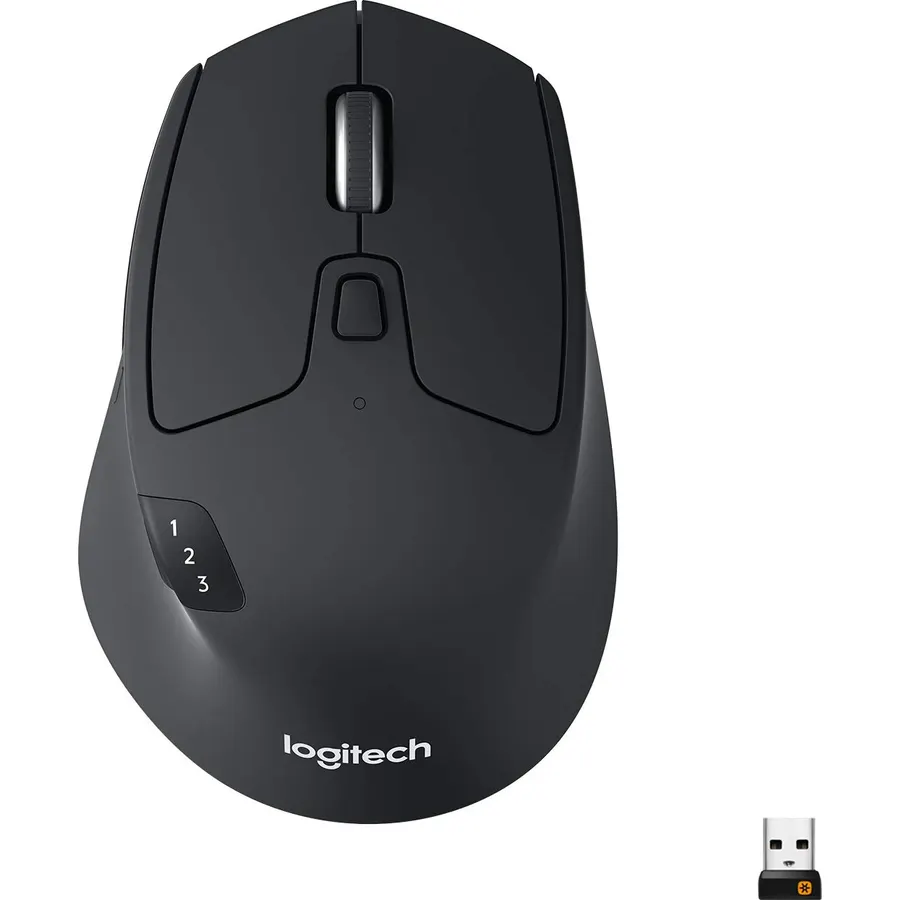
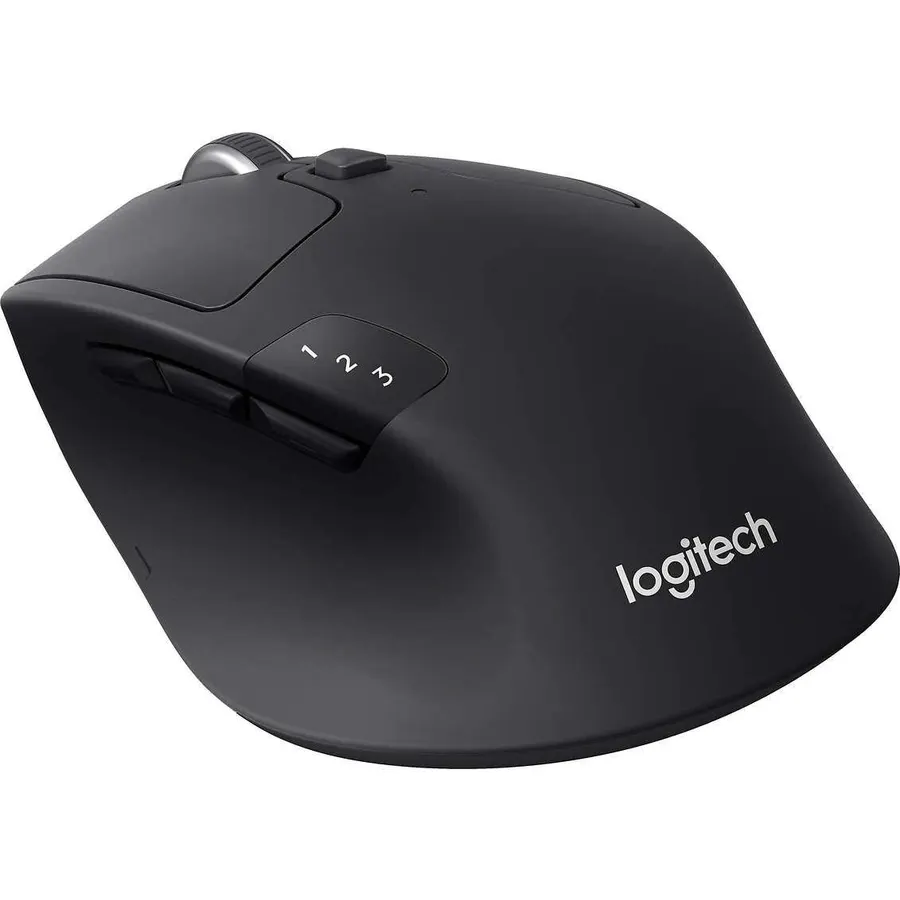
The M720 Triathlon is the MX Master’s workhorse cousin: a full-size right-handed body, Bluetooth plus a Unifying receiver, three-device switching with a button, and Logitech Flow, which lets the cursor and copied files drift from a MacBook to a PC on the same network. It runs up to two years on a single AA. The hyper-fast scroll wheel spins freely or clicks, toggled by a button, and six buttons remap in Options+ on macOS. It is an older design, so the wheel is mechanical rather than MagSpeed and the clicks are not the quiet type, and some people will miss USB-C charging. None of that bothers the 13,300 owners who rate it 4.5 stars. For a MacBook plus a work laptop plus an iPad on one desk, it does the switching job for about a third of the MX Master price.
- 13,300 owners at 4.5 stars
- Two years on one AA battery
- Three-device switching and Flow at a mid-range price
- Hyper-fast scroll wheel
- Older design; the wheel is not MagSpeed and clicks are not quiet
- AA battery instead of USB-C charging
- Right-handed only
Logitech Lift for Mac Vertical Ergonomic Wireless Mouse - Off White
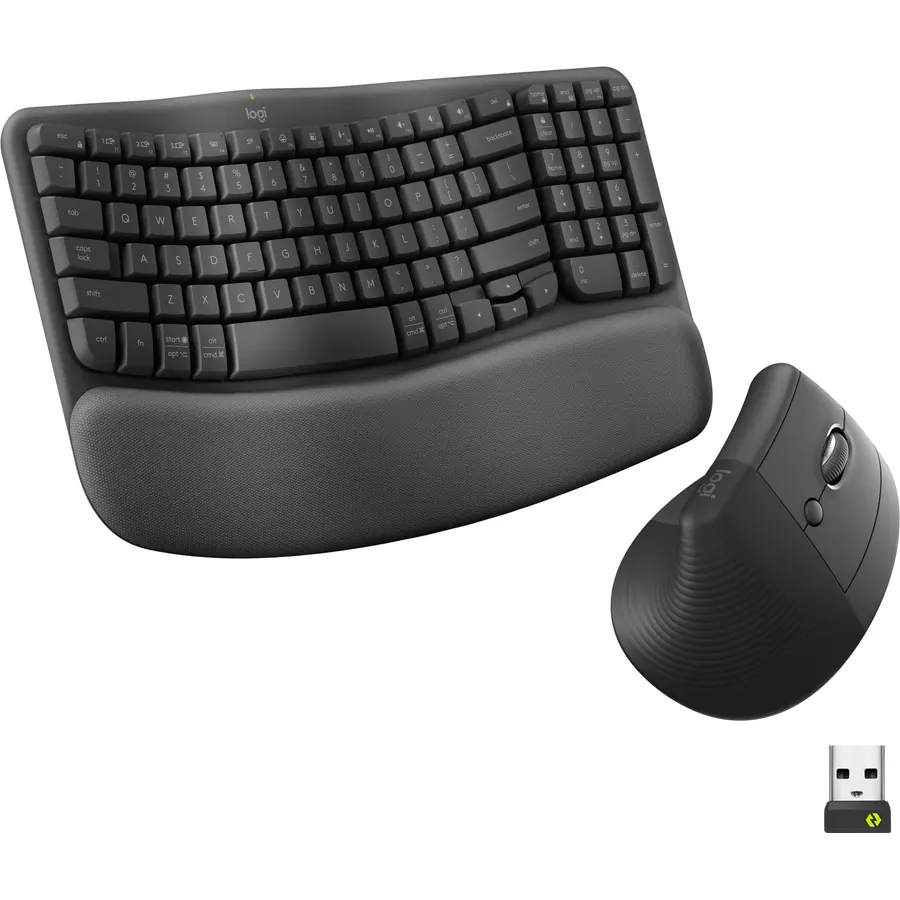
The Lift for Mac turns the hand on its side: a 57-degree vertical grip puts the wrist in a handshake position, which is the posture ergonomists recommend when the outside of the forearm aches after a day of mousing. It pairs over Bluetooth Low Energy to a MacBook, iMac or iPad, the clicks are whisper-quiet and the magnetic SmartWheel is silent, and four buttons remap in Options+. It is sized for small to medium hands; larger hands should look at Logitech’s MX Vertical instead. Like every vertical mouse it feels odd for the first few days, and it runs on a AA rather than a rechargeable cell. Owners rate it 4.4 stars from 900 reviews, many of them people who bought it for wrist pain and say it worked. Our ergonomic mouse for wrist pain guide compares it with other shapes.
- 57-degree angle takes the twist out of the forearm
- Quiet clicks and a silent scroll wheel
- Made for Mac finish and Bluetooth pairing
- 900 owners at 4.4 stars
- Sized for small to medium hands; large hands want the MX Vertical
- Vertical mice take a week to feel normal
- AA battery, not rechargeable
Logitech M240 Compact Silent Bluetooth Wireless Mouse - Rose
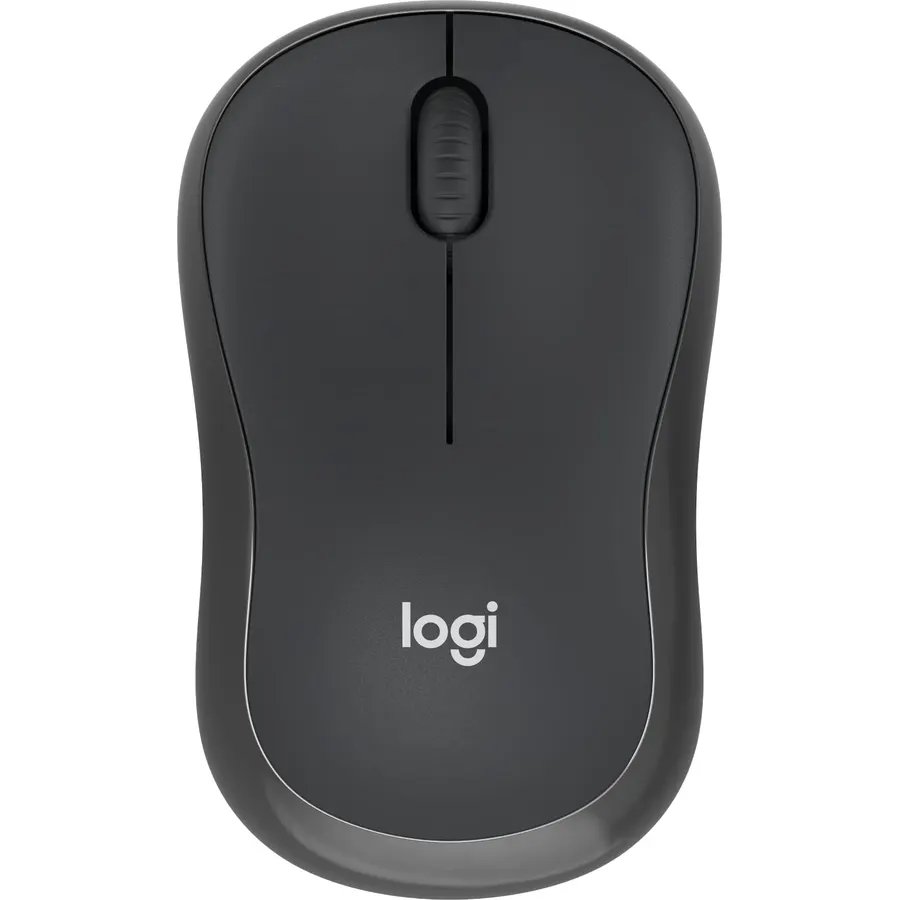
The M240 Silent is the sensible cheap answer: a compact ambidextrous Bluetooth mouse with clicks that are 90 percent quieter than a normal mouse, an 18-month AA battery and a 10 metre range, in a handful of colors that suit a MacBook Air. It pairs in seconds with no dongle and works across macOS, iPadOS and everything else. There is no multi-device switching, no side buttons and no software to speak of, and the basic sensor will not track on a glass desk, so it is a one-laptop mouse for email, browsing and documents rather than a tool for editing. For that job it is hard to argue with 11,500 owners at 4.4 stars and a price that is a fraction of the MX models.
- 11,500 owners at 4.4 stars at a budget price
- Silent clicks for libraries and shared rooms
- Eighteen months on one AA
- Ambidextrous and small enough for any bag
- Single device, no switching
- Basic sensor; not for glass desks
- No side buttons or software customisation
Logitech POP Mouse, Compact and Portable Wireless Bluetooth Mouse - Mist
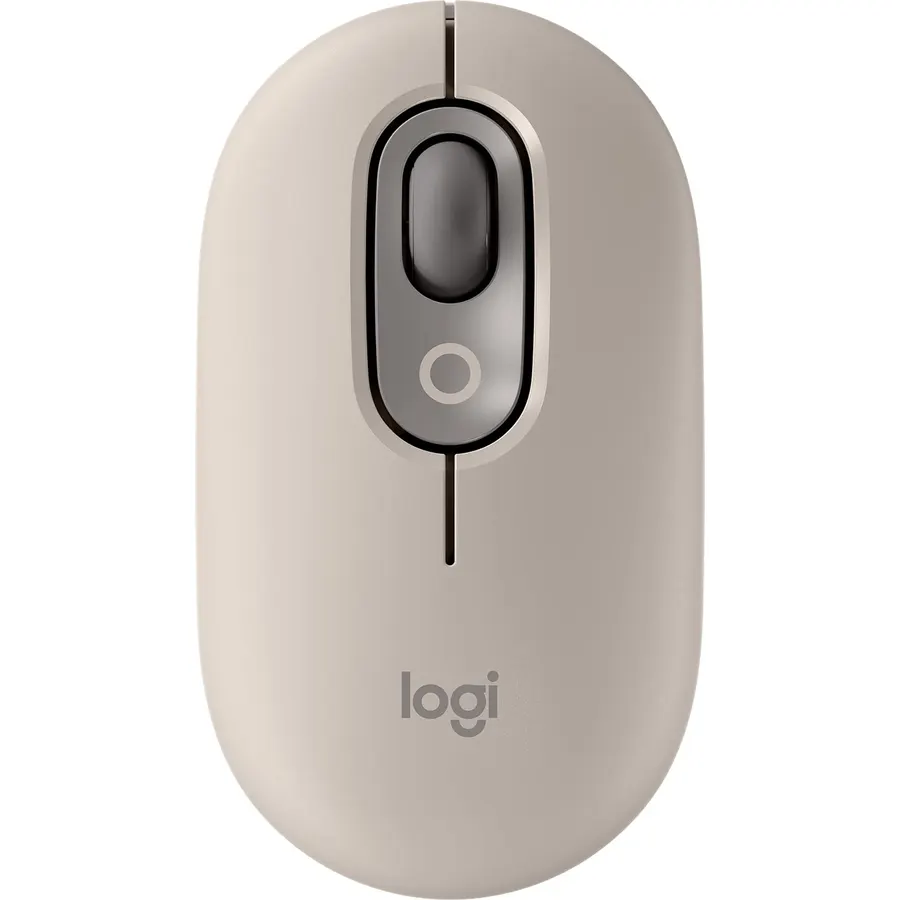
The POP Mouse is for the MacBook that lives in a tote bag: a slim, contoured body in pastel colors, silent clicks, a Smartwheel that speeds up when you spin it, and, unusually at this size and price, Easy-Switch between three devices, so one mouse covers a MacBook, an iPad and a work laptop. The Action Buttons map to shortcuts or an AI tool in Logi Options+. The shape is flat and fingertip-only, so it is a travel mouse rather than an eight-hour desk mouse, and it runs on a replaceable battery rather than USB-C. Owners rate it 4.6 stars from 3,800 reviews, the highest rating on this page, mostly for the looks and the quiet. Pair it with a bag from our travel backpacks for carry-on guide and the whole kit disappears into one pocket.
- Three-device switching in a pocket mouse
- Silent clicks and a fast Smartwheel
- 3,800 owners at 4.6 stars, the best rating here
- Colors made to match a MacBook
- Flat shape is for fingertip grips only
- Battery is a coin or AA type, not rechargeable
- Action buttons are limited compared with the MX line
Compare the picks
| Product | Connection | Devices | Scrolling | Battery | Owner rating | Our score | |
|---|---|---|---|---|---|---|---|
| Logitech MX Master 3SLogitech | Bluetooth + Bolt | 3 | MagSpeed + thumb wheel | 70 days, USB-C | 4.6 (8,800+) | 9.2 | See price |
| MX Master 4 for MacLogitech | Bluetooth | Multi | MagSpeed + thumb wheel, haptics | USB-C | 4.4 (540+) | 8.8 | See price |
| Apple Magic MouseApple | Bluetooth | 1 | Multi-Touch surface | About a month, USB-C | 4.4 (3,500+) | 8.8 | See price |
| Logitech MX Anywhere 3SLogitech | Bluetooth | 3 | MagSpeed | 70 days, USB-C | 4.5 (2,300+) | 9.0 | See price |
| Logitech M720 TriathlonLogitech | Bluetooth + Unifying | 3 | Hyper-fast wheel | 24 months, AA | 4.5 (13,300+) | 9.0 | See price |
| Logitech Lift for MacLogitech | Bluetooth LE | 1 | Silent SmartWheel | AA | 4.4 (900+) | 8.8 | See price |
| Logitech M240 SilentLogitech | Bluetooth | 1 | Standard, silent | 18 months, AA | 4.4 (11,500+) | 8.8 | See price |
| Logitech POP MouseLogitech | Bluetooth | 3 | Smartwheel | Replaceable | 4.6 (3,800+) | 9.2 | See price |
Bluetooth or a receiver?
Every pick pairs over Bluetooth, which is all a MacBook needs. The MX Master 3S and M720 also include a USB receiver (Bolt and Unifying respectively) that needs a USB-A port or a hub; it is useful on a desktop Mac or a work PC where Bluetooth is locked down, and it reconnects faster after sleep. Bluetooth on a MacBook occasionally takes a second to wake the mouse; owners of all the Logitech models mention it, and it is why the switch-with-a-button models are worth having when one computer is a Mac and the other is not.
Gestures, scrolling and software
The Magic Mouse is the only pick with real trackpad gestures, and it needs no software. The Logitech MX models get close another way: Options+ assigns a gesture button that, held and moved, switches desktops or shows Mission Control, and the MagSpeed wheel scrolls faster than any finger swipe. The M720 and M240 have ordinary wheels and fewer tricks. Options+ runs natively on macOS and syncs settings across Macs; Flow, on the MX and M720, moves the cursor and clipboard between a Mac and a PC, which is the feature people with two laptops end up loving most.
Comfort for a full day
Shape matters more than any spec for an eight-hour day. The sculpted MX Master 3S and 4 support the whole palm and are the most comfortable here for medium and large right hands; the Anywhere 3S and POP are flat travel shapes that fingertip grippers like and palm grippers do not; the Magic Mouse is the flattest of all. The Lift for Mac is the pick if the forearm aches, and it only fits small to medium hands. Left-handed users should choose an ambidextrous pick: the Magic Mouse, M240 or POP.
Do I need a dongle to use a mouse with a MacBook?
No. Every mouse on this page pairs over Bluetooth in System Settings. The MX Master 3S and M720 include a USB receiver as an option, which needs a USB-A port or a USB-C hub; most MacBook owners never use it.
Is the Apple Magic Mouse worth it over a Logitech?
Only if you want trackpad gestures on a desk. It is the best mouse for swiping between desktops and pages, and the worst for long sessions because of its flat shape. For comfort and scrolling the MX Master 3S wins; for price the M240.
Will the side buttons and scroll wheel work on macOS?
Yes. Install Logi Options+ for the Logitech models to map buttons per app and set the MagSpeed wheel; the basic functions work without it. The Magic Mouse is configured in System Settings under Mouse.
Which mouse works with a MacBook and an iPad at the same time?
The MX Master 3S, MX Master 4 for Mac, MX Anywhere 3S, M720 Triathlon and POP Mouse all pair to up to three devices and switch with a button. The Magic Mouse, Lift and M240 pair to one device at a time.
Why does my Bluetooth mouse lag when the MacBook wakes up?
Bluetooth mice sleep to save power and take a second or two to reconnect after the lid opens. It is normal on every model here. If it bothers you, the MX Master 3S or M720 on their USB receiver reconnect almost instantly.
Prices and stock change daily. The buttons above open Amazon so you always see the current price. We may earn a commission if you buy through them, at no extra cost to you.
Do Best Deal is a participant in the Amazon Services LLC Associates Program. As an Amazon Associate we earn from qualifying purchases. If you buy through links on this site we may earn a commission, at no extra cost to you. Learn more.