G
Nice product, good price, fast deliveryGerald J. Highberger
Very nice item, good price, fast delivery. Unfortunately, did not work for my application, but not the fault of the cable, tv was too old!
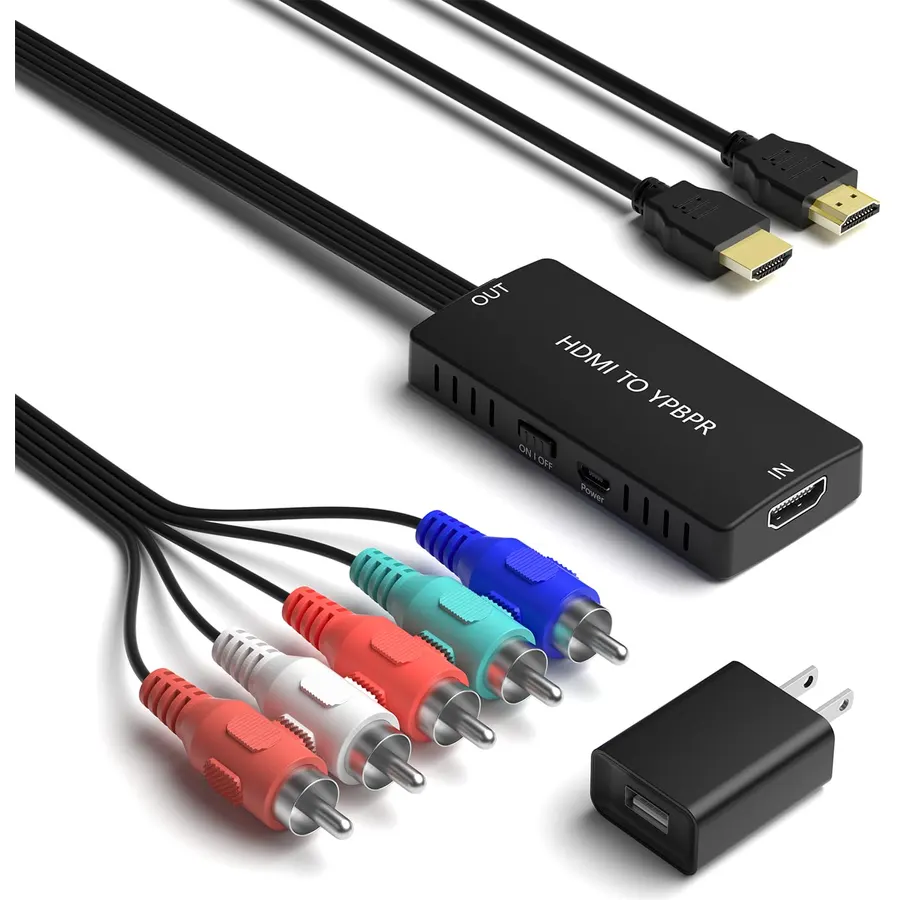 6.8Our score 4 photos
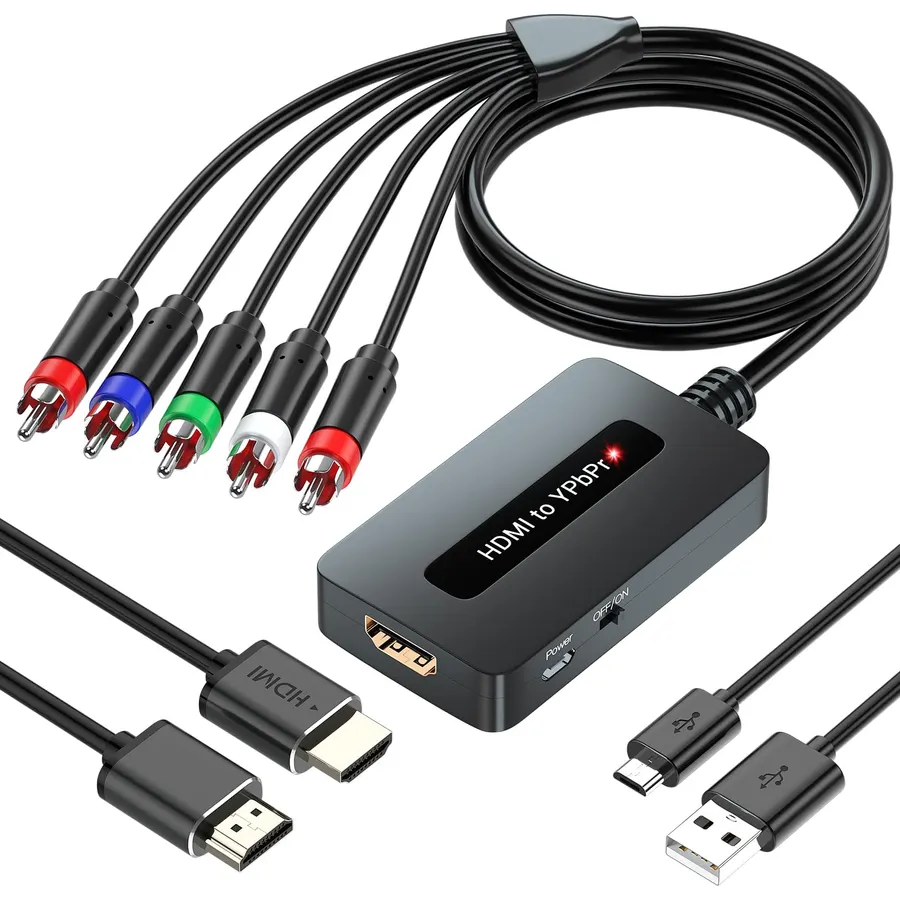
Function of HDMI to component converter: Convert HDMI input into analog YPbPr video and R/L audio from modern home theaters to old video dev
Ranked #99 in TVs & Projectors · 4 things we like
Quick answer The HDMI to Component Converter by LVY scores 6.8/10 with us. Amazon owners rate it 3.4 out of 5 across 15 reviews, below the 4.0 average of the 34 video converters we track. It was listed at $14.99 on Amazon when we last checked in September 2026.
HDMI to Component Converter (HDMI to YPbPr converter) Convert HDMI input into analog YPbPr video and R/L audio output to connect to modern home theater or older video equipment. HDMI to component converter input support Xbox/ PS3/ PS4/ Apple TV/ Roku/ Fire TV/ STB/ Blu-ray Players/ Game Console / DVD and so on. Component output support with YPbPr TV/ monitor and projector.
HDMI video input format: 480i/576i/480p/ 576p/ 720p/ 1080i/ 1080P YPbPr video output format: 480p@60Hz, 720p@50/60Hz, 1080p@50/60Hz NOTE: 1. 3D and 4K are not supported. 2.
It cannot be used in reverse mode. 3. The product needs to be connected to the power supply.
4. Port ""YPbPr"" must be correctly connected. 5.
Support friendly customer service and warranty, feel free to contact us if you have any questions. How to use: 1. Connect the ""HDMI"" port to the input signal source.
2. Connect the ""YPbPr"" port to the TV/
Do Best Deal is a participant in the Amazon Services LLC Associates Program. As an Amazon Associate we earn from qualifying purchases. If you buy through links on this site we may earn a commission, at no extra cost to you. Learn more.
| Compatible Devices | DVD, Television |
|---|---|
| Connector Type | Component, HDMI |
| Number of Ports | 2 |
| Input Voltage | 5 volts_of_direct_current |
| Current Rating | 1 A |
| Power Plug Type | Type A - 2 pin (North American) |
| Color | Black |
| Item Dimensions | 3.3 x 1.45 x 0.9 inches |
|---|---|
| Item Weight | 3.1 ounces |
| Unit Count | 1 Count |
| Number of Items | 1 |
| Brand | LVY |
| Warranty Description | 1 -year warranty |
Owners are lukewarm on it, so compare the alternatives before buying. We score the HDMI to Component Converter 6.8 out of 10. Amazon owners rate it 3.4 out of 5 across 15 reviews, below the 4.0 average of the 34 video converters we track. The review count is still small, so treat the rating as an early signal.
It was listed at $14.99 on Amazon when we last checked in September 2026. That is cheaper than the $19.46 median for video converters in our catalog. Amazon prices change daily, so use the price button on this page to see the current figure.
Similar, well-rated video converters in our catalog: RuiPuo Component to HDMI Converter (8.2/10, 4.1 stars from 308 owners); LVY HDMI to SVideo Converter HDMI to RCA Adapter (8.4/10, 4.2 stars from 447 owners); HPDELGB RCA to HDMI Converter (8.8/10, 4.4 stars from 224 owners).
RuiPuo Component to HDMI ConverterLVY HDMI to SVideo Converter HDMI to RCA AdapterHPDELGB RCA to HDMI Converter
Breakdown from the 7 most helpful reviews we imported.
Very nice item, good price, fast delivery. Unfortunately, did not work for my application, but not the fault of the cable, tv was too old!
Good converter for 1080p or 720p to a flat-screen, picture and color are good.Does not support interlaced signals, like 480i, so it will not work on CRT monitors.
Didn't work well video wise with my tv sound was good I'm a tv tech so I know it's not the tv quality product but didn't do the job video wise.
Does notnwork without the instructions on how to fix in travelshoot the system had to return it because it would not work
This actually fought with me a bit, and I had to resolve an “unsupported format” being displayed on my TV. I use the TV as a tiny monitor. It has one HDMI port, and one component port. I know over HDMI, 720p and 1080p both work, though it is just a 720p TV. I had to directly connect my Roku over HDMI, then go into settings and force it to 720p resolution. THEN connecting the Roku through the HDMI->component converter worked fine.I actually think this is a limitation with my TV…. I think it only supports 1080p over HDMI, not over component. The little converter likely negotiates 1080p by defaul
Unfortunately I could not get this item to work with my Sony Trinitron WEGA XBR TV from the year 2000
No funcionó, queria conectarlo de un PS4 a una television plasma antigua con entrada Componente pero salia formato invalido, trate de bajar la resolucion a menos de 720 pixeles pero aun asi no funcionó, ni siguiera en 480 pixeles. Tal vez leí mal las especificaciones técnicas pero no funcionó en mi caso, de todas formas llegó en excelente estado y con sus instrucciones para instalar.
Customer reviews are shown as published on Amazon and are not written by Do Best Deal.
Alternatives to the HDMI to Component Converter
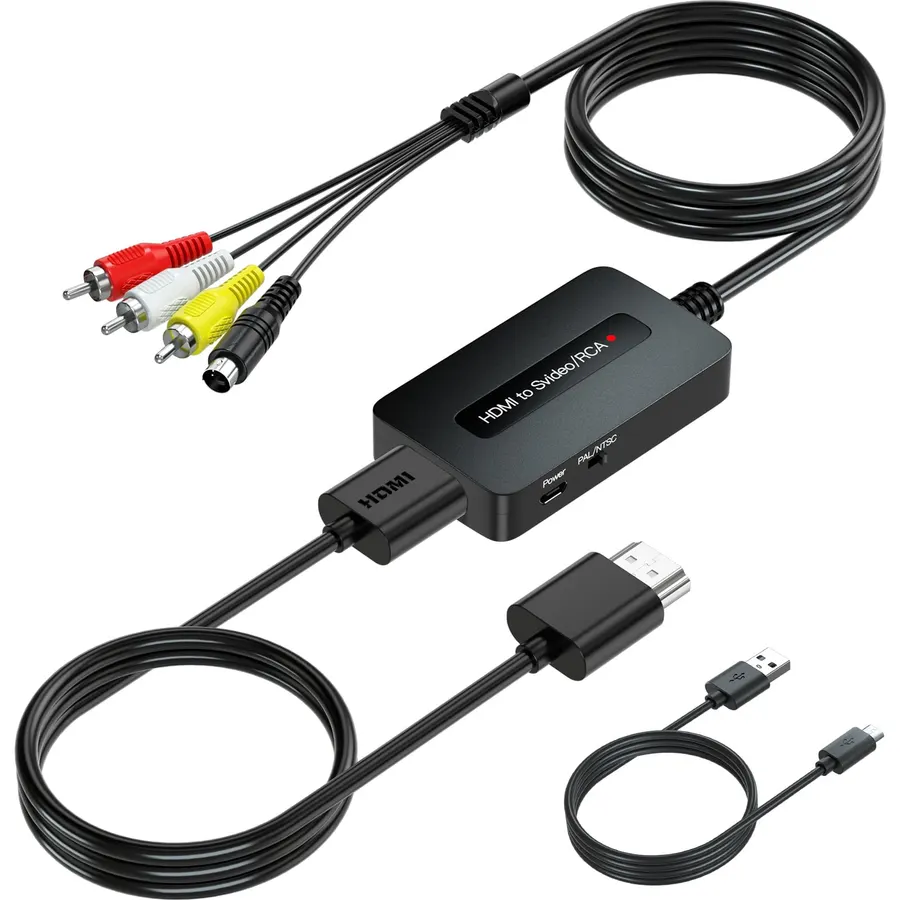 8.4
8.4【All Cables Included】 All cables are included in the package, no need to purchase any extra cables. Cost-effective all-in-one converter cabl
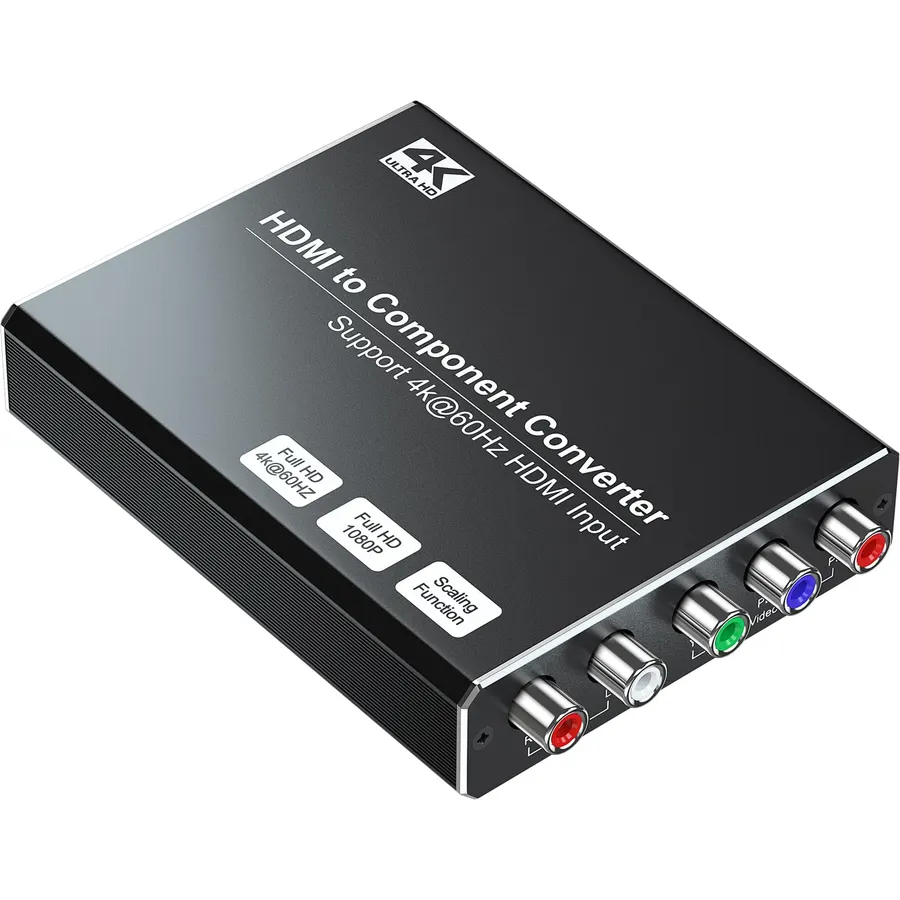 8.2
8.2【Wide Compatibility】It's widely used with Blu-ray DVD, STB, PS3, PS4, PS5, R-o-k-u players, Amazon Fire TV Stick, PC and other devices with
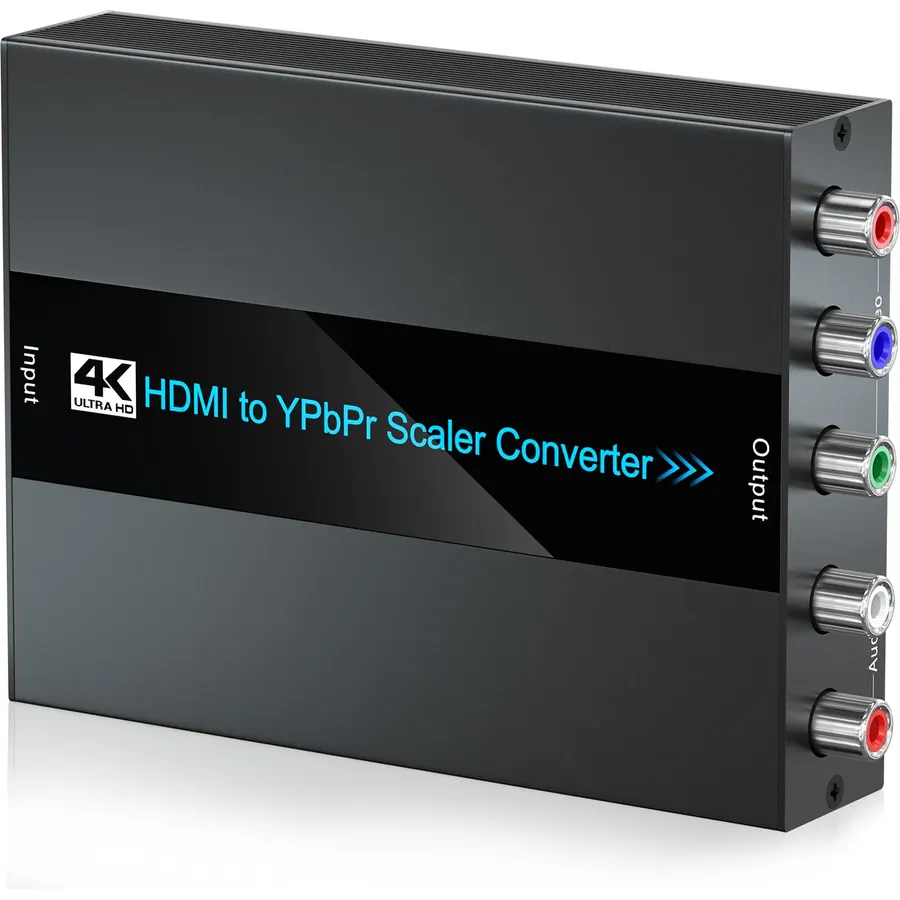 7.6
7.6【Ultra HD 4K Input】This HDMI to Component Converter converts HDMI signal into YPbPr video and analog stereo R/L audio signal. Supports ultra
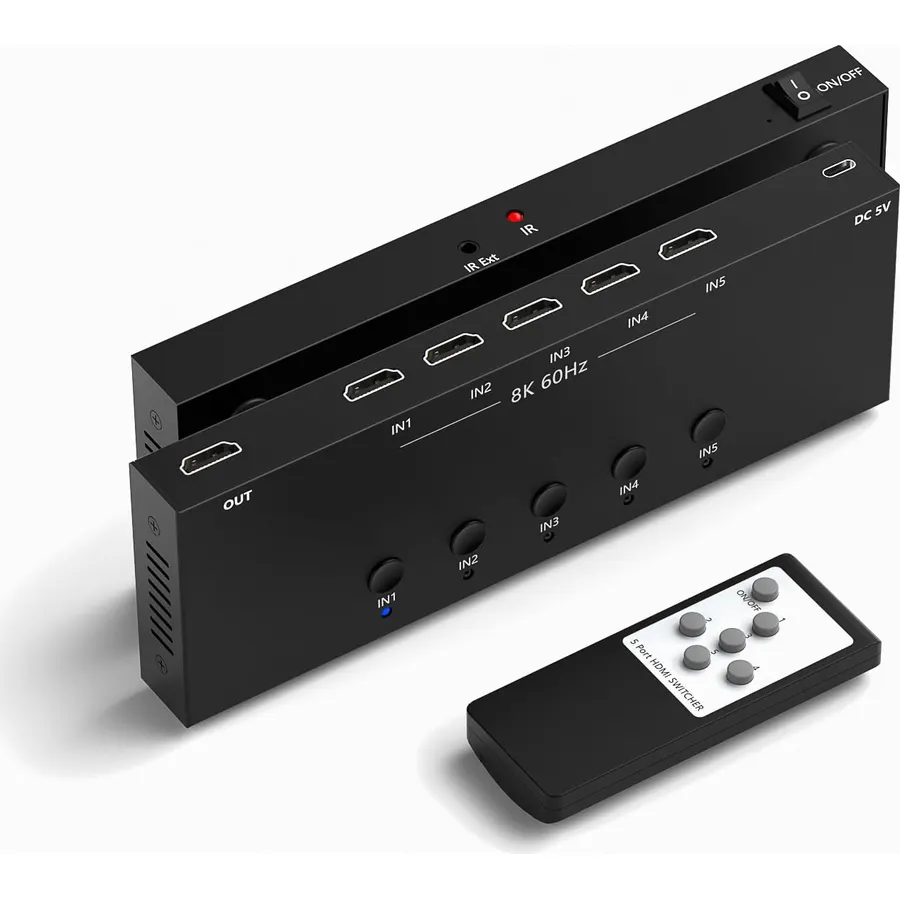 8.5
8.5【Multi-functional 5-in-1 Design】Featuring 8K 5 in 1 out Converter, you can seamlessly connect multiple video sources to a single display.
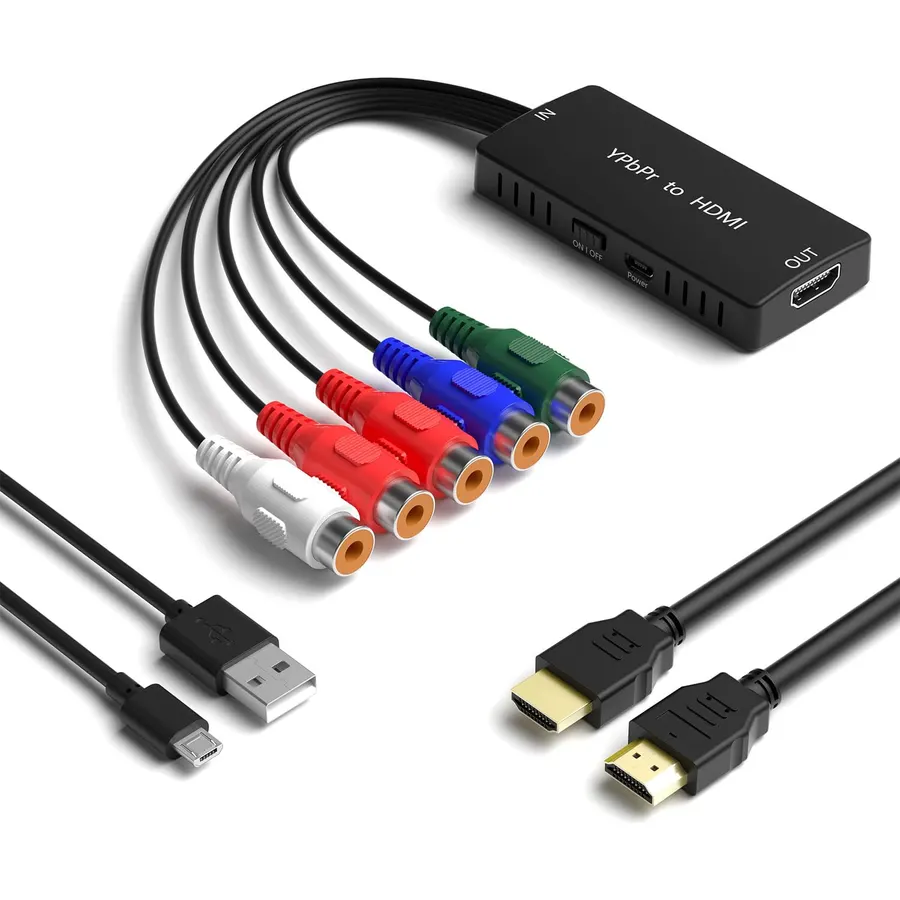 8.2
8.2HDMI to component converter: Connect the HDMI source device to the YPbPr display (for example: input DVD through the HDMI cable to YPbPr TV
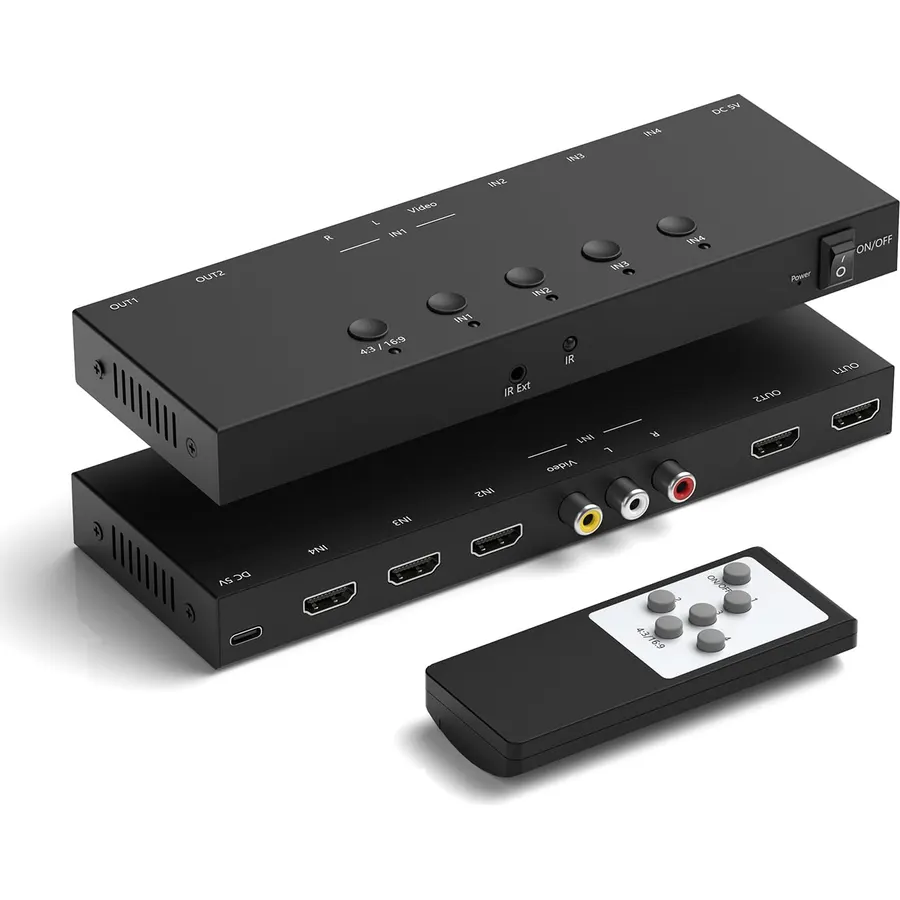 8.6
8.64 input to 2 output HDMI Switch 4K@60Hz (onr AV inout + three HDMI 2.0 input to two HDMI output) Designed for multiple gaming consoles.
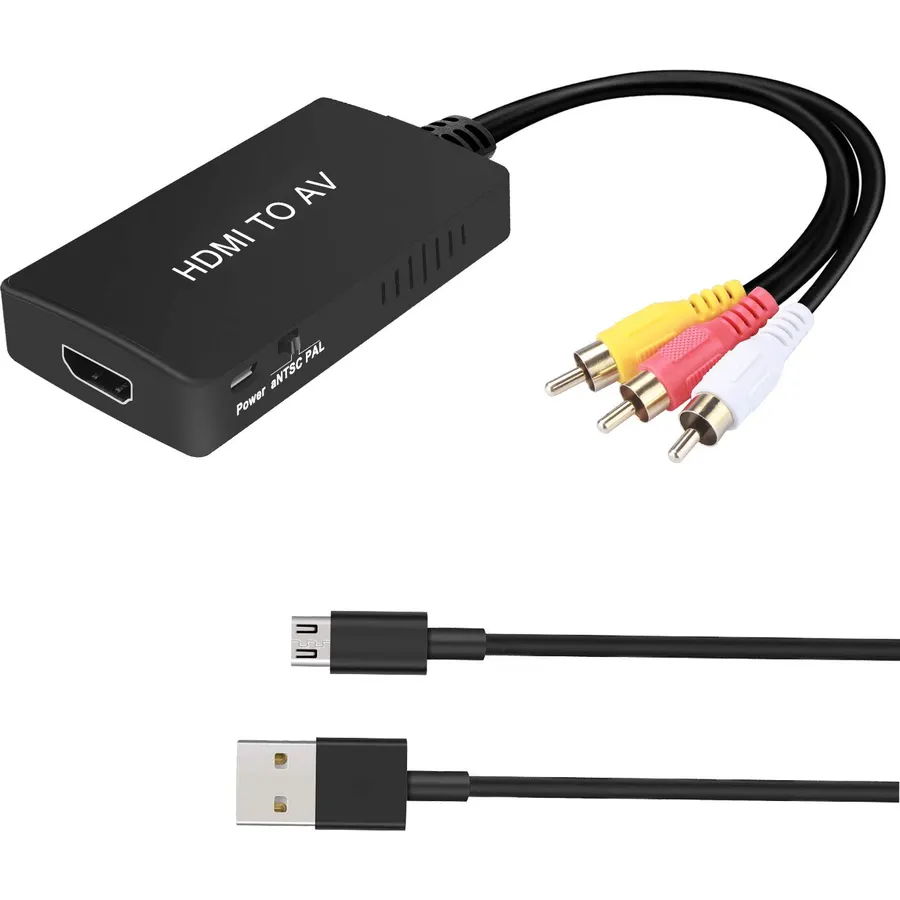 8.6
8.6HDMI to AV Converter: Convert Roku/Fire stick HDMI video signal to CVBS(AV/RCA) signal to connect to old TV.
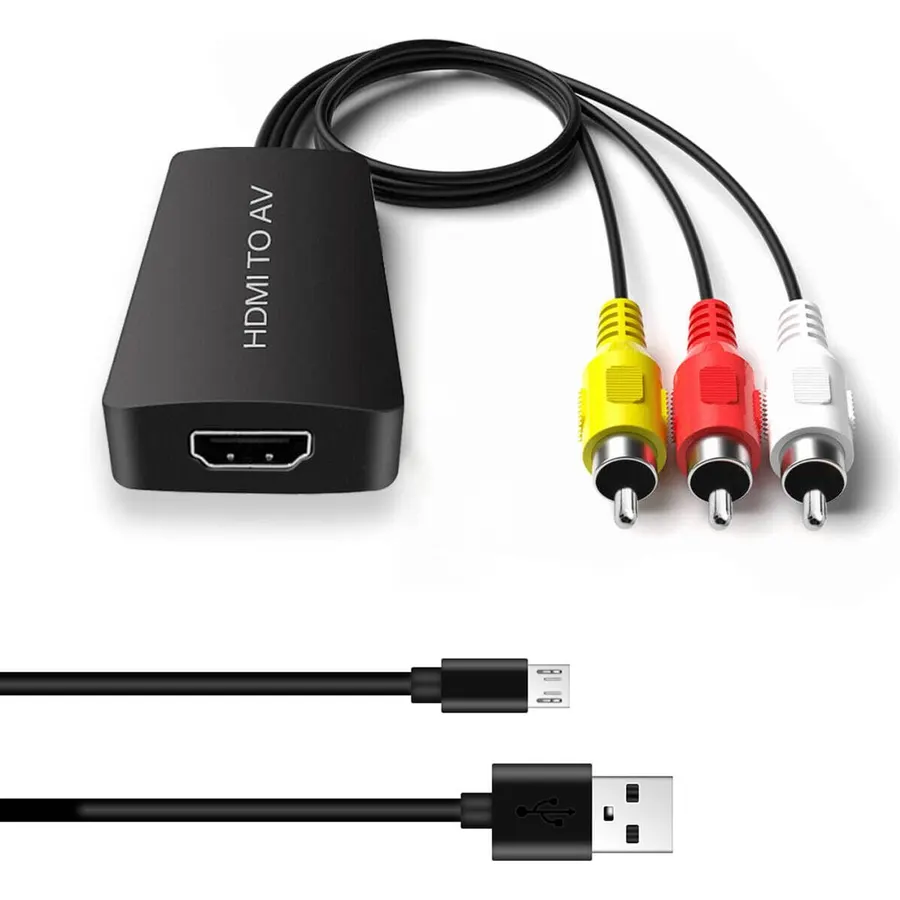 8.4
8.4✪HDMI to RCA converter: Convert HDMI signal source to AV/ RCA/ Composite signal, connect the HDMI signal source to your old TV, you can watc
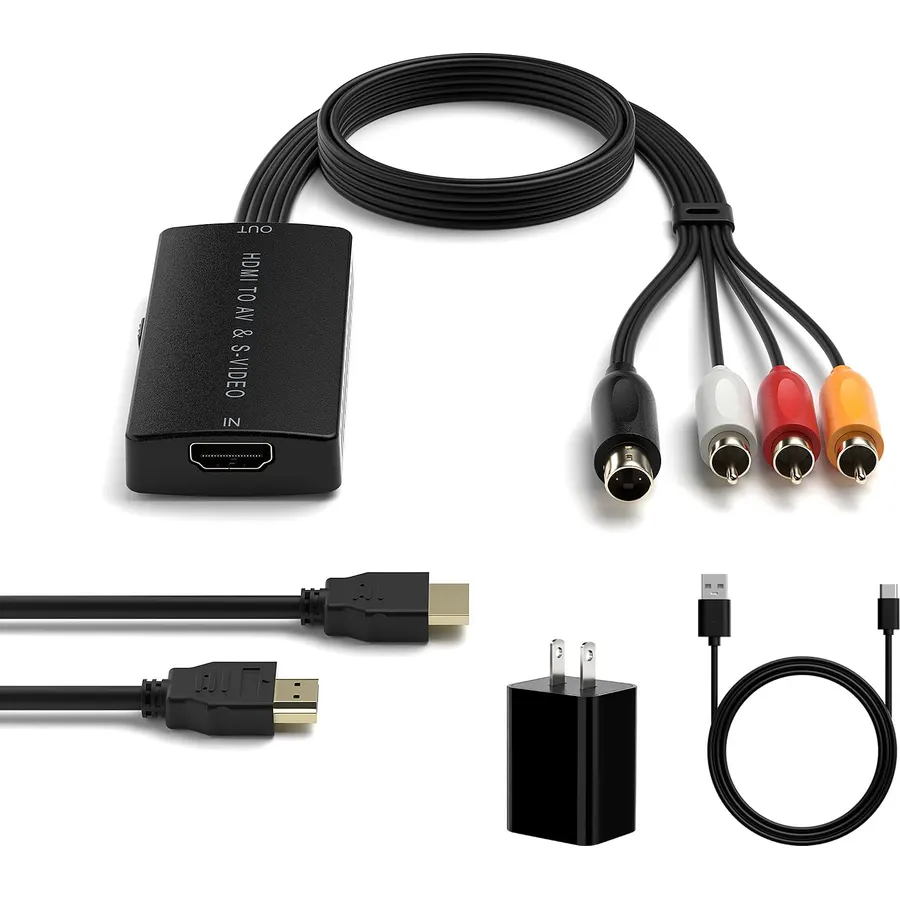 8.4
8.4HDMI to S-Video Converter: Convert HDMI signal to Svideo analog video and L/ R audio(SVideo is a 4-pin female port)
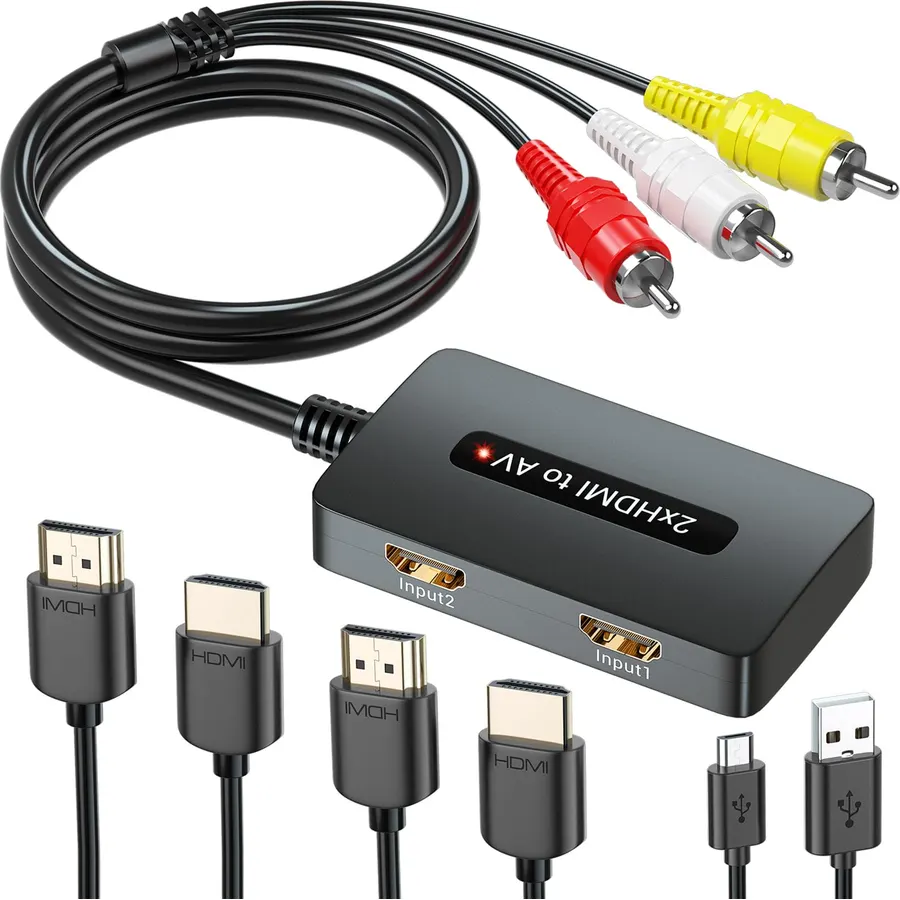 7.6
7.6HDMI to RCA Conversion: This HDMI to RCA converter converts high-definition HDMI signals (up to 1080p) to standard definition Composite vide
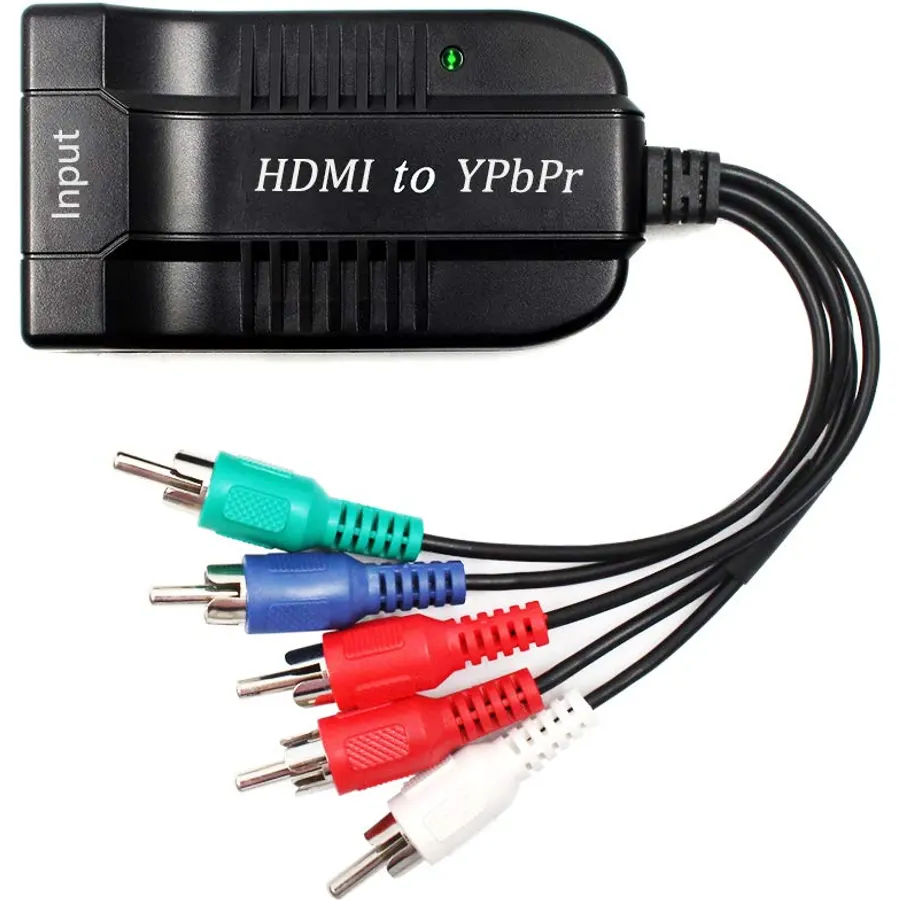 7.0
7.0Input:Female HDMI ,Output:Male YPbPr
 6.8
6.8【Attention】 This converter does not have scaling function. The resolution of Component will be the same as HDMI. It means that the resolutio
 8.5
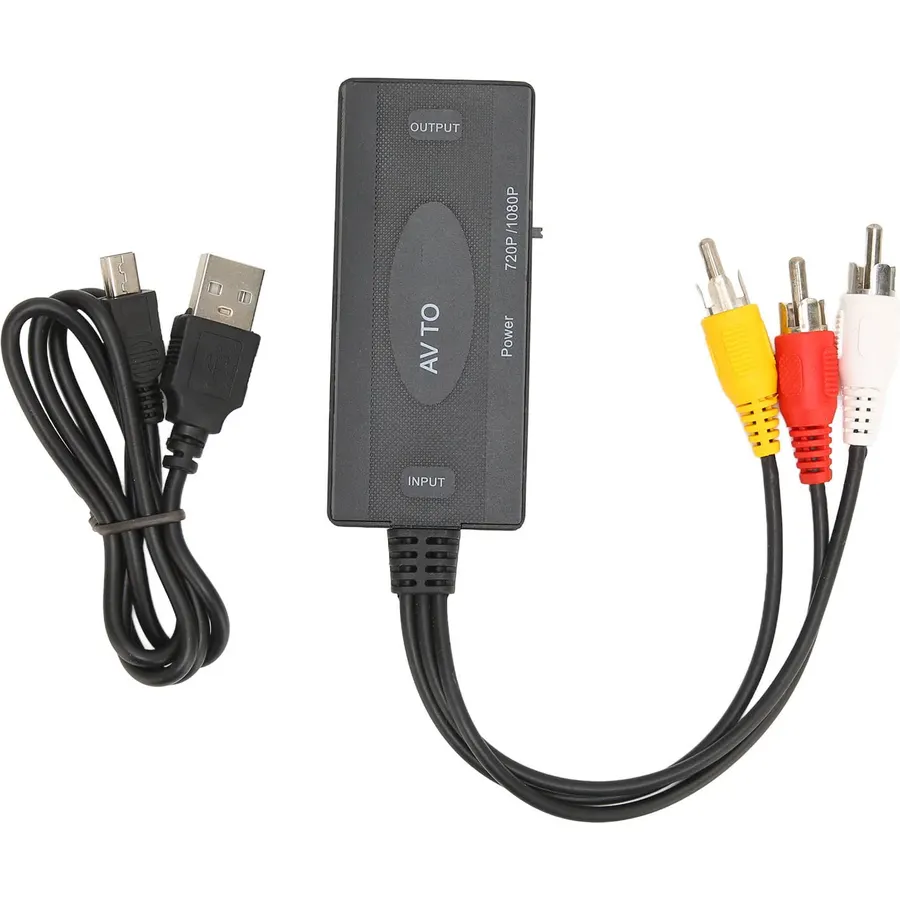
8.5HD Multimedia Interface Conversion: Connect newer HD multimedia interface source devices like TV sticks, DVD players, and computers to older
 8.6
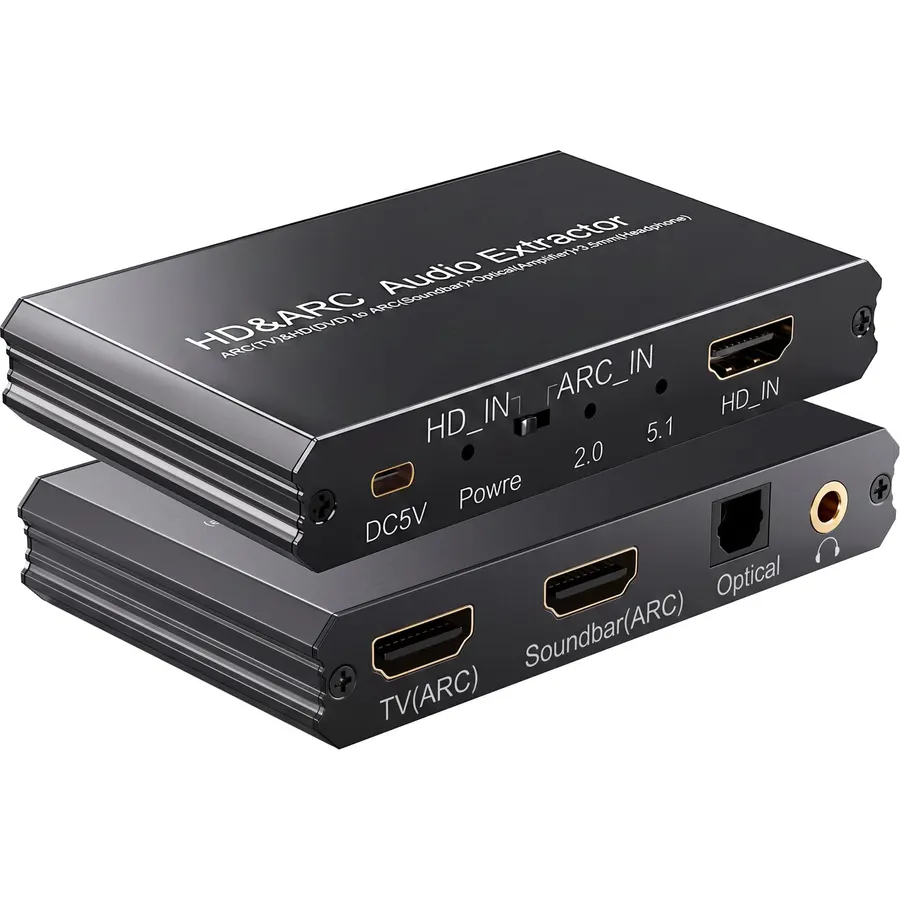
8.6EARC Audio Extractor: Extracts audio from the TV’s ARC/eARC port and transmits it to the ARC Optical 3.5mm port on a soundbar or amplifier.
 8.4
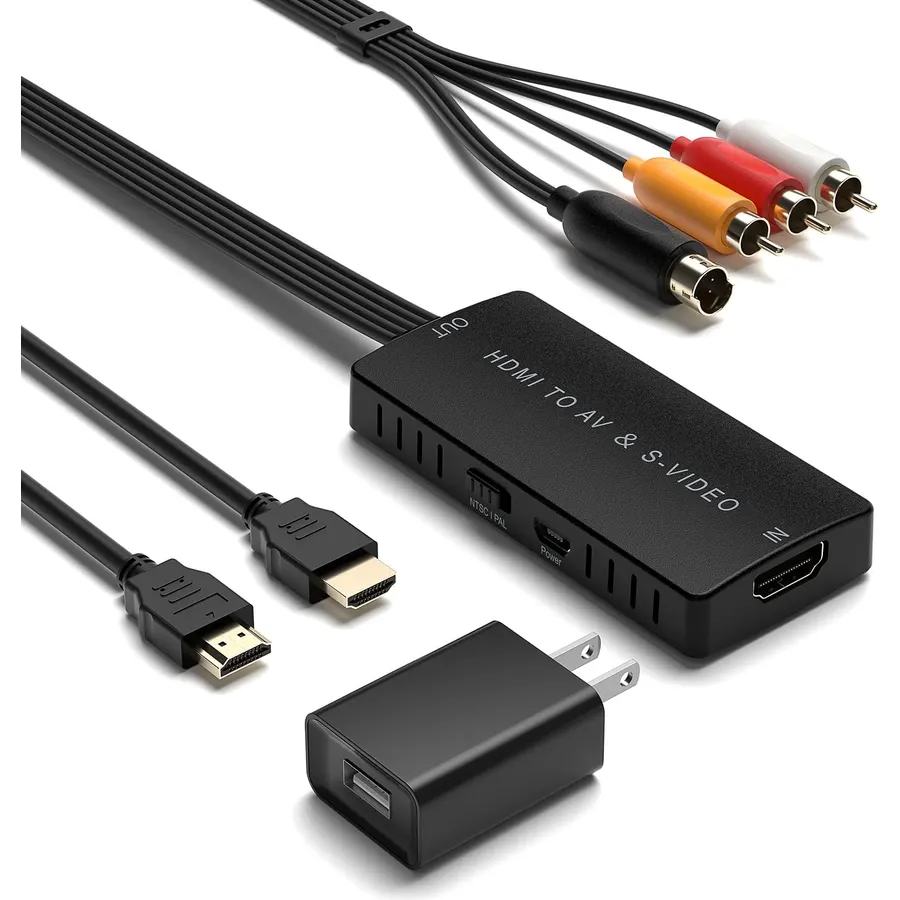
8.4HDMI to SVideo Converter support convert HDMI signal into CVBS or S-Video signal and L/R audio signal
 8.4
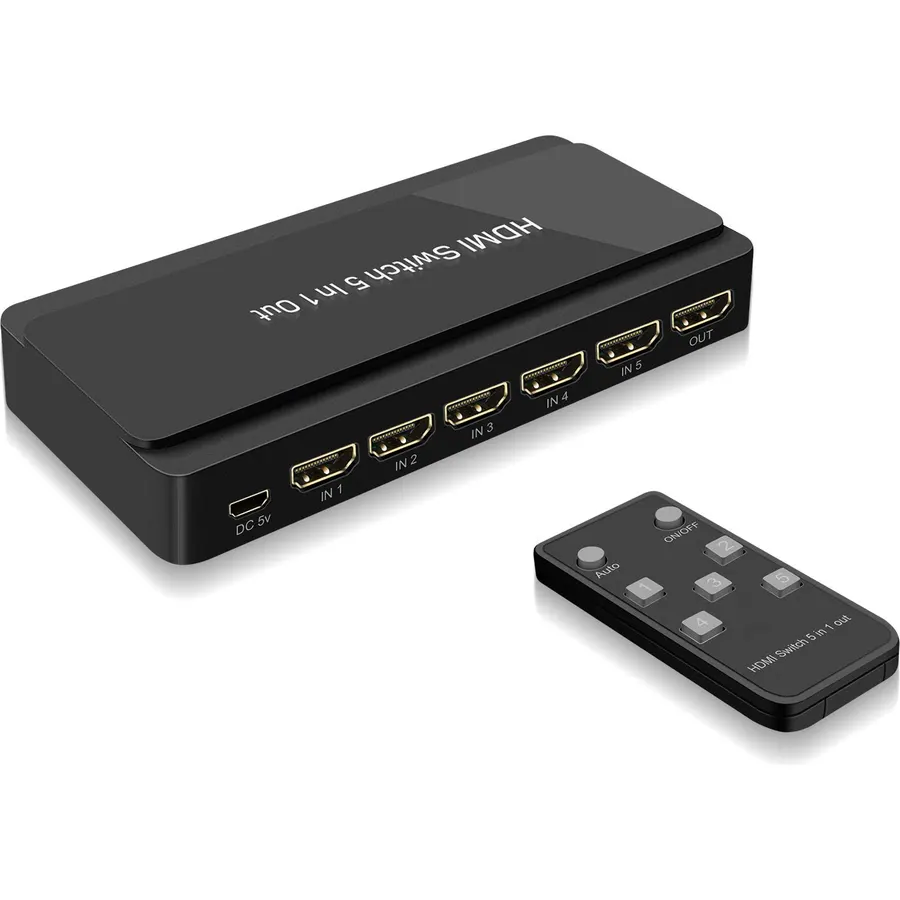
8.4【HDMI Switch】This 5 Port HDMI Switch Allow to connect any Five HDMI source devices to One HD TV/HD monitor or projector and easily switch vi
 9.8
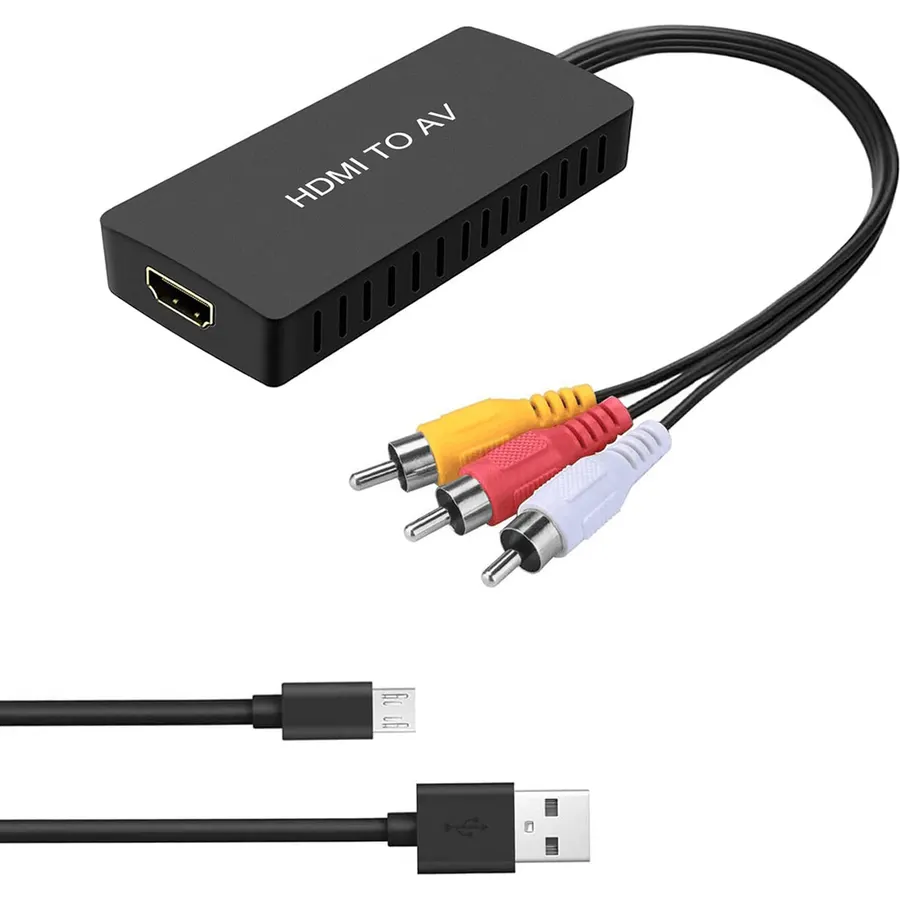
9.8HDMI to AV Converter: Connect the HDMI device to the old TV using a converter.