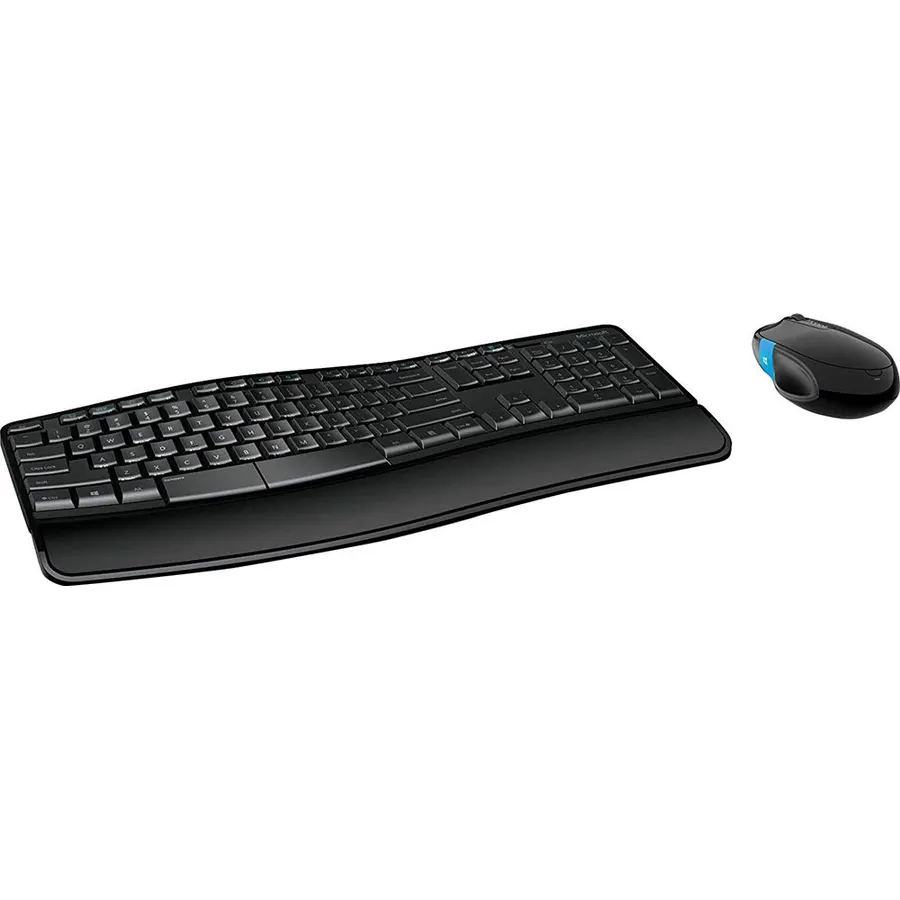
Microsoft Sculpt Comfort Desktop - Black - Wireless, Comfortable, Ergonomic Keyboard and Mouse Combo with Cushioned Palm Rest and USB Wireless Receiver
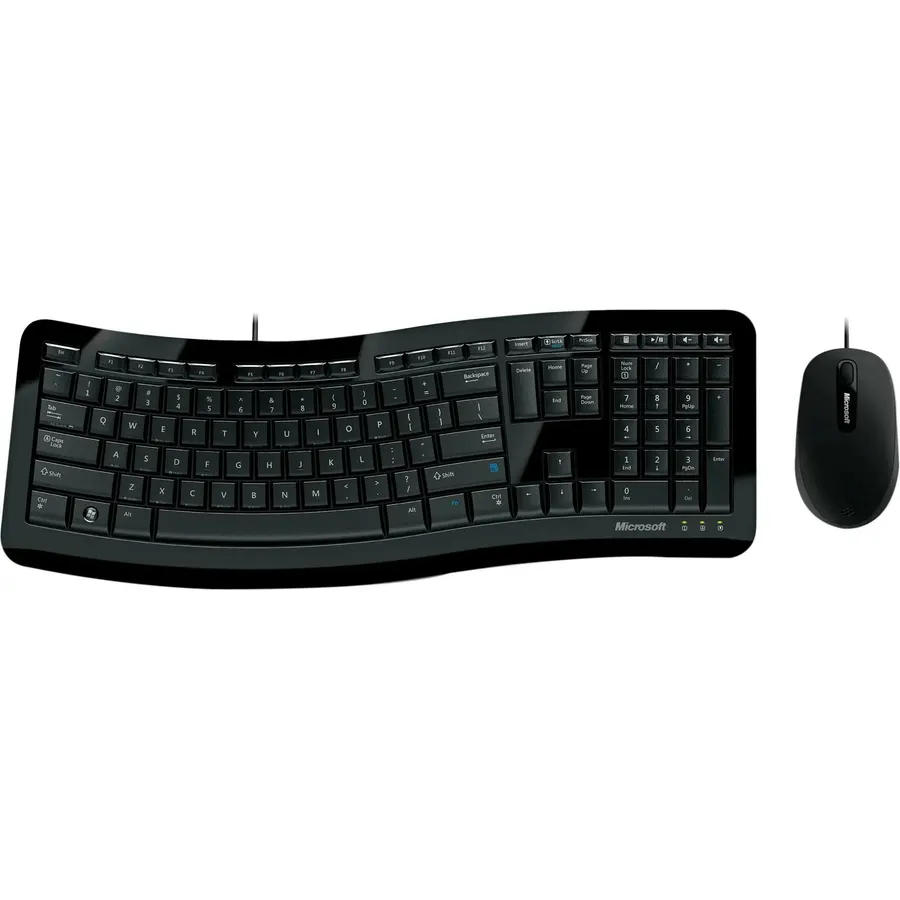
Keyboard: Contoured design promotes a natural wrist position and puts keys within easy reach
Ranked #99 in Keyboards · 4 things we like
Quick answer The Microsoft Sculpt Comfort Desktop scores 8.2/10 with us. Amazon owners rate it 4.1 out of 5 across 446 reviews, below the 4.3 average of the 37 keyboard & mouse combos we track. It was listed at $389.95 on Amazon when we last checked in September 2026. Key facts: connectivity technology Wireless, keyboard layout Dvorak, operating system Microsoft,Windows.
Keyboard: Contoured design promotes a natural wrist position and puts keys within easy reach Detachable palm rest can be removed for a sleek, compact look Split spacebar with backspace functionality is designed to improve typing efficiency Cushioned palm rest provides support and promotes a neutral wrist position Palm lift promotes a straight, neutral wrist position. Advanced Encryption Standard (AES) 128-Bit Encryption Mouse: Windows touch tab provides easy access to the Start screen and apps 4-way touch scrolling for navigating up, down, left and right Works on virtually any surface with Blue Track Technology
Do Best Deal is a participant in the Amazon Services LLC Associates Program. As an Amazon Associate we earn from qualifying purchases. If you buy through links on this site we may earn a commission, at no extra cost to you. Learn more.
Product information
24 specifications
Antenna Location
Business
Brand
Microsoft
Built-In Media
Keyboard and mouse set - wireless - ergonomic, USB wireless receiver
Color
Black
Compatible Devices
PC, Mac
Compatible Operating System Family
Windows
Connectivity Technology
Wireless
Global Trade Identification Number
00885370595895
Hand Orientation
Ambidextrous
Item Type Name
Microsoft Sculpt Comfort Desktop - Keyboard & mouse set - English - North America, Black (L3V-00001)
Item Weight
2.1 pounds
Keyboard Backlighting Color Support
Single Color
Keyboard Description
Wireless
Keyboard Layout
Dvorak
Mfr Part Number
L3V-00001
Model Number
L3V-00001
Movement Detection
BlueTrack Technology
Number of Batteries
2 AAA batteries required. (included)
Number of Keys
102
Number of Packs
1
Operating System
Microsoft,Windows
Other Special Features of the Product
Foldable
Power Source
Battery Powered
Unit Count
1 Count
Pros & cons
What we like
Keyboard: Contoured design promotes a natural wrist position and puts keys within easy reach
Detachable palm rest can be removed for a sleek, compact look
Split spacebar with backspace functionality is designed to improve typing efficiency
Cushioned palm rest provides support and promotes a neutral wrist position
What could be better
Microsoft Sculpt Comfort Desktop: questions & answers
Is the Microsoft Sculpt Comfort Desktop worth buying?
Yes, for most buyers it is a safe choice. We score the Microsoft Sculpt Comfort Desktop 8.2 out of 10. Amazon owners rate it 4.1 out of 5 across 446 reviews, below the 4.3 average of the 37 keyboard & mouse combos we track.
How much does the Microsoft Sculpt Comfort Desktop cost?
It was listed at $389.95 on Amazon when we last checked in September 2026. That is more than the $69.48 median for keyboard & mouse combos in our catalog. Amazon prices change daily, so use the price button on this page to see the current figure.
What are the key specs of the Microsoft Sculpt Comfort Desktop?
Connectivity Technology: Wireless; Keyboard Layout: Dvorak; Operating System: Microsoft,Windows. All 24 specifications are in the product information table on this page.
What are good alternatives to the Microsoft Sculpt Comfort Desktop?
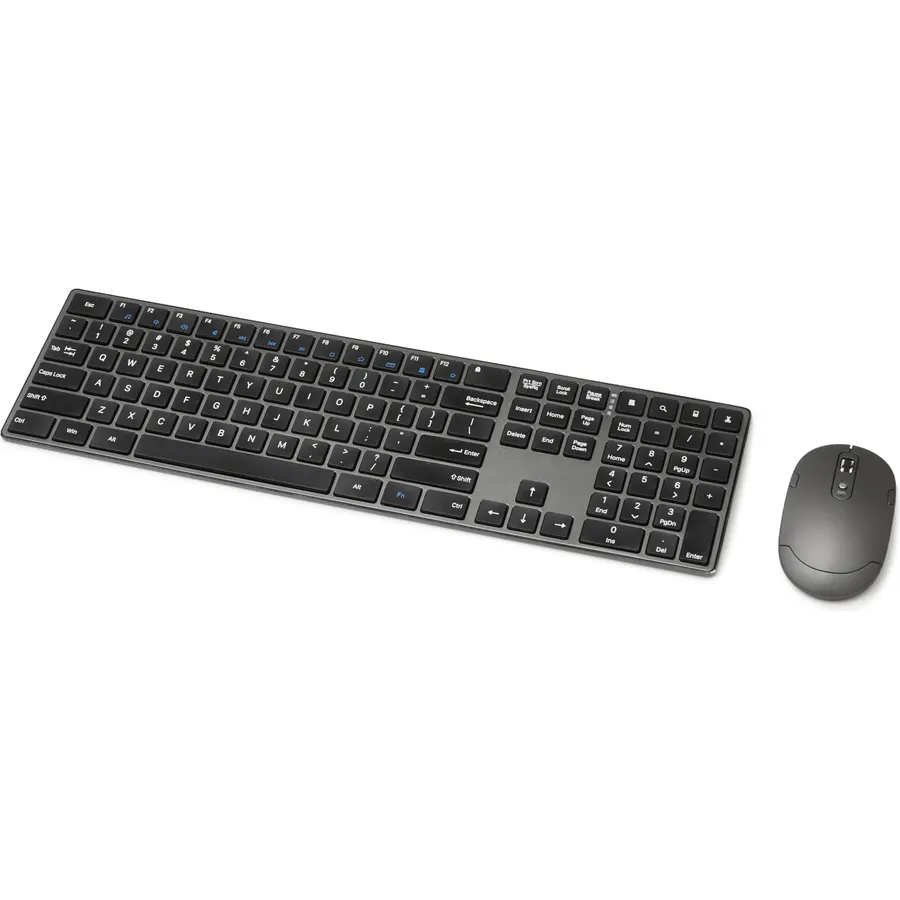
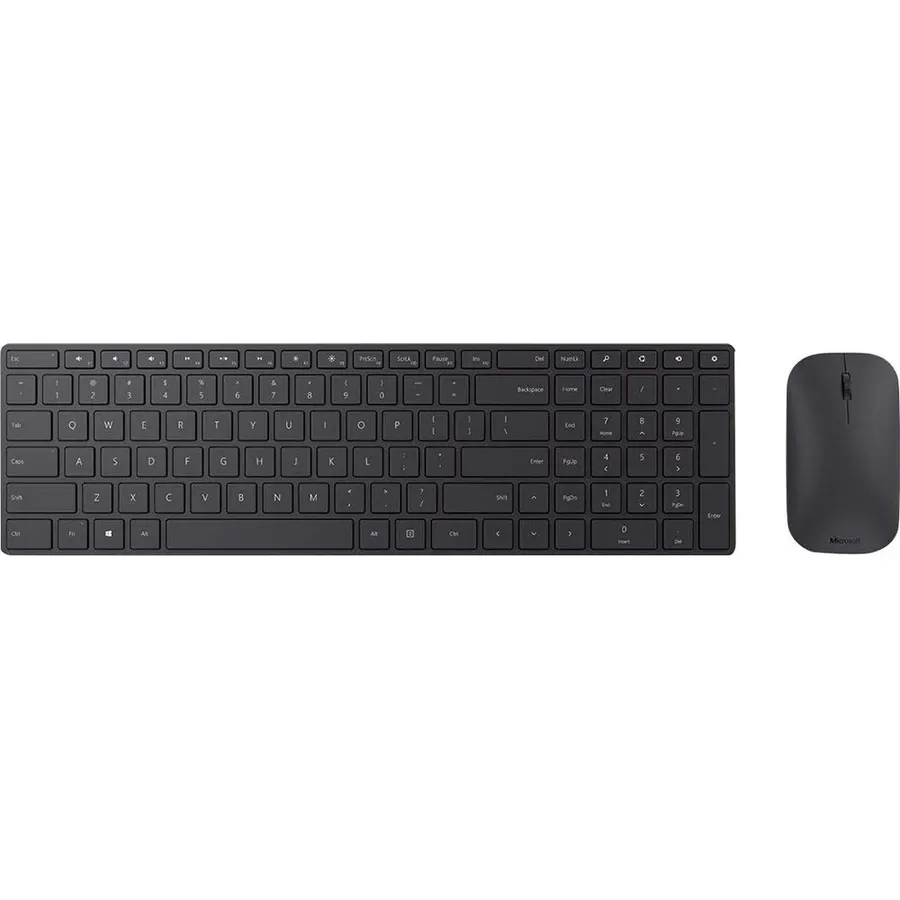
Similar, well-rated keyboard & mouse combos in our catalog: Microsoft Ergonomic Desktop (8.8/10, 4.4 stars from 1,148 owners); Microsoft Wireless Desktop 3050 Keyboard & (9.0/10, 4.5 stars from 14 owners); Microsoft Keyboard/Mouse PY9-00002 Desktop 850 (8.8/10, 4.4 stars from 1,482 owners).
Breakdown from the 10 most helpful reviews we imported.
M
MikeInWeston
Verified purchaseOctober 6, 2015
Better than the 5000 combo for me
I have worn letters off many keyboards and find this one comfortable enough but nothing special. It took some getting used to and I don't find the split space/back bar all that necessary, but it is a little better than the 5000 combo it is replacing.The mouse has a power switch (unnecessary for the keyboard) and is a little smaller.I programmed the windows button for copy and paste but either it's unreliable or I don't have the nack for it yet. You "swipe" it with your thumb so this would be intuitive but it only works 20% of the time... still practicing though.The key placement seems good to
S
S. P. E.
Verified purchaseMay 16, 2024
One of the best keyboards I have used
This keyboard is so comfortable that I wish my other keyboards and my laptop were shaped like this one. Very easy to use and fully featured with a number of alternative keys. The mouse is ergonomic and very responsive, but I don't use the thumb swipe button on the side. I would recommend it highly.
B
Bryan
Verified purchaseMarch 22, 2014
One of the better keyboards I have had.
This keyboard has a very nice look and feel. It is comfortable in long periods of typing with its ergonomic curved shape and its medium travel push keys. The mouse also has a nice weight and feel about it. the sides have a rubber texture for an easy grip and is pretty comfortable. It is responsive, sensitive, and accurate.Software and drivers seem to download and start to install automatically when first plugging in the small USB receiver. The software allows for customization of several keyboard and mouse functions as well as creating and executing custom macros. The thumb button on the mouse
W
Waynemia
Verified purchaseMarch 4, 2014
Nice wireless keyboard and mouse set
I have no use for any of the Windows 8 stuff! That aside, this is a nice set. There are a bunch of Win 8 function keys on the F keys. There is a switch to turn them off and just make them F keys. Great! The installation is basically automatic. Just install the INCLUDED batteries for the mouse, pull the blue tab to make the batteries in the keyboard work, make sure the mouse is turned on (there is a switch on the bottom), and plug in the USB transmitter. The is a configuration screen that comes up. You can make changes to the buttons and so on.The mouse worked on all surfaces I tried. My old mo
A
Amy Showalter
Verified purchaseMarch 12, 2021
GREAT KEYBOARD BUT... ZERO accountability from Microsoft -WILL NOT HONOR THE "3 YEAR" warranty.
Ok, so I love this keyboard. But, consider it a disposable keyboard.Works beautifully for a couple of months.Then gets laggy and unresponsive, even after replacing batteries and changing ports with the dongle.There are no updated drivers for this as this one was created in 2016 and apparently they no longer have updates for it. How very Microsoft of you.And now for the story:Letters rubbed of about a month in... and BECAUSE OF THIS, MICROSFOT WILL NOT HONOR THE WARRANTY.Spent almost TWO HOURS on chat and phone with these f*ckers.Support determined that it was, indeed, a hardware issue. (OK, so
R
Ruth C. Roy
Verified purchaseJune 1, 2022
Best Keyboard I've Ever Had
My mother bought this same keyboard for me about 6 years ago as a birthday gift. Recently, I came to realize it was time for a new one, as the most-used keys were blank, and one of the feet had broken off ... but what can you expect after 6 years of daily use and moving it from office to home and back again several times in the interim? So, I looked for a new one. I didn't like any of the ones I found and was starting to give up hope. Then I spotted this one ... the EXACT same keyboard! I love it! Thank you!
R
remo
Verified purchaseAugust 11, 2016
Just mediocre at best. Not as comfortable as you may think.
Let's get into it.Pros: Price, look and style, quality build, slightly ergonomic design, not as wide as most ergonomic keyboards allowing closer mouse placement putting less stress on the arm and elbow.Cons: Not ergonomic enough, tilts wrist slightly upward instead of neutral position, mouse combo isn't great, number keys require a lot of pressure to register sometimes.The sculpt comfort desktop keyboard is a mediocre keyboard. I don't like the ergonomic positioning due to the keyboard slightly slanting upward which causes your wrist to have to flex upwards a bit. After awhile, it doesn't feel
L
Liz Wick
Verified purchaseApril 2, 2016
My favorite keyboard
This is by far my favorite keyboard available today. I used it at my past two jobs but had to leave it behind when I left so I finally purchased one for myself so I can bring it with me.I've never been a fan of the full ergo keyboards, so this is a nice middle ground. It's basically a hybrid of a flat and an ergo keyboard which I find to be very comfortable especially for smaller hands. The mouse is also a nice comfortable fit for my hands.One of the great features of the keyboard is it's ability to tilt up in the front so your hands rest in a more neutral position. Really cuts down on strain
Customer reviews are shown as published on Amazon and are not written by Do Best Deal.
More keyboards we compared
Alternatives to the Microsoft Sculpt Comfort Desktop