BE9300 Tri-Band Wi-Fi 7 Speeds: Archer BE550 features Multi-Link Operation, Multi-RUs, 4K-QAM, and 320 MHz channels, providing blazing-fast
LAN Port Bandwidth2.5 GbpsConnectivity ProtocolWi-Fi, Ethernet
About this item
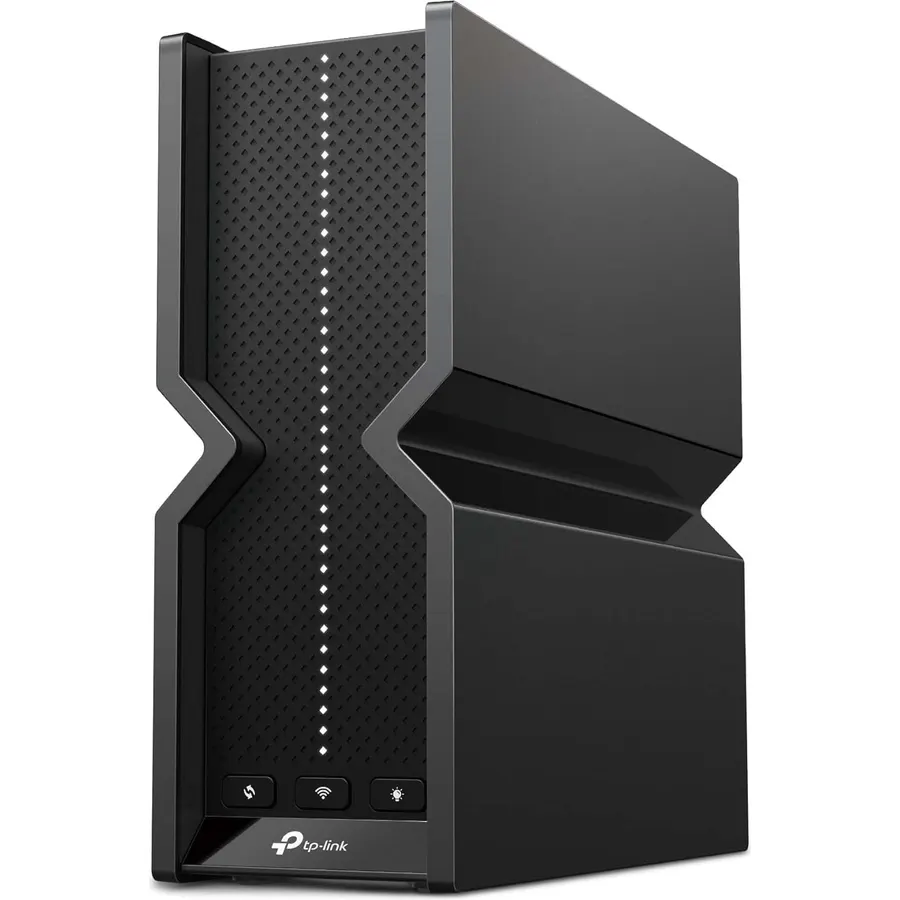
BE9300 Tri-Band Wi-Fi 7 Speeds: Archer BE550 features Multi-Link Operation, Multi-RUs, 4K-QAM, and 320 MHz channels, providing blazing-fast speeds of 5760 Mbps (6 GHz band), 2880 Mbps (5 GHz band), and 574 Mbps (2.4 GHz band).
Unmatched Performance for Streaming and Gaming: Ensures seamless 4K/8K streaming, engaging AR/VR gaming, and ultra-fast downloads for an optimal user experience.
Extend Your Coverage with EasyMesh: Add EasyMesh-compatible routers, range extenders, and wireless powerline adapters to form a seamless whole-home network that eliminates dead zones while reducing signal drops and lag when moving throughout your home.
Full 2.5G WAN & LAN Ports for Future-Proof Networking: Archer BE550 is equipped with one 2.5G WAN port and four 2.5G LAN ports, enabling peak device performance and offering an ideal solution for future-proofing your home network.
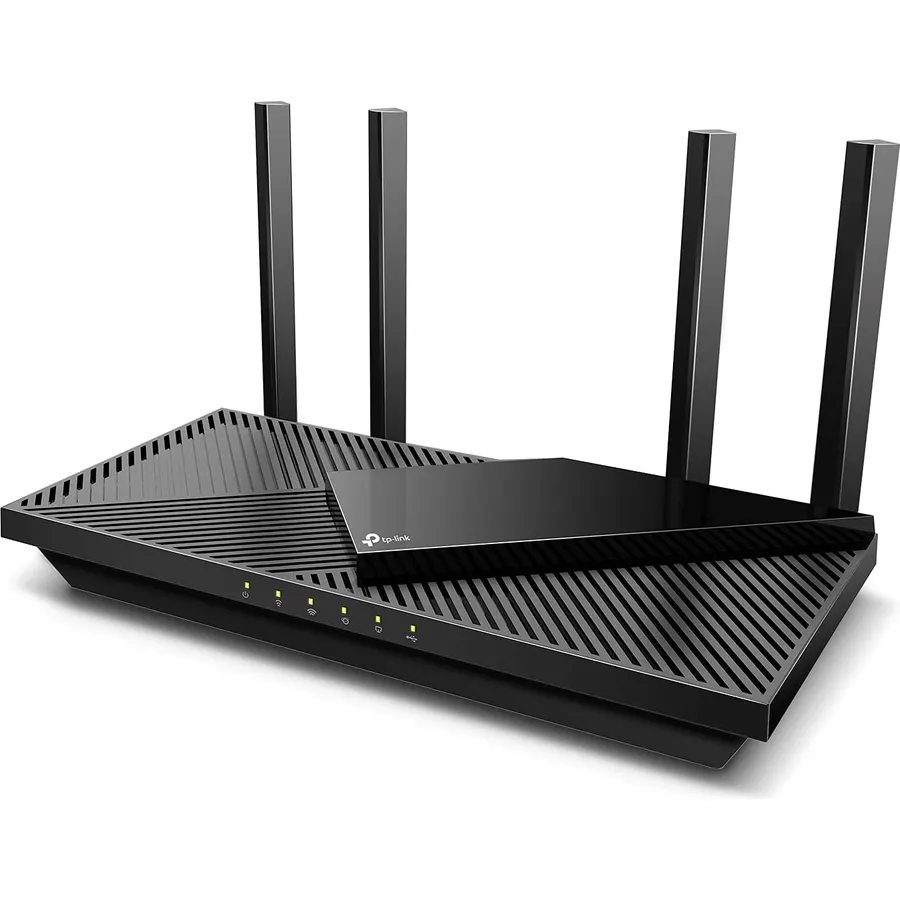
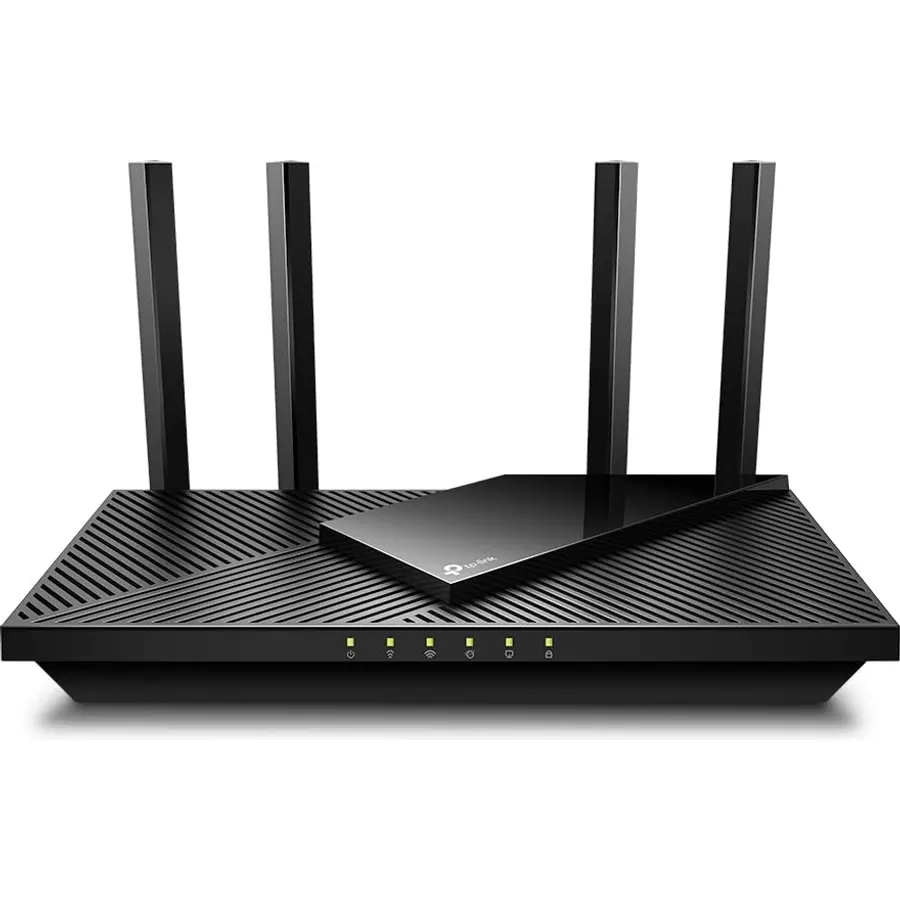
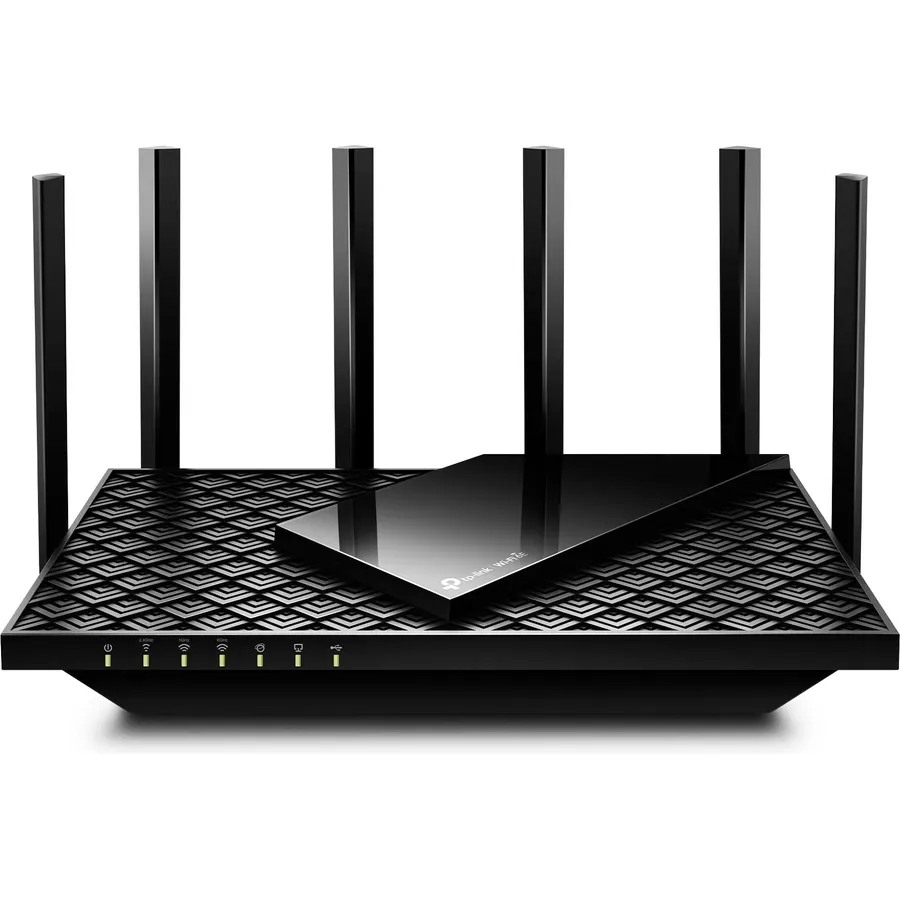
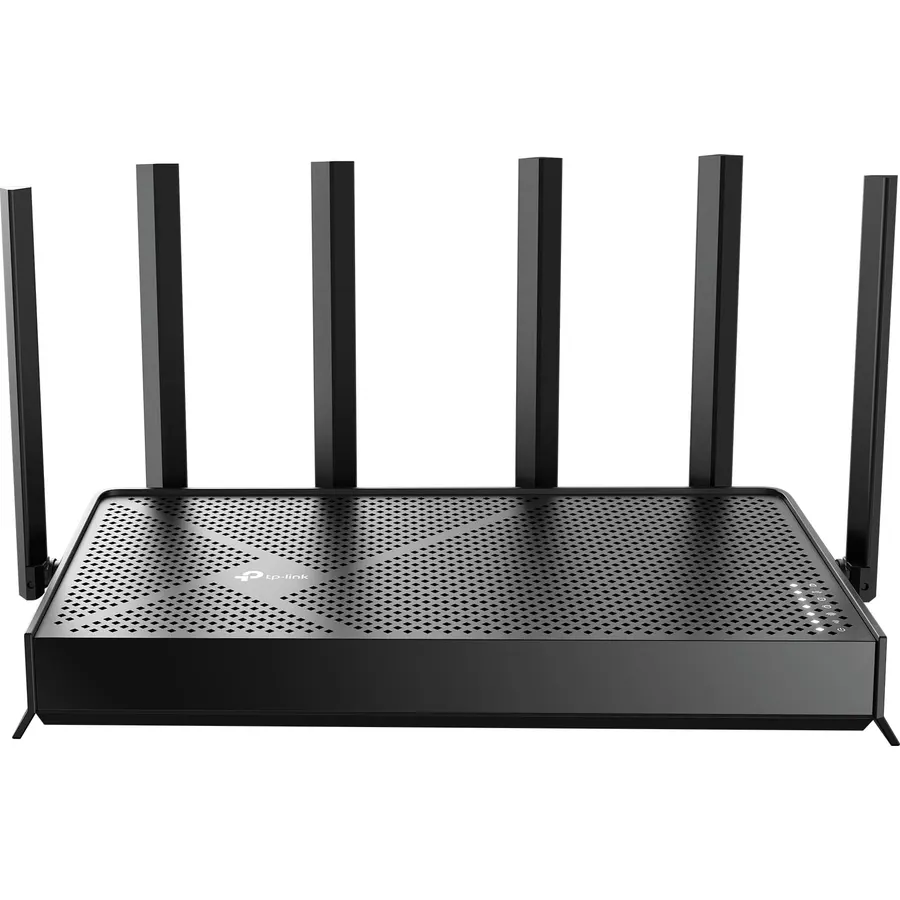
Enhanced Experience with Premium Components: Our proprietary Wi-Fi optimization technology, combined with six strategically positioned antennas and Beamforming, ensures higher capacity, stronger and more reliable connections, and reduced interference.
TP-Link HomeShield: Provides comprehensive network protection, robust parental controls, and real-time IoT security when you are at home or on the go. A safer internet experience enhances your smart living.
Private IoT Network for Better Security: Set up a separate WiFi network for IoT devices, using HomeShield and WPA3 encryption to boost security and protect both your IoT devices and home network from cyber threats.
VPN Client & Server Support: Allows home devices to connect to remote VPN servers without needing to install VPN software on each device. Simultaneously supports both VPN and regular internet connections for enhanced security and flexibility.
BE9300 Tri-Band Wi-Fi 7 Speeds: Archer BE550 features Multi-Link Operation, Multi-RUs, 4K-QAM, and 320 MHz channels, providing blazing-fast
Ranked #99 in Networking · 4 things we like
Quick answer The TP-Link Tri-Band BE9300 WiFi 7 Router scores 8.0/10 with us. Amazon owners rate it 4.0 out of 5 across 1,797 reviews, below the 4.3 average of the 97 routers we track. It was listed at $169.99 on Amazon when we last checked in September 2026. Key facts: lan port bandwidth 2.5 Gbps, connectivity protocol Wi-Fi, Ethernet.
Redefining Wi-Fi Routers With Wi-Fi 7Supercharged by the latest WiFi 7 technology, Archer BE550 takes your WiFi network's power and efficiency further than ever. Delivering unbelievable speeds up to 9.2 Gbps on a tri-band channel with WiFi 7 exclusive features like 320 MHz channel and 4K-QAM, the Archer BE550 will crush its competition with sheer performance. 6 x smart optimized antennas provide stable and reliable connection while EasyMesh compatibility will aid in the future expansion of your network coverage.
The full 2.5 Gbps ports ensure maximum expandability and capacity while HomeShield provides detailed network analytics with enhanced security for your home network. Actual internet speed and Wi-Fi performance may vary depending on the customer’s modem, ISP service, network environment, connected devices, and configuration.
Do Best Deal is a participant in the Amazon Services LLC Associates Program. As an Amazon Associate we earn from qualifying purchases. If you buy through links on this site we may earn a commission, at no extra cost to you. Learn more.
Product information
24 specifications
Other Special Features of the Product
Access Point Mode, Guest Mode, QoS, Remote Access, WPS
Frequency Band Class
Tri-Band
Compatible Devices
Gaming Console, Personal Computer, Smart Television, Smartphone, Tablet
Antenna Location
Gaming, Home
Connectivity Technology
Wi-Fi (802.11ac, 802.11ax, 802.11n, 802.11g, 802.11be), Ethernet, USB
Antenna Type
Internal
Operating System
IOS, Android, Windows, Mac OS
Security Protocol
WPA/WPA2-Enterprise (802.1x), WPA2, WPA3
Number of Ports
6
Control Method
App
Data Transfer Rate
9300 megabits_per_second
LAN Port Bandwidth
2.5 Gbps
Voltage
12 volts
Maximum Upstream Data Transfer Rate
5760 megabits_per_second
Number of Antennas
6
Router Firewall Security Level
High
Wi-Fi Generation
Wi-Fi 7
Router Network Type
Tri-Band
Connectivity Range
2000 square_feet
Connectivity Protocol
Wi-Fi, Ethernet
Controller Type
App Control, Push Button
Coverage
Up to 2000 square feet
Frequency
6 GHz
Brand
TP-Link
Pros & cons
What we like
BE9300 Tri-Band Wi-Fi 7 Speeds: Archer BE550 features Multi-Link Operation, Multi-RUs, 4K-QAM, and 320 MHz channels, providing blazing-fast speeds of 5760 Mbps (6 GHz band), 2880 Mbps (5 GHz band), and 574 Mbps (2.4 GHz band).
Unmatched Performance for Streaming and Gaming: Ensures seamless 4K/8K streaming, engaging AR/VR gaming, and ultra-fast downloads for an optimal user experience.
Extend Your Coverage with EasyMesh: Add EasyMesh-compatible routers, range extenders, and wireless powerline adapters to form a seamless whole-home network that eliminates dead zones while reducing signal drops and lag when moving throughout your home.
Full 2.5G WAN & LAN Ports for Future-Proof Networking: Archer BE550 is equipped with one 2.5G WAN port and four 2.5G LAN ports, enabling peak device performance and offering an ideal solution for future-proofing your home network.
Is the TP-Link Tri-Band BE9300 WiFi 7 Router worth buying?
Yes, for most buyers it is a safe choice. We score the TP-Link Tri-Band BE9300 WiFi 7 Router 8.0 out of 10. Amazon owners rate it 4.0 out of 5 across 1,797 reviews, below the 4.3 average of the 97 routers we track.
How much does the TP-Link Tri-Band BE9300 WiFi 7 Router cost?
It was listed at $169.99 on Amazon when we last checked in September 2026. That is more than the $116.99 median for routers in our catalog. Amazon prices change daily, so use the price button on this page to see the current figure.
What options does the TP-Link Tri-Band BE9300 WiFi 7 Router come in?
Amazon lists 6 options. Style: 24Gbps, 10G Port, 18Gbps, 10G Port, 9.3Gbps, 10G Port, 9.3Gbps, 2.5G Port, 15Gbps, 10GPort, 19Gbps, 10G Port. Pick an option on this page and the button opens exactly that model.
What are good alternatives to the TP-Link Tri-Band BE9300 WiFi 7 Router?
Breakdown from the 10 most helpful reviews we imported.
D
Dave F.
Verified purchaseNovember 16, 2025
Incredible Mesh Router at Excellent Price
If you are looking for a cost-effective router that will put you ahead of the technology time-line, this is it. I was a LinkSys/Cisco fan and I bought this router to replace a pretty decent LinkSys WRT 3200 ACM. The LinkSys acquired some deficiency in the past year of "half-connecting" to just one device, while perfectly connecting to every other device on its 2.4gz and 5.0gz bands. (Half-connecting allowed some, but not all URLs to load). I recently had replaced a LinkSys extender with a TPLink extender because it could not maintain a persistent connection with the LinkSys (another hint the r
C
Chris C
Verified purchaseNovember 20, 2023
Very Advanced; Very Nice!
UPDATE: 23 May, 2024Now it's been awhile. I have to write: If something is messed up, it's NEVER the EAP225 WiFi units or this thing! It's been months since it's been rebooted! We have enough off-grid solar so the internet stuff and the comp room can stay off-grid all the time. It never gets rebooted nowadays and it's always there and it doesn't mess up! It has a gigabit (24 port) switch and two (8 port) 2.5 gigabit switches plugged into it. A total of 4 NAS's; three of them 2.5 gigabit dual LAN's; one with dual gigabit LAN's. And three computers, all 2.5 gigabit. And the Yeacomm 5G gateway is
R
Ron M
Verified purchaseMay 2, 2025
Super fast, range so-so, TERRIBLE reliability
(Note ... this review applies to both the BE550 and the BE900. I started with the BE550, and when it didn't work for me, I tried to upgrade to the BE900, but it had the same issues).My eero6 pro router died on me, so I decided if I was going to replace it, I might as well upgrade at the same time. I read good reviews about this router on WireCutter and the price was reasonable, so it seemed like a perfect fit. Setting up the router was easy, and the app to control the router is decent (I prefer it to Eero). I have gigabit fiber, and my iPhone 16 and M4 iPad Pro were both getting blazing speed.
T
T
Verified purchaseNovember 26, 2023
BE550 is a gentle beast of a router
I wanted its bigger brother with the 10gbe ports but ultimately my ISP is only 2.5gbps (not paying for the 5gbps, it's not worth the cost). If the competing ISP ever rolls out 10gbps then I'd upgrade, but that could be years. 10gbps could be a long while for a lot of people. So unless you have some NAS on your LAN where you can benefit from the faster wired speeds it's just overkill. 2.5gbps worked for me and that meant I could spend half as much on the router.For $269 (on 10% sale) it's honestly hard to find a better router than the BE550.I was a big Asus fan with Merlin firmware flashed on t
H
horsemanoffaith
Verified purchaseNovember 20, 2025
Good unit with a couple caveats
This review is for a TP-Link BE9300 WiFi 7 router.I purchased this because my existing router, a TP-Link Archer GX90, was not giving me maximum throughput from my cable modem to my devices, both wired and wireless. My internet connection was a 1.2Gbps connection, but my Archer was only capable of Gigabit speeds in the wired connection. My wireless speeds were even slower, despite the claim of 2+ Gbps on the WiFi 6 channel. Even right next to the router, my WiFi speeds rarely exceeded 900Mbps.The BE9300 didn't disappoint with wired speeds. I saw my 1.2Gbps connection maxed on my PC using Ethern
R
RBJ
Verified purchaseFebruary 17, 2025
2024/2025 is the Year of WiFi 7
Review Update August 31, 2025:In recent months Apple has updated the iPhone 16 to use MLO [Multi-Link Operation] efficiently. This way, all three bands will be used as needed. When the iPhone 16 first came out in September 2024, there was only the 2.4GHz or 5GHz or 6GHz bands in use on the iPhone. Now, i couldn't be happier that I'm getting full functionality from the BE9300!Original Review August 29, 2024:I wanted to believe the hype for WiFi 7, because I was already in the TP-Link family with WiFi 6 TP-Link AX1800 Router.Installation was simple for me, like the majority of guys on here. Howe
A
Amazon Customer
Verified purchaseNovember 3, 2023
Blazing fast WIFI, Great coverage
TLDR:I bought this router about a month ago when my older one started to stutter. After some initial issues with firmware and a round or 2 with TPLink tech support I got everything ironed out and now I am very pleased with the performance. For more details, please read on.I'm a Network Engineer who works from home. Internet access is critical to my ability to do my job. So, when my older Netgear wireless router started to show signs of failure (random WIFI network loss of signal and reboots) that I could not fix with firmware updates, I started searching for a new router.The BE550 is a slightl
B
Brandon
Verified purchaseAugust 2, 2026
Sort of (really) expected more
I bought this to put in AP mode and replace one of my Asus AX86U units (that was also in AP mode for the last many years of its life). I had tested Wifi 6E in my home with a cheap Arris unit (the one that has the worst review of perhaps any networking device of all time) and concluded I could benefit from having 6E on both floors of my house. I only have one Wifi7 capable device that would be fine on a dialup connection, just a work phone, so the priority was 6E for my macbooks, mac mini, and iphones. I run this unit at 160mhz, same as the Arris.To fill the shoes of the AX86U this unit needed
Customer reviews are shown as published on Amazon and are not written by Do Best Deal.
More networking we compared
Alternatives to the TP-Link Tri-Band BE9300 WiFi 7 Router
![ASUS AC1900 Wireless Dual Band (5GHz + 2.4GHz) Gigabit Wi-Fi Router [RT-AC68U] Ultra-Fast 802.11ac 1900 Mbps Speed, 5X Gigabit LAN Ports, Broadcam TurboQAM Wi-Fi Acceleration, AiProtection Security](https://dobestdeals-img-1.pages.dev/asus-ac1900-wireless-dual-band.webp)